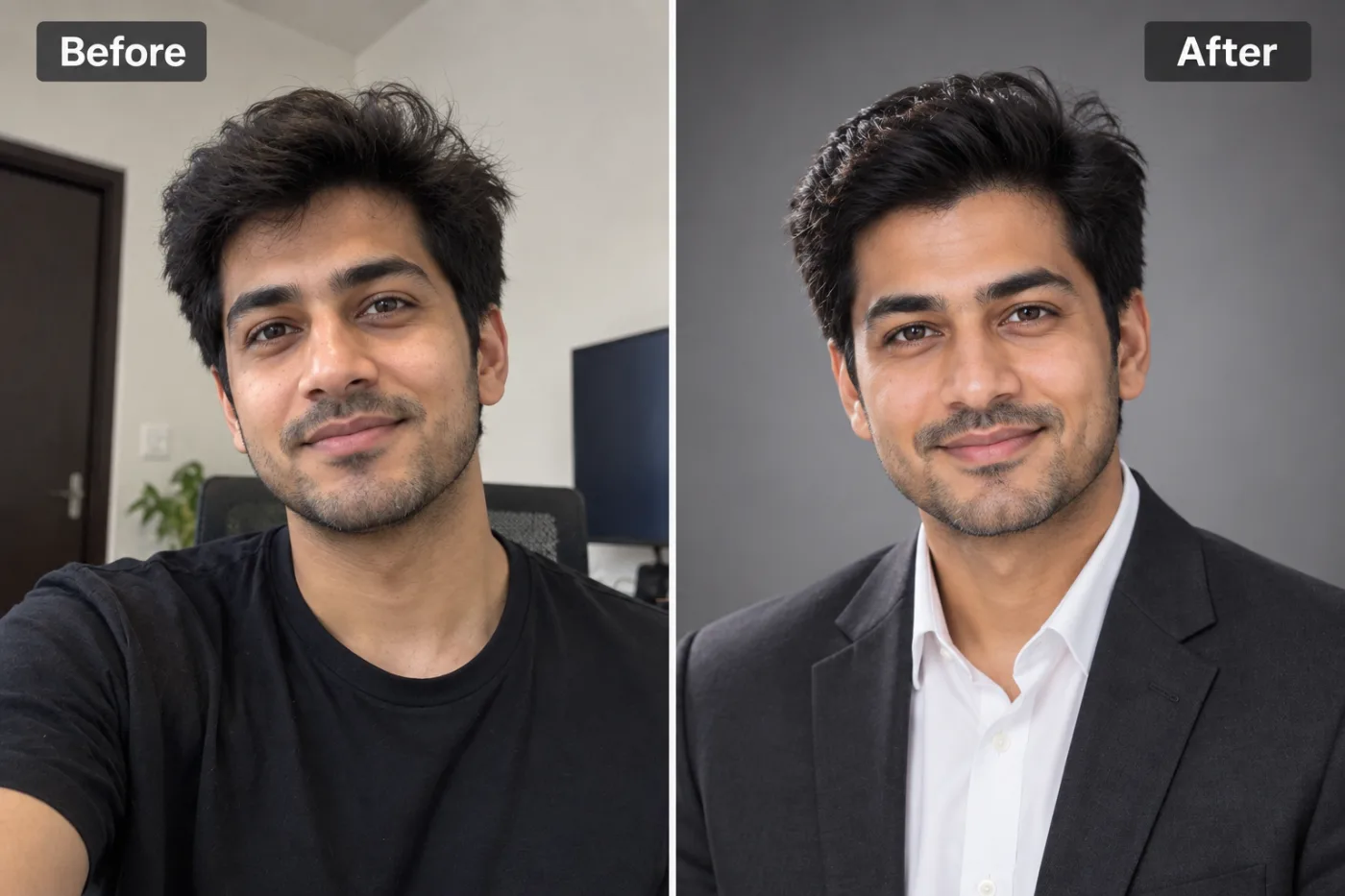
How to Enhance Passport & Visa Photo Quality (Free)
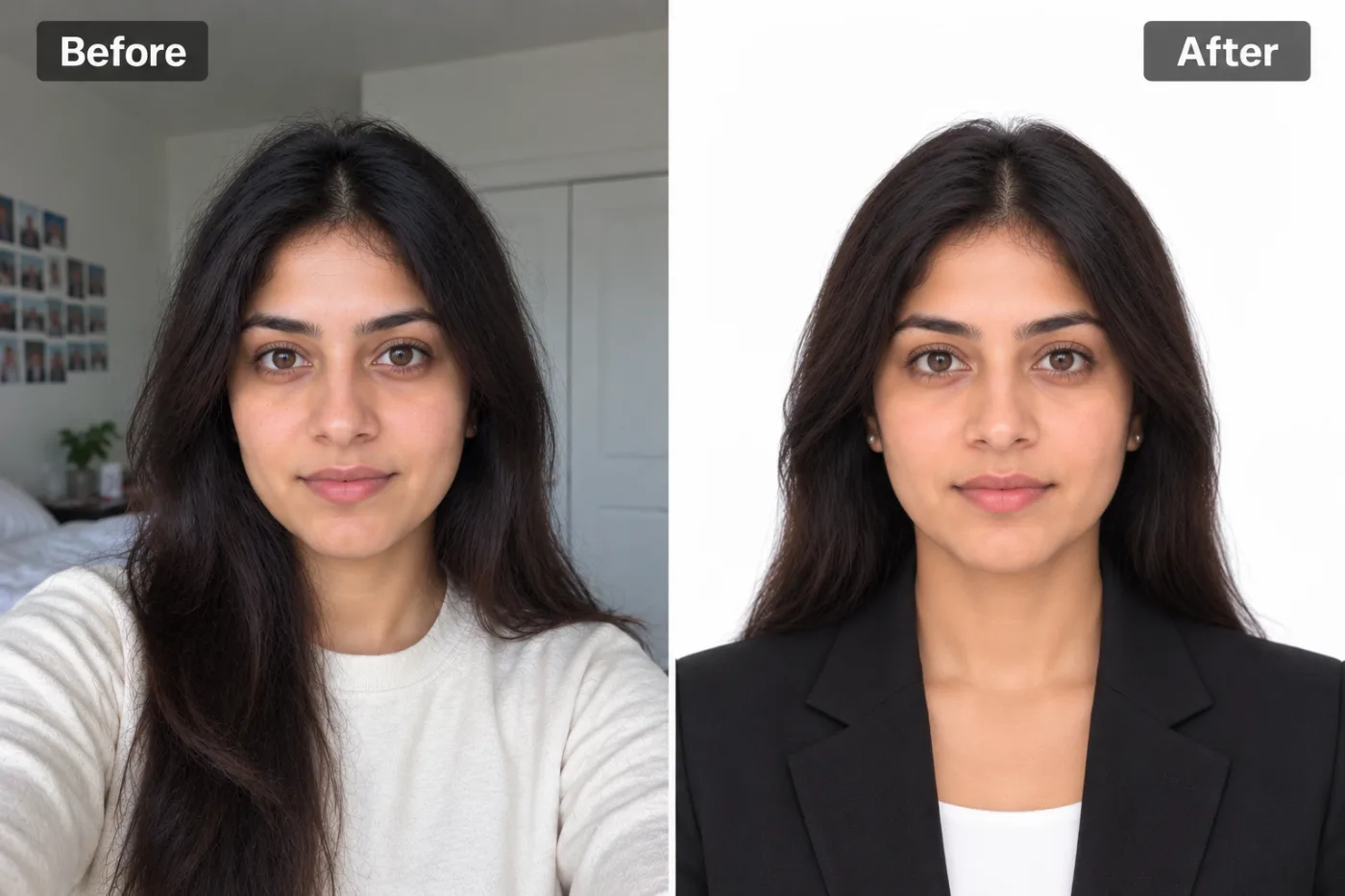
Passport and visa portals often reject soft or low-resolution photos. Here's how to enhance ID photo quality so it meets the requirements.
Government portals for passports and visas have strict photo requirements — and a soft, low-resolution, or grainy image is a common reason for rejection. If your ID photo looks blurry or lacks detail, upscaling and enhancing it can sharpen facial features and lift the resolution so it meets the clarity standards, saving you a trip back to the photo studio.
Why ID photos get rejected
Passport and visa systems check for clear, well-lit, sharp images where facial features are distinct. Photos taken quickly on a phone are often soft, noisy in dim light, or too low-resolution once cropped to the required dimensions. Enhancement improves sharpness and reduces noise so eyes, nose, and mouth are clearly defined — the detail that automated and human reviewers look for.
Enhance your ID photo
Step 1 — Start with a compliant photo. Plain background, even lighting, neutral expression, facing the camera.
Step 2 — Upscale and sharpen. Upload to Pixel Shine and enhance 2× to increase resolution and crispness while cleaning up noise.
Step 3 — Crop to spec and download. Crop to the exact dimensions your application requires, then download the clearer, higher-resolution file.
Important notes
Enhancement improves clarity and resolution, but you must still follow the official rules for background, lighting, expression, and size — the tool can't fix a photo that breaks composition rules. Never over-edit facial features, as ID systems compare against your real appearance. Used correctly, upscaling simply makes an otherwise-compliant photo sharp enough to pass. When in doubt, check your government's exact photo guidelines.
Free and private
Pixel Shine's upscaler is free, unlimited, and watermark-free, and processing happens online. There's no cost and no software to install.
Sharpen your passport or visa photo at Pixel Shine before you submit — it takes just seconds.