Creative
Turn a Photo into a Retro Polaroid with AI
The polaroid look is a very specific set of flaws — soft flash, warm cast, crushed blacks. AI reproduces all of them at once.
12 Sept 2026·6 min read
Read more →Step-by-step guides on upscaling images, enhancing photo quality, fixing blurry pictures, and getting print-ready resolution — all free.
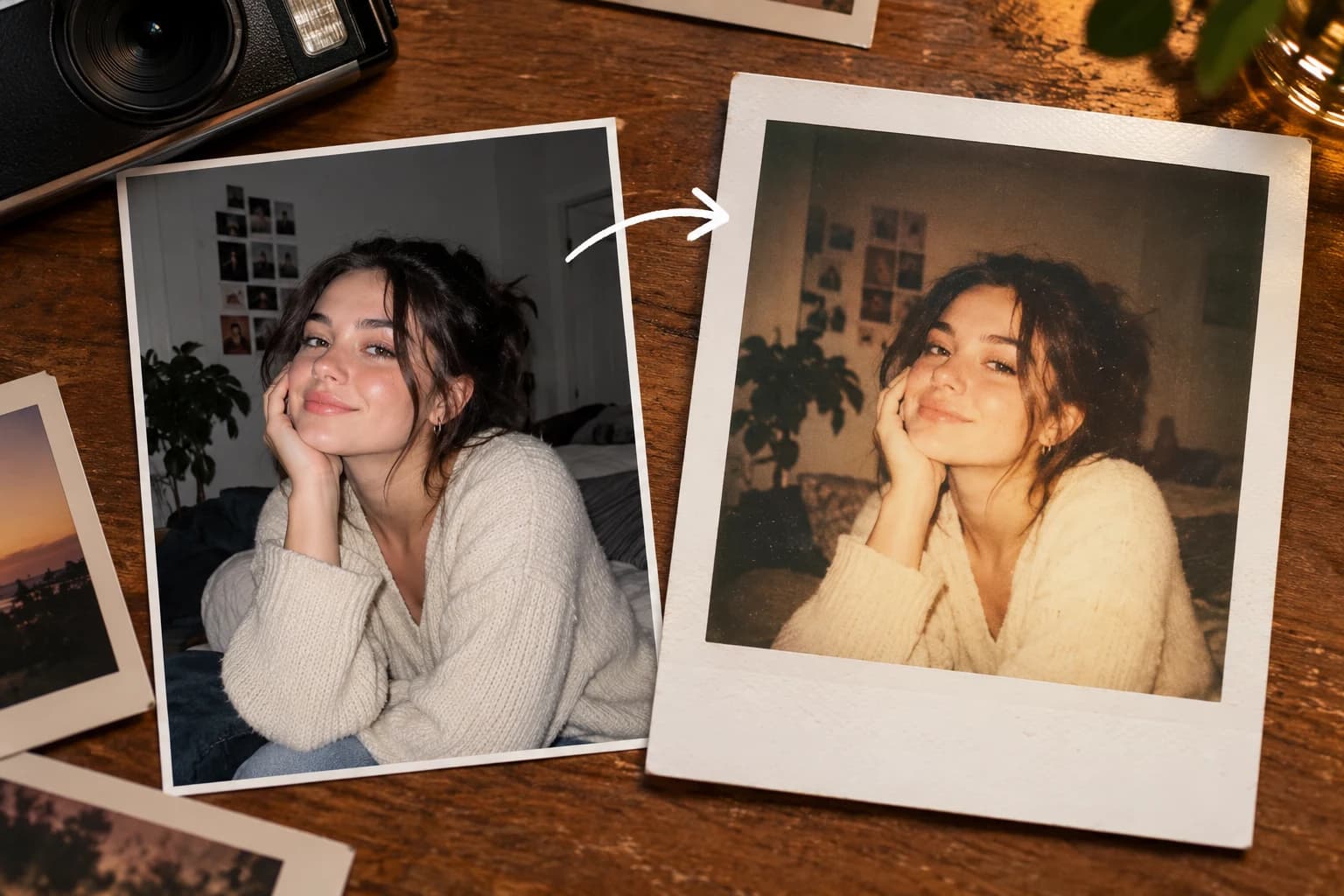
The polaroid look is a very specific set of flaws — soft flash, warm cast, crushed blacks. AI reproduces all of them at once.
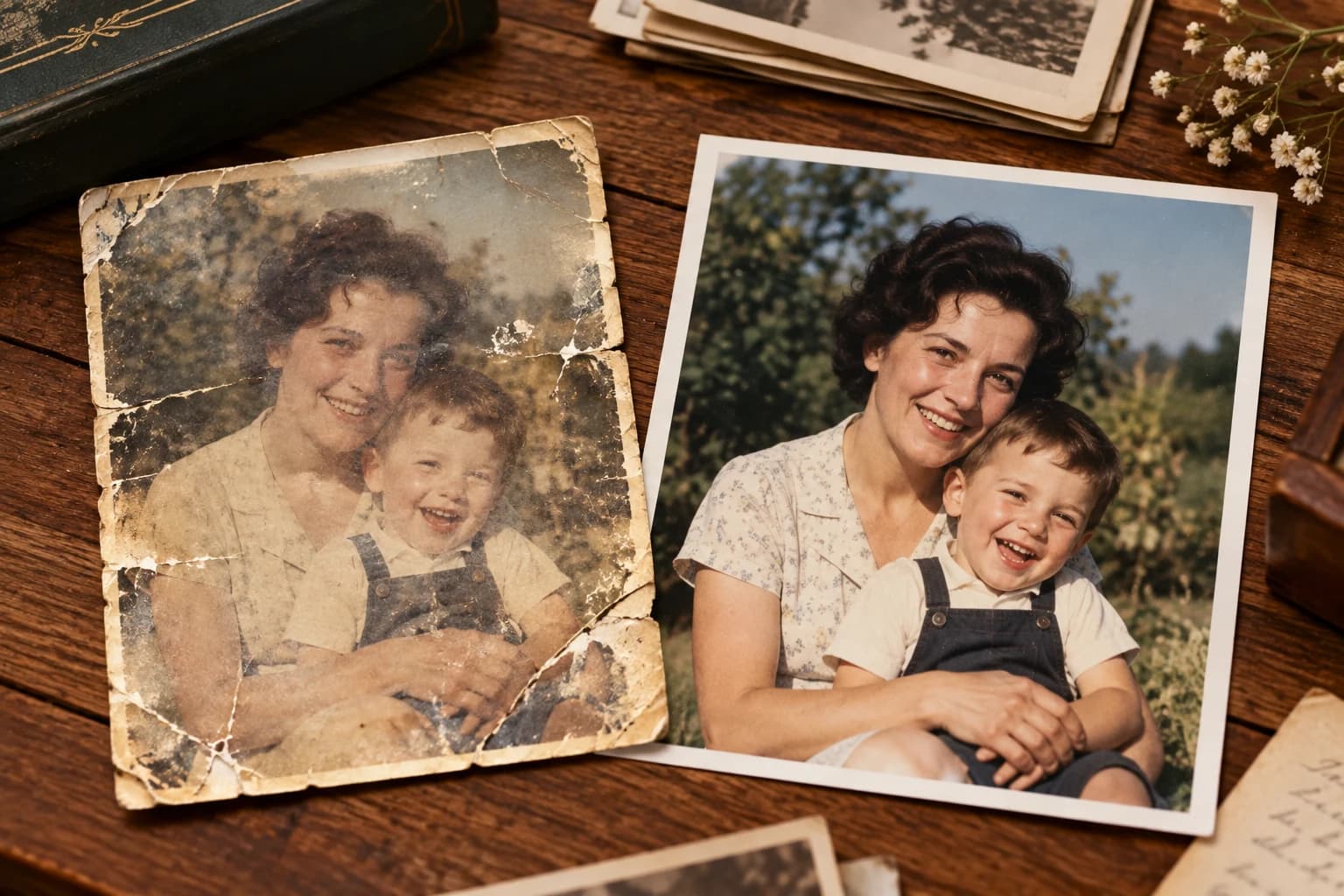
The photos worth restoring are usually the ones in the worst condition — and they're the ones nobody has a negative for.
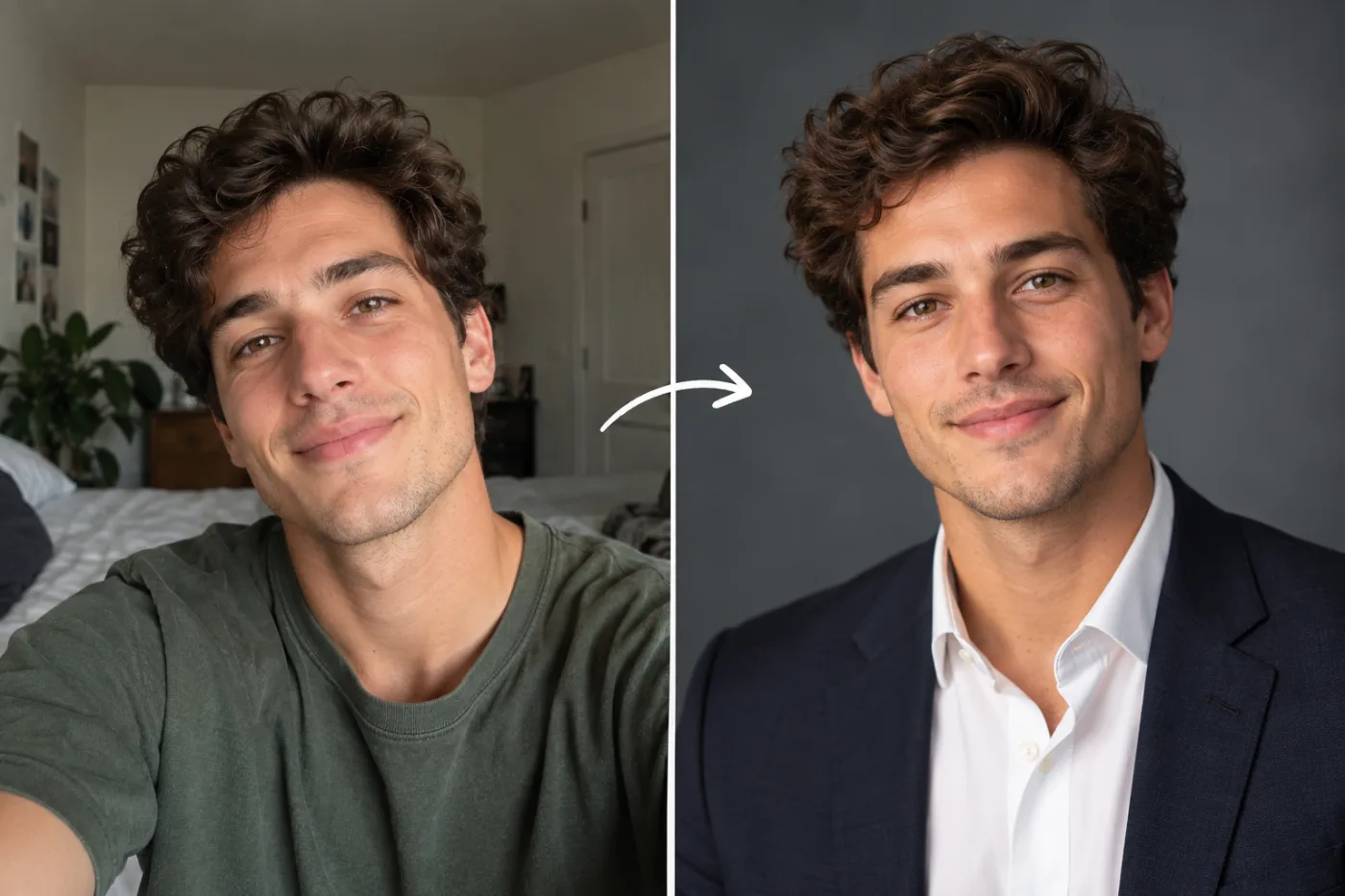
A studio headshot session costs a few hundred and takes an afternoon. For a profile photo, that's a lot of process for one square image.
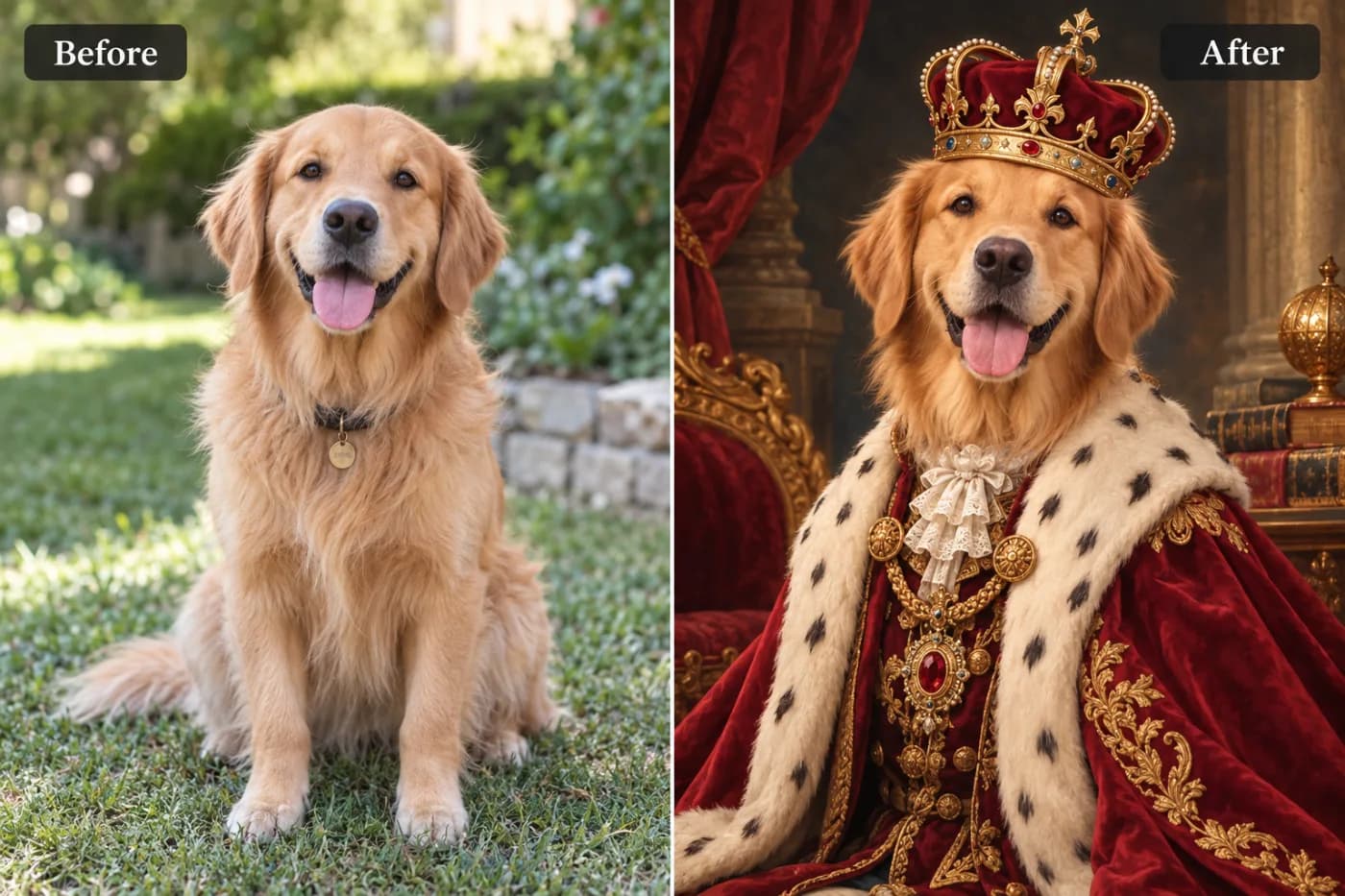
Commissioned pet portraits cost real money and take weeks. The AI version takes one good photo and a few seconds.
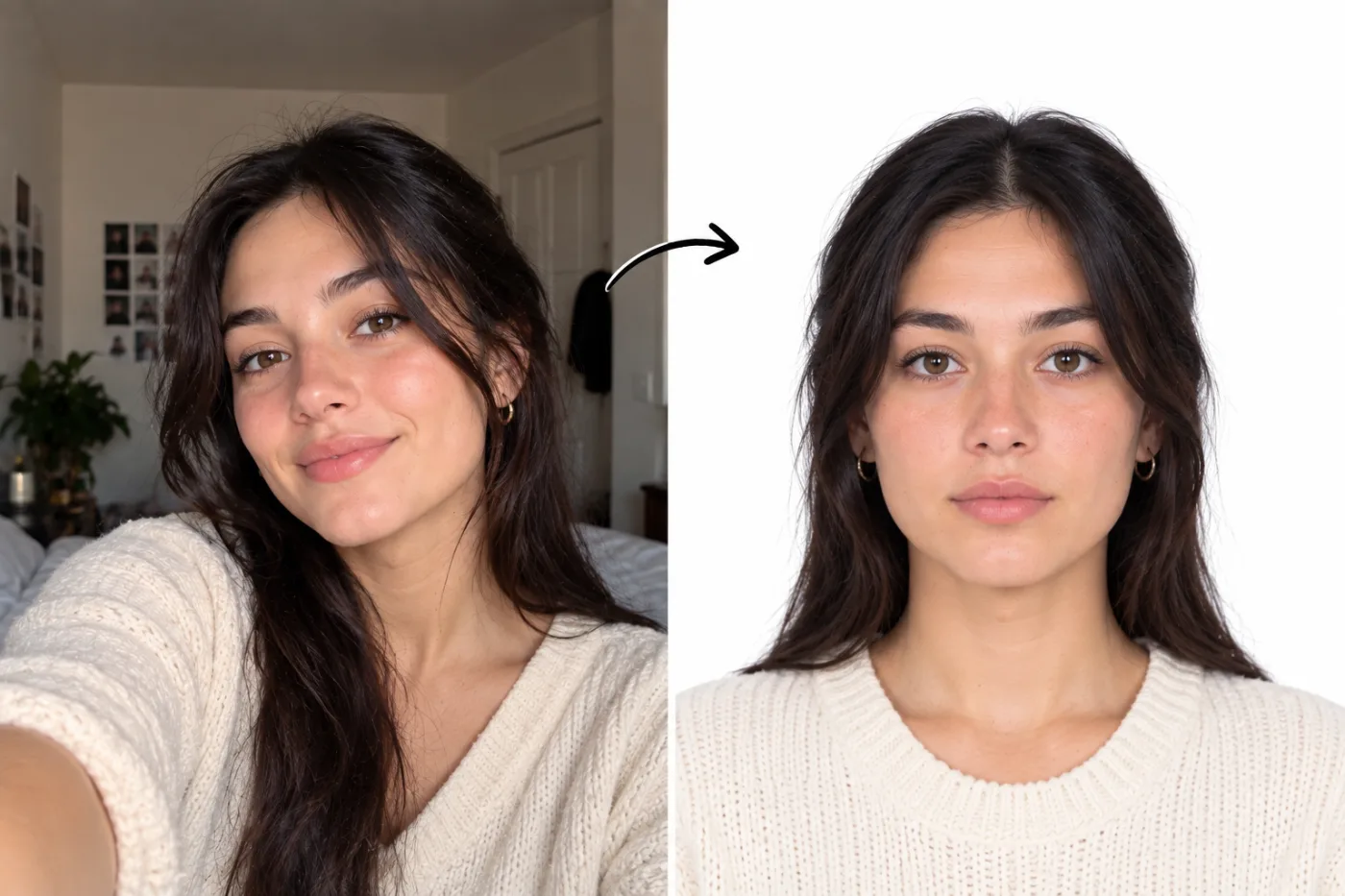
Getting a plain white background at home is the hard part. The pixel and file size rules are the easy part.
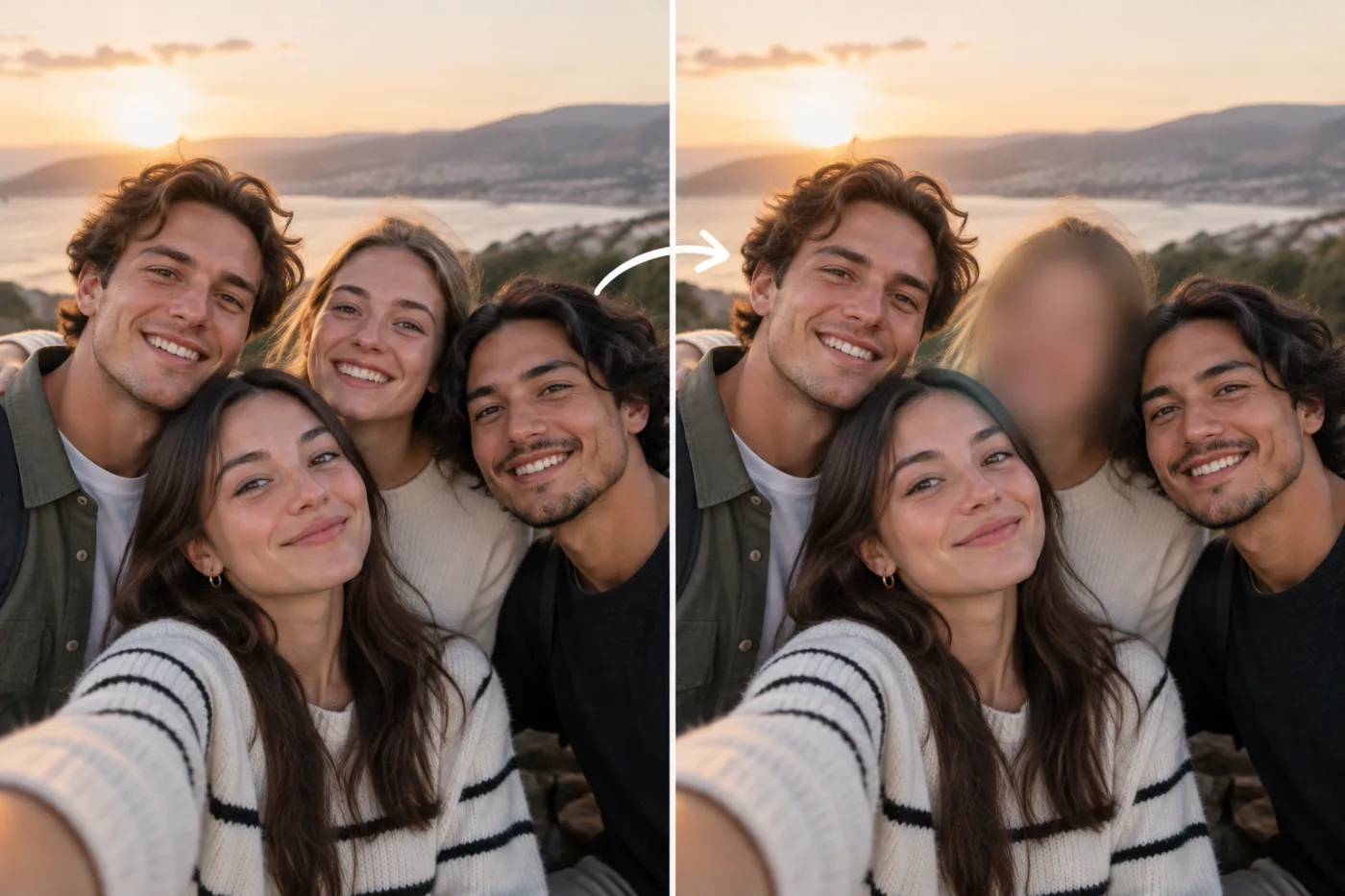
Blurring a face before you post a photo takes about ten seconds — and the photo never has to leave your device to do it.
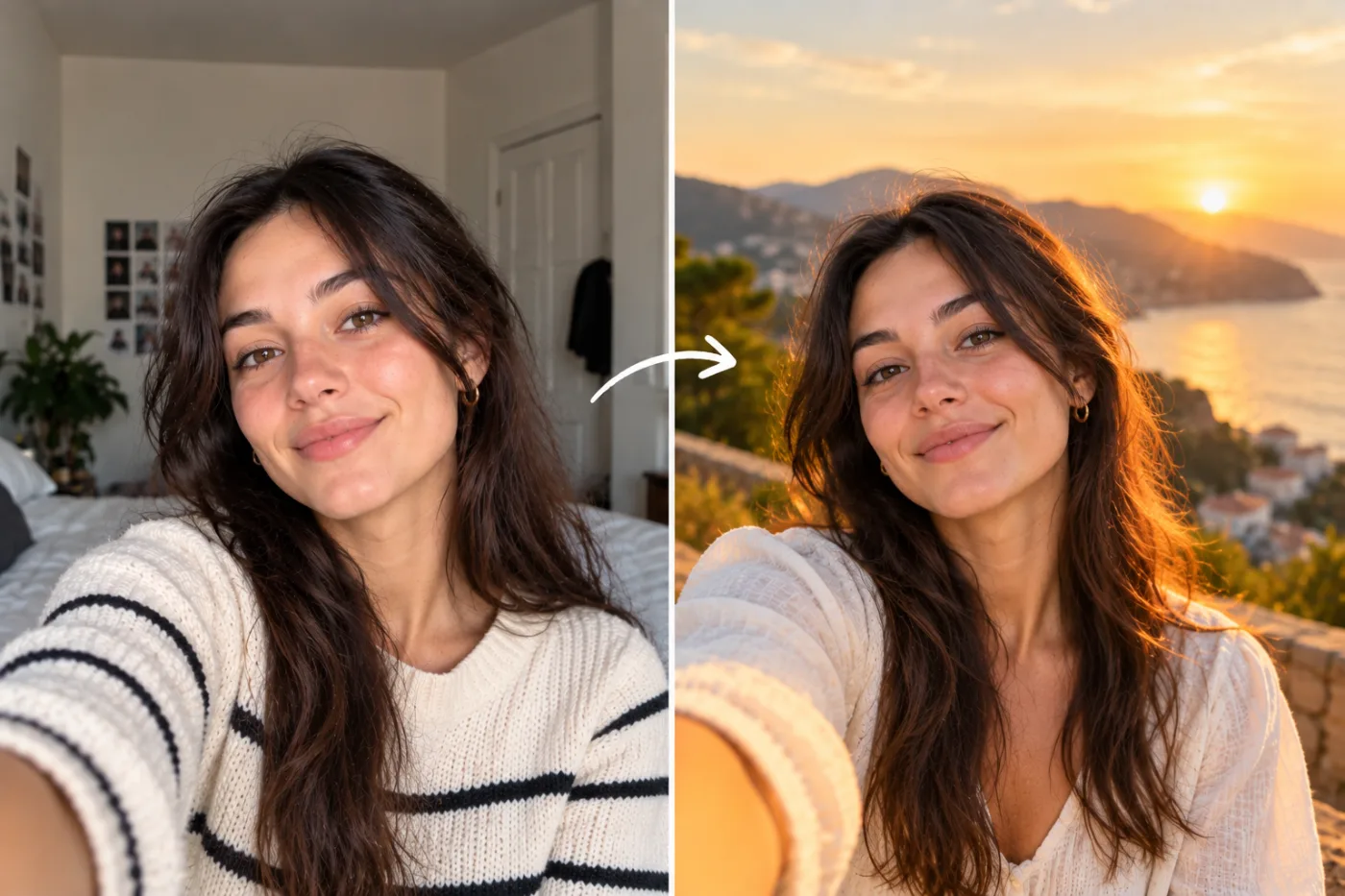
Cutting a subject out is the easy half. Making them look like they belong in the new scene is the half that usually fails.
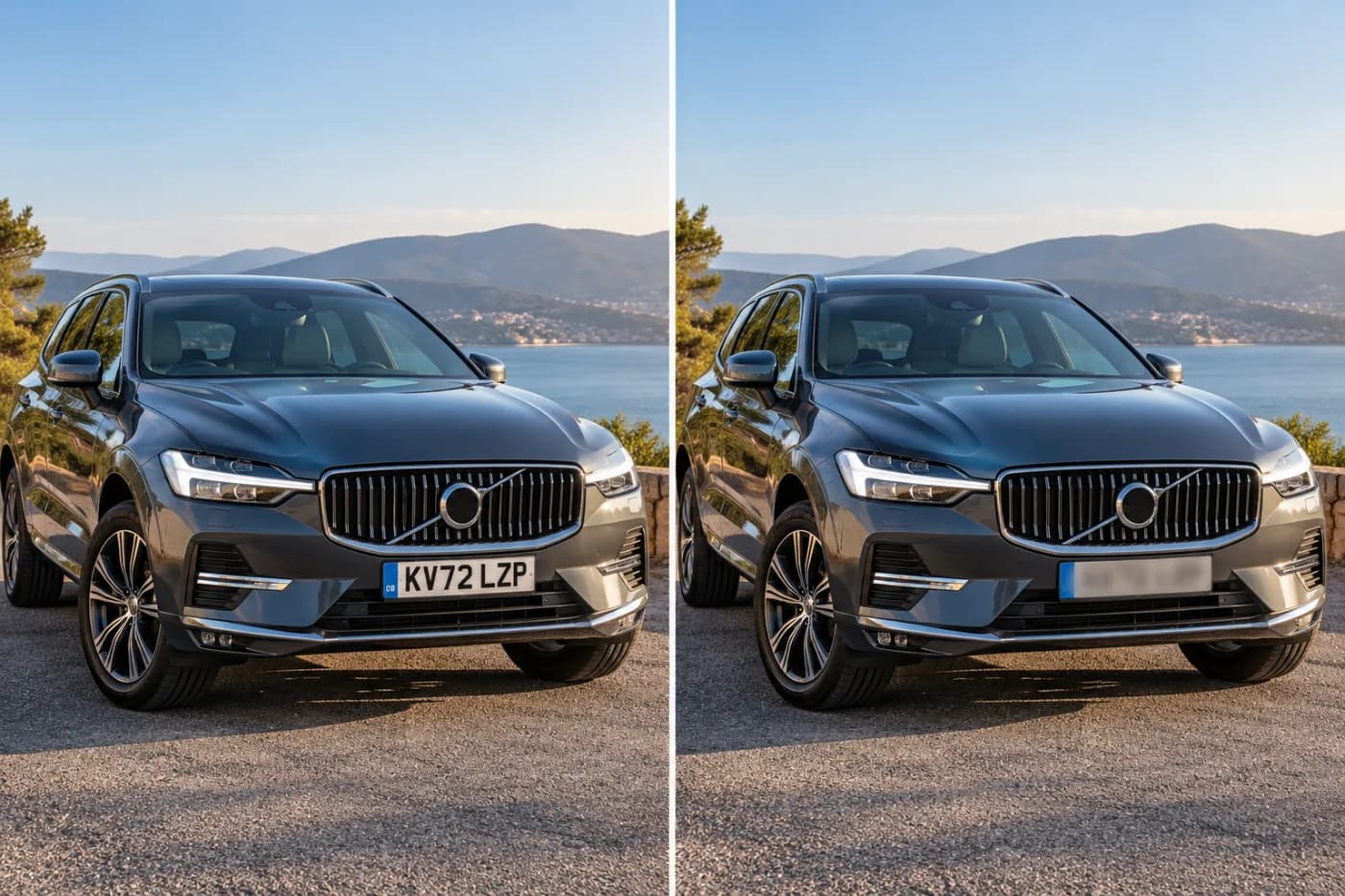
Selling a car online means posting photos of it. There's no reason the registration has to be in them.
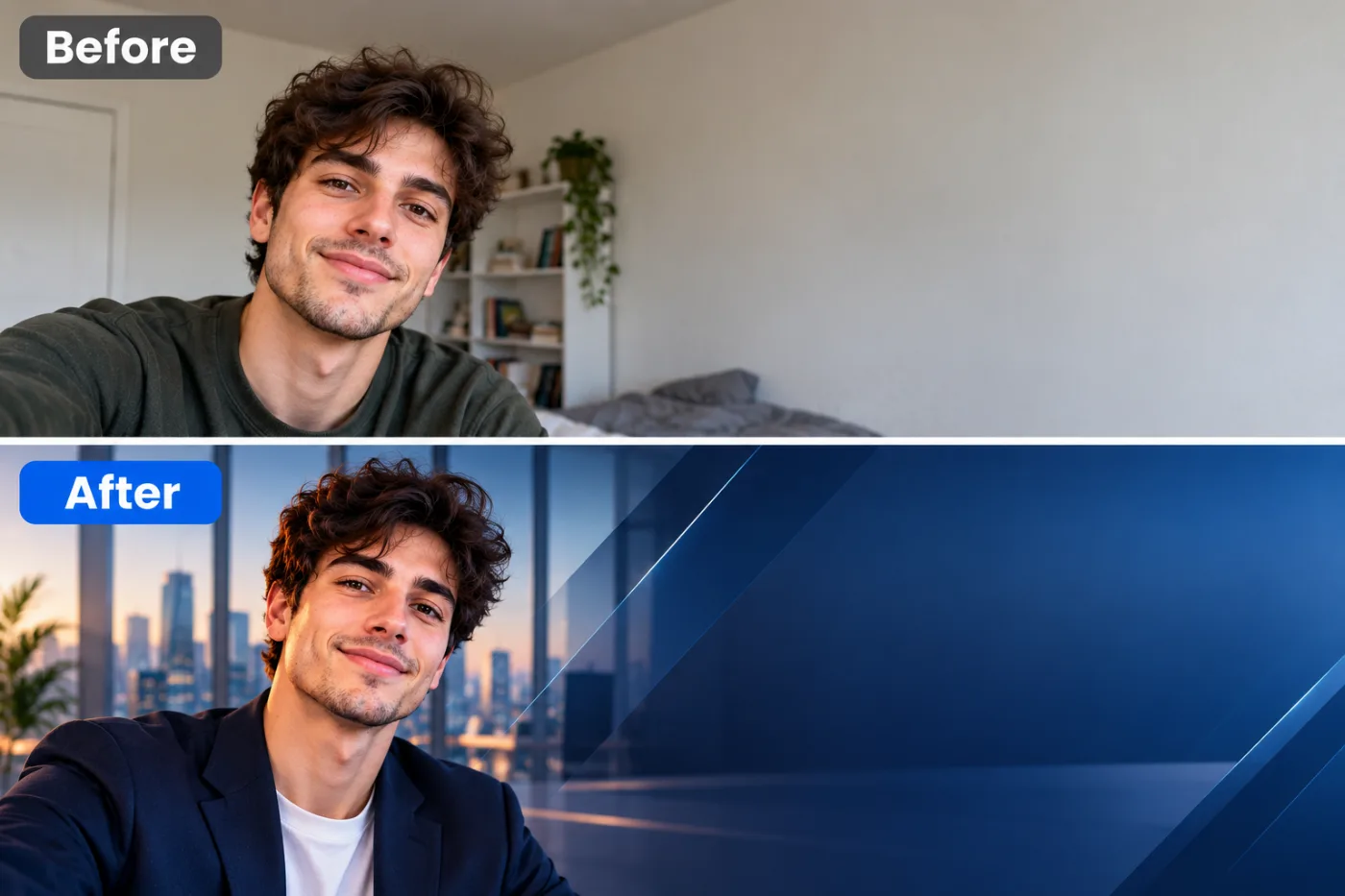
The default grey LinkedIn banner is the most common design decision on the platform, and it's not a decision.
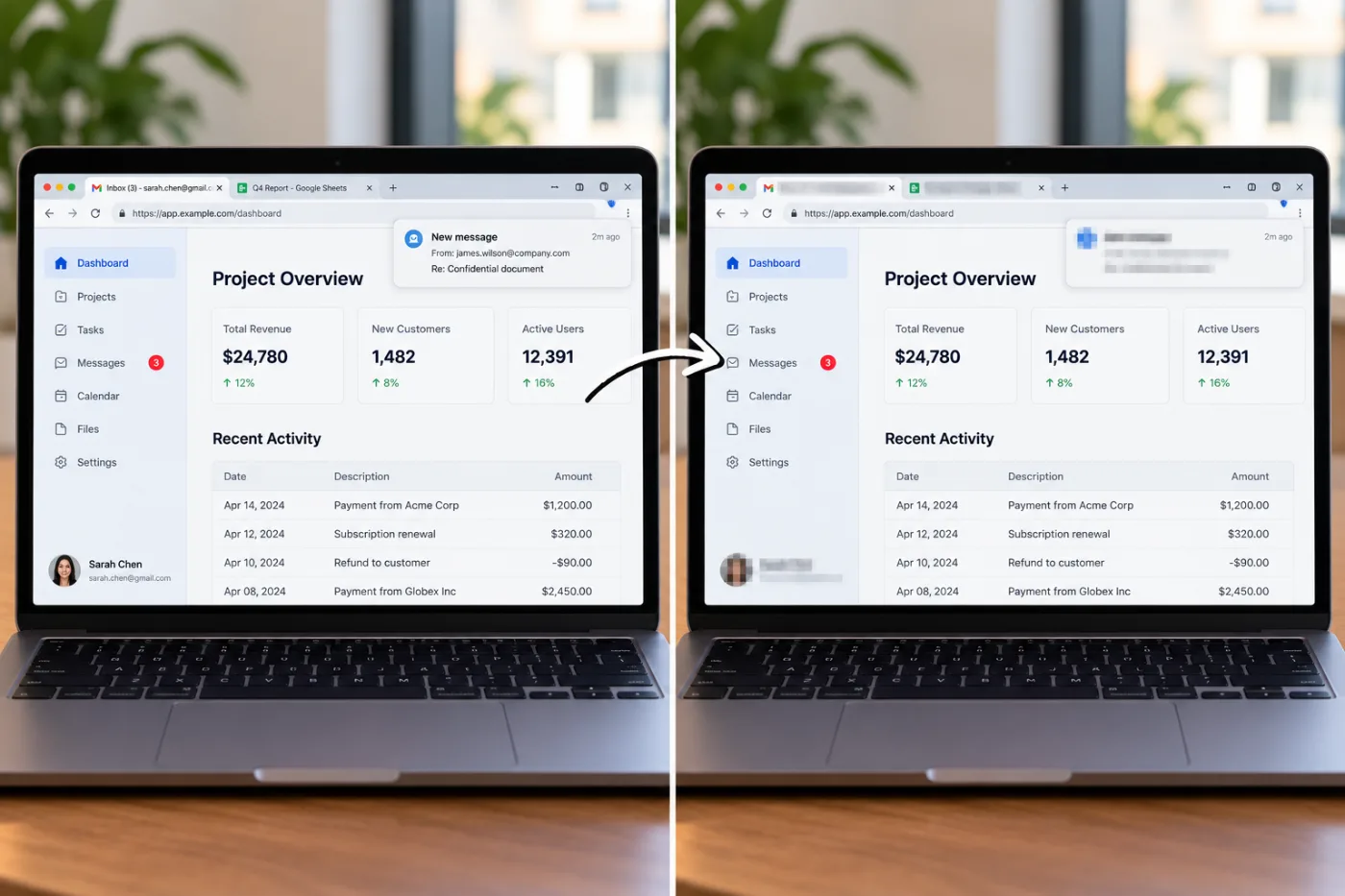
Screenshots leak more than people mean them to: an email address in the header, a name in a sidebar, a balance in the corner.
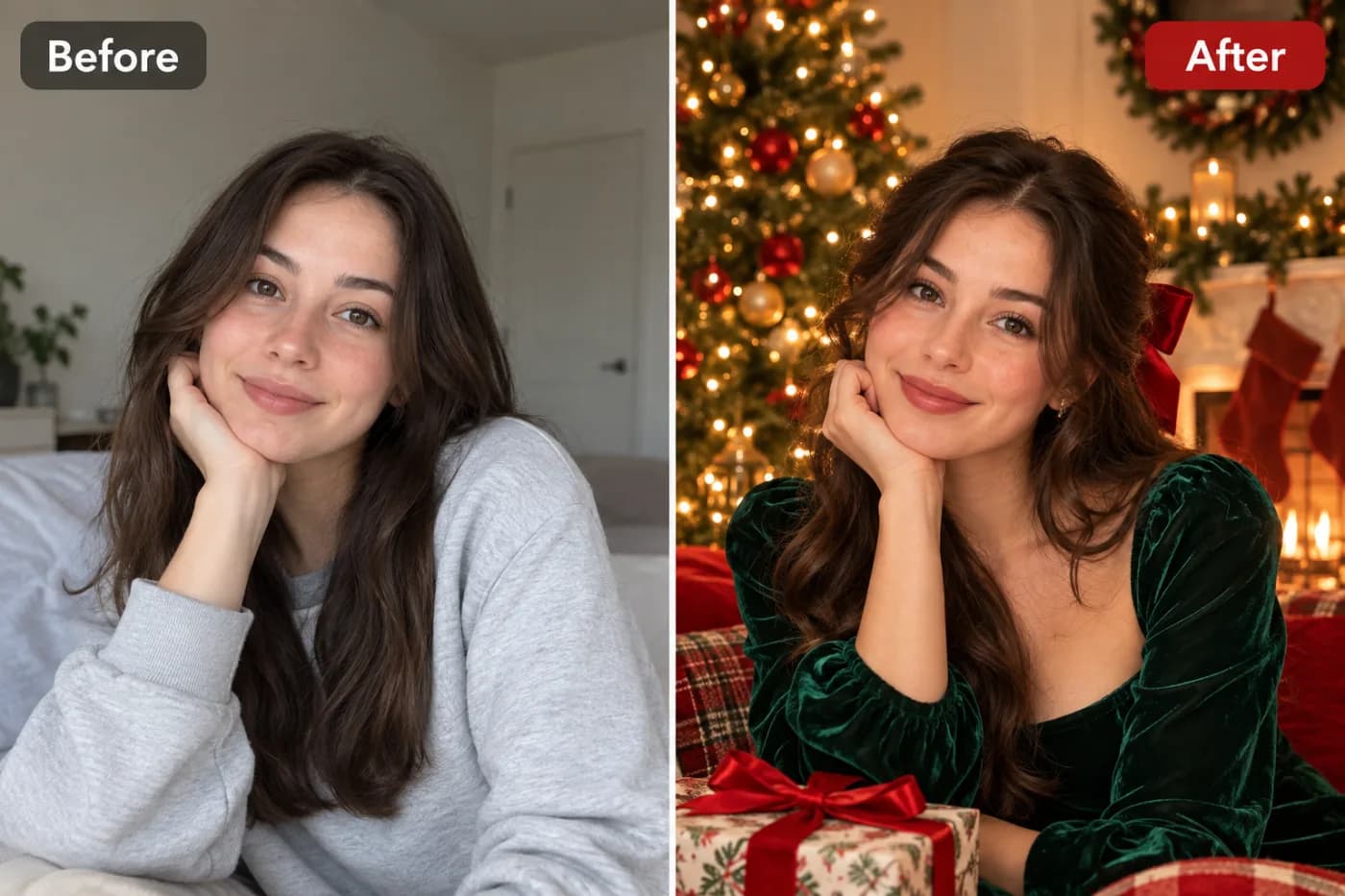
Christmas card photos usually require getting everyone in one room in matching knitwear. There's a shortcut.

Both look censored. Only one of them reliably is — and it depends far more on strength than on which you pick.