Free TikTok Watermark Remover
Paste a TikTok link and download the video without the watermark in HD — free, no app, no sign-up.
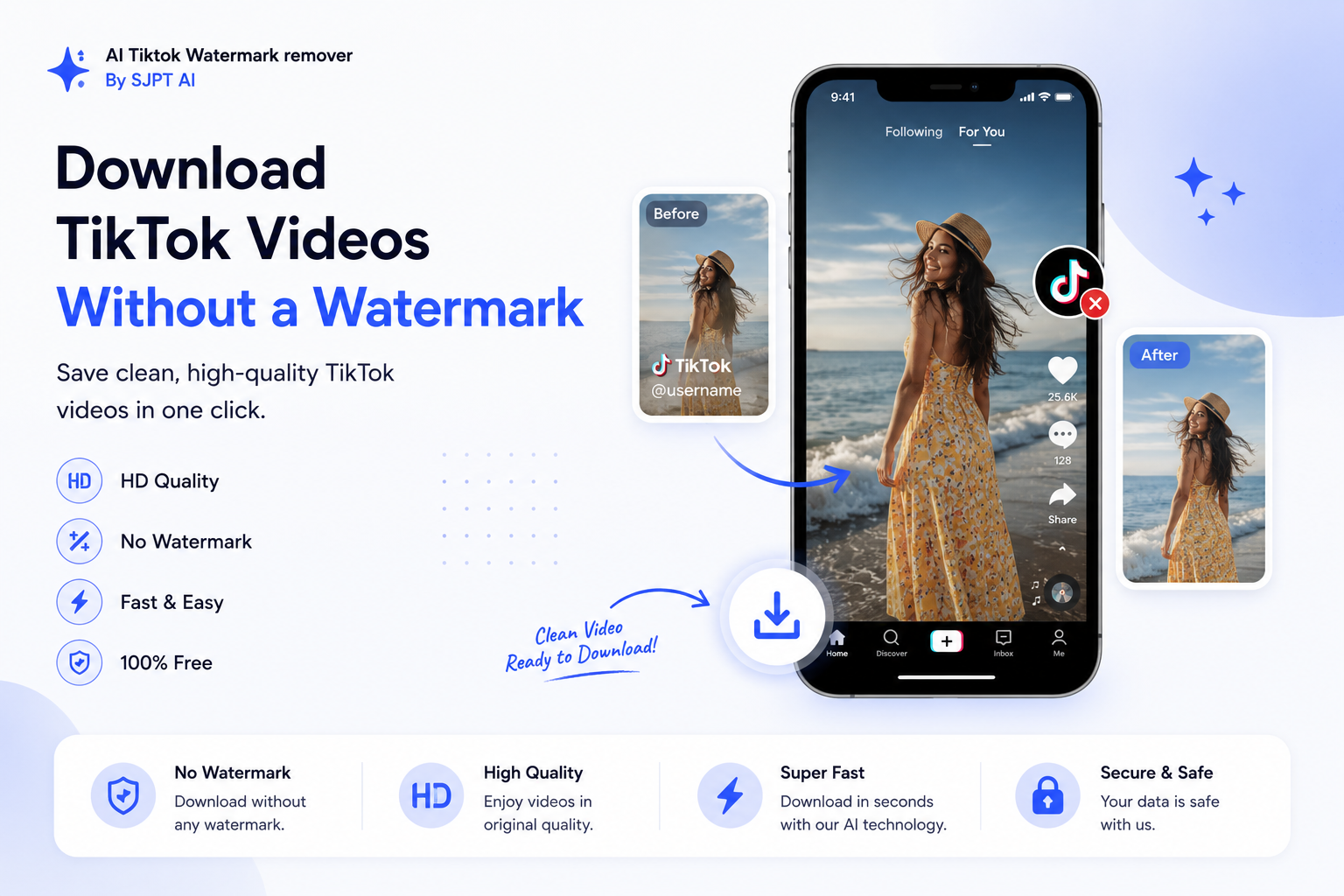
Three steps, no watermark
Copy the TikTok link
In the TikTok app, tap Share → Copy Link. Or copy the URL from your browser.
Paste & remove
Paste it in the box above and hit Remove Watermark. We fetch the clean version instantly.
Download HD
Download the watermark-free MP4 in HD — or grab just the audio as MP3.
Please respect creators' rights — only download videos you have permission to use, and credit the original creator when you re-share.
Why Pixel Shine is the best free TikTok watermark remover
The simplest way to save clean, watermark-free TikTok videos in HD.
Entirely Free to Use
Remove the TikTok watermark and download videos in seconds. No hidden fees, no charges — completely free, every time.
HD Video + MP3 Audio
Save clean, watermark-free videos in crisp HD quality — or pull just the sound out as an MP3 in one tap.
Works on Any Device
Runs smoothly on Windows, Mac, Linux, iPhone, iPad and Android — nothing to download, nothing to install.
Why choose Pixel Shine for TikTok downloads
Save high-quality TikTok videos without the watermark and without the hassle. Just paste, and download.
Intuitive & Perfect Results
A clean, one-paste flow with easy-to-follow steps and flawless output. Remove the watermark effortlessly and keep the full quality of your TikTok videos.
No Install, No Sign-Up
No apps to download and no account to create. Paste a TikTok link and get your clean, watermark-free video instantly — free and unlimited.
Frequently asked questions
Is the TikTok watermark remover free?
Yes — it's completely free with no sign-up, no app, and no limit on how many videos you download.
Does it remove the TikTok logo and username?
It fetches the original, clean version of the video without the moving TikTok watermark and username overlay.
Can I download in HD?
Yes. When an HD source is available you'll see an HD button; otherwise the standard no-watermark MP4 is provided.
Can I download just the sound?
Yes — use the Audio (MP3) button to save just the track from the video.
Do I need to install anything?
No. Paste the link and download — nothing to install, works on phone and computer.
Is it legal?
Downloading is a personal-use convenience. Always respect the creator's rights and TikTok's terms — only reuse videos you have permission to use, and credit the creator.