How to Use AI to Perfect Your Product Photography for Free
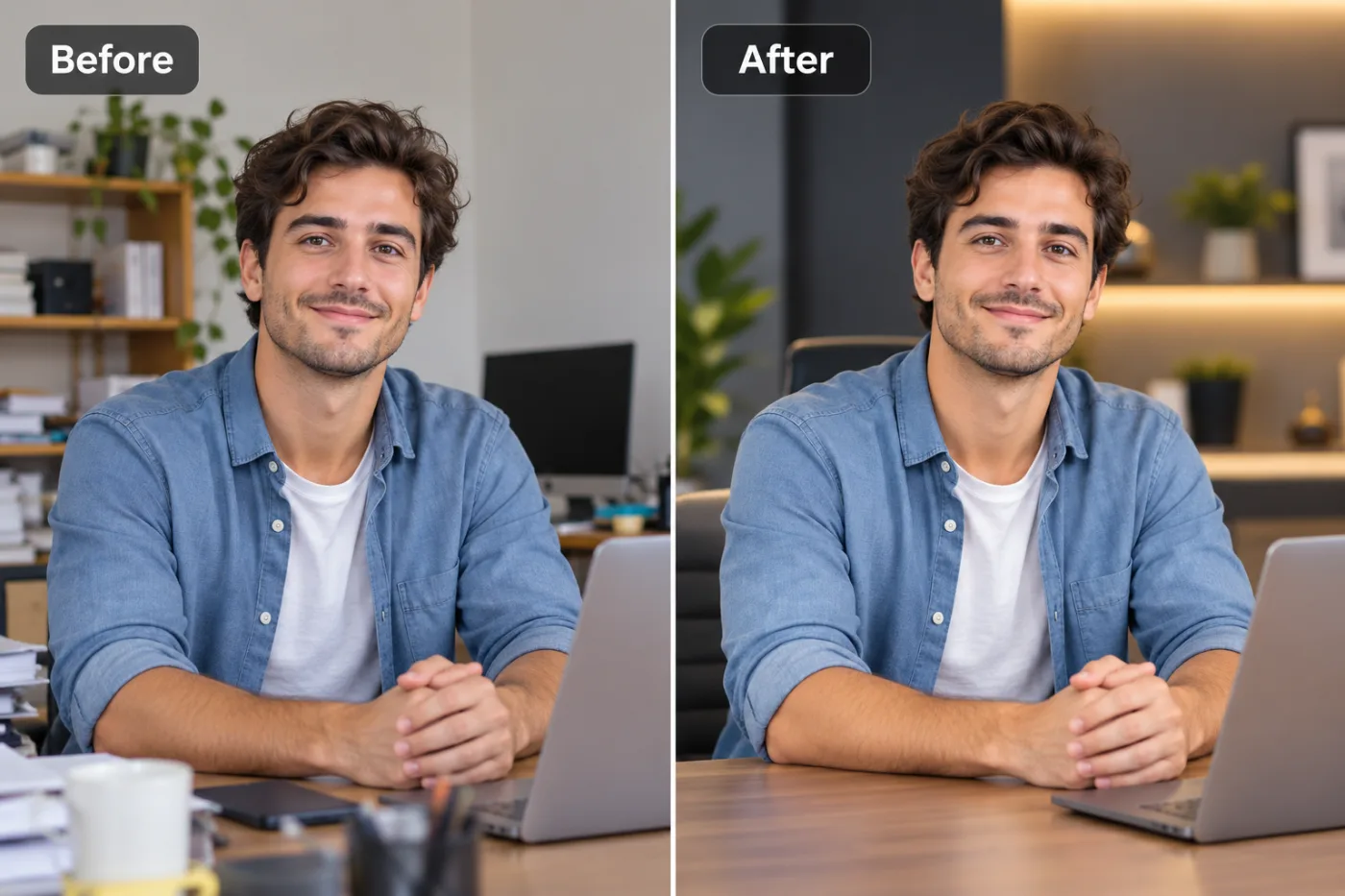
Studio-quality product photography used to require expensive equipment and skills. AI tools let anyone achieve professional results from a phone photo.
Great product photography sells — and now an AI product photography editor lets you achieve studio-quality results for free, without a camera crew, a lightbox, or a design degree. If you run an online store, you already know the stakes: research consistently shows that high-quality product images are the single biggest driver of purchase decisions in e-commerce, with some studies attributing over 75% of a buyer's confidence to the photos alone. Yet professional product shoots cost hundreds of dollars, and hiring a retoucher adds even more.
That's exactly where AI changes the game. In this guide, you'll learn how to improve product photos with AI — cleaning up backgrounds, upscaling low-res shots, fixing lighting, and creating the consistent, marketplace-ready look that makes shoppers trust your brand. We'll walk through a complete free workflow using Pixel Shine, share the pro tricks that make DIY product shots look agency-made, and cover the mistakes that quietly kill conversions. Whether you sell handmade jewelry, dropship gadgets, or run a boutique Shopify store, you'll finish this article able to perfect your product images with AI for free — no studio required.
Why Product Photos Make or Break Your Sales
Before diving into the how, it's worth understanding just how much your images matter — because the ROI on getting them right is enormous.
Photos are your storefront. Online, customers can't touch, hold, or try your product. The image is the entire sensory experience. Studies from major e-commerce platforms show that listings with clean, high-quality, consistent photos convert significantly better — often 20 to 40% higher — than those with dark, cluttered, or inconsistent shots.
Marketplaces enforce standards. Amazon requires main product images on a pure white background (hex #FFFFFF) filling 85% of the frame. Fail this, and your listing can be suppressed from search. Etsy, eBay, and Google Shopping all reward clean, professional imagery in their ranking algorithms.
Consistency builds trust. When every product in your catalog shares the same background, lighting, and framing, your store looks established and credible. Mismatched photos — some on white, some on a kitchen table — signal amateur, and shoppers hesitate to enter their credit card.
The cost problem AI solves. A professional product shoot runs $75 to $150 per product, and retouching adds more. For a store with 50 items, that's thousands of dollars. AI editing lets you achieve the same polished look for free, turning even a smartphone snapshot into a conversion-ready image.
The 4 AI Fixes That Transform Product Photos
Almost every product image problem falls into one of four categories — and AI handles all of them.
1. Cluttered or inconsistent backgrounds. This is the biggest offender. An AI background remover isolates your product in seconds, letting you drop it onto pure white, a brand color, or a lifestyle scene. Suddenly your kitchen-table jewelry looks like it's from a catalog.
2. Low resolution and softness. Maybe your best shot is small or slightly soft. An AI upscaler increases resolution and sharpens detail, so you can use one photo for a thumbnail and a zoomed-in detail view without pixelation. Pixel Shine's Normal upscale is free and unlimited for this.
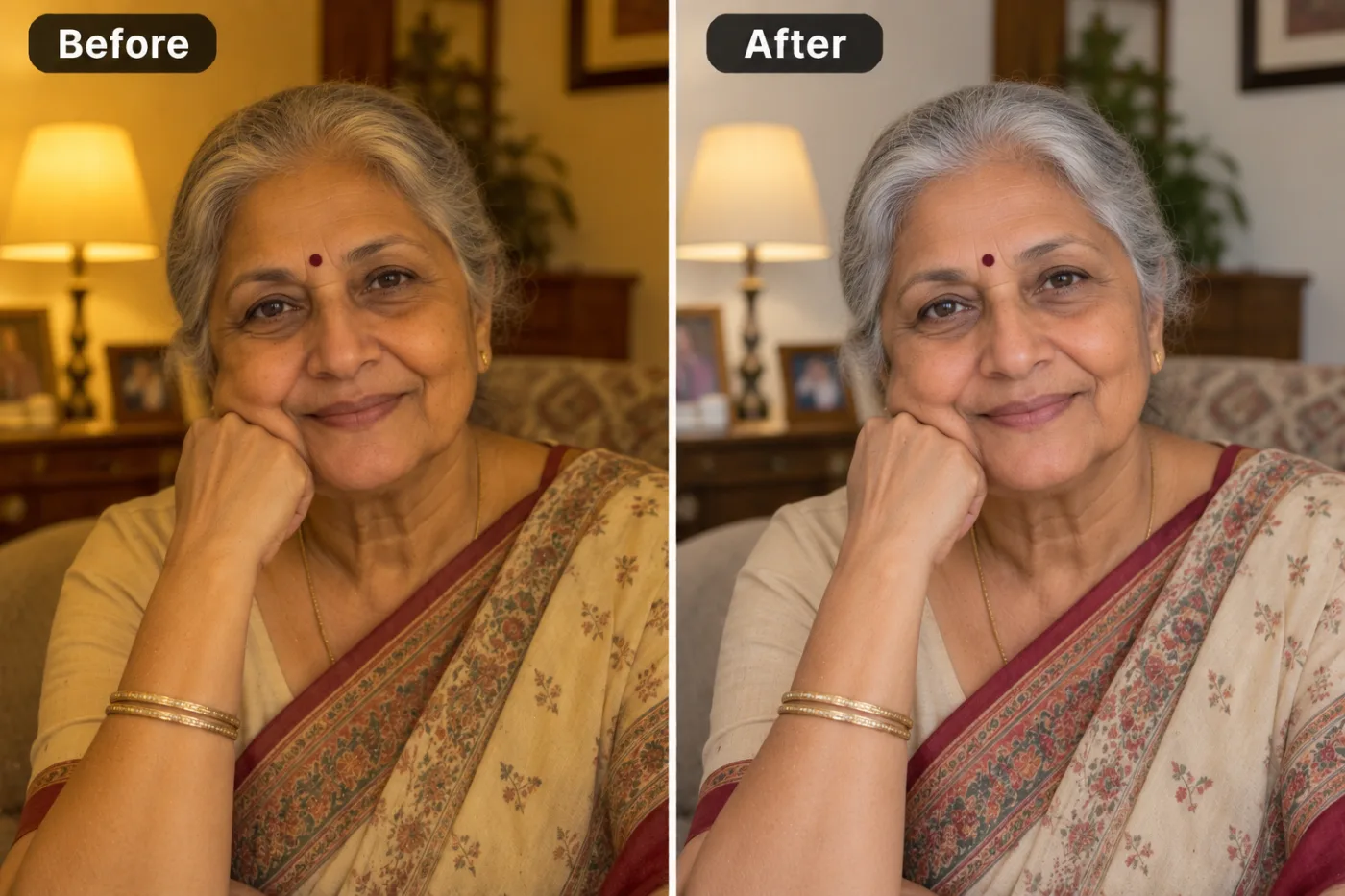
3. Poor lighting and dullness. Products shot at home often look flat, yellow, or underexposed. AI photo enhancement corrects brightness, white balance, and contrast automatically, making colors pop and surfaces look crisp and true-to-life.
4. Distracting imperfections. Dust, fingerprints, stray threads, price tags, reflections — AI cleanup removes these blemishes that scream 'amateur' and undermine buyer trust.
The combined effect: Run a mediocre smartphone photo through all four fixes and you get an image that's clean, sharp, well-lit, and marketplace-compliant. That's the entire value of a professional shoot, delivered in minutes for a few credits.
Step-by-Step: Perfect a Product Photo with AI for Free
Here's the complete free workflow using Pixel Shine. Follow it and any product shot becomes catalog-ready.
Step 1 — Start with the best raw shot you can. Even AI works better with good input. Shoot in bright, even, indirect light (a window on an overcast day is ideal), fill the frame with your product, and keep the camera steady. A cheap tripod or propping your phone against books helps.
Step 2 — Upload to Pixel Shine. Go to Pixel Shine and open the AI Photo Editor. Sign in with a free account to start. Drag your image in.
Step 3 — Remove the background. The AI automatically isolates your product in 3 to 5 seconds. You'll see it on a transparent canvas, ready for a new background.
Step 4 — Set your background. For marketplace main images, choose pure white (#FFFFFF). For lifestyle or social shots, use a brand color or a scene. Consistency is key — pick one background style and apply it to every product.
Step 5 — Upscale if needed. If your image is small or soft, run it through the AI Upscaler. Normal upscale is free and unlimited; use Pro AI upscale for maximum detail on hero images.
Step 6 — Enhance lighting and color. Adjust brightness, contrast, and white balance so the product looks true-to-life. Whites should be white, not yellow or gray.
Step 7 — Clean up imperfections. Remove dust, tags, reflections, or stray fibers with the editing tools.
Step 8 — Add a contact shadow (optional). A subtle shadow beneath the product grounds it and adds depth, especially on white backgrounds.
Step 9 — Export at full resolution. Download as JPG for marketplace listings or PNG if you need transparency. No watermark. Repeat for your whole catalog with identical settings for a consistent look.
Pro Tips for Studio-Quality Product Shots
Tip 1 — Standardize one background across your entire catalog. Pick white (or one brand color) and never deviate for main images. Consistency is what separates a professional store from a flea market.
Tip 2 — Always add a soft contact shadow on white backgrounds. A product floating with no shadow looks pasted-on and cheap. A faint shadow anchors it and reads as premium.
Tip 3 — Shoot at a higher resolution than you need, then upscale weak shots. Buyers zoom in. Detail sells. Use the free AI upscaler to ensure every image holds up under scrutiny.
Tip 4 — Nail your white balance. The most common amateur tell is a yellow or blue color cast. Correct it so your product's true color shows — mismatched color leads to returns and bad reviews.
Tip 5 — Fill 85% of the frame with the product. This meets Amazon's requirement and simply looks better. Crop tight so shoppers see detail, not empty space.
Tip 6 — Create multiple angles from one clean shot. Once you've perfected your lighting and background settings, batch all your angles the same way so the full listing feels cohesive.
Common Mistakes to Avoid
Mistake 1 — Inconsistent backgrounds across products. Some on white, some on a table, some outdoors — this instantly signals 'unprofessional' and erodes trust. Standardize everything.
Mistake 2 — Skipping the shadow. A shadowless cutout looks fake. Always add a subtle contact shadow to ground the product.
Mistake 3 — Over-editing until the product looks fake. Cranking saturation and sharpness to extremes makes products look unrealistic — and when the real item arrives duller, you get returns and complaints. Aim for accurate, not artificial.
Mistake 4 — Using low-resolution images that pixelate on zoom. Shoppers zoom to inspect. A blurry close-up kills the sale. Upscale before publishing.
Mistake 5 — Ignoring color accuracy. If the photo shows a teal shirt but the real one is navy, expect returns and one-star reviews. Correct white balance so colors match reality.
Product Photography by Category: What Works Best
Different products call for slightly different approaches, though the core AI workflow stays the same.
Jewelry and small items benefit most from upscaling and detail sharpening — buyers scrutinize craftsmanship. Use pure white backgrounds and macro-style tight crops, then upscale for crisp zoom.
Apparel and fashion often need both clean cutouts (for catalog grids) and lifestyle scenes (to show fit and context). AI lets you produce both from a single shoot: a white-background flat lay plus a modeled shot with an enhanced background.
Electronics and gadgets demand accurate color and glare removal. Reflective surfaces catch unwanted reflections; AI cleanup smooths these while keeping the product true-to-life.
Food and cosmetics live and die on vibrant, accurate color and appetizing lighting. AI enhancement boosts richness without going cartoonish, and background swaps place items in appealing contexts.
Handmade and artisan goods thrive on lifestyle backgrounds that convey warmth and authenticity — a wooden table, soft natural light — which AI can generate or enhance while keeping the product sharp.
The universal rule: main marketplace images go on clean white for compliance and focus; secondary images can use lifestyle scenes to build desire and show scale. AI lets you produce both from whatever raw shots you already have.
Real-World Results: Sellers Who Boosted Sales with AI
A candle maker selling on Etsy was photographing her products on a windowsill. The inconsistent lighting and cluttered backgrounds made her shop look hobbyist. After running every product through an AI editor — clean white backgrounds, corrected warm-but-accurate lighting, added contact shadows — her listings looked professional overnight, and her conversion rate climbed noticeably within weeks.
A dropshipper importing supplier photos found the images were low-res and watermarked. Using an AI upscaler and background remover, he created clean, high-resolution, watermark-free versions that met marketplace standards and stood out from competitors using the same tired stock images.
A small skincare brand couldn't afford a $2,000 product shoot for its launch. The founder shot everything on a phone against a bedsheet, then used AI to place each product on a soft, consistent gradient background with accurate color. The launch images looked like they came from a professional studio — for a few credits.
The common thread: AI let budget-constrained sellers compete visually with established brands, and better images translated directly into more sales and fewer returns.
Frequently Asked Questions
Can I really improve product photos for free?Partly. Pixel Shine's Normal upscaling and browser tools are free and unlimited with no sign-in; background removal and AI edits cost 2 credits each, with no subscription and no watermarks.
What background should I use for Amazon product photos?Amazon requires pure white (hex #FFFFFF) for main images, with the product filling about 85% of the frame. AI background removal makes this easy to achieve consistently.
How do I make my low-resolution product photos usable?Run them through an AI upscaler. Pixel Shine's Normal upscale is free and unlimited and will increase resolution and sharpness so images hold up when buyers zoom in.
Will AI editing make my products look fake?Only if you over-edit. Aim for accurate, true-to-life results — correct color and clean backgrounds, not extreme saturation. Accurate photos reduce returns.
Do I need photography skills to get good results?Basic tips help (even lighting, steady camera, tight framing), but AI handles the hard part. If you can take a decent phone photo, AI can polish it to professional standards.
Can I batch-edit my whole catalog?Yes. Apply the same background, lighting, and settings across all products for a consistent, professional look. Consistency is a major conversion driver.
Should main and lifestyle images be different?Yes. Use clean white backgrounds for compliant main images, and lifestyle scenes for secondary images that show context and scale.
Are AI-edited product images allowed on marketplaces?Absolutely, as long as they accurately represent the product. Editing for clarity and background is standard practice; misrepresenting the item is not.
Key Takeaways
Professional product photography is no longer gated behind expensive studios and retouchers. With a free AI product photography editor, you can remove cluttered backgrounds, upscale low-res shots, fix lighting, and clean up imperfections — turning smartphone snapshots into catalog-ready, conversion-boosting images.
The formula is simple: start with the best raw shot you can, standardize your backgrounds, correct your lighting and color accurately, add subtle shadows, and upscale for crisp detail. Do this consistently across your catalog and your store will look like an established brand — because visually, it will be.
Ready to transform your product photos? Head to Pixel Shine at Pixel Shine and perfect your first product image — no watermark, no subscription, no studio required. Better photos start selling more, starting today.