Guide
How to Make a Meme on Your Phone (No App, Free)
You don't need an app to make a meme on your phone. Here's how to do it in your browser, free.
22 Jul 2026·8 min read
Read more →Step-by-step guides on upscaling images, enhancing photo quality, fixing blurry pictures, and getting print-ready resolution — all free.
You don't need an app to make a meme on your phone. Here's how to do it in your browser, free.
Screenshots capture more than you need. Here's how to crop one down to just the important part, free.
Square (1:1) crops are everywhere — Instagram, avatars, thumbnails. Here's how to crop a photo to a perfect square, free.
Anime and cartoon art upscales differently from photos. Here's how to enlarge it while keeping clean lines and flat colour — free.

Prints need far more resolution than screens. Here's how to upscale an image so it prints sharp instead of pixelated — free.
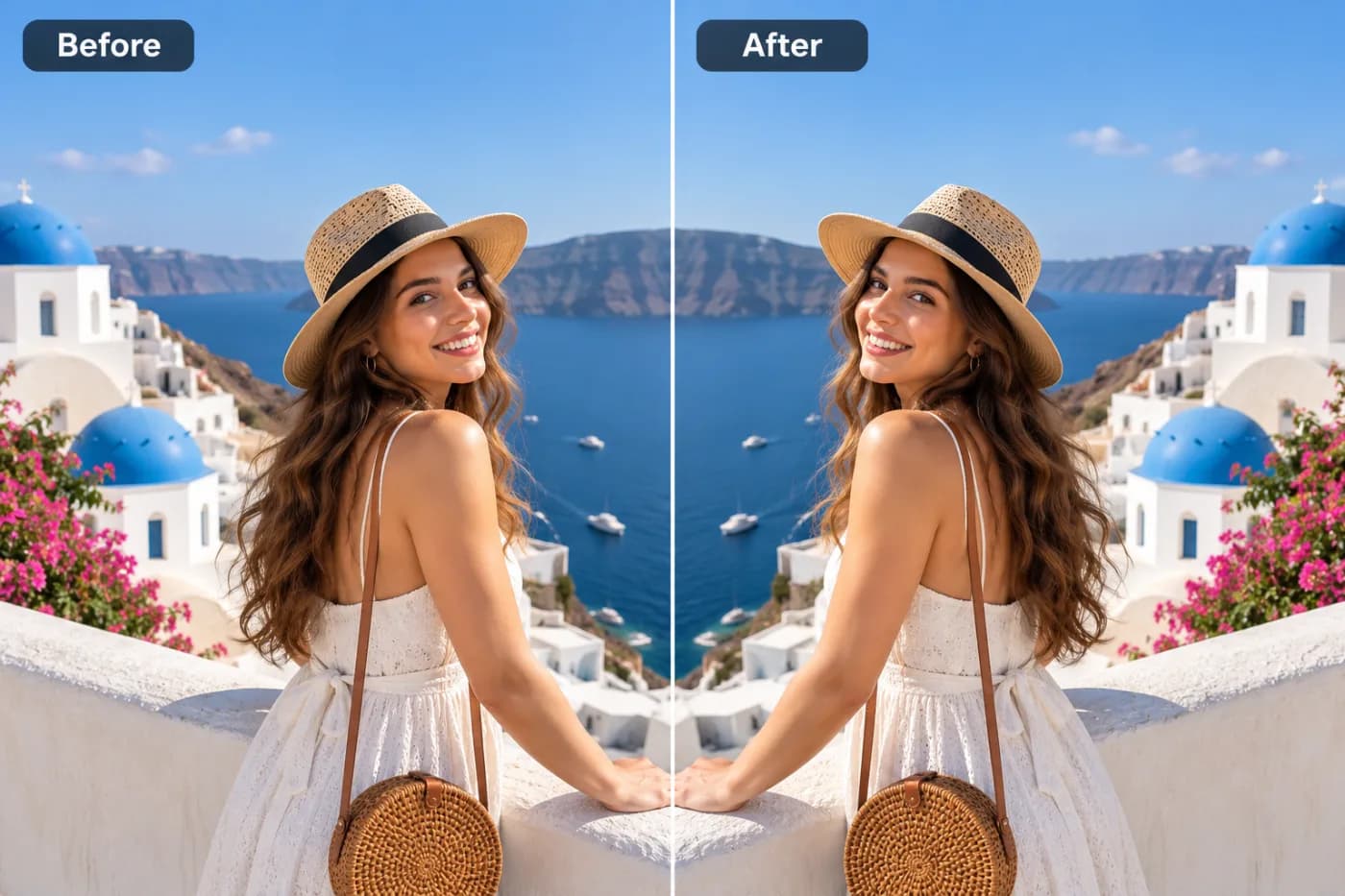
Mirroring an image flips it like a reflection — handy for selfies, symmetry and layout. Here's how to mirror a photo free.
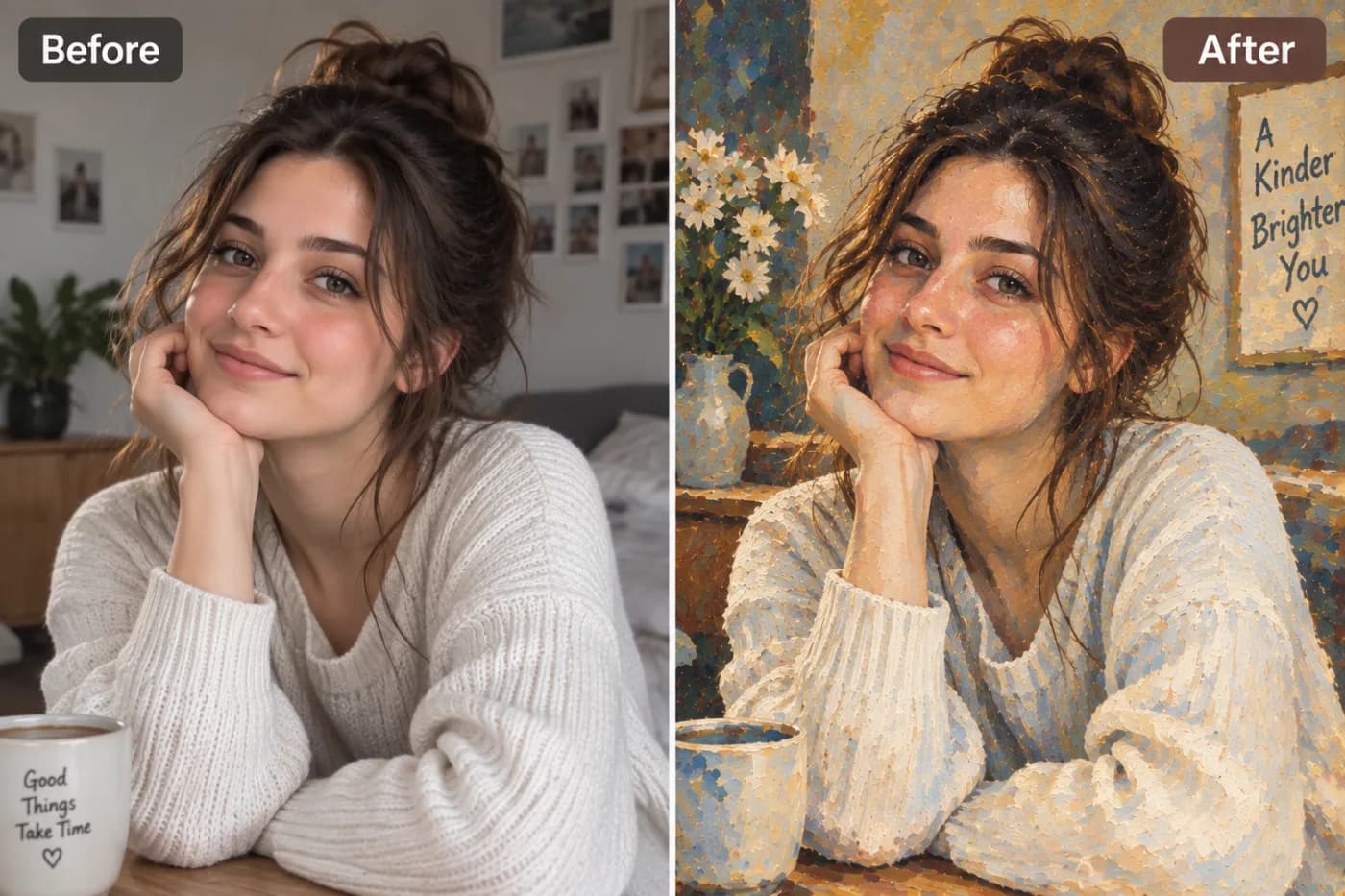
YouTube shows your banner differently on phone, desktop and TV. Here's the correct size, the safe area, and how to crop it right.
WhatsApp compresses your photos hard. Reduce the size yourself first and you control the quality — here's how, free.
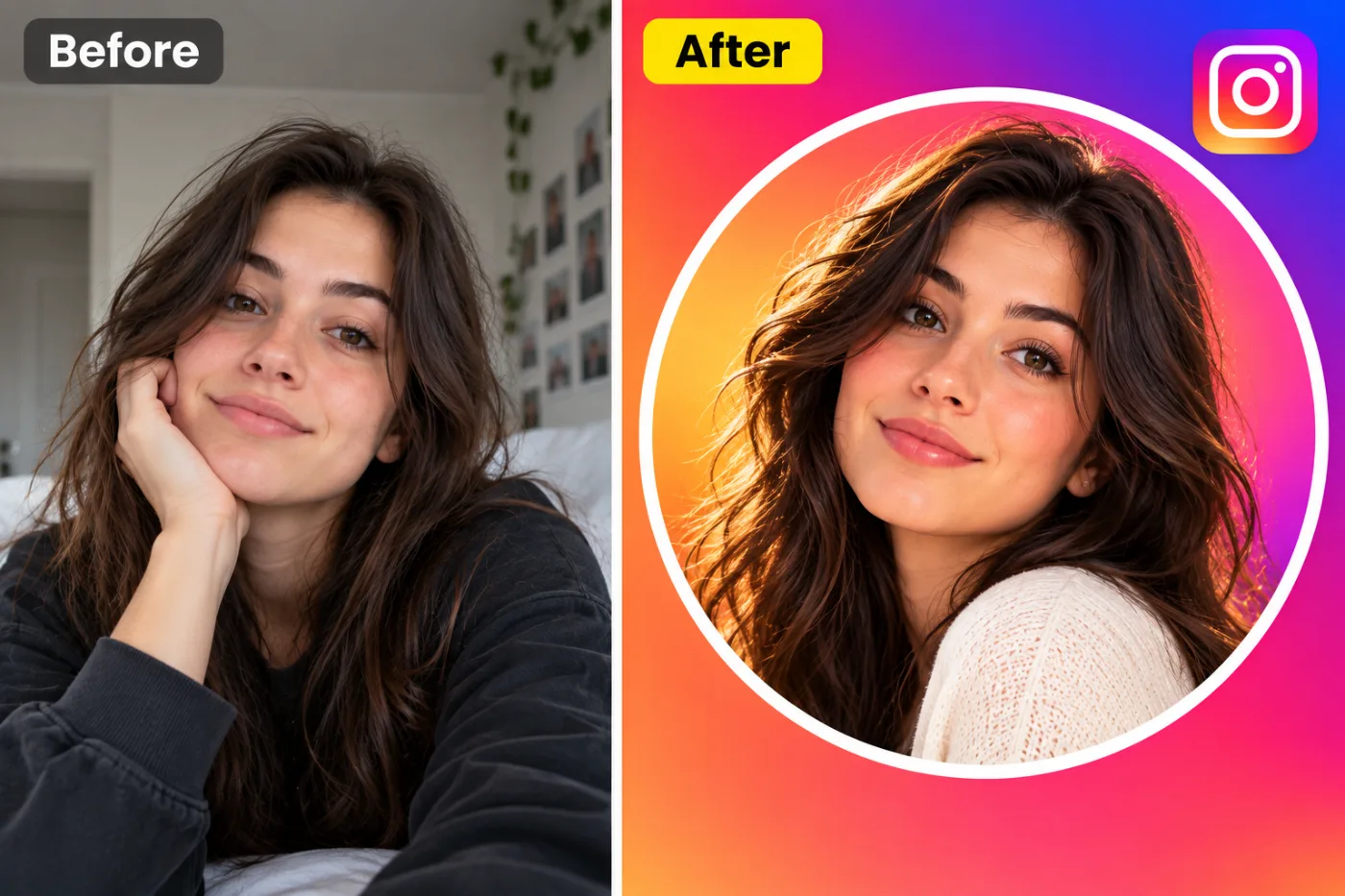
Instagram crops images that aren't the right shape. Here's every Instagram size and how to resize your photo to fit perfectly.
WebP files are far smaller than PNG at the same quality — with transparency kept. Here's how to convert PNG to WebP free.
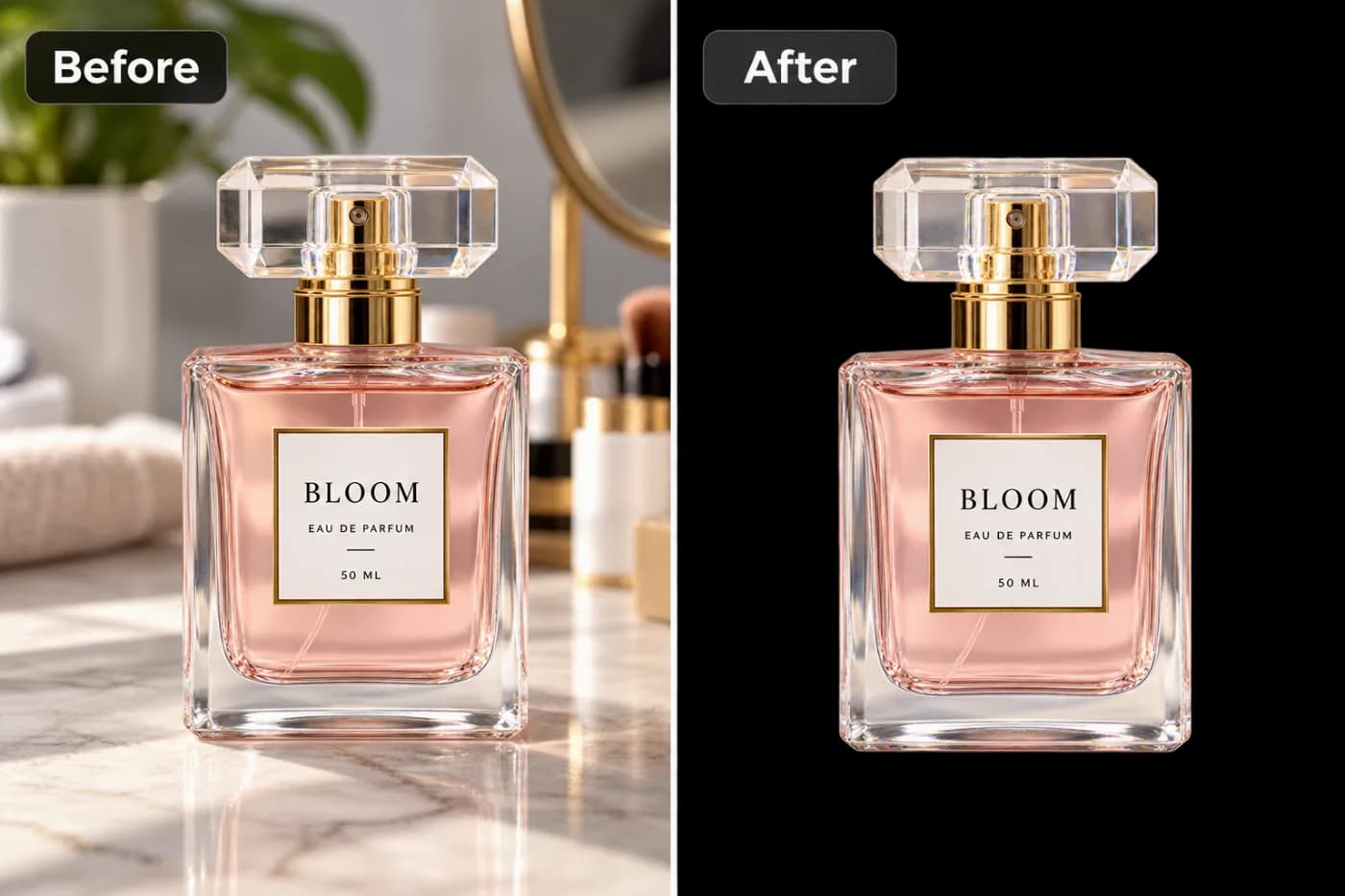
A logo stamped on a photo can be rebuilt away with AI inpainting. Here's how to remove a logo from an image free — on images you own.
Unwanted text on a photo — a caption, timestamp or subtitle — can be erased cleanly with AI. Here's how to remove text from an image free.