Tutorial
How to Make a Logo Transparent for Free
A transparent logo works on any colour or background. Here's how to remove a logo's background and export a clean transparent PNG, free.
13 Jun 2025·11 min read
Read more →Step-by-step guides on upscaling images, enhancing photo quality, fixing blurry pictures, and getting print-ready resolution — all free.
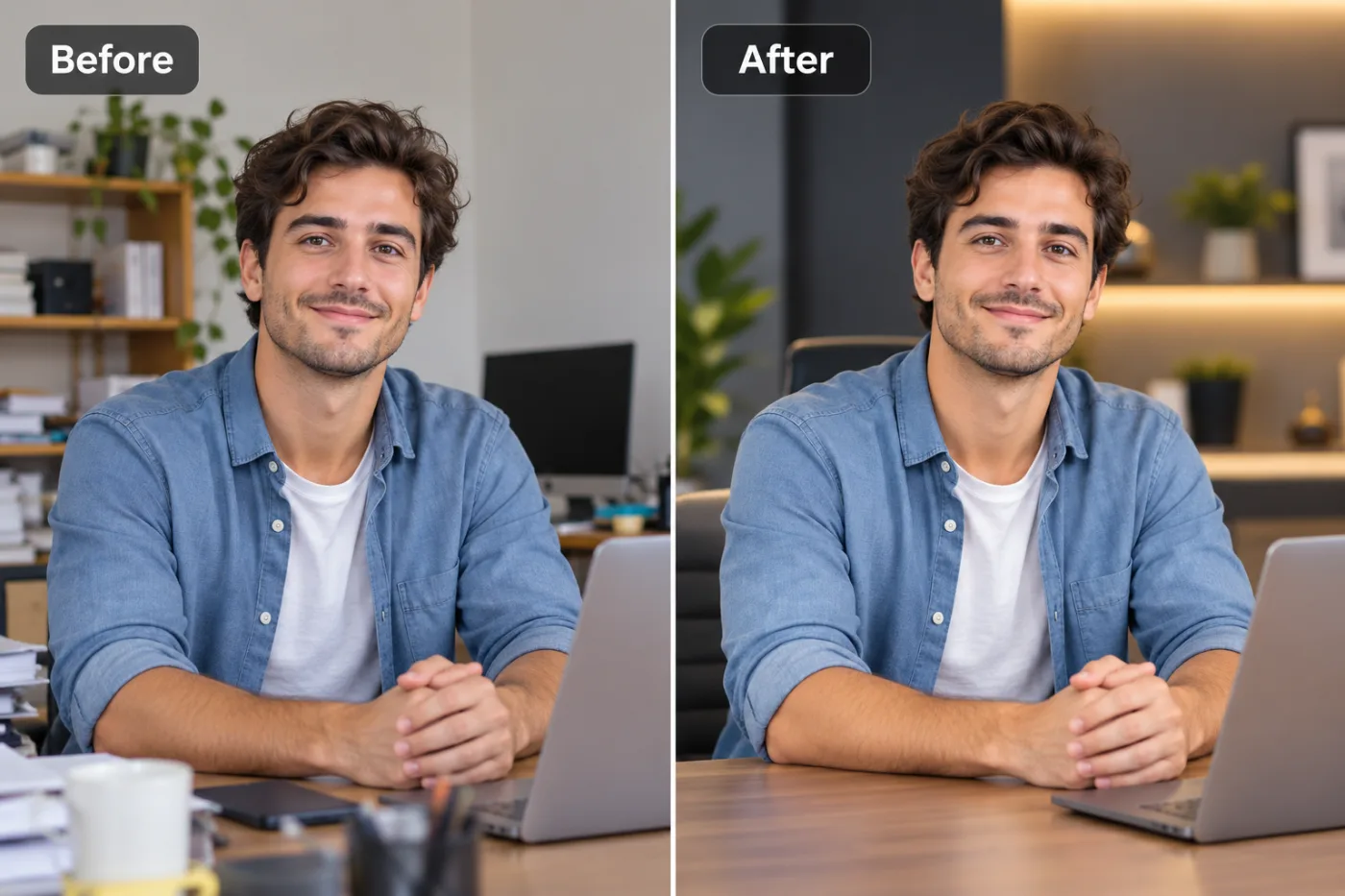
A transparent logo works on any colour or background. Here's how to remove a logo's background and export a clean transparent PNG, free.
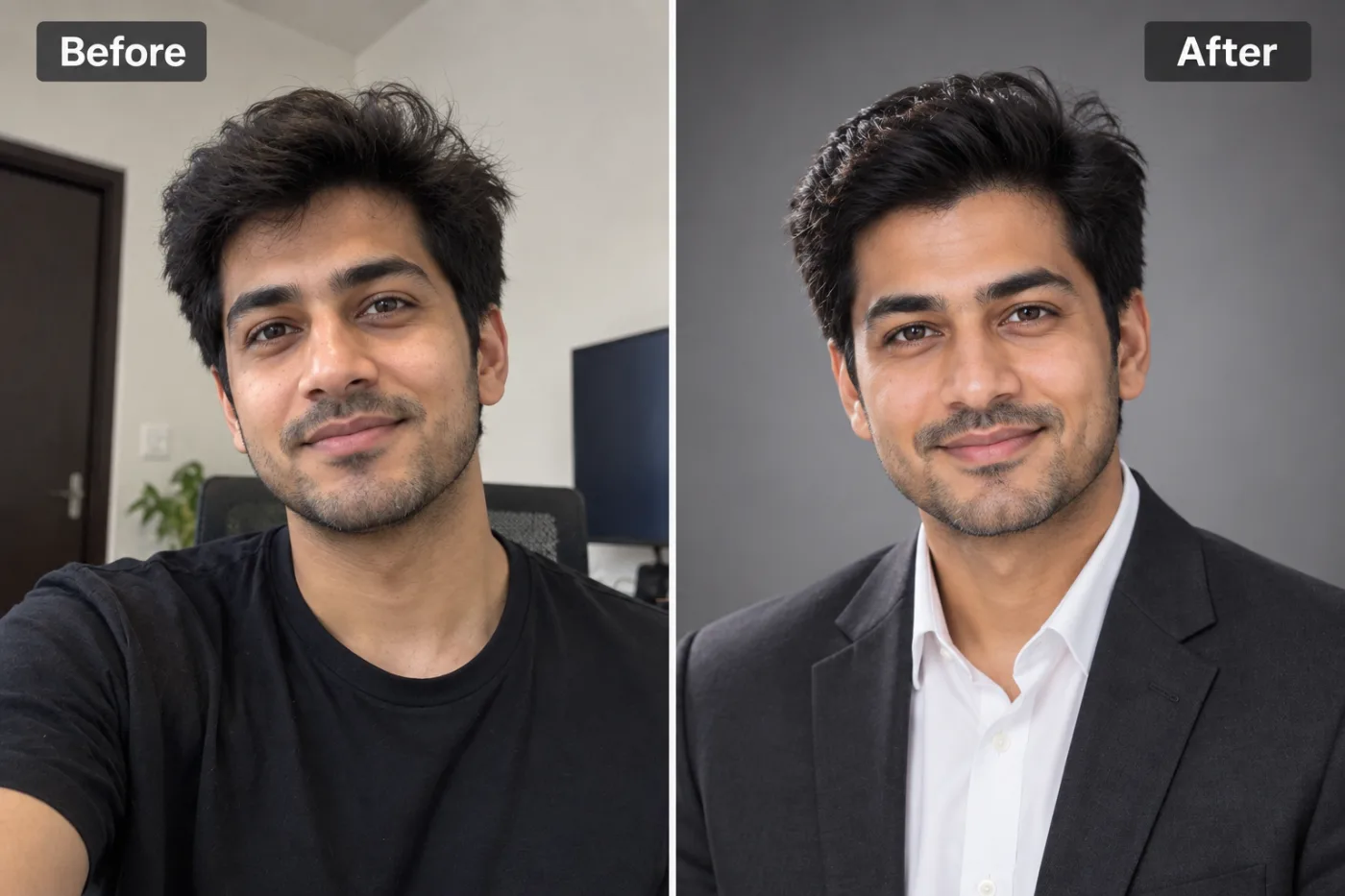
Removing a background from a portrait of a person is one of the most common photo editing tasks, and AI has made it effortless.
Need a clean, transparent signature for digital documents? Here's how to turn a photo or scan of your signature into a transparent PNG, free.
Amazon requires 1000px minimum. Shopify recommends 2048px. If your product photos fall short, AI upscaling closes the gap without a reshoot.
Marketplaces demand clean white backgrounds. Here's how to get catalogue-ready product photos in seconds, for free, without Photoshop.

A blurry photo does not have to be a wasted photo. With AI-powered tools like Pixel Shine, you can fix blurry images online for free in just a few clicks.
Every pixel you stretch the traditional way makes your image blurrier. AI upscaling predicts real detail — here's how to do it right.
A great LinkedIn photo can increase profile views by 21×. You no longer need a photographer or studio — AI can generate a professional headshot from any clear photo of yourself.
Amazon requires white backgrounds. Shopify listings need clean product cutouts. Here is how to remove backgrounds from product photos free and fast.
Traditional upscaling just stretches pixels — AI upscaling predicts and reconstructs real detail. Here's everything you need to know about getting sharper, larger images.
Removing backgrounds used to take hours in Photoshop. AI has changed that completely — now you can get a clean, transparent PNG in under 5 seconds.