Guide
How to Compress an Image to 100KB (Exactly, Free)
Lots of forms cap uploads at 100KB. Here's how to compress an image to exactly 100KB — without guessing at a quality slider.
8 Jul 2026·10 min read
Read more →Step-by-step guides on upscaling images, enhancing photo quality, fixing blurry pictures, and getting print-ready resolution — all free.
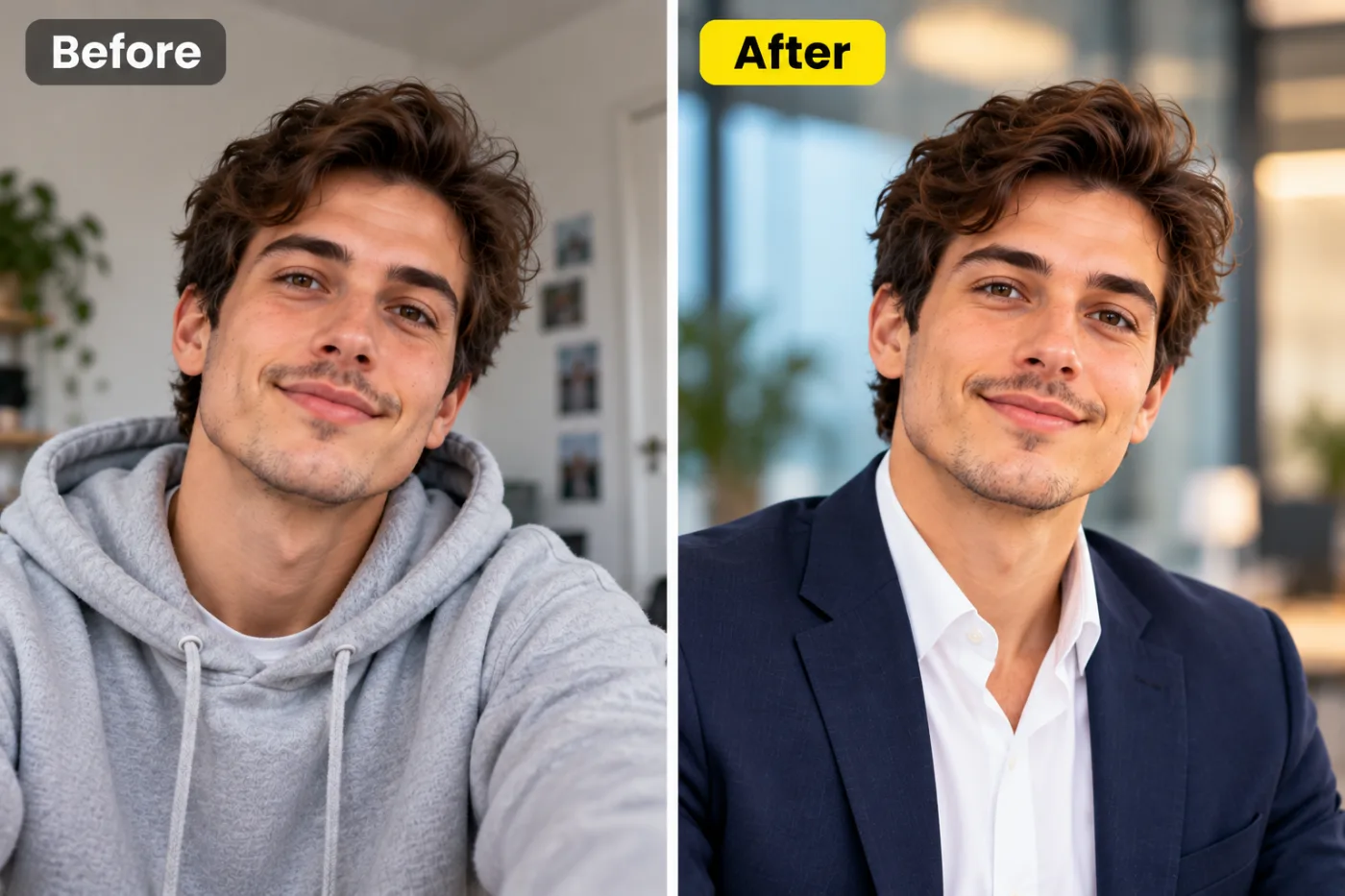
Lots of forms cap uploads at 100KB. Here's how to compress an image to exactly 100KB — without guessing at a quality slider.

Enlarging a photo the old way just stretches pixels into a blurry mess. AI upscaling rebuilds real detail — here's how to make images bigger and sharper.
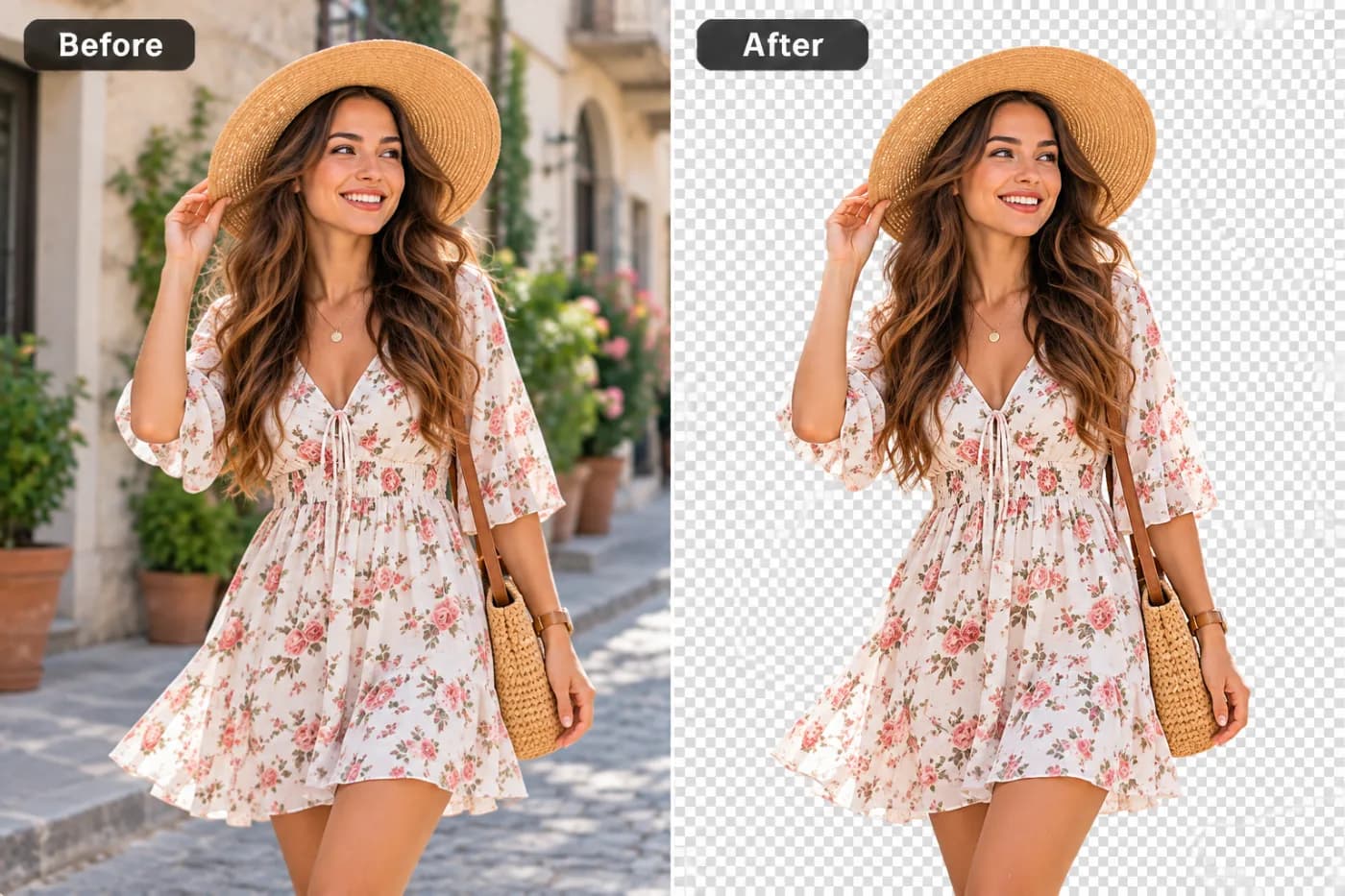
WebP is great for the web but not every app accepts it. Convert WebP to PNG for universal editing — with transparency kept intact.
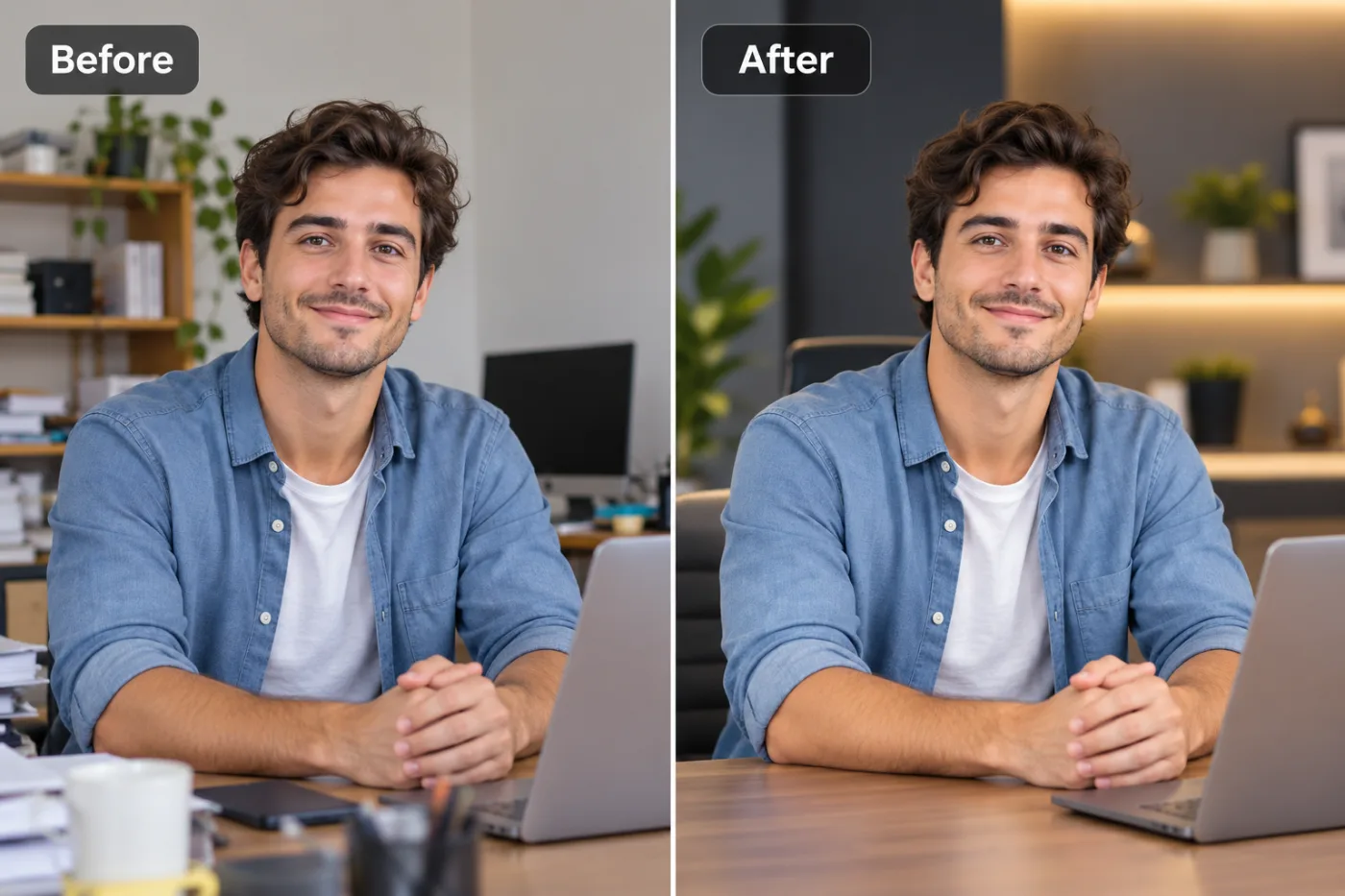
Circle crops are everywhere — profile pictures, avatars, logos. Here's how to crop any photo into a clean circle with a transparent background, free.

Posting the wrong size means awkward crops and blurry uploads. Here are the ideal image dimensions for every major platform — and how to crop to them free.
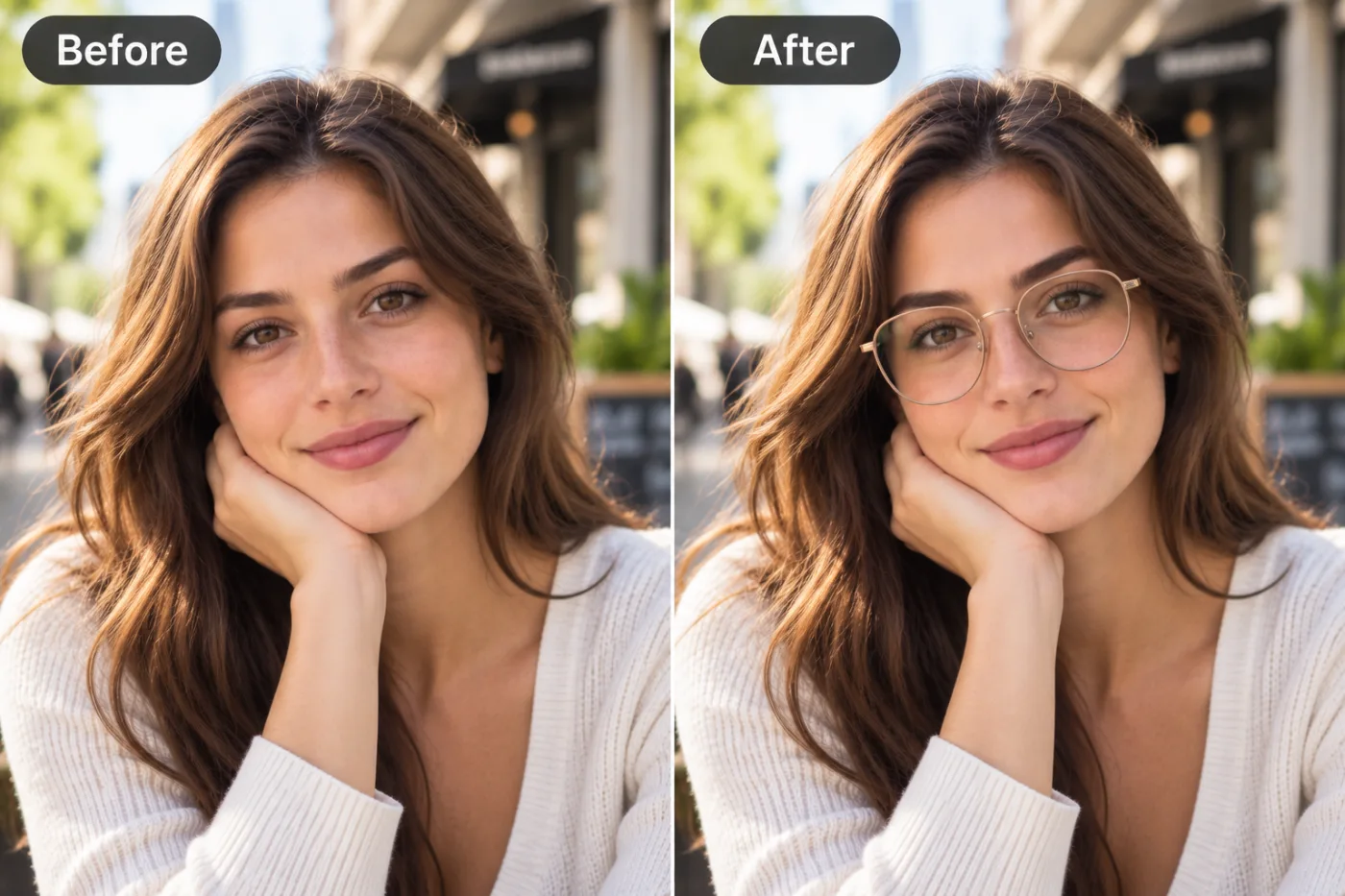
Adding text to a photo turns an image into a caption, quote or meme. Here's how to do it free with type that stays readable.
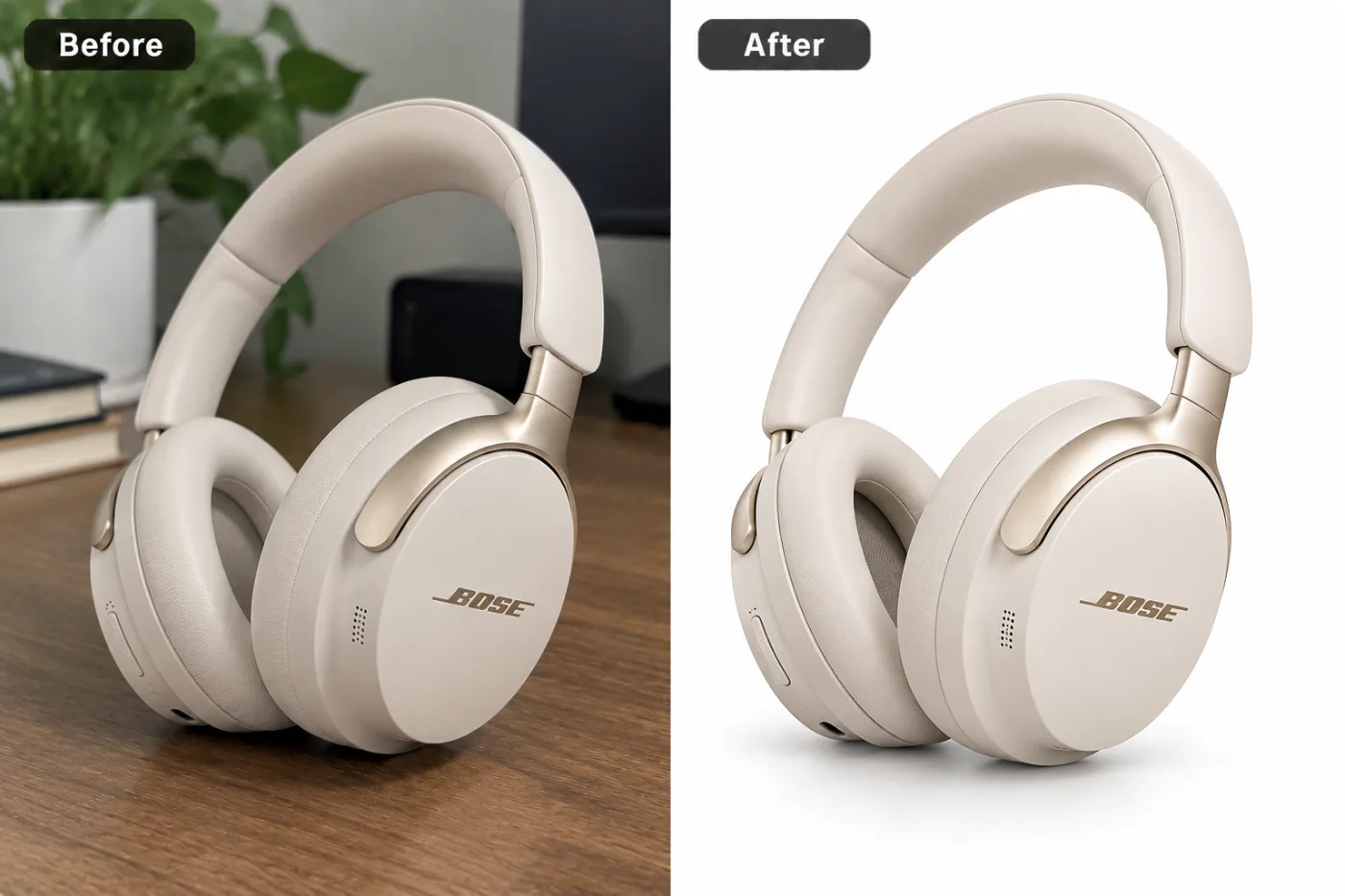
Most email providers cap attachments around 20–25 MB, but big photos still slow inboxes and get flagged. Here's how to compress images for email properly.
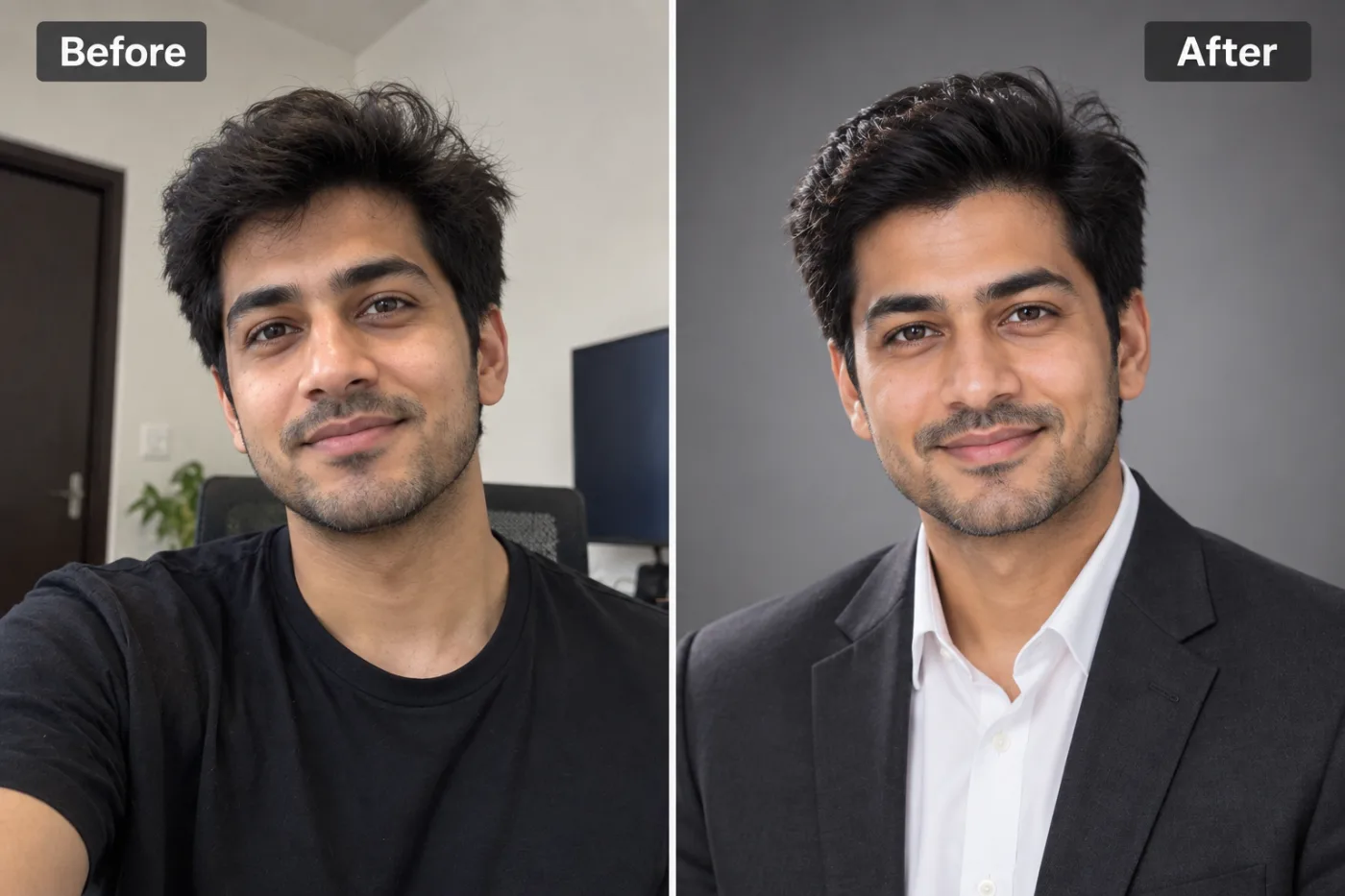
Instagram displays your profile picture as a circle from a 320×320 square. Here's the right size and how to crop one that looks sharp and centred.
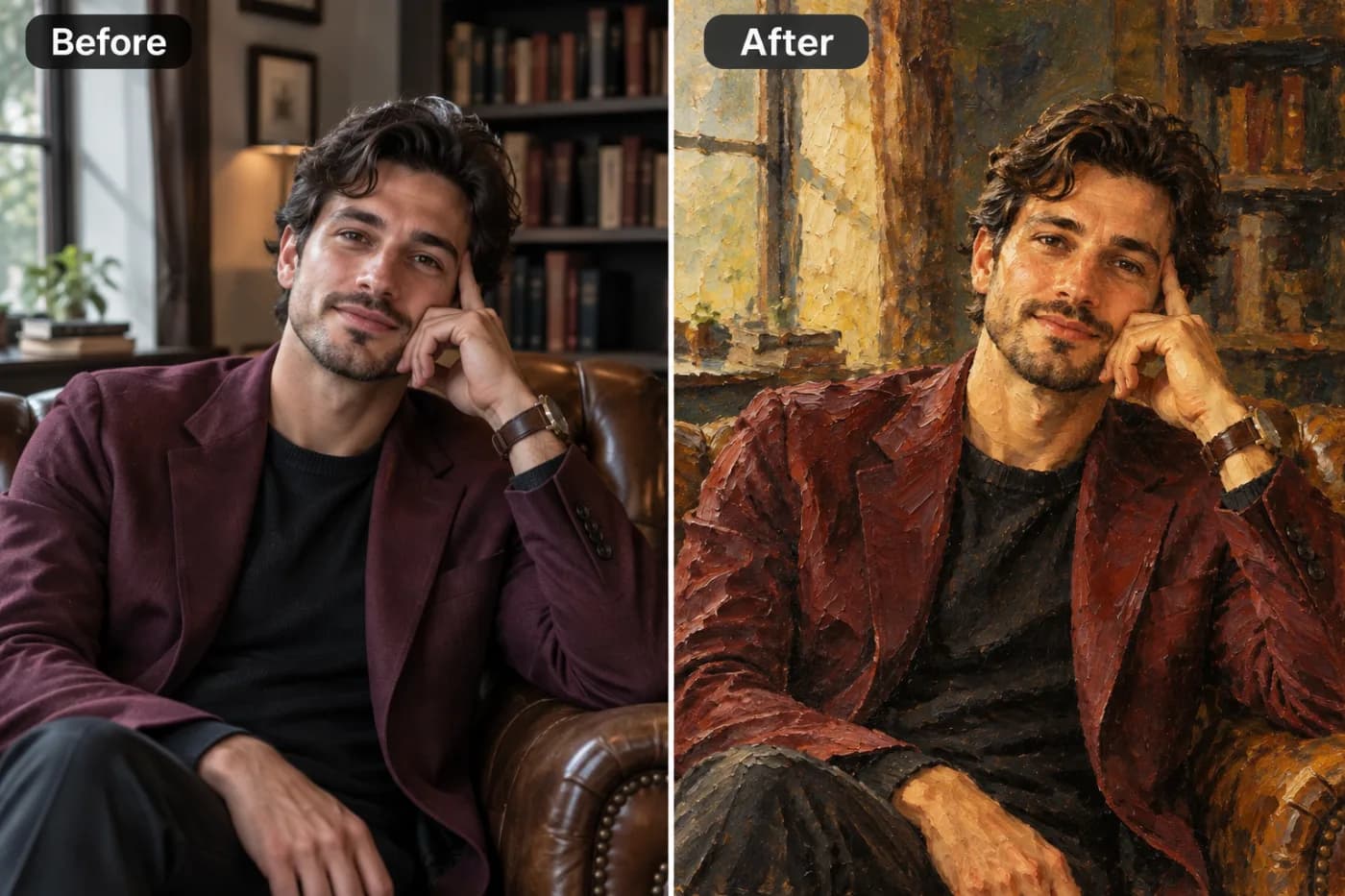
WebP promises smaller files than JPG with PNG-style transparency. Here's what it actually is, when to use it, and how to convert to and from it free.
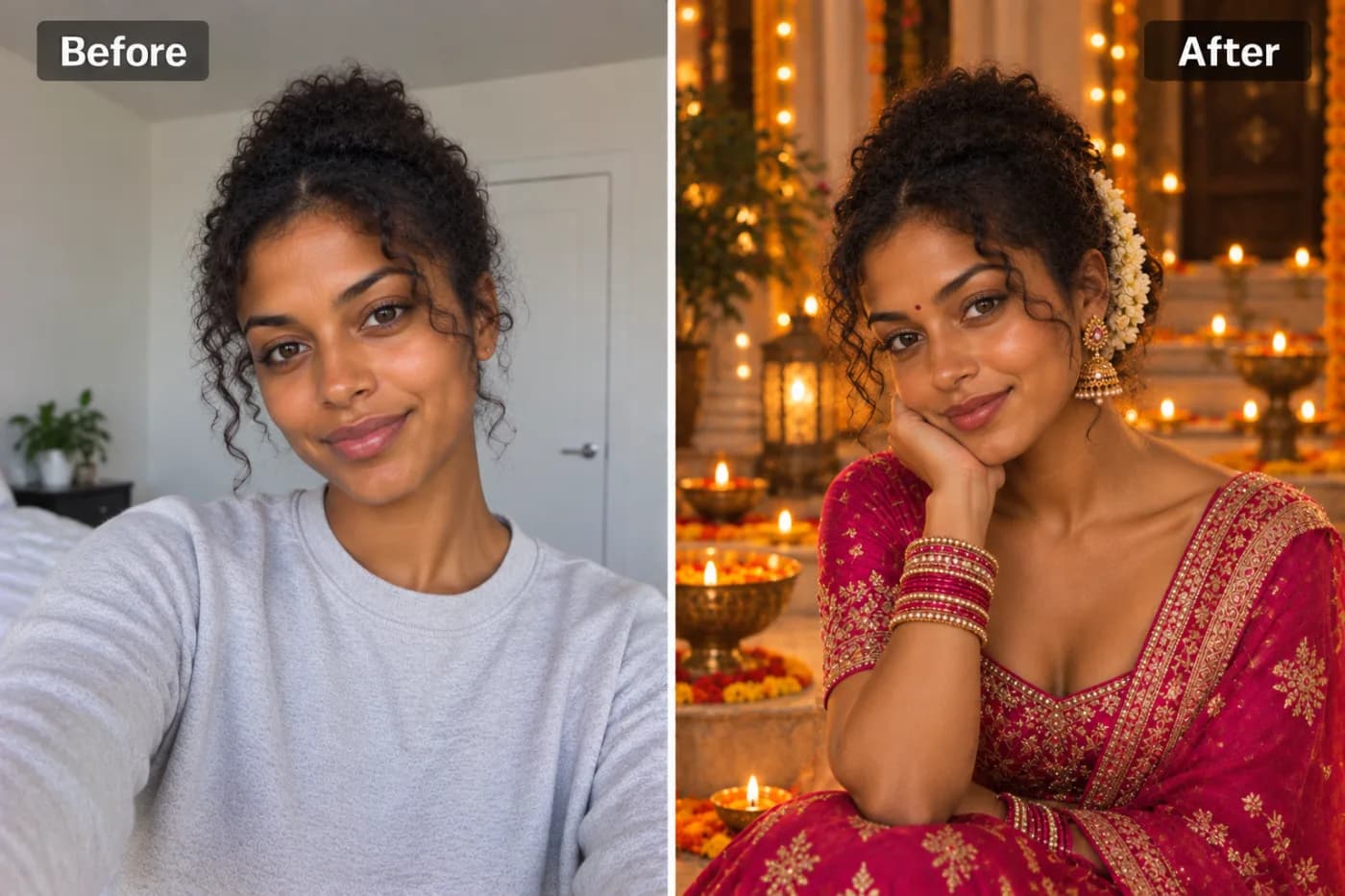
"Make it smaller" can mean two things — fewer KB or fewer pixels. Here's how to do both, free, and when to use each.
PNG or JPG? The right choice depends on transparency, file size, and whether it's a photo or a graphic. Here's a simple rule you'll never forget.
HEIC is Apple's space-saving photo format — but it won't open everywhere. Convert HEIC to JPG for universal compatibility.