Free QR Code Generator
Turn any link or text into a QR code and download it as a PNG or SVG. Custom colours, made in seconds — no watermark, no sign-up.
Private — whatever you encode is never saved or shared.
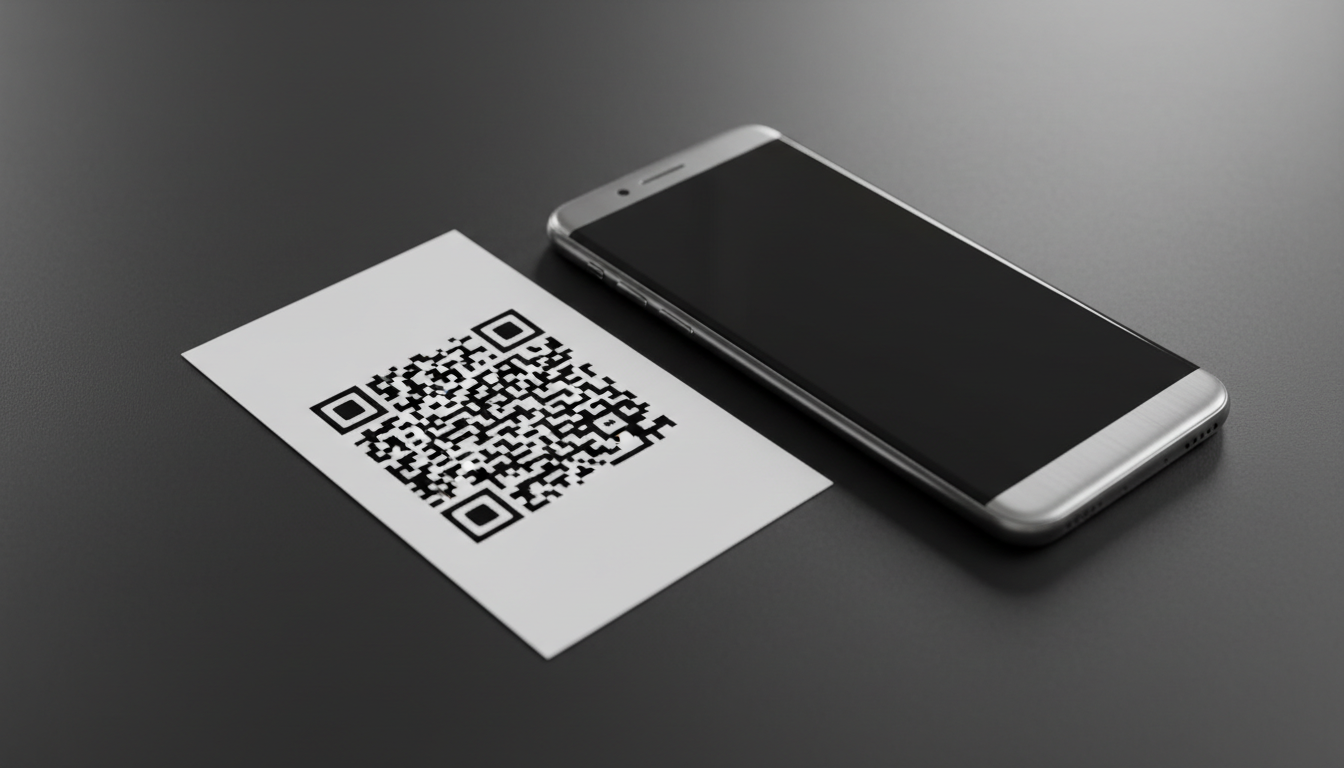
How to make a QR code
Enter your link or text
Paste a URL or type any text you want the QR code to open.
Customise it
Pick colours, size and error-correction to match your brand or print needs.
Download
Save a high-resolution PNG or a scalable SVG — free, no watermark.
Monthly plans or one-time credits.
QR Code Generator and every other browser tool are free and unlimited. Credits are only for the AI features — 2 credits per generation. Go monthly for the lowest price per credit and cancel any time, or buy an add-on whose credits never expire.
Try the AI tools every month.
Regular edits for your feed.
Room for a full shoot every month.
The lowest price per credit.
Renews monthly · cancel anytime in Settings, no further charges · monthly credits refresh each renewal and don't carry over. 2 credits per AI generation; the free tools stay free.
Frequently asked questions
Is this QR code generator free?
Yes — completely free with no sign-up, no watermark and no limit on how many QR codes you create.
Do the QR codes ever expire?
No. These are static QR codes that encode your link or text directly, so they never expire and keep working forever.
Can I download the QR code as an SVG?
Yes. You can download a high-resolution PNG or a scalable SVG — SVG is ideal for print because it stays sharp at any size.
Can I change the colours?
Yes — pick any foreground and background colour. Keep good contrast (dark code on a light background) so scanners read it reliably.
What can I put in a QR code?
Any link (website, menu, form, social profile) or plain text — Wi-Fi details, contact info, a message, and more.
Is my data private?
Yes. Whatever you encode is never saved or shared.