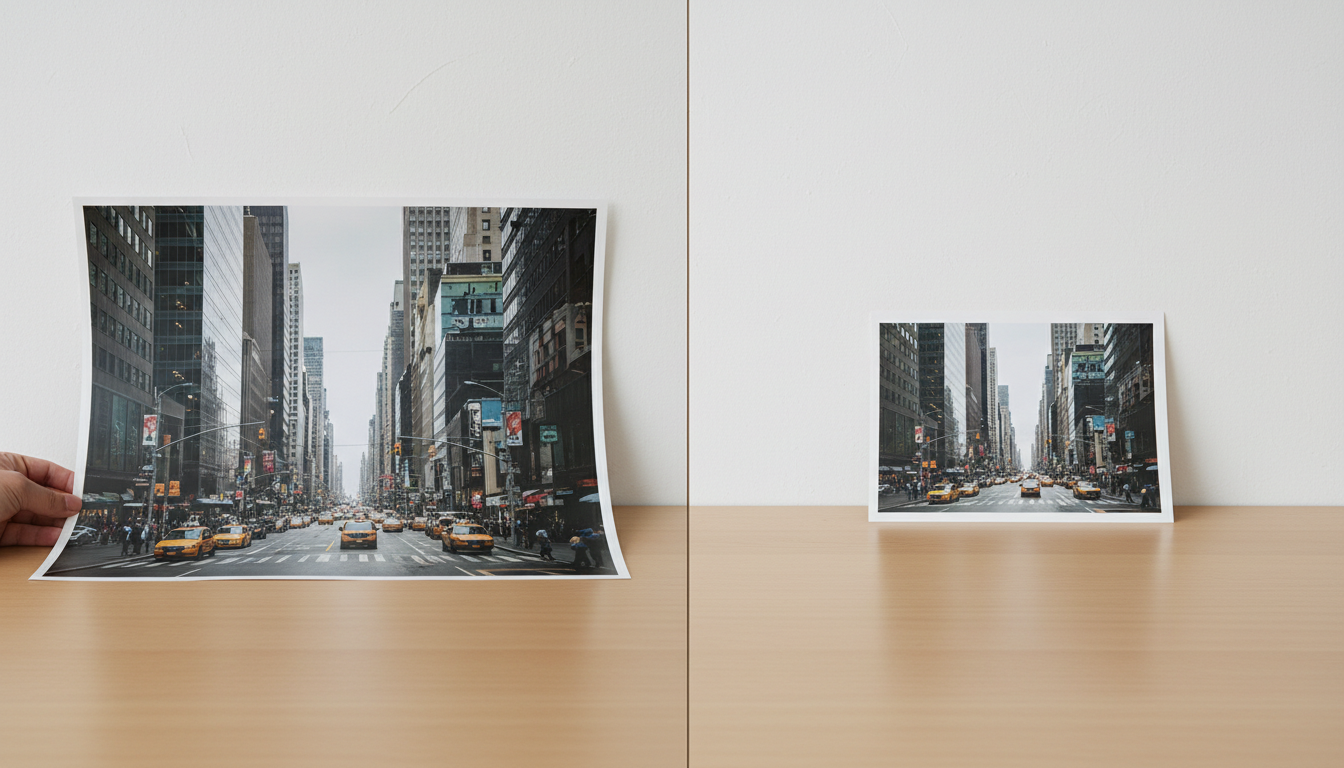
How do you resize an image?
1. Drop your photo on this page
Use a JPG, PNG or WebP. The editor opens on the Resize panel with the photo's current width and height already filled in.
2. Type the new width or height
With Lock aspect ratio on, change one number and the other follows, so the photo keeps its shape. Turn the lock off when you've been given both numbers, such as 600×600.
3. Apply and download
Press Apply Resize. The editor shows the new dimensions and the file size, then download it. Undo is one tap if you want to try another size.
What size should your image be?
Most of the time someone else decides: a form, a marketplace, a social network. These are common targets, and they change, so check the platform's own help page if it matters.
| Where it's going | Common size (pixels) | Shape |
|---|---|---|
| Instagram square post | 1080 × 1080 | 1:1 |
| Instagram portrait post | 1080 × 1350 | 4:5 |
| Stories, Reels, TikTok | 1080 × 1920 | 9:16 |
| YouTube thumbnail | 1280 × 720 | 16:9 |
| Website hero image | 1600–2400 wide | Varies |
| Blog or article image | 1200 wide | Varies |
| Email newsletter image | 600 wide | Varies |
If the shape doesn't match (a tall phone photo going into a 16:9 frame, for example), resizing alone will either stretch it or leave it the wrong shape. [Crop](/crop-image) to the right ratio first, then resize.
Who needs to resize images?
People filling in online forms
Application portals often ask for a photo at fixed dimensions, such as 200×230 pixels, and a separate file-size limit. Resize to the dimensions first, then use compress image for the KB limit.
Website owners and bloggers
A 4,000-pixel photo shown 800 pixels wide makes visitors download five times more than they see. Resize to roughly the size it's displayed (twice that for sharp phone screens) and the page loads faster.
Online sellers
Marketplaces publish minimum and recommended image sizes, and a consistent size across your catalogue makes the store look tidy. Resize every product photo to the same width.
Creators and social media managers
Each platform has its own sizes. Resizing to them yourself means the platform doesn't recompress or crop your image in a way you didn't choose.
Anyone emailing or printing
Make photos smaller before sending a batch by email, or check you have enough pixels before printing: about 300 pixels per inch for a sharp print.
Can you make a picture bigger without it going blurry?
Resizing up only spreads the existing pixels further apart, so a photo enlarged a lot gets soft. For a small increase (say 1,000 to 1,200 pixels) the resizer is fine. For doubling or more, use the image upscaler: its free Normal mode adds sharpening as it enlarges, and Pro AI rebuilds fine detail.
Going smaller is the opposite: it almost always looks good, because you're keeping the best of the detail and dropping the rest.
Is the image resizer free?
Yes. The resizing is done by your browser, so it costs nothing however many photos you resize. Guests get two resizes; sign up free and there's no limit at all. Nothing is stamped on the image, and the file you started with is left alone.
How do you resize without ruining the photo?
- Keep the lock on unless you've been given exact width and height. A face stretched 10% wider is noticeable at once.
- Crop for shape, resize for size. Get the proportions right with crop, then set the pixels here.
- Resize once from the original. Resizing down and then back up loses detail you can't get back.
- Use even, round numbers when a platform recommends them (1080, 1200, 1920). They line up with how screens and apps display images.
- Compress last. After resizing, the file is often already small enough; if not, compress it to the KB you need.
What should you know before resizing?
- The resized image is saved as a JPG at high quality, so a transparent background won't stay transparent. If a transparent logo is simply too heavy, the image converter can turn it into a WebP, which is much smaller and stays transparent.
- It resizes one photo at a time. For a whole folder at the same size, the batch editor handles up to 100 images in one go.
- It changes pixels, not print size settings (DPI). For printing, what matters is the number of pixels; the print shop sets the inches.
- With the lock off, a photo resized to a different shape will be stretched. That's what the lock is for.
Is it private?
Your browser does the resizing; the picture doesn't travel to a server for it. With an account, the resized copy is kept in My Creations for later, and you can remove it from there.