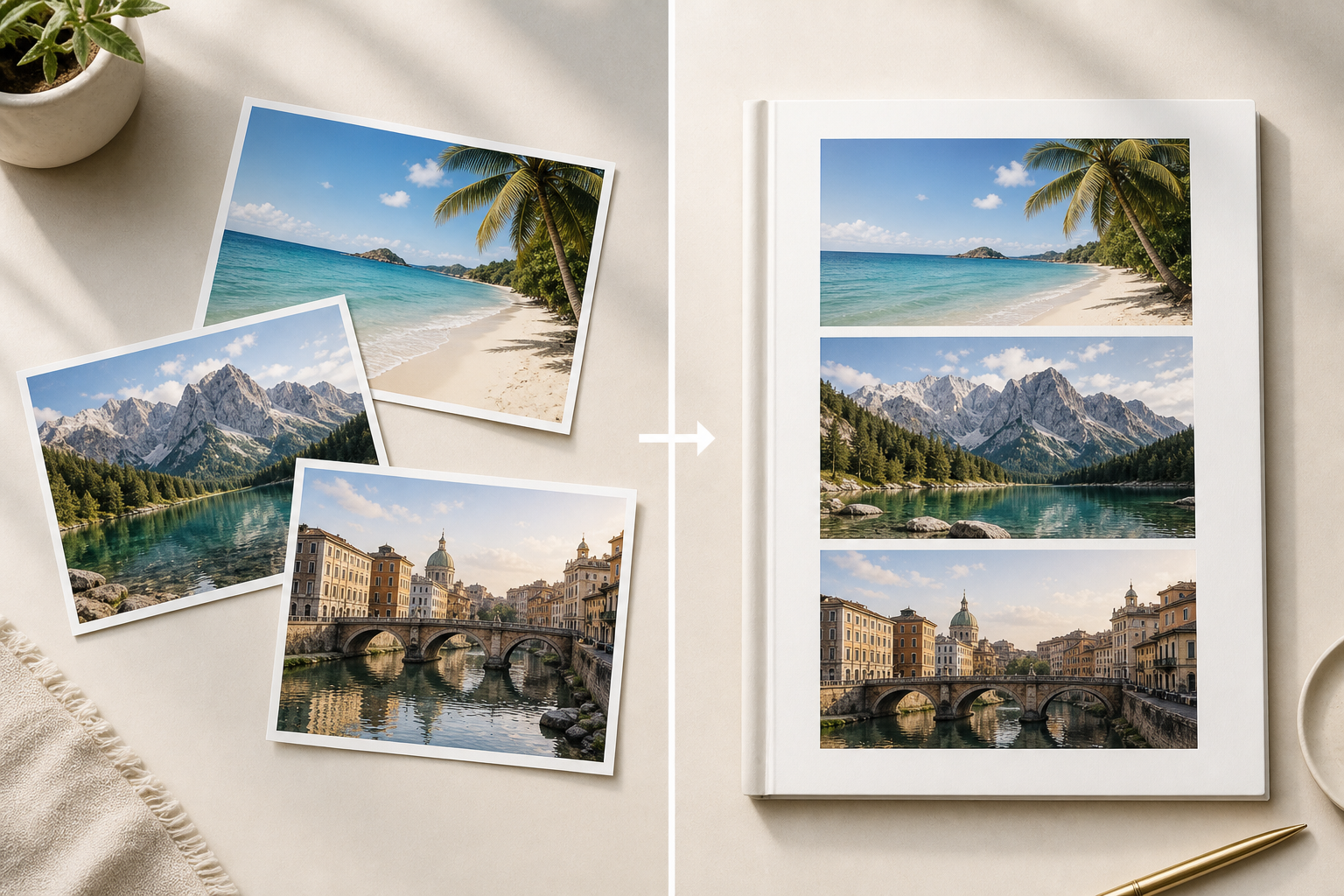
How do you convert a JPG to a PDF?
1. Drop the image here
A JPG, PNG or WebP of the page. The editor opens on the Image to PDF tool.
2. Fix it up first, if needed
Rotate it the right way up, crop off the table around the paper, or brighten it with Adjust. All of these are in the same editor, and a clean image makes a clean PDF.
3. Download as PDF
Press Download as PDF. A one-page PDF downloads straight away, with the page exactly the size of your image.
Why turn an image into a PDF?
A PDF looks the same on every phone, computer and printer, and it's the format offices, banks and online forms expect for documents. A JPG of the same thing works, but it can be rotated, cropped or shown at odd sizes by whatever opens it, and some upload forms simply won't accept images where they've asked for a document.
Who converts images to PDF?
People filling in applications
Visa, job, college and government forms often ask for documents "in PDF format": an ID card, a certificate, a payslip, a proof of address. Photograph it, straighten it here, and save it as a PDF.
Freelancers and small businesses
Send a receipt, a signed page or a delivery note as a PDF so it looks official and can be filed with your accounts.
Students
Turn photos of handwritten homework, notes or a diagram into PDFs for an online submission portal.
Anyone printing
Some printers and print shops handle PDFs more predictably than images. A PDF of a poster or a photo prints at the right proportions.
How do you get a clean PDF from a phone photo?
- Shoot from directly above, with the paper filling most of the frame, in even daylight. Avoid your own shadow falling across the page.
- Put dark paper on a light table, or light paper on a dark one, so the edges are easy to crop.
- [Crop](/crop-image) away the background, then [rotate](/rotate-image) if it's sideways.
- Brighten it with Adjust in the editor if the paper looks grey; a little more contrast makes text crisper.
- Check the file size if the form has a limit. If the PDF is too big, compress the image first and convert again.
What does the PDF look like?
One page, the same proportions as your image, with the image filling it. There are no margins, headers or watermarks added. Transparent areas in a PNG become white, which is how a printed page would look. The image inside is stored as a high-quality JPG, so the PDF stays a sensible size.
| You need | Do this |
|---|---|
| A one-page PDF of a photo or scan | Use this tool |
| A smaller PDF for an upload limit | Compress the image first, then convert |
| An image back out of a PDF | Take a screenshot of the page, or open it in your phone's file viewer and share it as an image |
| Text you can edit | You need OCR software; this keeps the page as a picture |
Is it free?
Yes. Your browser assembles the PDF, so there's no charge, no page limit and nothing added to the page. Guests can make two PDFs; a free account keeps it going without limits.
What can't image to PDF do?
- Combine several images into one PDF. It makes one page per image. For a multi-page document, convert each page, then join the PDFs with your computer's built-in tools (on a Mac, Preview; on Windows, Print to PDF from the Photos app with several selected).
- Make the text searchable or editable. The page is an image; selecting text needs OCR.
- Set a paper size like A4 or Letter. The page matches your image. Most printers will fit it to the paper automatically.
- Edit an existing PDF. It turns images into PDFs, not the other way round.
Is it private?
The PDF is created in your browser; your image isn't sent anywhere to be converted, which matters for IDs and bank documents. The PDF downloads to your device.