Free Instagram Video Downloader
Paste an Instagram reel or video link and download a clean HD MP4 — no watermark, no app, no sign-up.
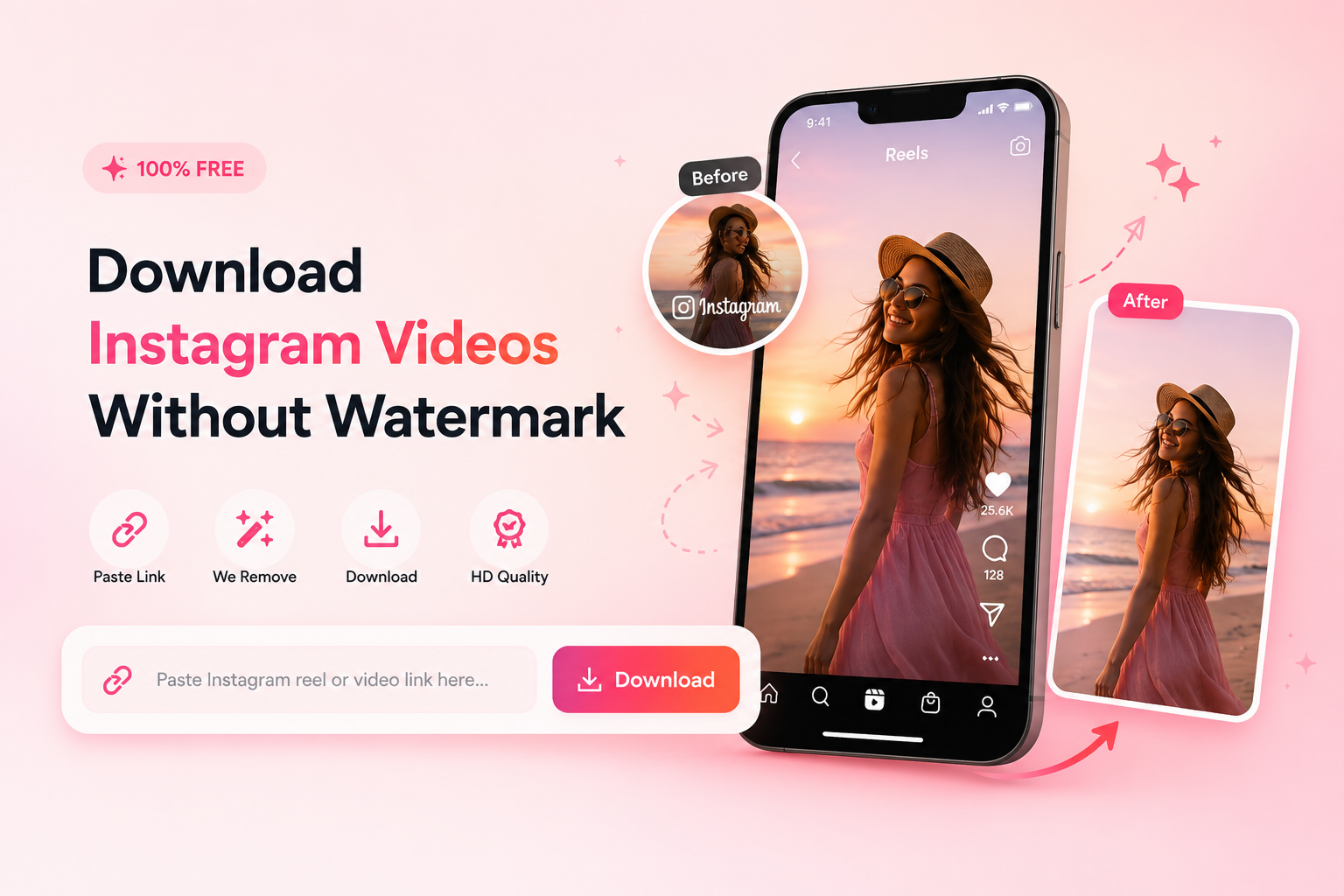
Three steps, clean download
Copy the Instagram link
On the reel or video, tap the ••• menu (or Share) → Copy Link. On desktop, copy the URL from your browser.
Paste & download
Paste it in the box above and hit Download Video. We fetch the clean source in seconds.
Save the HD MP4
Download the video in HD — no Instagram watermark, ready to edit, repost or archive.
Please respect creators' rights — only download videos you have permission to use, and credit the original creator when you re-share.
Why JPT AI is the best free Instagram video downloader
The simplest way to save clean, watermark-free Instagram reels and videos in HD.
Entirely Free to Use
Download Instagram reels and videos in seconds. No hidden fees, no charges — completely free, every time.
Clean HD Video
Save crisp, watermark-free videos in high definition, exactly as they were uploaded — no logo, no overlay.
Works on Any Device
Runs smoothly on Windows, Mac, Linux, iPhone, iPad and Android — nothing to download, nothing to install.
Why choose JPT AI for Instagram downloads
Save high-quality Instagram videos without the hassle. Just paste, and download.
Intuitive & Perfect Results
A clean, one-paste flow with easy-to-follow steps and flawless output. Save reels and videos effortlessly, in full quality.
No Install, No Sign-Up
No apps to download and no account to create. Paste an Instagram link and get your clean video instantly — free and unlimited.
Frequently asked questions
Is the Instagram video downloader free?
Yes — it's completely free with no sign-up, no app, and no limit on how many videos you download.
Can I download Instagram Reels?
Yes. Paste any public Reel, video post or IGTV link and download it as a clean HD MP4.
Does it work on iPhone and Android?
Yes — it runs in your phone or computer's browser. There's nothing to install.
Can I download private videos?
No. For privacy reasons the tool only works with public reels and posts, not private accounts, close-friends stories, or DMs.
Do I need to install anything?
No. Paste the link and download — nothing to install, works on phone and computer.
Is it legal?
Downloading is a personal-use convenience. Always respect the creator's rights and Instagram's terms — only reuse videos you have permission to use, and credit the creator.