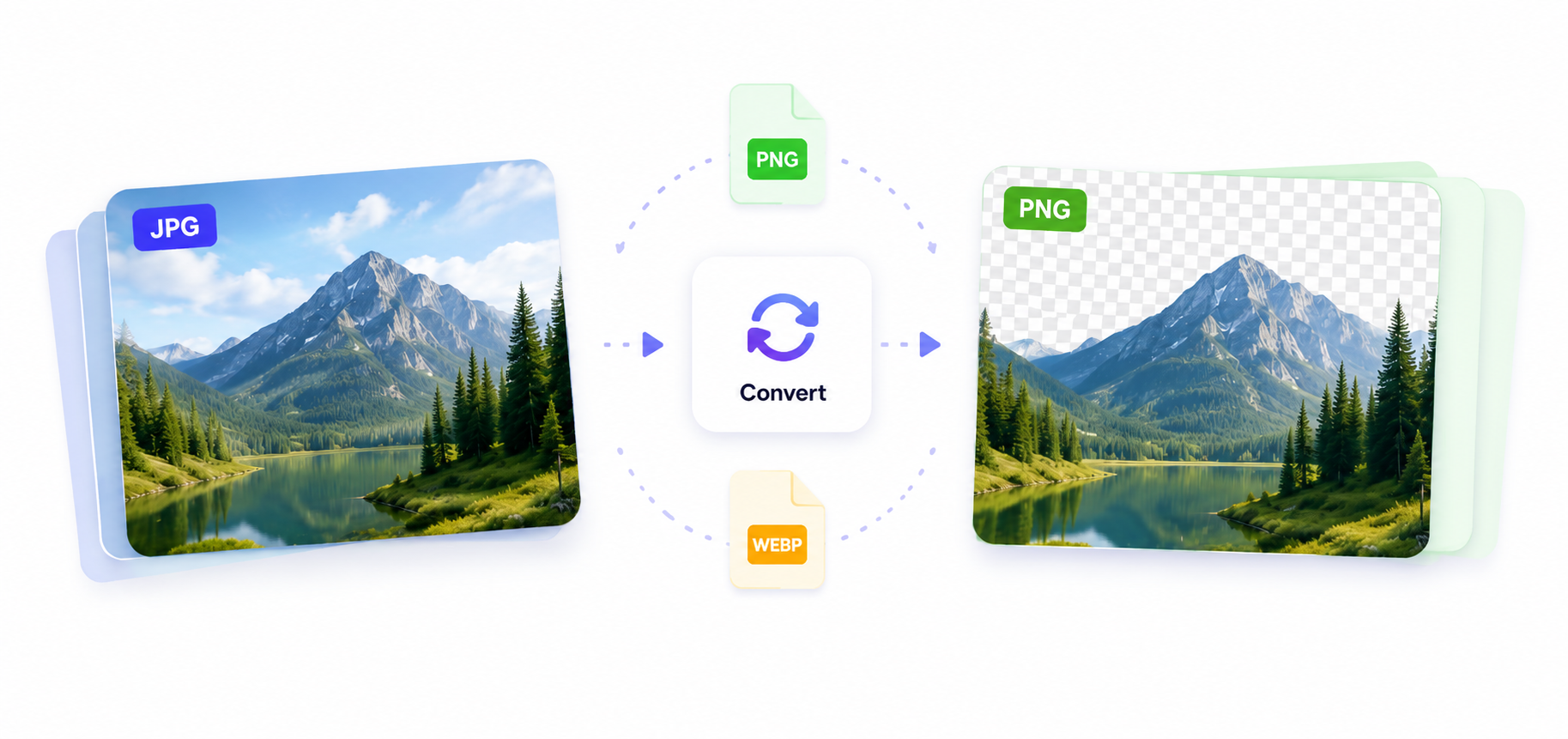
How do you convert an image to another format?
1. Drop your image here
JPG, PNG and WebP open straight away. Most other images your browser can display, such as GIF, BMP and AVIF, also open when you drop them on this page.
2. Choose JPG, PNG or WebP
The editor reminds you which formats keep transparency, so you don't lose a logo's see-through background by accident.
3. Convert and download
The file downloads with the right extension. Your original stays as it was.
JPG, PNG or WebP: which format should you use?
The short version: photos to JPG, graphics to PNG, websites to WebP. A PNG photo is often five to ten times bigger than the same photo as a JPG with no visible difference, which is the most common reason a file is "too large" for an upload. Going the other way, a logo saved as JPG gets fuzzy edges and a white box you can't remove, so keep logos as PNG.
| Format | Best for | Transparency | File size |
|---|---|---|---|
| JPG | Photos, and anywhere that only accepts JPG (many forms and older apps) | No; transparent areas become white | Small |
| PNG | Logos, screenshots, text, graphics with sharp edges, anything that must stay transparent | Yes | Large for photos, small for flat graphics |
| WebP | Images on websites and online stores | Yes | Smallest of the three |
Who converts images, and why?
Anyone filling in a form that rejects the file
Job portals, exam sites and government services often accept only JPG. Convert PNG or WebP to JPG and the upload goes through. If there's also a size limit, compress it next.
People saving images from the web
Many websites now serve WebP, which some older apps and editors won't open. Convert it to WebP to JPG or WebP to PNG and it works everywhere.
Website owners and online sellers
WebP images are usually noticeably smaller than JPG at the same quality, so pages load faster. Convert product photos with JPG to WebP before uploading them to your site.
Designers and marketers
Need a transparent version of a graphic for a slide or a video overlay? JPG to PNG changes the format, and the background remover removes the background itself.
Students and office workers
Screenshots for documents and slides stay sharpest as PNG. Converting them to JPG makes them smaller to share but can blur fine text, so keep the PNG for anything you'll read closely.
Does converting change the quality?
It depends on the direction. Converting to PNG is lossless: nothing is thrown away, though a photo saved as PNG gets much bigger. Converting to JPG or WebP compresses the image. The converter saves at high quality (92%), so photos look the same, but very fine text and sharp graphic edges can soften slightly.
Converting can't add quality that isn't there. A small, blurry JPG converted to PNG is still small and blurry, just in a bigger file. For that, use the image upscaler.
What about transparency?
PNG and WebP can store transparent areas; JPG can't. So when you convert a transparent PNG to JPG, the transparent parts are filled with white. That's usually what you want for a form or a document, and it's the safest choice because white looks right on almost any page.
Converting a JPG to PNG doesn't make anything transparent by itself, because there's no transparency in a JPG to keep. To cut the subject out, use the background remover first, then save as PNG or WebP.
Is the image converter free?
Yes. Your browser does the converting, which is why there's no fee, no file limit and no watermark. Convert two images as a guest, then make a free account for unlimited conversions.
Tips for converting images
- Convert from the best copy you have. Converting a JPG that's already been through WhatsApp compresses it a second time.
- Don't convert back and forth. Each trip to JPG or WebP loses a little; keep an original.
- For the web, try WebP before shrinking the image. The size saving often makes resizing unnecessary.
- Check what the destination accepts. If a site says "JPG or PNG", don't send WebP even though it's smaller.
What can't it convert?
- HEIC photos from iPhones can't be opened in most browsers. On the iPhone, choose Settings → Camera → Formats → Most Compatible to take photos as JPG, or share the photo by email or AirDrop, which often converts it automatically.
- SVG output. It converts *from* SVG in SVG to PNG, but it doesn't turn photos into vector graphics.
- Animated GIFs keep only their first frame.
- PDF. To turn an image into a PDF, use image to PDF.
Is it private?
Files are converted on your device rather than uploaded for processing. Signed in? The converted copy also lands in My Creations, where you can delete it.