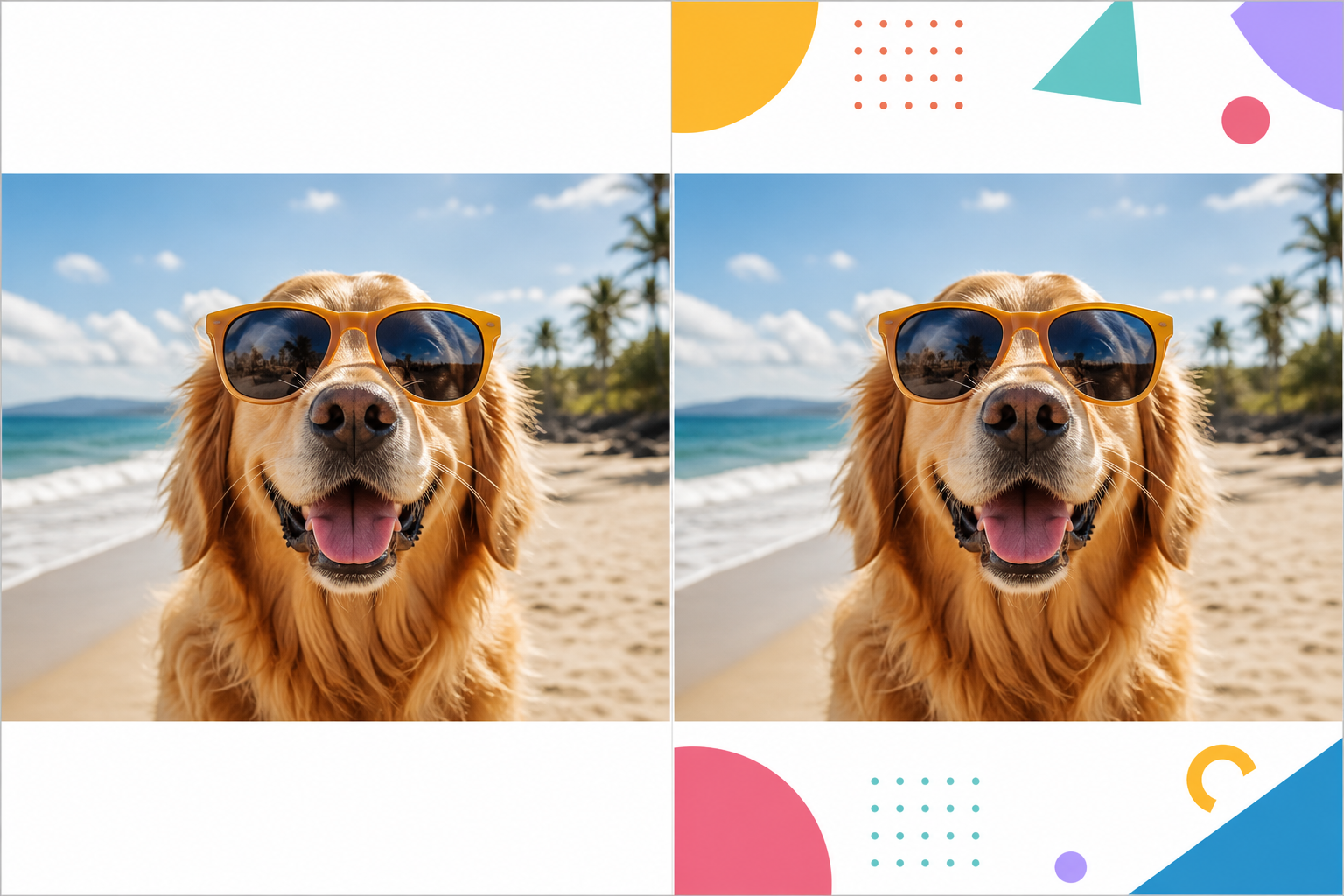
How do you make a meme from a photo?
1. Drop your photo here
Any JPG, PNG or WebP: a screenshot, a pet, a friend's face (with permission), a reaction you took yourself. The editor opens with the caption boxes ready.
2. Write the top and bottom text
Type the setup on top and the punchline at the bottom. Leave either empty if the joke only needs one line. Text is set in capitals automatically.
3. Create and share
Press Create Meme. Long captions wrap onto extra lines so they stay inside the picture. Download it and drop it into the chat.
What makes the classic meme look?
The look everyone recognises is bold, condensed capital letters in white, with a thick black outline so they read on any background, bright sky or dark room. That's exactly what this draws: an Impact-style font (Impact where your device has it, a close bold substitute where it doesn't), sized to the width of your photo, with an outline in proportion.
Because the text scales with the photo, a meme made from a big phone photo and one made from a small screenshot look the same when they're shared.
Who makes memes, and for what?
Group chats
The fastest way to answer a message is often a photo with two lines on it. Making it from your own photo, instead of a template everyone's seen, gets the bigger laugh.
Social media managers and small brands
A well-timed meme gets shared more than a polished ad. Make it with your own product photo or team photo, keep it kind, and keep it on brand.
Teachers and presenters
A meme on a slide is a quick way to wake a room up or make a point stick. Use a photo you have the rights to.
Friends and families
Birthday messages, inside jokes and holiday photos all become better with a caption. The tool doesn't add any branding, so it's just your joke.
How do you write a meme that lands?
- Top line sets up, bottom line pays off. "WHEN THE MEETING COULD HAVE BEEN AN EMAIL" on top, the face at the bottom says the rest.
- Keep each line short. Five to eight words reads at a glance; long captions shrink the joke.
- Let the photo do half the work. A strong expression or a ridiculous situation needs fewer words.
- Leave room for text. Photos with sky, wall or floor at the top and bottom keep the faces clear of the caption. Crop to give the text space if needed.
- Read it once on your phone before sending; that's where most people will see it.
Is the meme generator free?
Yes. Your browser draws the caption, so you can make as many as you want, and nothing but your text is added. Make two as a guest; a free account keeps it unlimited.
What else can you do with the same photo?
The editor that makes the meme also has emoji stickers you can drag anywhere, colour adjustments and cropping for the right shape (square for Instagram, 9:16 for Stories). For something stranger, the AI photo editor can change the scene behind someone before you caption it, and the AI photo apps turn a face into a cartoon, an action figure or an anime character.
What should you keep in mind?
- Use photos you're allowed to use. Your own photos are fine; other people's photos or famous characters may be someone else's copyright.
- Be kind about real people. A meme about a friend in a private chat is one thing; posting someone's face publicly to mock them is another, and can break platform rules.
- It only does top and bottom captions in the classic style. For text anywhere else, in another font, use a design app.
- It doesn't make animated GIF memes; it makes still images.
Is it private?
Captions are drawn onto the photo by your own browser; nothing is uploaded to make the meme. If you're signed in, the finished meme also appears in My Creations, where you can delete it.