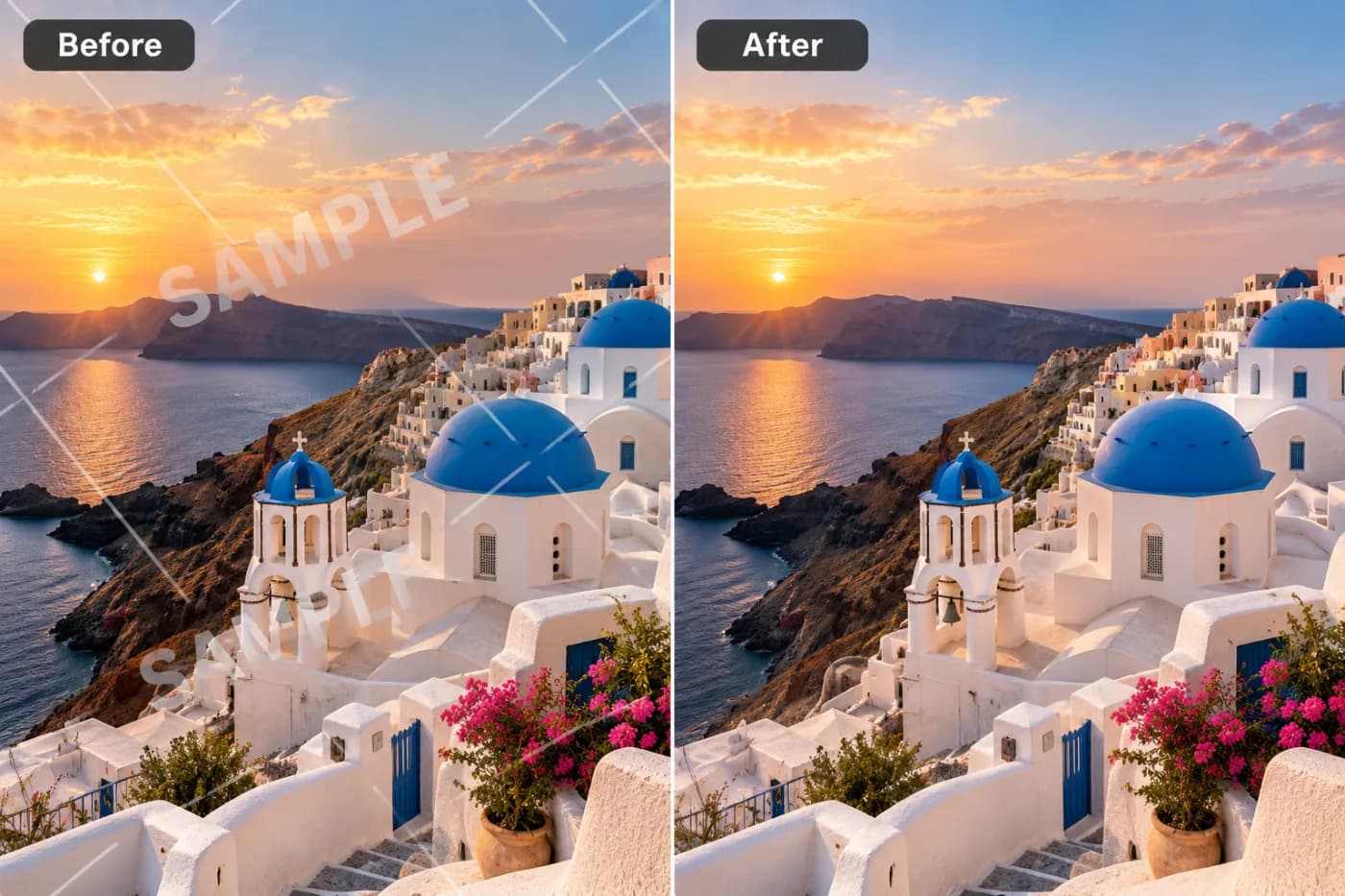
How to Add a Watermark to Photos for Free

A watermark is the simplest way to stop people reusing your photos without credit. Here's how to add one for free, with full control over how it looks.
If you share photos online — as a photographer, seller, or creator — a watermark is your cheapest form of protection. It signs your work, makes casual theft obvious, and quietly advertises your name every time the image is shared. Adding one should be free and take seconds.
What makes a good watermark
The best watermarks are readable but not distracting: your name or brand, sized so it's clearly there without dominating the photo, and at an opacity that lets the image show through. A corner placement is subtle; a repeating tiled pattern across the whole image is much harder to crop out if protection is your priority.
How to add a watermark free
Open the watermark tool, upload your photo, type your text, and choose the position, size, color, and opacity. Apply and download. It runs online, adds no watermark of its own, and needs no sign-up — only your text ends up on the image.
Protecting a whole gallery
If you need to brand a batch of photos, the Batch Editor applies the same watermark to up to 100 images at once — ideal for a shoot or a product catalog you want consistently marked.
Add your watermark now — free
Sign your work in seconds. Upload a photo, set your text, and download the watermarked version — free, private, and yours alone.