Tutorial
How to Fix WhatsApp-Compressed Blurry Photos (Free)
WhatsApp shrinks every photo you send, leaving them soft and low-res. Here's how to upscale WhatsApp-compressed photos back to sharp quality.
30 Sept 2025·8 min read
Read more →Step-by-step guides on upscaling images, enhancing photo quality, fixing blurry pictures, and getting print-ready resolution — all free.

WhatsApp shrinks every photo you send, leaving them soft and low-res. Here's how to upscale WhatsApp-compressed photos back to sharp quality.
Screenshots from video calls are soft and grainy. Here's how to enhance a blurry call capture into something clear enough to use.
Self-publishing platforms reject low-res covers. Here's how to upscale your cover image to meet KDP and Kindle resolution requirements.
The biggest challenge in upscaling images is preserving quality. Pixel Shine solves this with AI super-resolution that actually improves quality while enlarging your images.
A blurry reference makes for a shaky stencil. Here's how to upscale tattoo design references so every line and detail is crystal clear.
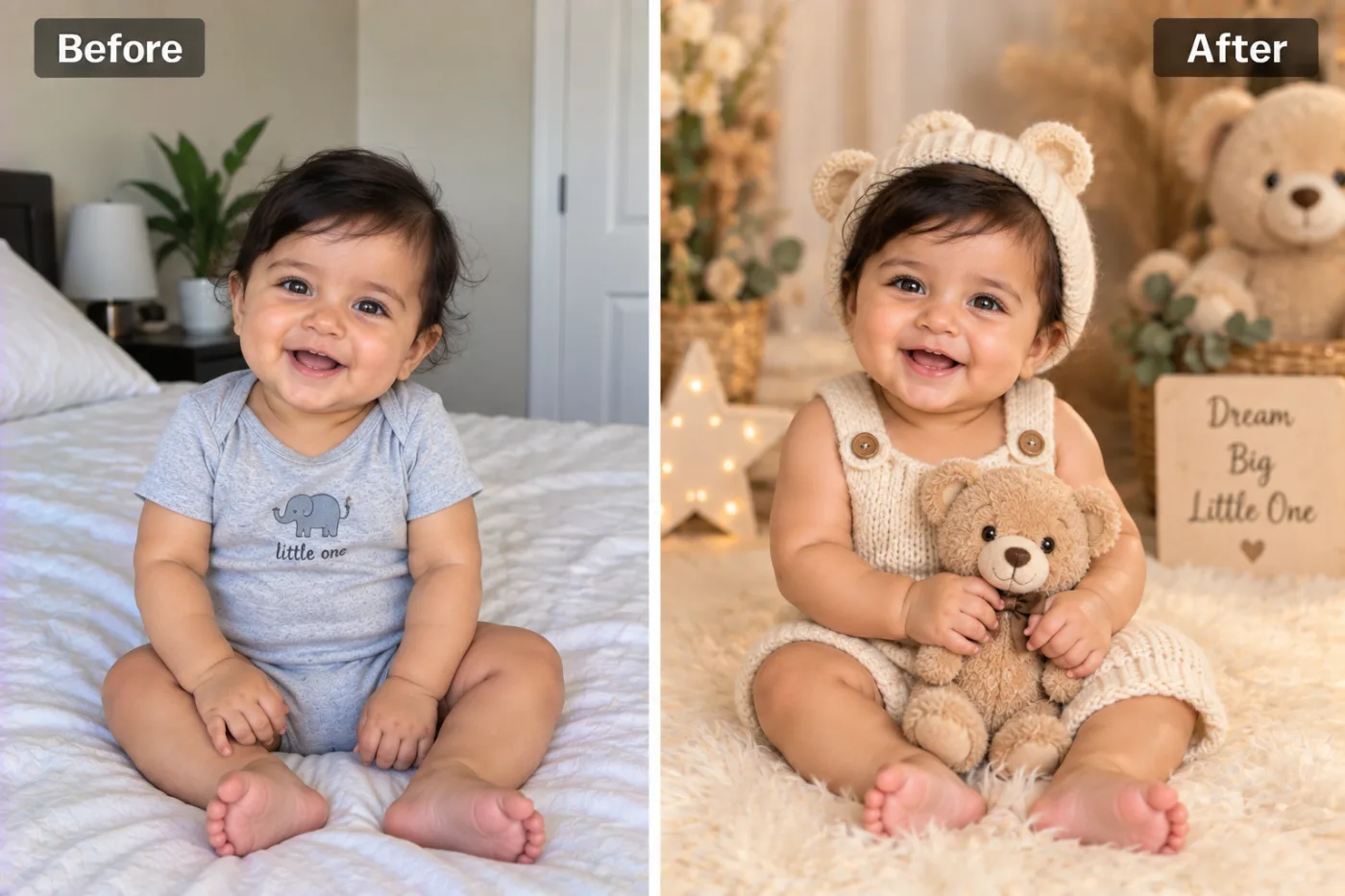
Newborns move and lighting is tricky, so baby photos come out soft. Here's how to gently enhance and upscale them for framing and sharing.
Concert photos are dark, grainy, and soft. Here's how to enhance and upscale low-light event shots into something worth sharing.
Landscape shots are full of intricate detail that softens when enlarged. Here's how to upscale nature photos to crisp, print-ready 4K.
Fabric texture is everything in fashion photos. Here's how to upscale lookbook and outfit shots so every stitch looks crisp and premium.
Buyers judge your car by its photos. Here's how to upscale car photos to crisp, trustworthy quality that helps your listing sell faster.
Making an image clearer is about more than just sharpening edges. Pixel Shine's AI clarity tool reconstructs detail, reduces noise, and enhances overall image quality for free.
Selling prints of your digital art? Low-resolution files ruin large prints. Here's how to upscale artwork to crisp, print-ready quality.