How to Enhance Baby & Newborn Photos for Free
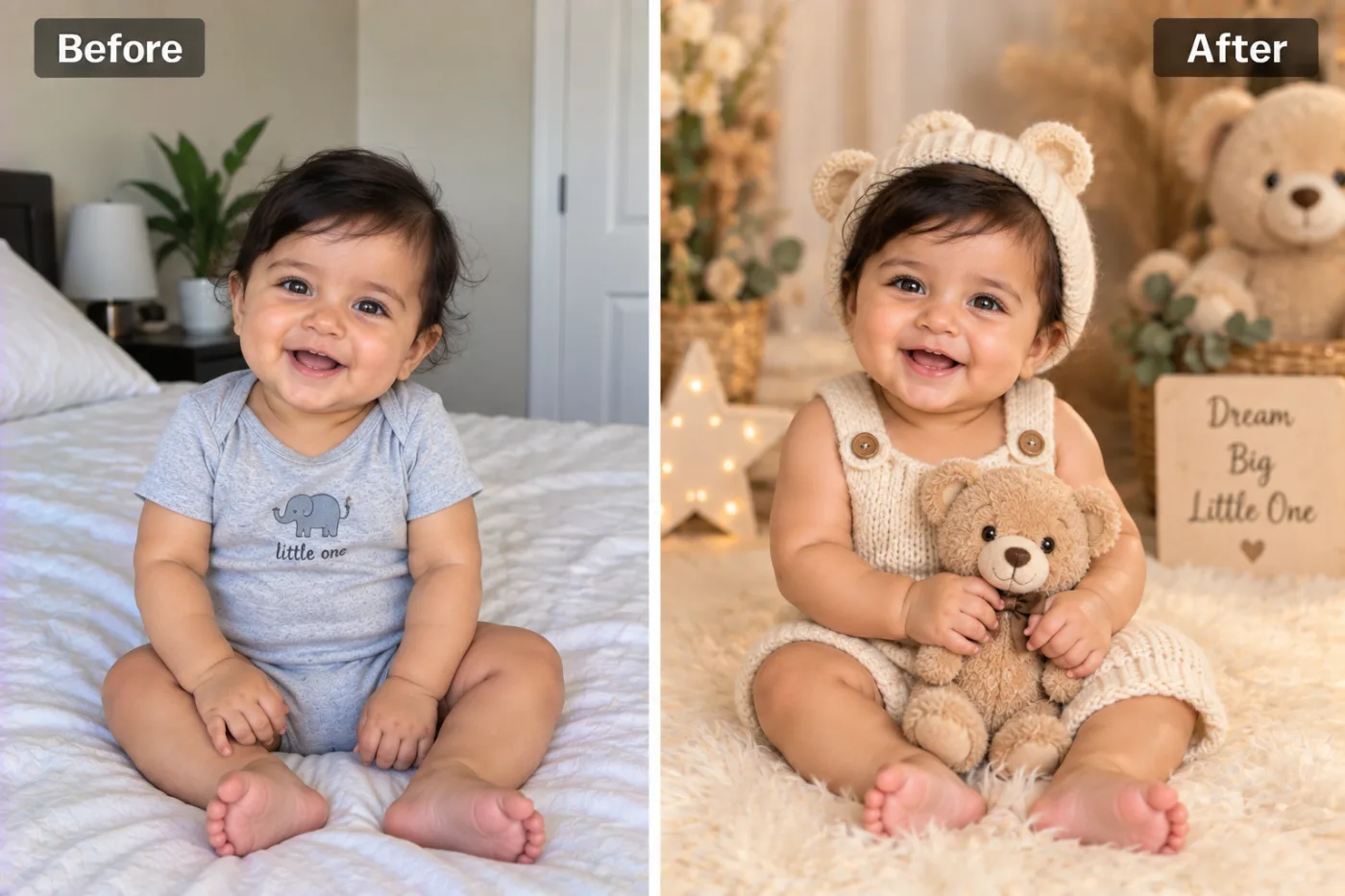
Newborns move and lighting is tricky, so baby photos come out soft. Here's how to gently enhance and upscale them for framing and sharing.
Newborn photos capture moments you can never recreate — but they're notoriously hard to shoot. Babies move unpredictably, indoor light is dim, and you're often photographing one-handed. The result is frequently soft or grainy. AI enhancement gently sharpens detail and lifts resolution so these irreplaceable photos are crisp enough to frame, print into an album, or share with family.
Why baby photos come out soft
Low indoor light pushes phone cameras to high ISO, adding noise, while tiny movements blur delicate detail. Since you can't ask a newborn to hold still, timing is luck. Upscaling helps by cleaning up that noise and reconstructing fine detail — eyelashes, tiny fingers, soft hair — that makes newborn photos so precious, without harsh over-sharpening that would look unnatural on delicate skin.
Enhance a baby photo
Step 1 — Choose your sharpest, best-lit shot. Natural window light produces the cleanest source.
Step 2 — Upscale 2×. Upload to Pixel Shine and enhance gently. A 2× boost usually adds clarity while keeping skin looking soft and natural.
Step 3 — Save and print. Download the higher-resolution result for a framed print, an album, or sharing with relatives.
Tips for natural results
Softer, more subtle enhancement suits babies — you want clarity, not a harsh, over-processed look. Shoot near a window in daytime for the cleanest starting point. Enhancement is great for salvaging that one perfect expression you caught in imperfect light. These make heartfelt keepsakes and gifts for grandparents. Everything's free, so enhance as many as you like.
Free for new parents
Pixel Shine is free, unlimited, and watermark-free, and runs online — no cost, no software, no limits during those busy newborn days.
Treasure every moment in crisp detail — upload a baby photo at Pixel Shine and enhance it in seconds.