How to Watermark Photos in Bulk for Free
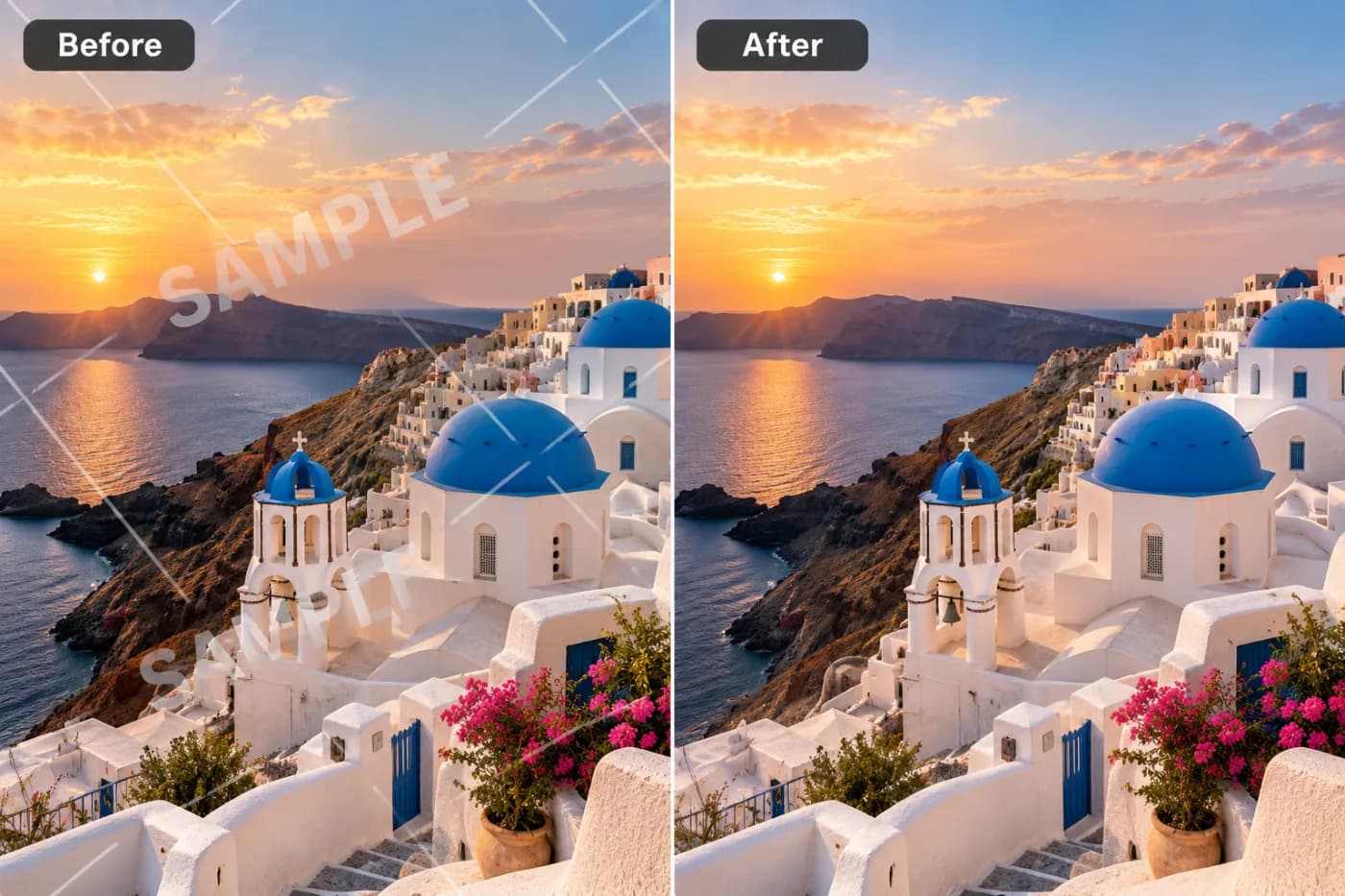
Watermarking photos one at a time is fine for one photo. For a hundred, you need batch mode. Here's how to brand a whole gallery for free.
For photographers delivering proofs and sellers listing dozens of products, watermarking images one by one is a real time sink. Batch watermarking applies your mark to every image in one pass, so a whole gallery comes out consistently branded in the time it used to take to do two or three.
Why consistency matters
When every photo carries the same watermark in the same spot, your brand reads as deliberate and professional. Mismatched or missing watermarks look careless — and leave gaps that make image theft easy. Batch mode keeps the position, size, and opacity identical across the set.
How to bulk-watermark free
Open the Batch Editor, drop in up to 100 images, choose the Watermark transformation, and set your text, position, size, color, and opacity once. Run it, then download everything — as a ZIP if there are several. It's free, with no watermark from the tool itself.
Stack it with other steps
Because the Batch Editor applies steps in sequence, you can resize and compress in the same run — perfect for prepping a whole product catalog for a marketplace: uniform size, small files, and your watermark, all at once.
Watermark your gallery now — free
Brand a hundred photos in one go. Open the Batch Editor, set your watermark once, and download the whole set — free.