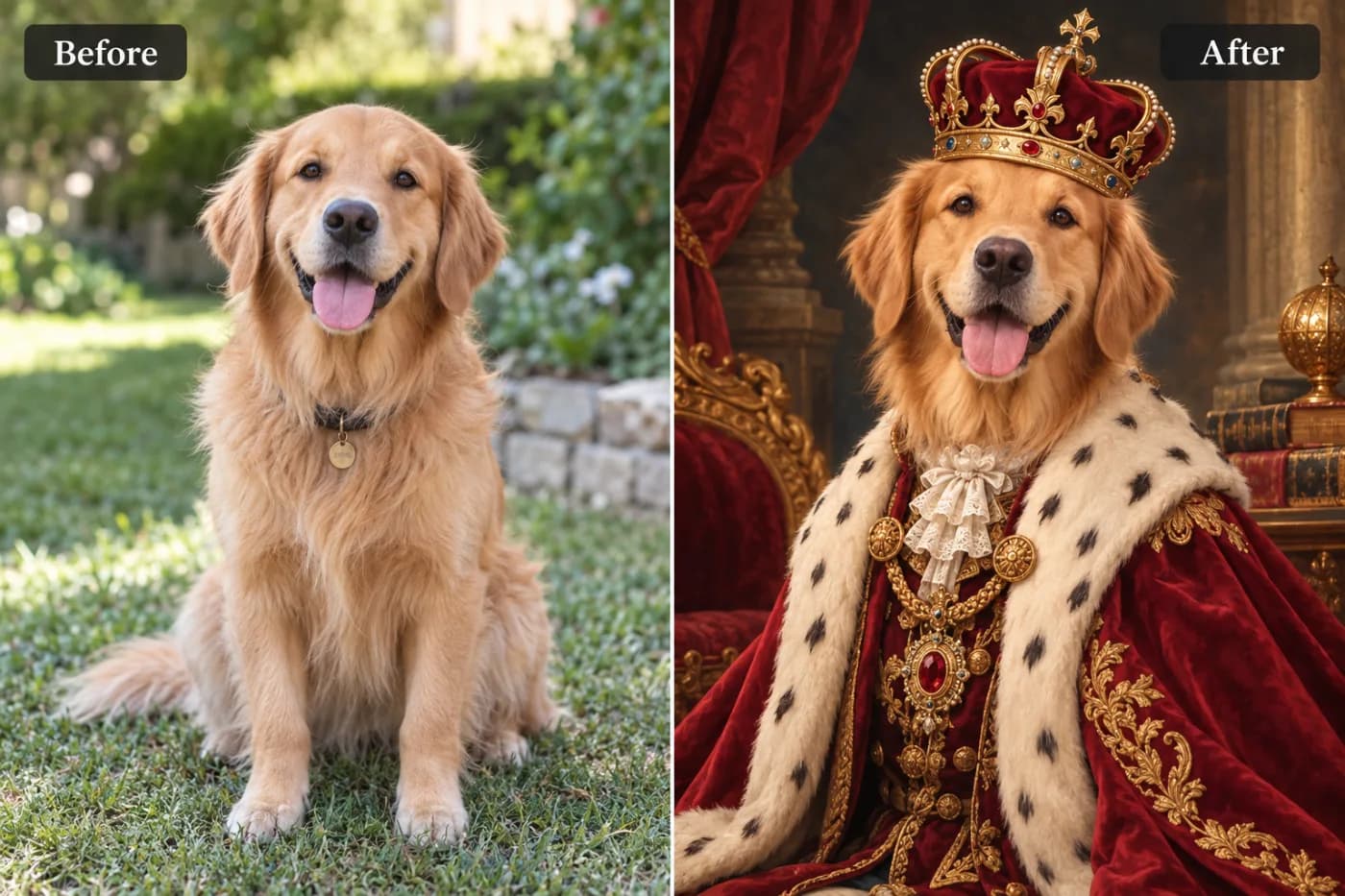
Is AI Image Upscaling Free? Yes — Here's How

"Is this actually free, or is there a catch?" Fair question. Here's a straight answer on free AI image upscaling — and how to do it with no cost.
It's a reasonable thing to wonder before you upload a photo: *is this actually free, or is there a catch waiting at the download button?* You've been burned before. So here's the straight answer: yes, AI image upscaling can be completely free — no watermark, no sign-up to try, no per-image charge. Let me explain how that's possible and where the honest limits are.
How can it be free?
Basic upscaling (the client-side, everyday 2×/4× enhancement) is genuinely cheap to run, so it's offered free with no catch — no watermark, and unlimited for signed-in users. Sites can afford this and still keep the lights on through other means (like ads or optional premium features), which is why a good free tier is sustainable. So when we say free, we mean free: upload, upscale, download, done.
Where's the catch (if any)?
The honest boundaries aren't about money — they're about physics. Upscaling can't invent detail that was never in your photo, so a tiny, heavily-compressed thumbnail won't become flawless 4K. And extremely heavy, GPU-intensive "pro" AI processing is where some sites charge, because that genuinely costs more to run. But standard "make my photo sharper and bigger" upscaling? Free, no asterisk.
How to upscale for free right now
Open the upscaler, upload a photo, choose 2× or 4×, and download. You don't need an account to try it, and there's no watermark on the result. If you sign in (free), you get unlimited upscaling with no interruptions.
Try it and see for yourself
Don't take my word for it — test it. Upload a photo, upscale it, and check the download. Free, no watermark, no catch. That's the fastest way to answer the question for good.