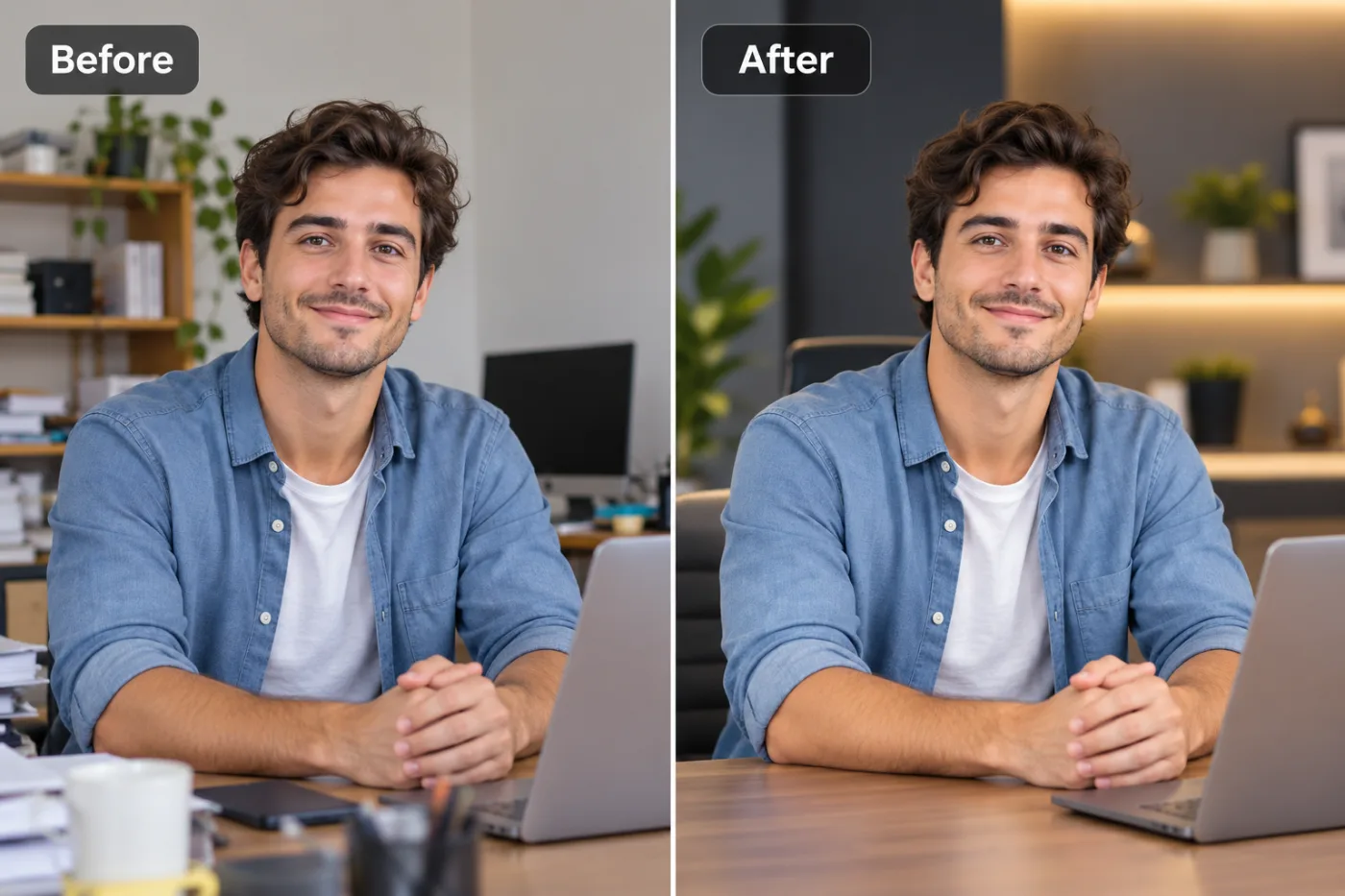
How to Enhance a Zoomed-In (Cropped) Photo Free

Cropping in throws away pixels and leaves you blurry. Here's how to enhance a zoomed-in photo and get the sharpness back, free.
Cropping in to focus on a subject feels harmless — but every crop throws away pixels, so the result is smaller and softer. AI upscaling rebuilds that lost resolution, so a heavily zoomed-in photo can look sharp again. Here's how to enhance a zoomed-in photo, free.
Why zooming in makes photos blurry
When you crop or digitally zoom, you keep only part of the original pixels and then view them larger — which magnifies softness and pixelation. There's no extra detail to show, so it looks blurry. Upscaling adds resolution back by reconstructing plausible detail.
How to enhance a zoomed-in photo free
Step 1 — Crop to the part you want (if you haven't already).
Step 2 — Open Pixel Shine and choose the Upscaler.
Step 3 — Upload the cropped image and upscale 2× or 4×.
Step 4 — Download the sharper result — no watermark.
Crop first, then upscale
The best order is crop to your subject, then upscale — so the AI spends all its detail on the part you actually care about, not the areas you were going to cut. You end up with a tight, sharp image instead of a big, soft one.
When it works best
Enhancing works best when the crop still contains a fair amount of detail. An extreme zoom into a tiny, blurry region gives the AI little to rebuild from; a moderate crop of a decent photo cleans up beautifully.
Frequently asked questions
How do I fix a blurry cropped photo?Upscale it with AI — Pixel Shine's free upscaler rebuilds resolution lost to cropping, sharpening the zoomed-in result.
Should I crop before or after upscaling?Crop first, then upscale, so the detail is focused on the part you're keeping.
Is it free?Yes — free, with no watermark or sign-up.
Will an extreme zoom look perfect?The more detail the crop keeps, the better. Extreme zooms into tiny regions have less for the AI to rebuild.
Key takeaways
Zooming in discards pixels and blurs the shot — AI upscaling rebuilds the lost resolution. Crop to your subject, then upscale free at Pixel Shine for a sharp result. Enhance the Photo Free →