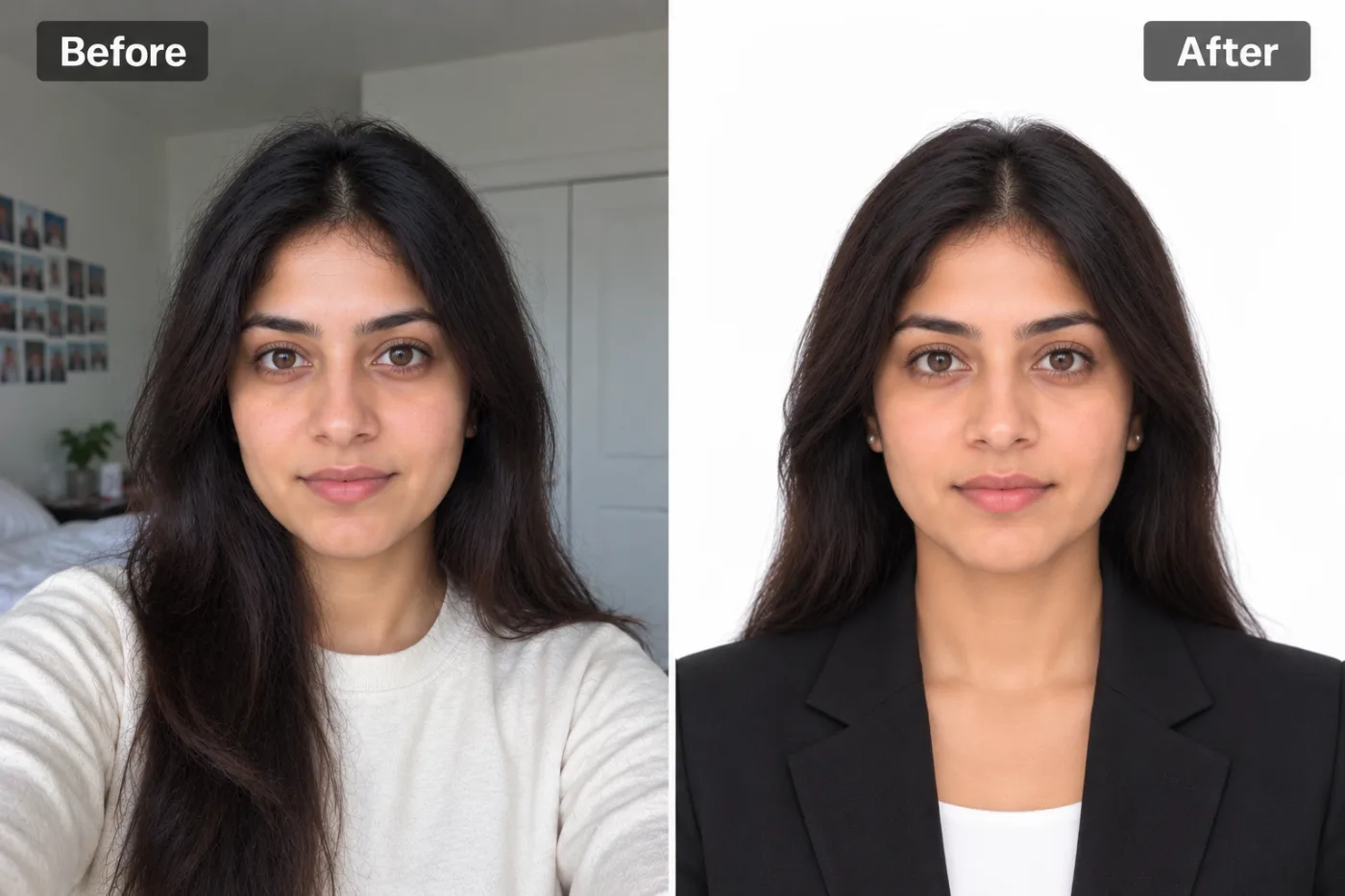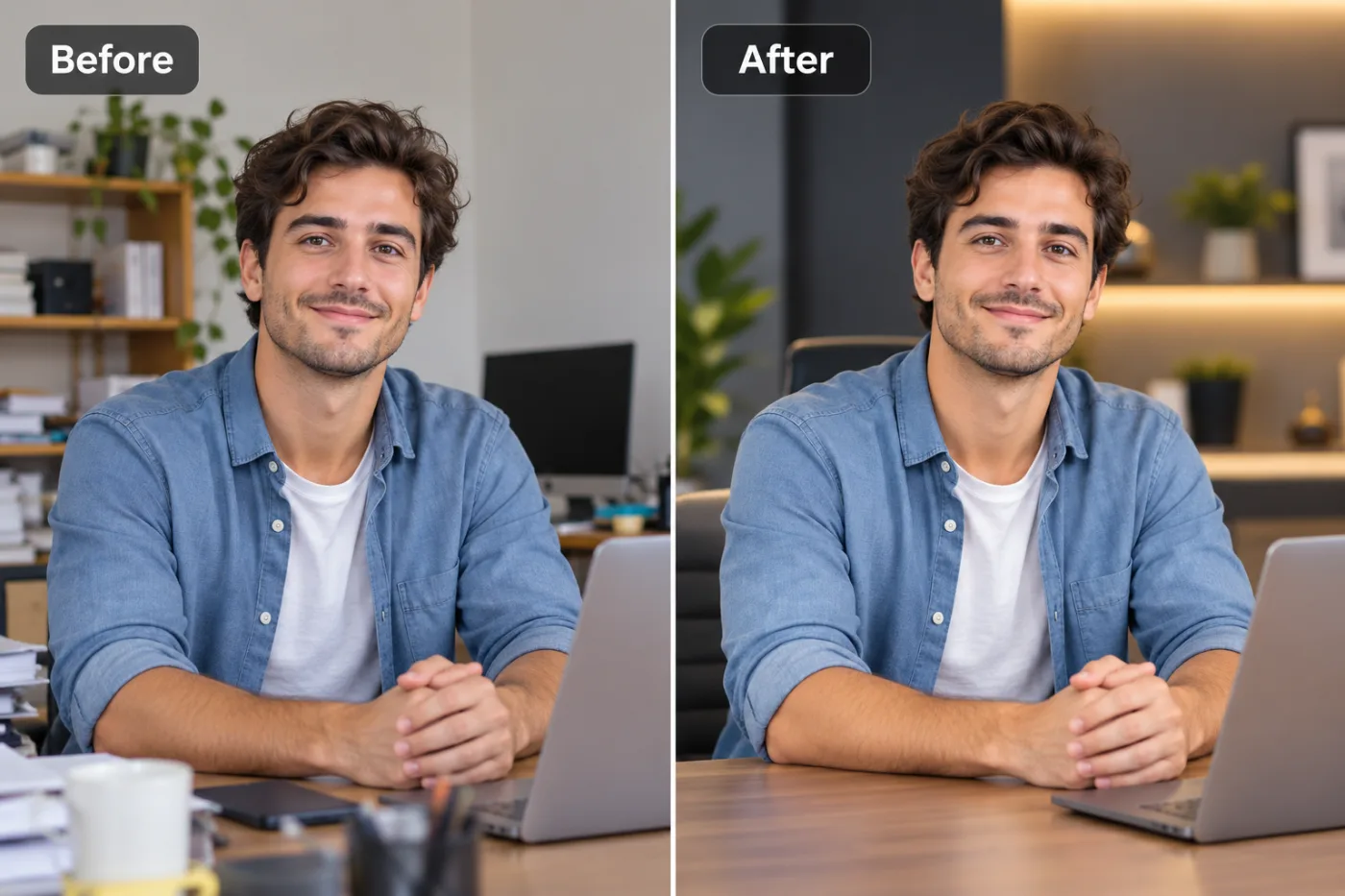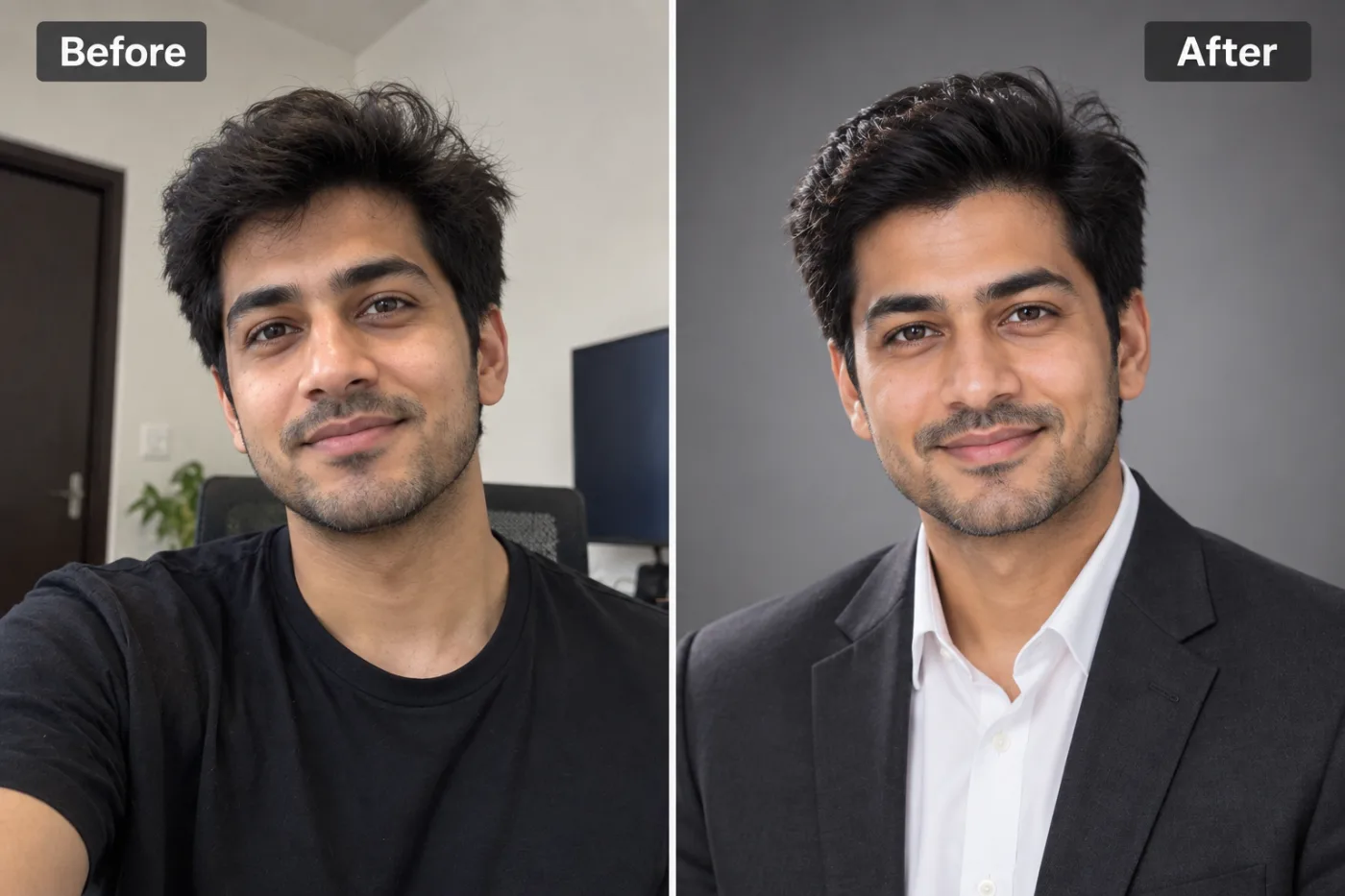
How to Upscale Your Profile Picture for LinkedIn & Professional Use
Your LinkedIn profile picture makes a first impression before you say a word. A blurry, pixelated headshot signals unprofessionalism — here's how to fix it fast.
Step-by-step guides on upscaling images, enhancing photo quality, fixing blurry pictures, and getting print-ready resolution — all free.

Your LinkedIn profile picture makes a first impression before you say a word. A blurry, pixelated headshot signals unprofessionalism — here's how to fix it fast.

Increasing image resolution used to require expensive software and technical expertise. Pixel Shine makes it free, fast, and foolproof for everyone.

Found the perfect wallpaper but it's too small for your 4K monitor? AI upscaling can take almost any image to 3840×2160 without visible blurring.

Getting a passport photo with the right white background no longer requires a studio. AI makes it free and instant from any photo.

Bright, sharp listing photos sell properties faster. Here's how to enhance real estate images for free with AI.

Sharp, clean product photos convert better. Here's how to enhance, upscale, and clean up your store images for free with AI.

Hair is the hardest part of any cutout. Here's how AI gets clean edges around hair and fur for free — no manual masking.

Clean white backgrounds look professional for products, portraits, and IDs. Here's how to add one to any photo for free.

Photoshop is powerful but complex and costly. Here's how to do the most common edits for free using AI text prompts — no skills required.

Bicubic interpolation averages pixels. AI super-resolution predicts reality. The difference is visible — and it matters for every use case.

Matching, professional team headshots make a company look credible. Here's how to generate them for free with AI — no studio day required.

Do you actually need to pay for a background remover? We tested the most popular tools to find out where free tools hold up and where they don't.