Tutorial
How to Convert WEBP to JPG (Free, No Sign-Up)
You saved an image from the web and got a .webp that half your software refuses to open. One conversion fixes it.
16 Aug 2026·4 min read
Read more →Step-by-step guides on upscaling images, enhancing photo quality, fixing blurry pictures, and getting print-ready resolution — all free.
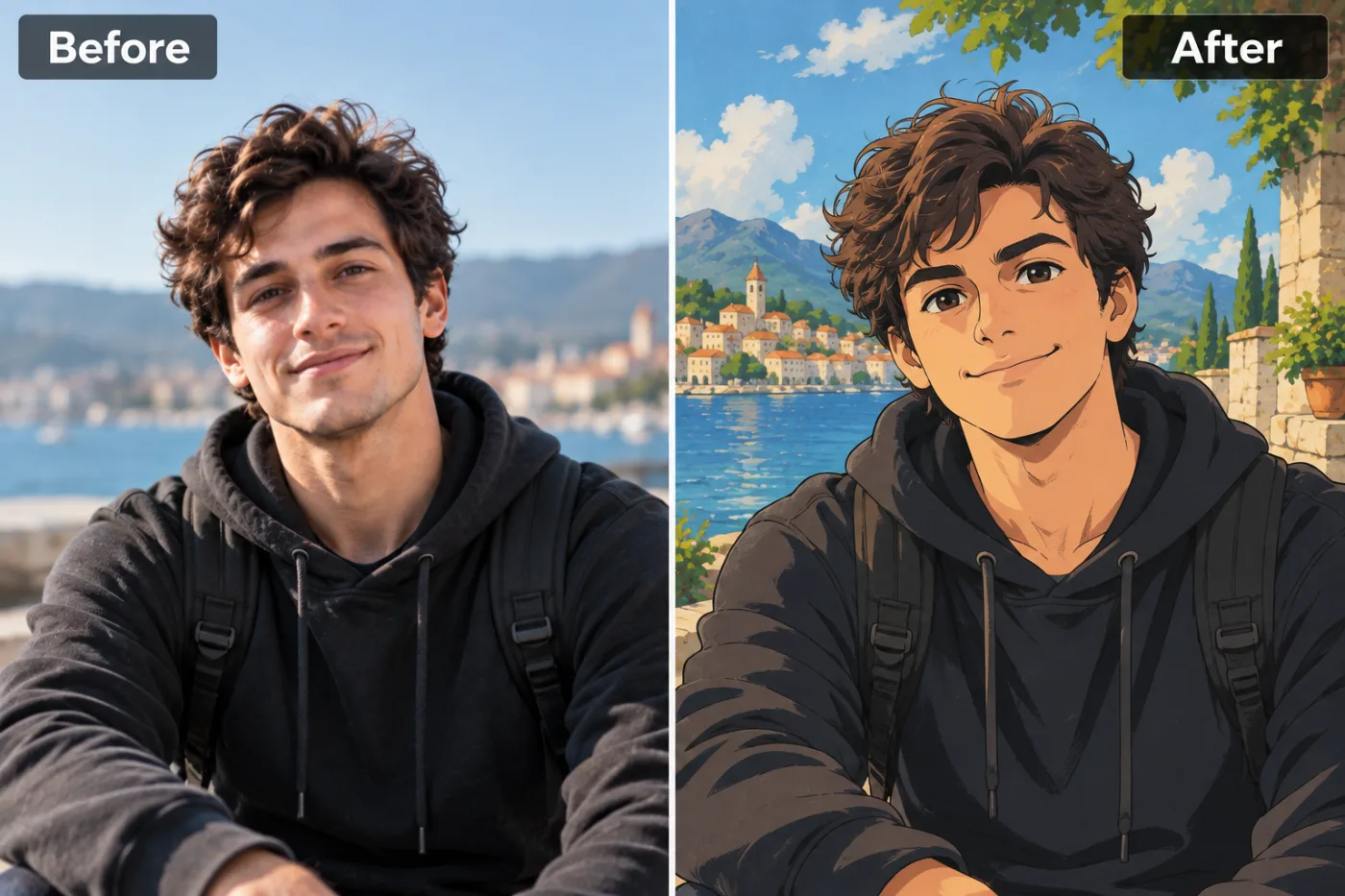
You saved an image from the web and got a .webp that half your software refuses to open. One conversion fixes it.
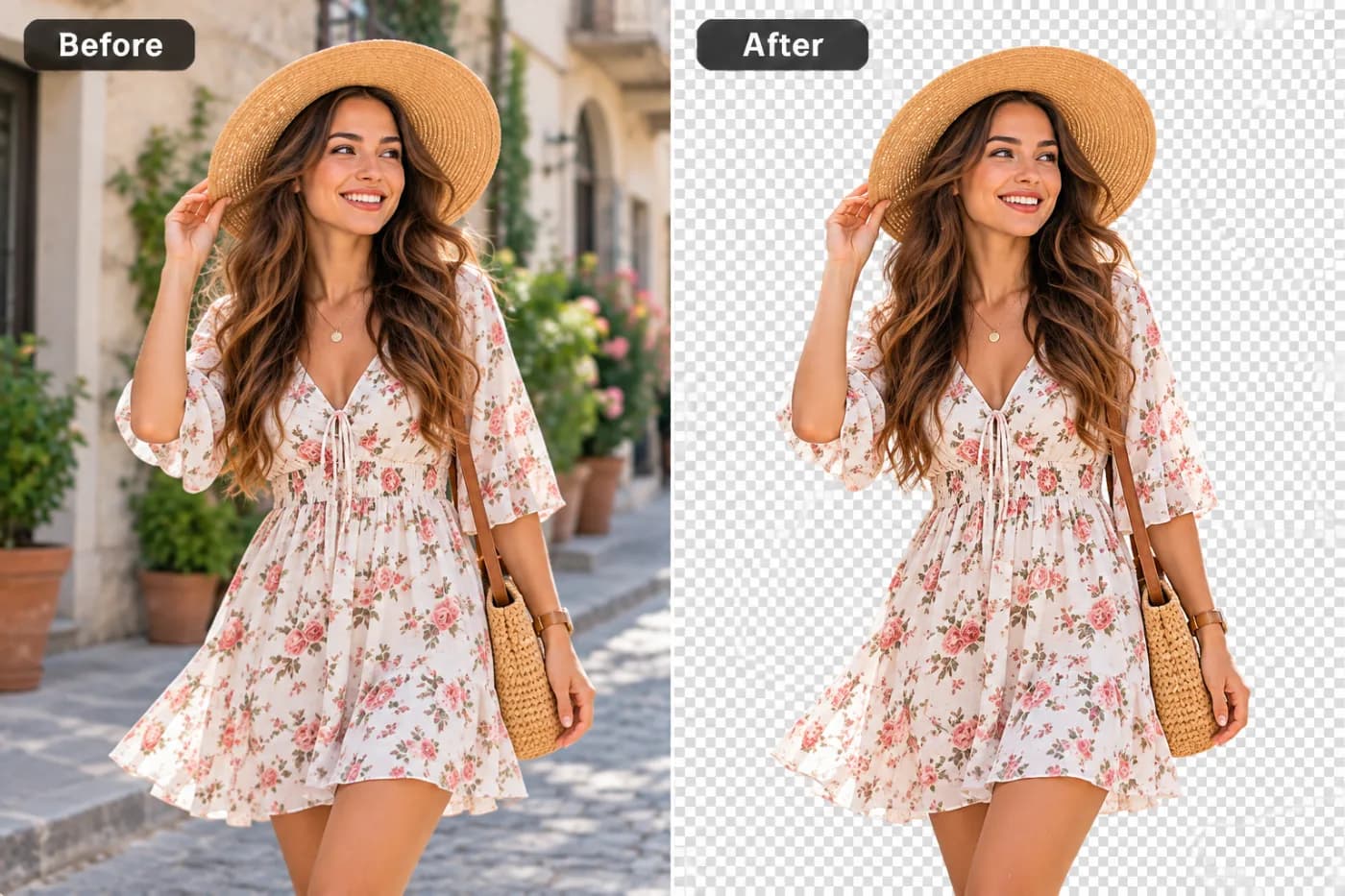
If your WEBP has a transparent background, PNG is the conversion that keeps it. JPG is the one that destroys it.
Three formats cover almost everything. Picking the right one is usually worth more than any amount of compressing the wrong one.
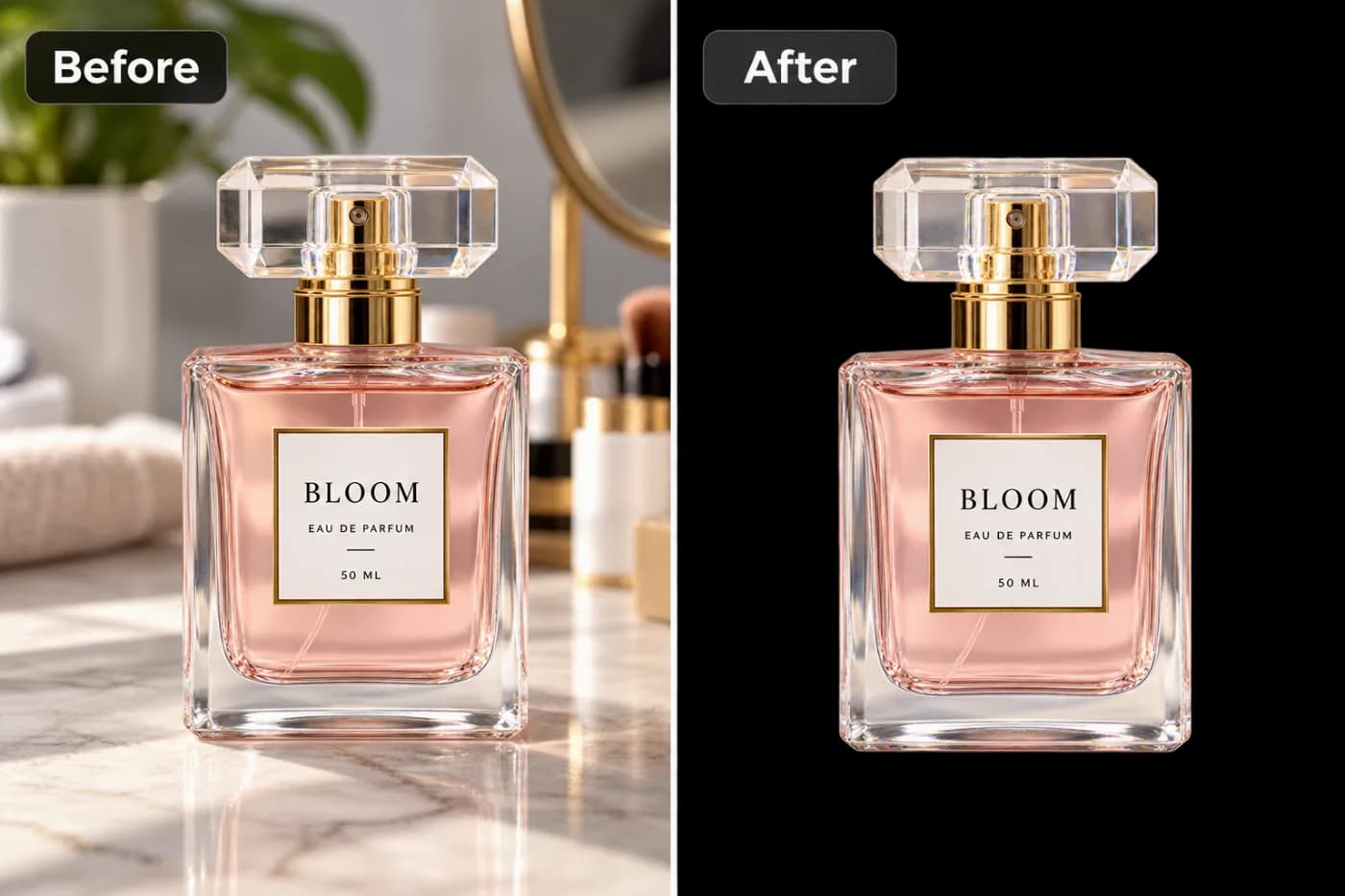
No app, no installs. Here's how to download a TikTok video straight from your browser, watermark-free and free.
Want the clean HD version without the bouncing TikTok logo? Here's how to download a TikTok in HD, no watermark, free.

Cropping in throws away pixels and leaves you blurry. Here's how to enhance a zoomed-in photo and get the sharpness back, free.
Facebook stretches small cover photos into a blurry mess. Here's how to upscale an image so your cover looks crisp, free.
Security-camera stills are notoriously blurry. Here's how AI can sharpen and enlarge a CCTV image, free.
Sharp listing photos sell homes faster. Here's how to upscale property images for portals and brochures, free.
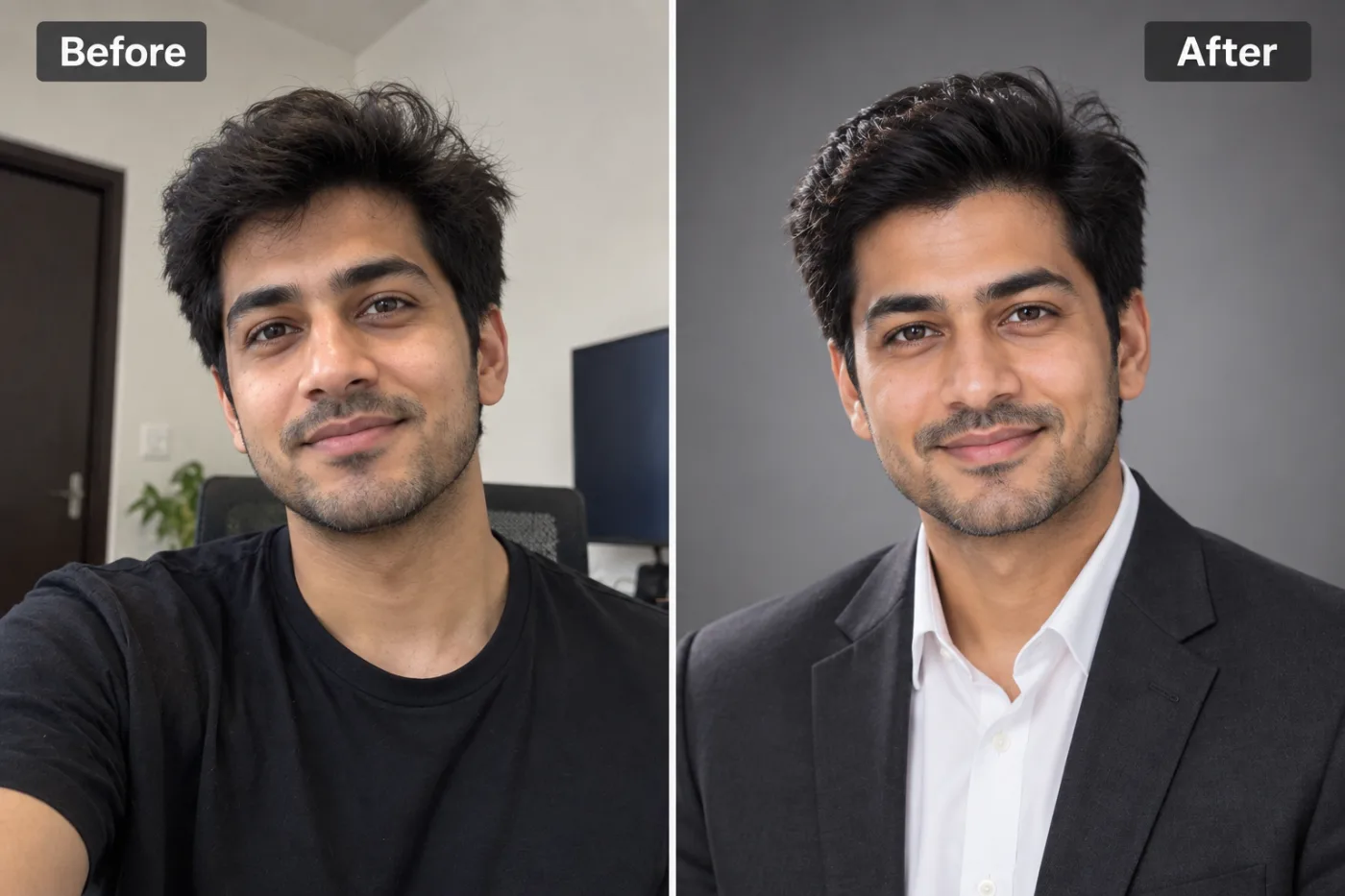
A blurry LinkedIn photo undersells you. Here's how to upscale your profile picture to a crisp, professional headshot, free.
4K not enough? Here's how to upscale an image all the way to 8K, free, right in your browser.
If your site serves PNG logos and graphics, converting them to WEBP is one of the cheapest speed wins available.