How to Upscale a Profile Picture for LinkedIn (Free)
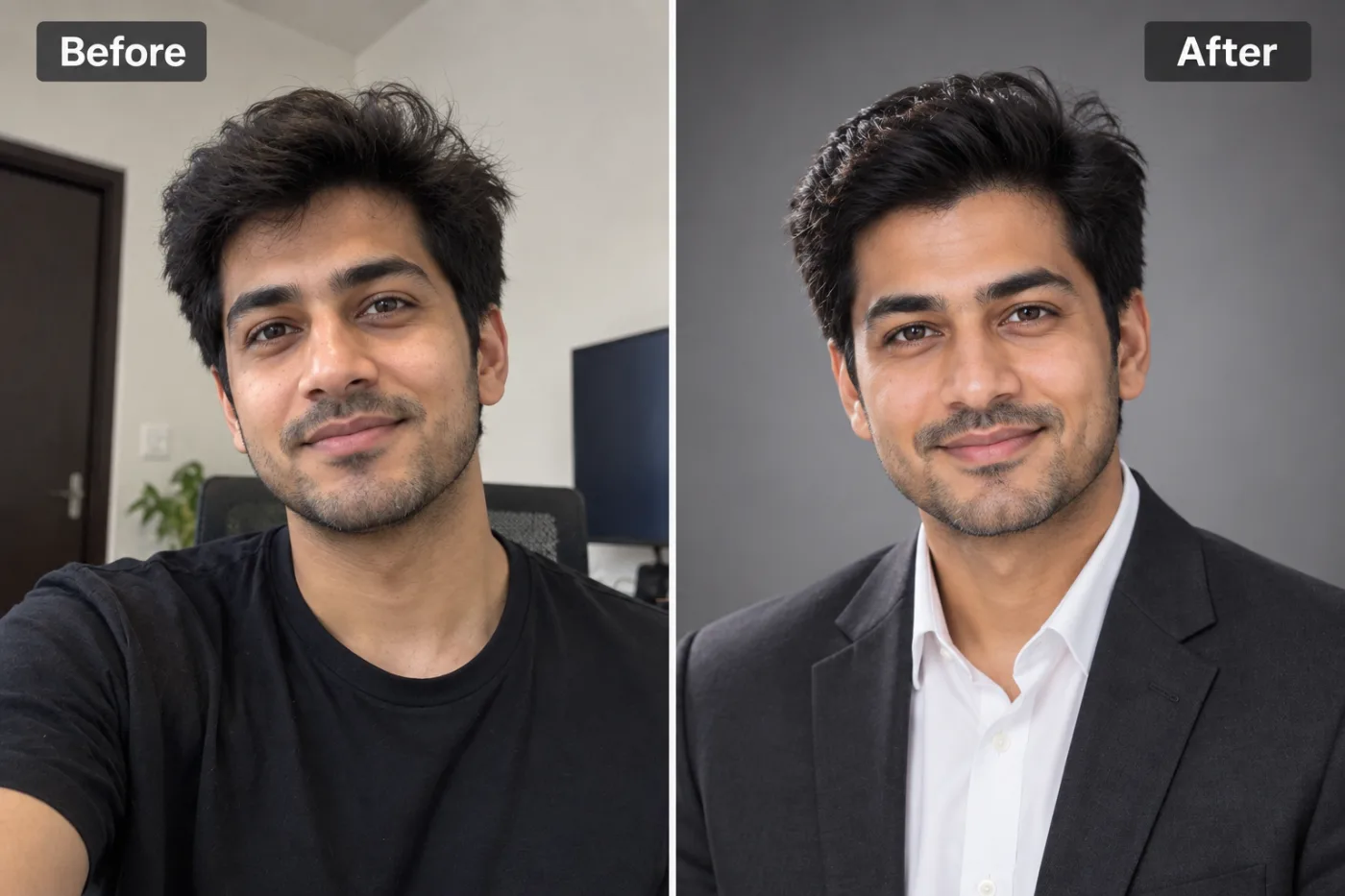
A blurry LinkedIn photo undersells you. Here's how to upscale your profile picture to a crisp, professional headshot, free.
Your LinkedIn photo is the first thing recruiters and clients see — and a small, soft or pixelated headshot quietly works against you. If the only good photo you have is low-resolution, AI upscaling can sharpen and enlarge it into a clean, professional profile picture. Here's how, free.
Why profile-picture quality matters
LinkedIn recommends a reasonably high-resolution photo, and profiles with a sharp, professional picture get noticeably more views and connection requests. A blurry crop from an old group photo reads as careless — upscaling fixes the resolution so your face is crisp and clear.
How to upscale your LinkedIn photo free
Step 1 — Open Pixel Shine and choose the Upscaler.
Step 2 — Upload your headshot (even a small crop works).
Step 3 — Upscale 2× or 4× to add resolution and sharpness.
Step 4 — Download and set it as your profile picture — no watermark.
Crop it square first
LinkedIn profile pictures are square (and shown as a circle). Crop your photo to a 1:1 square centred on your face *before or after* upscaling, so the important detail fills the frame. Pixel Shine has a free crop tool with a one-tap square ratio.
Tips for a professional look
Pick a photo with your face clearly lit and looking toward the camera, upscale it for sharpness, and keep the background simple. If the background is busy, remove it and drop in a clean neutral colour — also free — for a studio-style headshot.
Frequently asked questions
How do I make my LinkedIn profile picture higher resolution?Upload it to Pixel Shine's free upscaler and enlarge 2× or 4× — the AI adds sharpness and resolution. Then crop to a square.
Is it free?Yes — upscaling is free with no watermark or sign-up.
What size should a LinkedIn photo be?Square works best (shown as a circle). Crop to 1:1 centred on your face.
Can I fix a blurry old photo?Often yes — AI upscaling is designed to recover detail in soft, low-resolution photos.
Key takeaways
A sharp headshot gets more profile views — AI upscaling turns a small or blurry photo into a professional LinkedIn picture, free at Pixel Shine. Crop it square and you're set. Upscale Your Photo Free →
