Unblur a Photo Online for Free — AI Deblur Tool Guide
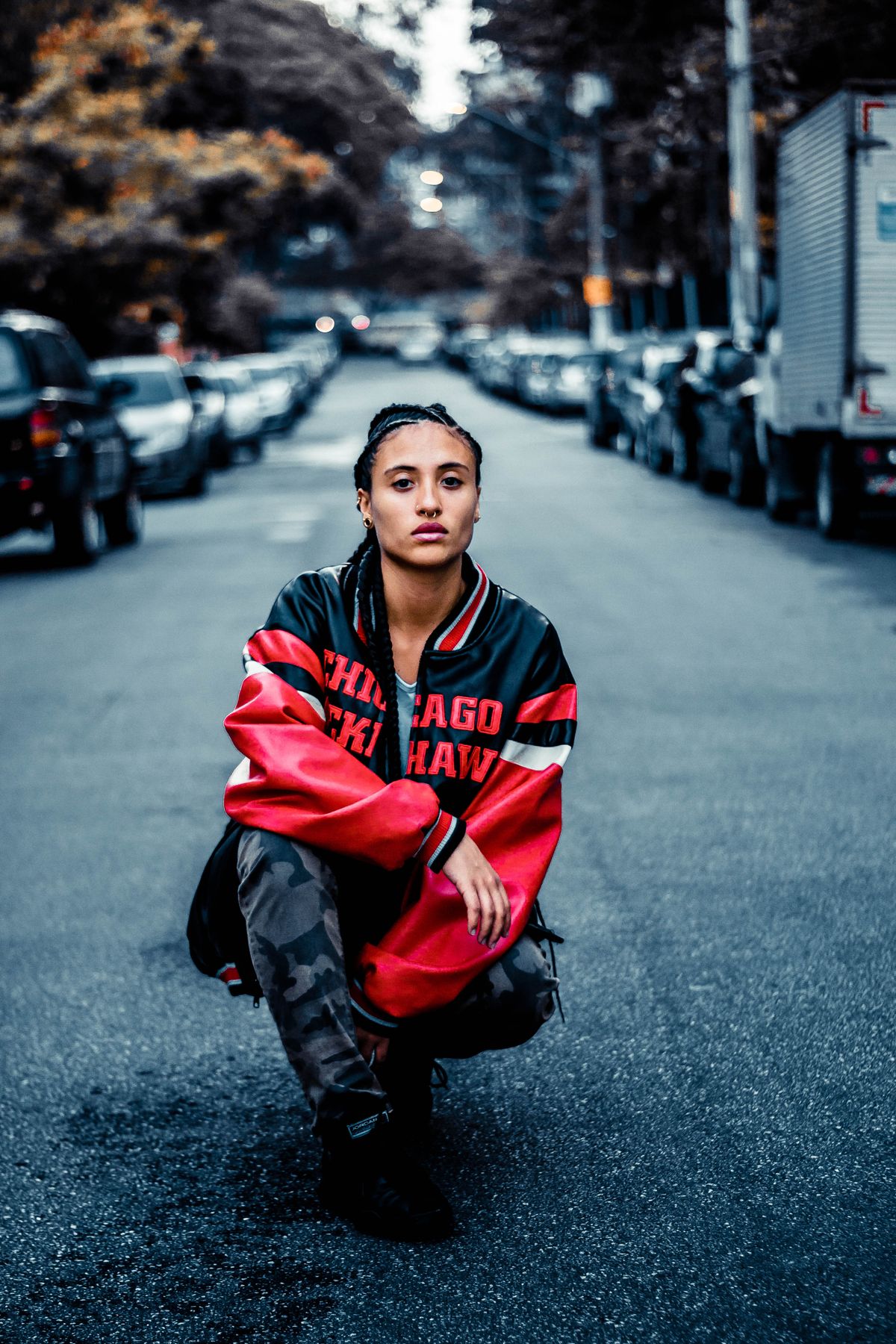
Unblurring a photo is one of the most-requested photo fixes online. JPT AI's free AI deblur tool can restore clarity to soft or motion-blurred images in seconds.
The ability to unblur a photo online for free has quietly become one of the most useful tricks in anyone's digital toolkit. We've all been there: you capture a once-in-a-lifetime moment, glance at the screen, and realize the shot came out soft. In the past, that photo was simply lost. Today, an AI deblur tool can analyze the image, reconstruct the detail that blur destroyed, and hand you back a sharp, usable picture — often in under a minute, and without costing you anything.
This guide is your complete walkthrough for how to remove blur from a photo using AI. You'll learn what causes different kinds of blur, how modern deblurring actually works under the hood, and how to use JPT AI's free photo unblur tool step by step. Best of all, JPT AI adds no watermark and doesn't force a sign-up for its free mode — so you can rescue that soft memory, sharpen a product shot, or clean up a scanned print without jumping through hoops. Let's turn your blurry photos back into keepers.
What Causes a Photo to Blur
To unblur a photo effectively, it helps to know what kind of blur you're dealing with — because AI handles each type a little differently. Blur generally comes from one of four sources.
Motion blur appears when the camera or subject moves during the exposure. A quick-moving pet, a passing bike, or unsteady hands in dim light will streak detail across the frame.
Out-of-focus blur happens when the lens focuses on the wrong plane — a very common issue with phone cameras that auto-select a focus point and get it wrong, leaving your subject soft while the background is crisp.
Low-light softness results from cameras compensating for darkness with high ISO and slow shutter speeds, producing grainy, indistinct images.
Compression and downscaling quietly destroy detail every time a photo is shared, texted, screenshotted, or re-saved. This is why an image that looked fine on your camera can look mushy after a few trips through social media.
Most blurry photos combine a couple of these. The encouraging news is that AI deblurring is especially strong on focus softness, low-light grain, and compression damage — the most common causes by far — and can meaningfully improve mild motion blur too.
How JPT AI's Deblur Tool Reconstructs Detail
JPT AI's deblur engine doesn't just crank up a sharpening slider — that old approach only exaggerates edges the software can already see, adding halos and noise without recovering true detail. Instead, JPT AI uses an AI model trained on millions of sharp images to *predict and rebuild* the information that blur erased.
When you upload a soft photo, the AI examines it region by region, recognizing faces, textures, and structures, then reconstructs plausible fine detail — the catchlight in an eye, the grain of wood, the edge of a letter. Because it's working from learned patterns rather than guesswork, the results look natural rather than artificially crunchy. At the same time, it upscales the image, so you get a picture that's both sharper and larger than the original.
The Normal mode is free, unlimited, and requires no sign-up, covering the everyday deblurring most people need. For severely damaged photos or professional-grade output, Pro AI mode applies a more powerful model using credits, with 5 free trials for new users to test. And no matter which mode you use, JPT AI never watermarks your result — the deblurred photo is clean and yours to keep.
Step-by-Step: How to Unblur a Photo Online
Here's the full process to remove blur from your photo for free:
1. Launch the deblur tool. Visit sjpt.io and open the AI Upscaler. Since the free Normal mode requires no account, you can start immediately with no barriers.
2. Upload your blurry photo. Drag it into the upload zone or click to browse. JPT AI supports JPG, PNG, WebP, and other common formats. Always upload the best-quality version you have rather than a re-shared or screenshotted copy.
3. Select a deblur mode. Pick Normal for free, unlimited deblurring that handles most soft photos well. For heavily blurred or professionally critical images, choose Pro AI mode, which uses credits (new users get 5 free trials).
4. Choose your output scale. Select 2x for a natural result or 4x when you also want a much larger image. Upscaling gives the AI more room to reconstruct sharp detail.
5. Process the photo. Click to run the deblur. Most images complete in a few seconds; larger files take a bit longer.
6. Compare and download. Check the before/after preview to confirm the fix looks right, then download your sharpened photo. There's no watermark, so it's ready to share, print, or post. If the result looks over-processed, re-run at a lower scale for a softer, more natural finish.
Pro Tips for Removing Blur Like a Pro
Get the cleanest deblur results with these expert habits:
Work from the original file. Every share and screenshot layers on more compression, stripping away detail the AI could have used. Track down the source image straight from your camera roll or original download.
Match scale to the situation. Use 2x for lightly soft photos where you want a natural look, and 4x for small images you need to enlarge substantially. Over-enlarging an already-decent photo can look artificial.
Deblur first, edit second. Run the deblur pass before cropping or color-correcting so the AI has the full image context to work with.
Prioritize faces. On portraits, the eyes and mouth are what people notice. If those come out sharp and natural, the whole photo reads as fixed.
Save Pro trials for your best shots. Try Normal mode first; if a treasured photo needs more muscle, spend a free Pro trial to compare the results.
Scan old prints at high resolution. When digitizing physical photos, scan at 600 DPI or more, then let the AI clean up the softness — you'll preserve far more of the original detail.
Common Mistakes When Unblurring Photos
Avoid these errors to keep your deblurred images looking believable:
Pushing the AI beyond the data. Some blur destroyed detail that simply can't be recovered. Forcing a 4x deblur on a badly smeared motion shot can introduce halos and unnatural texture. Aim for a realistic improvement, not an impossible one.
Starting with a thumbnail. A tiny, heavily compressed image gives the AI almost nothing to rebuild. The larger and cleaner your source, the better the outcome.
Deblurring a screenshot of a blurry photo. This stacks compression on top of compression. Always go back to the original file instead.
Ignoring the preview. The before/after view exists to catch over-processing. Take a few seconds to check it and adjust the scale before downloading.
Assuming all blur is equal. Focus softness and compression damage clean up beautifully; severe motion blur is genuinely difficult for any tool. Knowing the difference keeps your expectations — and your satisfaction — realistic.
Real-World Scenarios for a Photo Unblur Tool
Removing blur from photos matters in more moments than you'd think:
Rescuing irreplaceable memories. A soft photo from a wedding, a birthday, or a loved one you can no longer photograph is precisely what AI deblurring was made for. You can't reshoot the moment, so recovering it is priceless.
E-commerce and resale. Sellers unblur product shots so listings look sharp and professional, which directly improves buyer trust and sales.
Real estate marketing. Agents clean up soft interior photos taken in low light so listings look crisp and appealing.
Social media and content creation. Creators unblur great-but-soft shots before posting to keep their feed looking polished.
Legibility rescue. A blurry photo of a receipt, whiteboard, license plate, or handwritten note can become readable again after deblurring — a genuine lifesaver for work and study. In every one of these cases, JPT AI's free Normal mode does the job with no watermark and no sign-up.
AI Deblurring vs. Other Options
When a photo comes out blurry, you have a few paths — and it's worth knowing the trade-offs. Desktop software like Photoshop offers manual deblur and sharpening tools with fine control, but it costs a subscription, has a steep learning curve, and is slow for casual fixes. For a single soft snapshot, it's overkill.
Basic phone-app filters provide a quick sharpen slider, but they rely on the old contrast-boosting method that can't restore real detail and produces halos when pushed. They're fine for a subtle nudge, not for genuinely unblurring a photo.
Free online deblur tools are convenient, but many stamp watermarks, cap resolution, or demand sign-ups before letting you download. JPT AI is different: it uses genuine AI reconstruction, runs free online, adds no watermark, and needs no account for the Normal mode — with optional Pro power via credits and 5 free trials. For nearly everyone, that blend of quality, cost, and zero friction outclasses both the pro-software route and the throwaway filter. You'd only reach for Photoshop when you need surgical, region-by-region manual control.
Who Uses AI Photo Unblurring
A wide range of people turn to AI deblurring, each with a clear goal. Families recover soft snapshots of milestones and loved ones they can never photograph again. Online sellers unblur product images to look professional and boost conversions. Real estate agents sharpen dim, soft interior shots to make listings shine. Content creators and social media managers keep their feeds crisp and consistent. Students and remote workers unblur photos of notes, slides, and documents so the text is legible. Genealogists and history buffs revive out-of-focus scans of old family prints. What they all share is the same need: turning a blurry, seemingly ruined photo into a sharp, usable image — fast, free, and without watermarks or accounts getting in the way.
Frequently Asked Questions
Can I unblur a photo online for free?Yes. JPT AI's Normal mode unblurs photos completely free, with no limits and no sign-up. You only need credits for the heavier Pro AI mode, and new users get 5 free Pro trials.
Will the unblurred photo have a watermark?No. JPT AI never adds a watermark. Your deblurred photo downloads clean and ready to use.
Do I need an account to remove blur from a photo?Not for the free Normal mode. You can upload and unblur without signing up, which is ideal for quick fixes.
What types of blur can AI remove?AI is excellent at focus softness, low-light grain, and compression damage, and it can improve mild motion blur. Severe motion blur, where the subject moved far across the frame, is the hardest case for any tool.
Is it safe to upload my photos?Yes. Your images are processed to produce your result and aren't repurposed. And since the free mode needs no account, you don't have to tie photos to a profile.
Can I unblur and enlarge a photo at once?Yes. The tool deblurs while upscaling, so you can get a sharper image that's also 2x or 4x larger — perfect for prints.
Does it work on old or scanned photos?Absolutely. Aged, soft scans are a great use case — the AI cleans up blur and grain while enhancing detail, which is ideal for restoring memories.
What if it looks over-processed?Re-run at a lower scale, like 2x instead of 4x. A gentler pass produces the most natural-looking result.
Key Takeaways
Unblurring a photo online is now quick, free, and remarkably effective. Rather than faking sharpness by boosting edge contrast, AI reconstructs the real detail that blur destroyed — recovering faces, textures, and legibility that old tools couldn't touch. JPT AI delivers this through its free Normal mode: no watermark, no forced sign-up, and no usage caps, plus 5 free Pro trials for tougher images.
The process is effortless — upload, pick your mode and scale, and download a sharp result in about a minute. That soft photo you thought was ruined may be far more recoverable than you assumed. Give it a try free at sjpt.io and bring your blurry memories back to life.