How to Crop a Photo for Instagram (Free, Every Size)
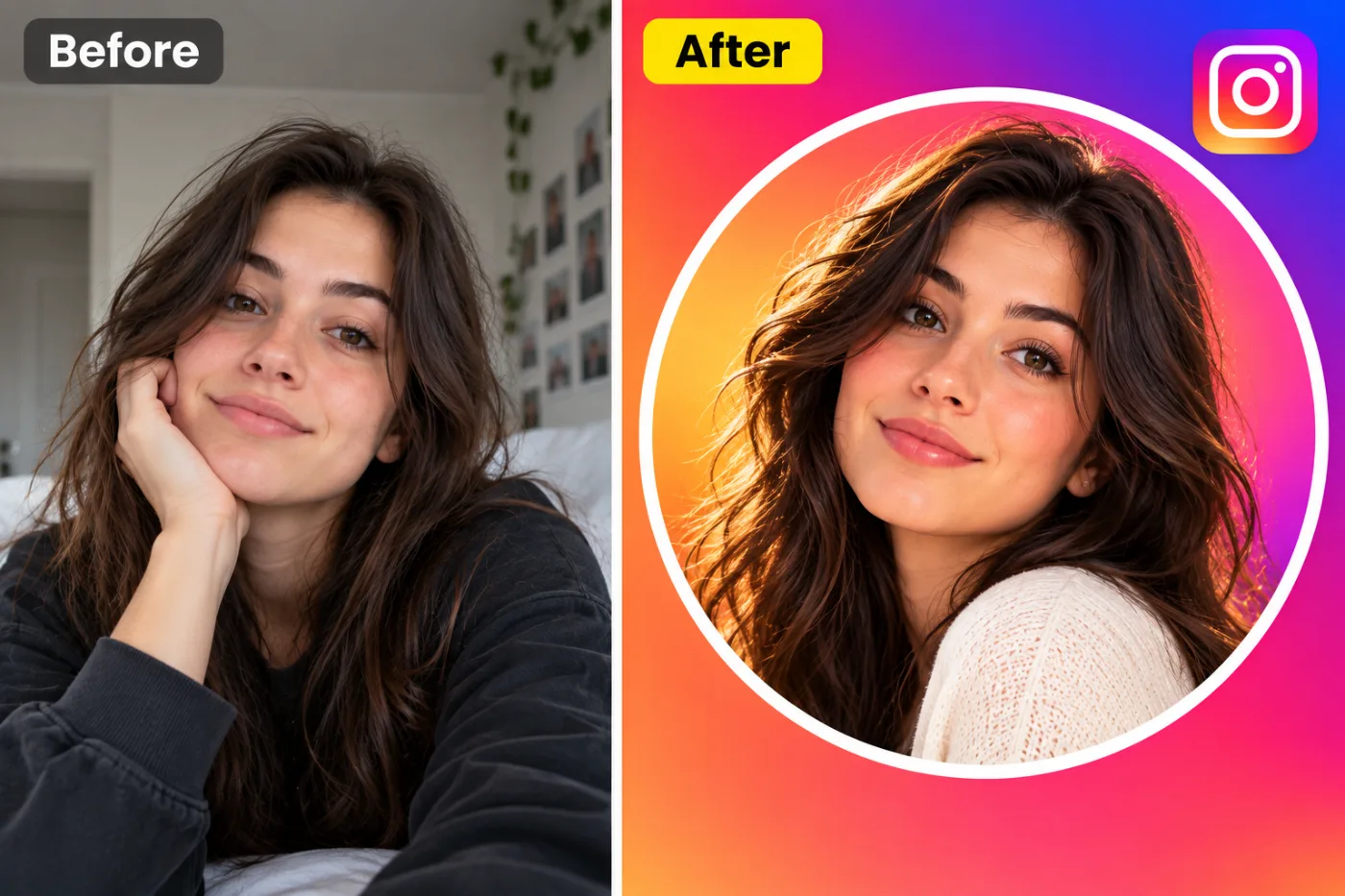
Instagram silently crops your photos — often badly. Here's how to crop them yourself to the exact right size, free, so nothing important gets chopped.
If you've ever posted a photo to Instagram and watched it lop off someone's head or your whole caption text, you've met Instagram's auto-crop. The fix is to crop the photo to the platform's exact ratio yourself before you upload — then what you see is what everyone gets.
The Instagram sizes that matter
Feed square is 1:1. Portrait feed posts (the tall ones that take up more screen) are 4:5. Stories and Reels are full-screen 9:16. Cropping to the right one of these before you post means no surprise trimming and no ugly borders.
How to crop for Instagram free
Open the cropper, drop your photo in, and tap the ratio you want — Square, Portrait, or Story. It center-crops to that shape and you download it ready to post. No watermark, no sign-up, and it runs online.
Bonus: round profile pictures
The same tool has a circle crop for a clean round profile picture. Handy for a matching look across Instagram, WhatsApp, and anywhere else your avatar shows in a circle.
Crop your photo for Instagram now — free
Stop letting Instagram crop for you. Upload your photo, tap the ratio, and download the perfect fit — free and watermark-free.