How to Flip or Mirror an Image for Free
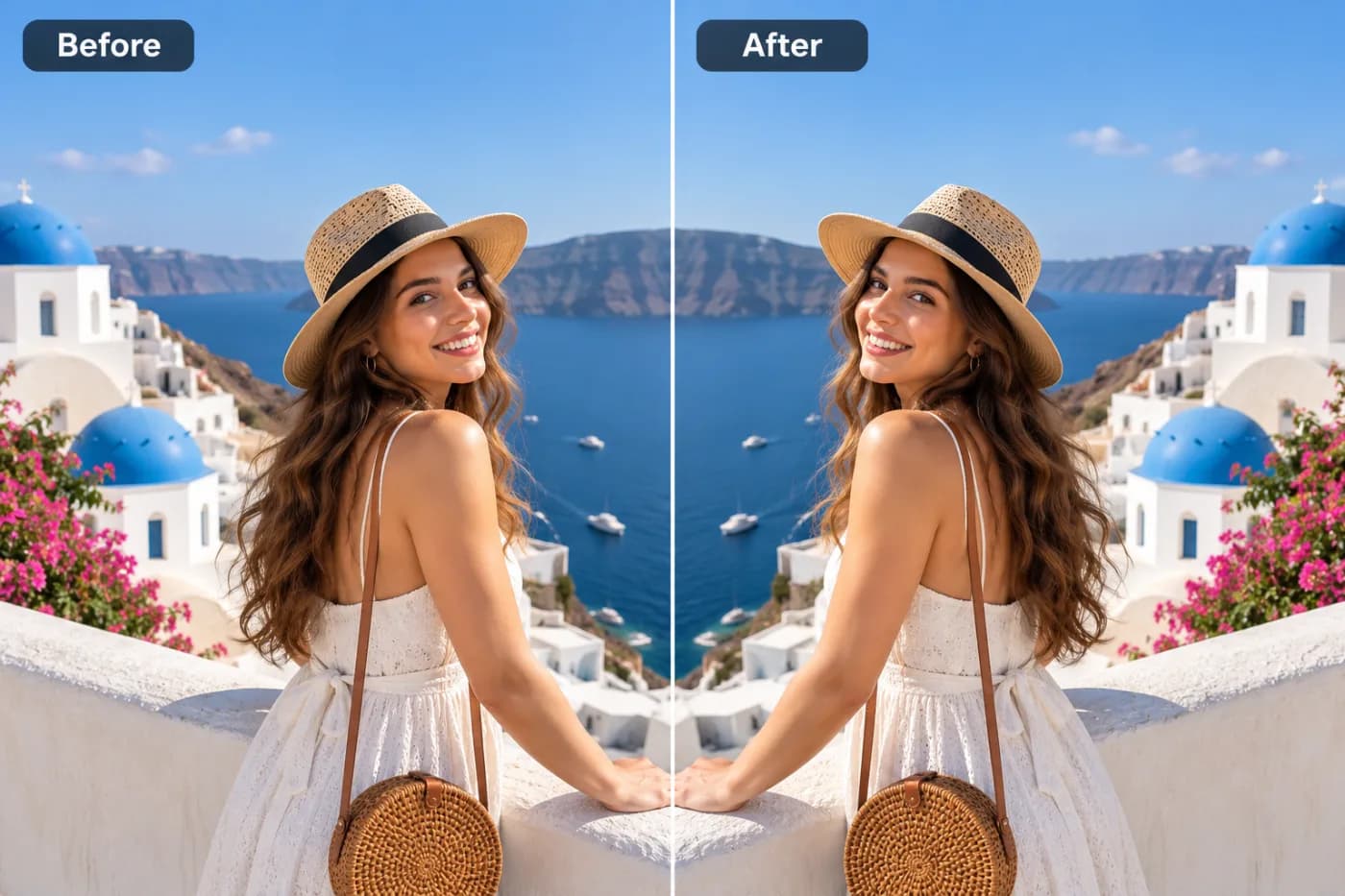
Mirroring an image sounds simple, but it's genuinely useful — for selfies, symmetry, and fixing reversed text. Here's how to do it free.
Flipping an image mirrors it left-to-right or top-to-bottom. It's a small operation with a surprising number of uses, and like rotating, it's lossless — your photo keeps its full quality.
When you'd flip an image
Selfies are the big one: front cameras often mirror you, so text on your shirt reads backwards — a horizontal flip fixes it. Flipping is also used for reflection effects, for matching the direction a subject faces in a layout, and for correcting scanned pages that came out reversed.
Horizontal vs vertical
A horizontal flip swaps left and right (the mirror-selfie fix). A vertical flip swaps top and bottom, which is more of a creative or reflection effect. You can combine a flip with a rotation for any orientation you need.
How to flip an image free
Open the tool, add your photo, and hit Flip H or Flip V. Download the result — no quality loss, no watermark, no sign-up, all online.
Flip or mirror your image now — free
Mirror a selfie or create a reflection in one tap — free and watermark-free.