How to Convert JPG to PNG for Free (and When You Should)
JPG and PNG aren't interchangeable — each is better at different jobs. Here's how to convert JPG to PNG free, and when it's actually worth doing.
Converting JPG to PNG takes one click, but it's worth knowing why you'd do it — because PNG isn't automatically "better," it's better at specific things. Get the reason right and you'll pick the correct format every time.
When PNG is the right call
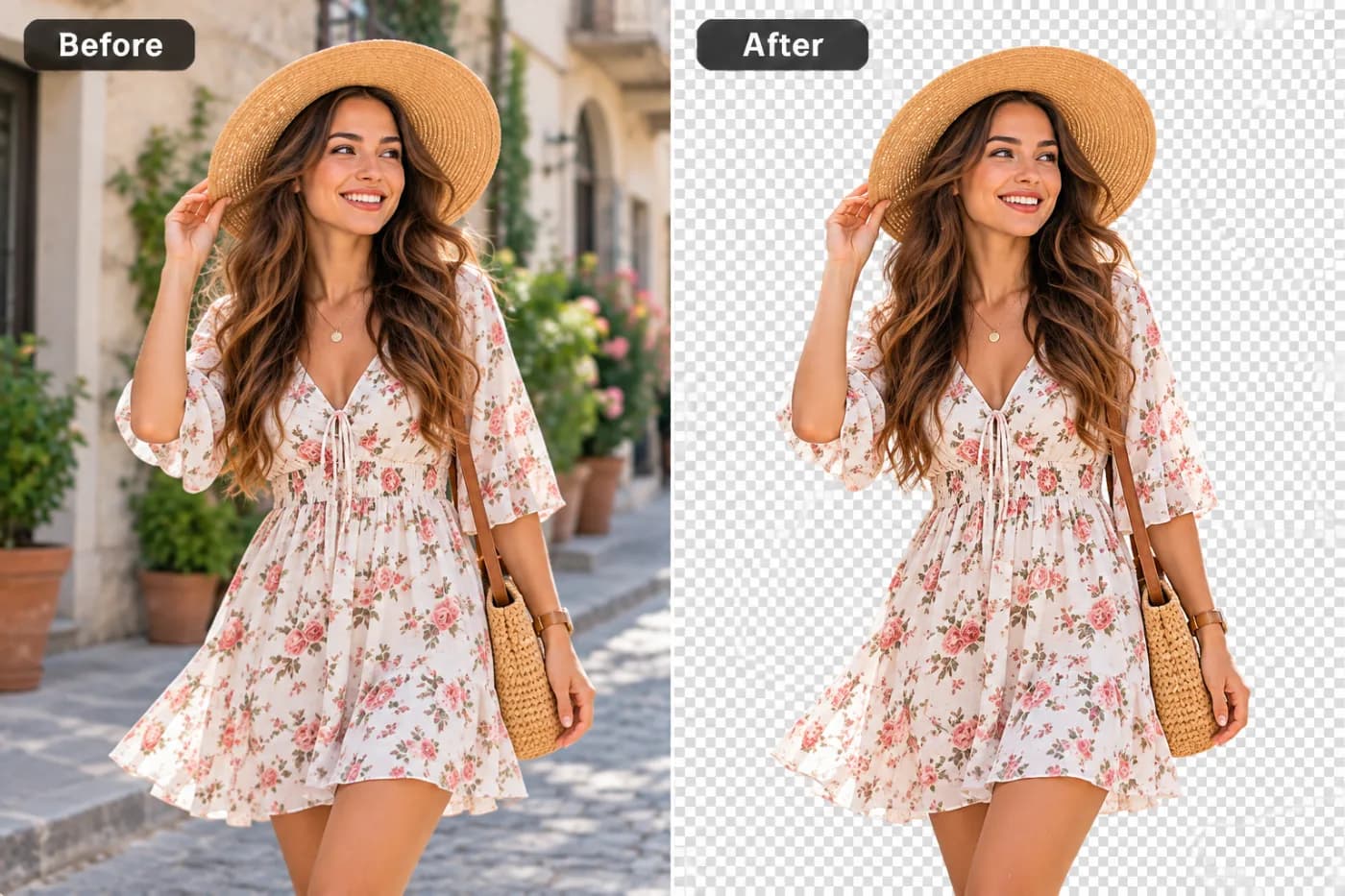
Choose PNG when you need transparency (a logo or cut-out with no background), the sharpest possible edges on graphics and text, or a lossless file you'll edit repeatedly without quality degrading. PNG shines on flat-color graphics, screenshots, and line art.
One thing to know first
Converting a JPG to PNG won't add back detail the JPG already lost, and it won't create transparency that wasn't there — a JPG has no transparent areas, so it converts to a PNG with a solid background. PNG mainly helps from this point forward: no further quality loss, and clean edges.
How to convert JPG to PNG free
Open the converter, drop in your JPG, choose PNG, and click convert. Download the PNG instantly. It runs online — your file never leaves your device — with no watermark and no sign-up.
Convert your JPG to PNG now — free
Need a PNG? Upload your JPG, pick PNG, and download in seconds — free, private, and watermark-free.