How to Convert PNG to JPG for Free (Smaller Files, Same Look)
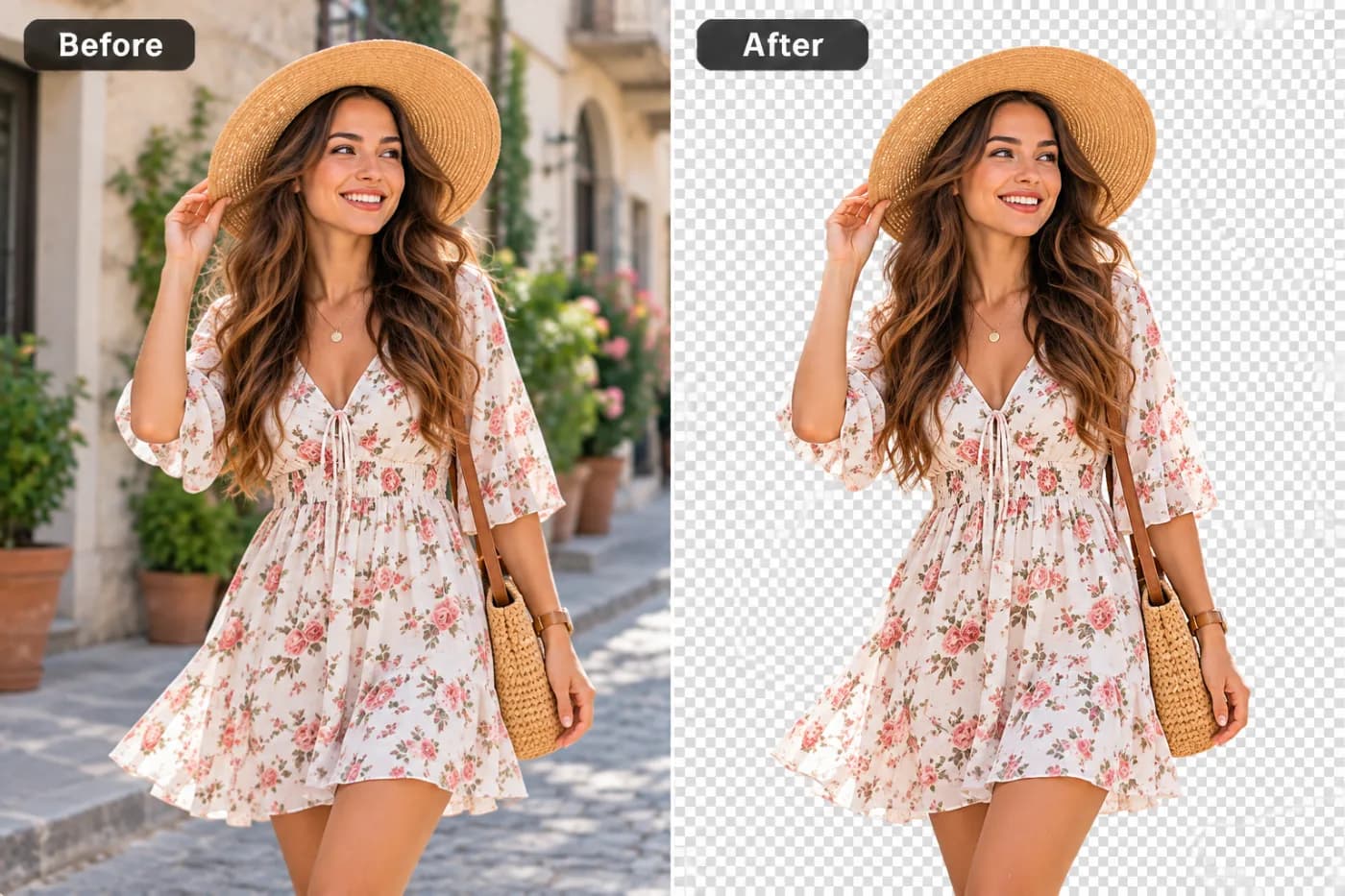
PNG photos can be huge. Converting them to JPG can cut the size by 80% with no visible difference. Here's how to do it free.
PNG is fantastic for graphics, but it's a poor choice for photographs — a photo saved as PNG can be several times larger than the same photo as JPG, with no visible quality gain. If you've got heavy PNG photos slowing a website or clogging an inbox, converting to JPG is the easy win.
Why JPG is smaller for photos
JPG uses compression tuned for the smooth gradients and fine detail of real photographs, so it stores them in a fraction of the space. PNG stores every pixel exactly, which is overkill for a photo. For a website hero image or an email attachment, JPG is almost always the better format.
The one trade-off
JPG doesn't support transparency, so any transparent areas in your PNG get filled — typically with white — when you convert. If your image genuinely needs a transparent background, keep it as PNG (or use WEBP). For solid photos, that trade-off doesn't apply.
How to convert PNG to JPG free
Open the converter, add your PNG, choose JPG, and click convert. Download the smaller file. Everything happens online, with no watermark and no account needed.
Convert your PNG to JPG now — free
Shrink a heavy PNG in seconds. Upload it, pick JPG, and download the smaller file — free and private.
