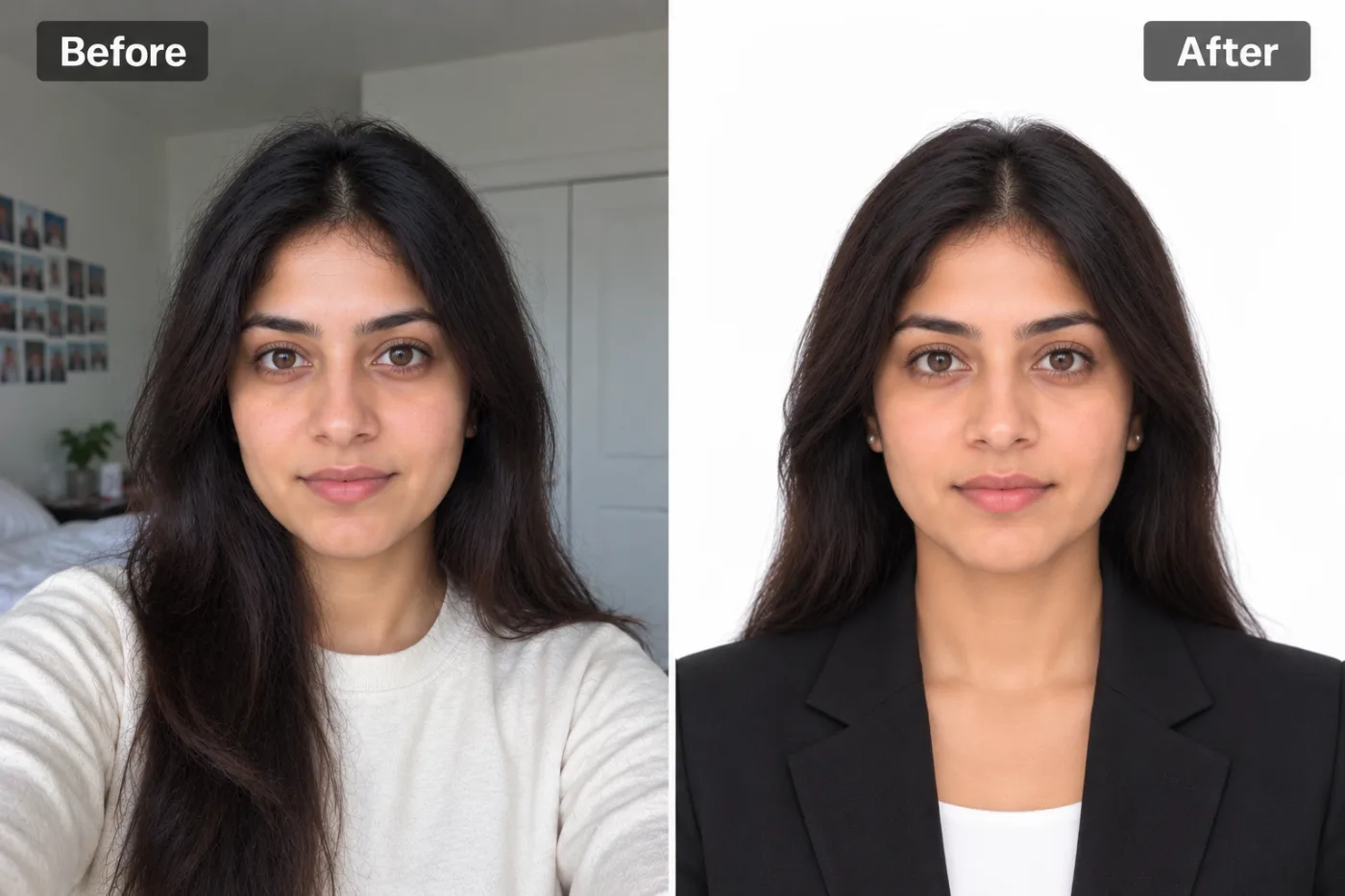
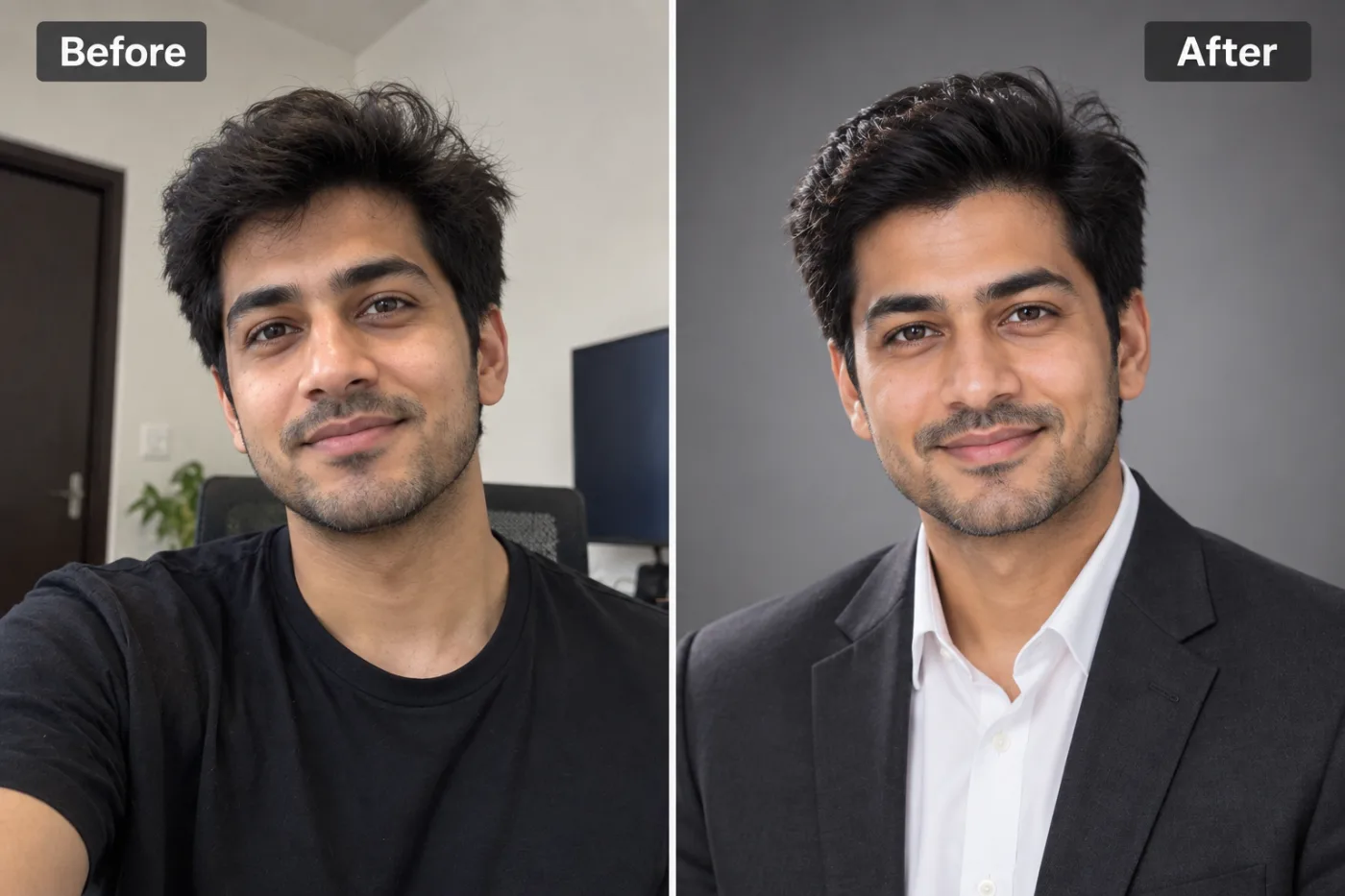
Free vs Paid Background Removers: Which Is Actually Better?
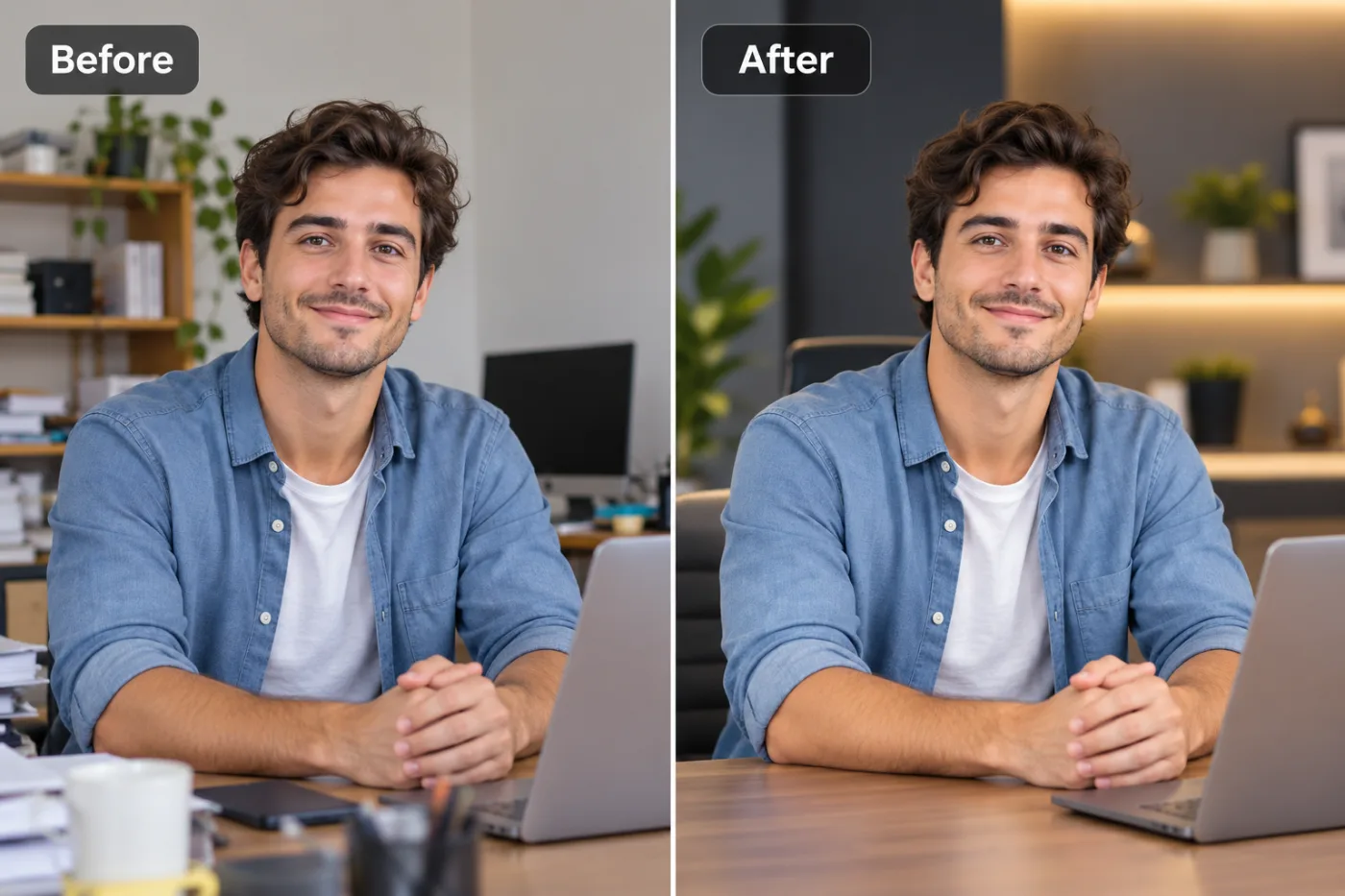
Do you actually need to pay for a background remover? We tested the most popular tools to find out where free tools hold up and where they don't.
When you're deciding between a free background remover vs a paid one, the honest answer is that the gap has narrowed dramatically — and for most people, free tools now win. A few years ago, paid services like remove.bg justified their price with noticeably cleaner edges and better hair handling. Today, the best free background removers produce results that are genuinely hard to tell apart, and they do it without watermarks, credit limits, or forced subscriptions.
But "free" isn't automatically better, and "paid" isn't automatically a rip-off. The right choice depends on your volume, your quality needs, and whether you need extras like batch processing or API access. In this comparison, we'll break down exactly what you're paying for with premium tools, where free options genuinely match them, where they still fall short, and how Pixel Shine fits in as a pay-as-you-go remove.bg alternative that skips the watermark trap most free tools rely on. By the end, you'll know precisely which type of tool fits your workflow — and you'll probably save some money.
What You're Actually Paying For
Paid background removers aren't charging for magic — they're charging for a specific bundle of things, and it helps to know what's actually in the box.
Higher-resolution output. This is the classic paywall. Many paid tools let you preview a full-quality cutout for free but charge to download it at full resolution, giving you only a small or watermarked version otherwise. remove.bg built its business on exactly this model.
Volume and batch processing. If you're a business processing hundreds of product photos, paid tiers offer bulk uploads and API integration so removal happens automatically in your pipeline. This is a genuine value-add for high-volume operations.
No watermarks. Ironically, many "free" tools add a watermark and then charge you to remove it — so you're really paying to undo a limitation they imposed.
Consistency and support. Enterprise plans offer SLAs, priority processing, and customer support, which matters if background removal is mission-critical to your business.
Credits and subscriptions. Paid tools usually run on either a monthly subscription or a per-image credit system. For occasional users, both feel wasteful — you pay for a full month or a credit pack to remove three photos.
The key insight: most of these premium features matter to high-volume businesses. For individuals and small teams, you're often paying for capacity and convenience you'll never use — while a free tool covers your actual needs.
Where Free Tools Have Caught Up
The quality argument for paid tools has weakened enormously, and it's worth understanding why.
The AI models are now comparable. Background removal quality is driven by the underlying segmentation and matting models, and the best free tools use models on par with paid services. For a typical portrait or product shot, you'd struggle to pick the paid result out of a lineup.
Hair and edge handling has improved across the board. The old "free tools can't do hair" complaint is largely outdated. Modern free models handle soft edges, flyaway strands, and semi-transparent details cleanly.
No-sign-up access is a free-tool advantage. Many paid tools require an account before you can even test them. The best free options let you upload and see results instantly.
Where free tools historically fell down was the watermark-and-resolution trap. This is the real differentiator among free tools themselves. Some free removers give you a clean preview but a watermarked or low-res download. Pixel Shine breaks from that pattern — every cutout downloads at full resolution with no watermark, for 2 credits and no subscription, which is what makes it a legitimate remove.bg alternative rather than a bait-and-switch.
For the everyday user removing a background from a headshot, a product photo, or a family picture, a good free tool now delivers essentially everything a paid one would — minus the bill.
Where Paid Tools Still Have an Edge
To be fair, paid tools aren't obsolete — there are real scenarios where they earn their price.
True high-volume automation. If you're an e-commerce operation processing 500+ product images a day, you need API access and batch pipelines that plug into your systems. Paid services are built for this, and doing it manually through any free web tool isn't practical at that scale.
Guaranteed uptime and support. When background removal is a load-bearing part of your business, an SLA and a support line have real value. Free tools generally don't offer contractual guarantees.
Specialized enterprise features. Some paid platforms offer things like custom model tuning, team accounts with permissions, and integrations with design software that individual users never need but agencies might.
The most difficult edge cases. For the hardest 1-2% of images — extremely fine hair against a matching background, complex transparent objects, product photography with reflective surfaces — some premium tools have specialized modes that squeeze out marginally better results.
The honest takeaway: paid tools are worth it when you're running a business that processes images at scale or depends on removal being automated and guaranteed. For everyone else — freelancers, small businesses, students, casual users — the premium features are solving problems you don't have. That's the exact niche where a full-featured, no-subscription tool like Pixel Shine makes the most sense.
Head-to-Head Comparison
Let's put the two side by side on the factors that actually matter to your decision.
Cost: Free tools cost nothing. Paid tools run on subscriptions or per-image credits, which add up fast if you forget to cancel or over-buy. Winner for most users: free.
Output quality: Comparable for typical images. Paid tools have a slim edge on the hardest edge cases. Winner: tie for 98% of photos.
Watermarks: The dividing line. Some free tools watermark; paid tools don't. Pixel Shine is watermark-free on every download. Winner: paid tools and Pixel Shine.
Resolution: Some free tools cap resolution or charge for full-size downloads. Pixel Shine gives full-res downloads free. Winner: paid tools and Pixel Shine.
Sign-up friction: Paid tools usually require an account; the simplest free tools don't. Winner: free.
Batch/API: Paid tools win decisively for automation at scale. Winner: paid.
All-in-one features: Here's where Pixel Shine stands out — it's not just background removal but also upscaling, AI headshots, and photo effects in one free platform, whereas most paid removers do only one thing. Winner: Pixel Shine.
The pattern is clear: unless you need batch automation, a free tool that avoids the watermark-and-resolution trap gives you paid-tier results for zero cost.
Common Mistakes When Choosing a Tool
People often pick the wrong tool for avoidable reasons. Here's what to watch for.
Paying for capacity you'll never use. Signing up for a monthly plan to remove a handful of backgrounds is money down the drain. Match the tool to your actual volume.
Falling for the free-preview trap. Some free tools show a gorgeous preview, then watermark or shrink the download. Always check what the actual downloaded file looks like before committing to a tool.
Assuming paid always means better quality. For typical photos, it usually doesn't. Test a free tool on your real images before assuming you need to pay.
Ignoring sign-up friction. If you just need one quick cutout, a tool that forces account creation wastes your time. No-sign-in options exist.
Forgetting about extra features. If you also need upscaling or headshots, a single free all-in-one platform beats juggling (and paying for) multiple single-purpose tools.
Pixel Shine as a Free remove.bg Alternative
If you've been using or considering remove.bg, here's why Pixel Shine is worth trying as a free alternative — and where it genuinely differs.
No watermark, full resolution. The two things people most dislike about free background removers — watermarks and downscaled downloads — aren't present. You get a clean, full-resolution cutout for 2 credits.
No subscription. Each cutout costs 2 credits from a one-off pack that never expires, instead of a monthly fee. Sign in, upload, remove, download.
It's more than a background remover. remove.bg does one job. Pixel Shine bundles background removal with an AI upscaler (free and unlimited on the Normal setting), an AI headshot generator, an AI photo editor driven by text prompts, and creative photo effects. If your work touches more than just cutouts, having everything in one free place is a real workflow advantage.
A gentle path to premium only if you need it. Pixel Shine's AI tools, background removal included, use inexpensive credits, while the Normal upscaler and browser tools stay free.
For the vast majority of users, that combination — paid-quality output, no watermark, no subscription, plus bonus tools — makes it a straightforward pick over paying a monthly fee.
Who Should Pay and Who Shouldn't
Let's make this concrete with clear recommendations.
Stick with free (like Pixel Shine) if you're: an individual removing backgrounds occasionally, a job seeker prepping headshots, a small business owner building a team page, a student, a social media creator, a marketplace seller listing a modest number of products, or anyone who bristles at watermarks and subscriptions. This covers the overwhelming majority of people.
Consider paying if you're: an e-commerce operation processing hundreds of images daily and needing API automation, an agency requiring team accounts and SLAs, or a business where background removal is a guaranteed, mission-critical pipeline step. In those cases, the batch tools and support justify the cost.
The simple test: if you can't articulate a specific paid feature you'll actually use — batch processing, API, an SLA — then you're a free-tool user, and paying is just spending money to solve problems you don't have. Try the free route first; you can always upgrade later if you genuinely hit a wall.
Frequently Asked Questions
Is a free background remover as good as a paid one?For typical portraits and product photos, yes — the underlying AI models are now comparable. Paid tools retain a slim edge only on the hardest 1-2% of edge cases. For everyday use, a good free tool matches paid quality.
What's the best free alternative to remove.bg?Pixel Shine is a strong choice because it offers full-resolution, watermark-free background removal on pay-as-you-go credits, plus a free upscaler and AI headshots in the same platform.
Do free background removers add watermarks?Many do, and then charge to remove them. Pixel Shine does not add watermarks to any download — one of its main advantages over other free tools.
Why do paid tools charge for full resolution?It's the standard monetization model: give a free preview, charge for the full-size download. It's effective for the tool but frustrating for users. Some tools, including Pixel Shine, give full resolution without a premium plan.
When is it worth paying for background removal?When you need high-volume batch processing, API automation, or guaranteed uptime with support — typically for e-commerce operations or agencies handling hundreds of images.
Can I remove backgrounds without creating an account?Some tools allow it for low-resolution previews. Pixel Shine asks for a free account, because your credits and downloads are tied to it; signing in takes a few seconds.
Are free tools safe to use?Reputable free tools are safe. Use established platforms, and if you're handling sensitive images, review the site's privacy practices as you would with any online tool.
Do free tools support batch processing?Most free web tools process one image at a time, which is fine for individuals and small batches. True bulk automation is where paid tools with APIs still lead.
Key Takeaways
The free vs paid background remover debate has largely been settled in favor of free — for most people. The AI quality gap has closed to the point where typical photos look identical, and the real differentiator among free tools is whether they trap you with watermarks and downscaled downloads. Paid tools still earn their keep for high-volume, automated, business-critical workflows, but that's a specific minority.
If you're an individual, freelancer, or small business, there's little reason to pay. Pixel Shine gives you full-resolution, watermark-free background removal with no subscription, plus a free upscaler, AI headshots, and photo effects in one platform. Try it at Pixel Shine before you ever consider a subscription — chances are, free is all you need.