How to Upscale an Image Free — Without Photoshop
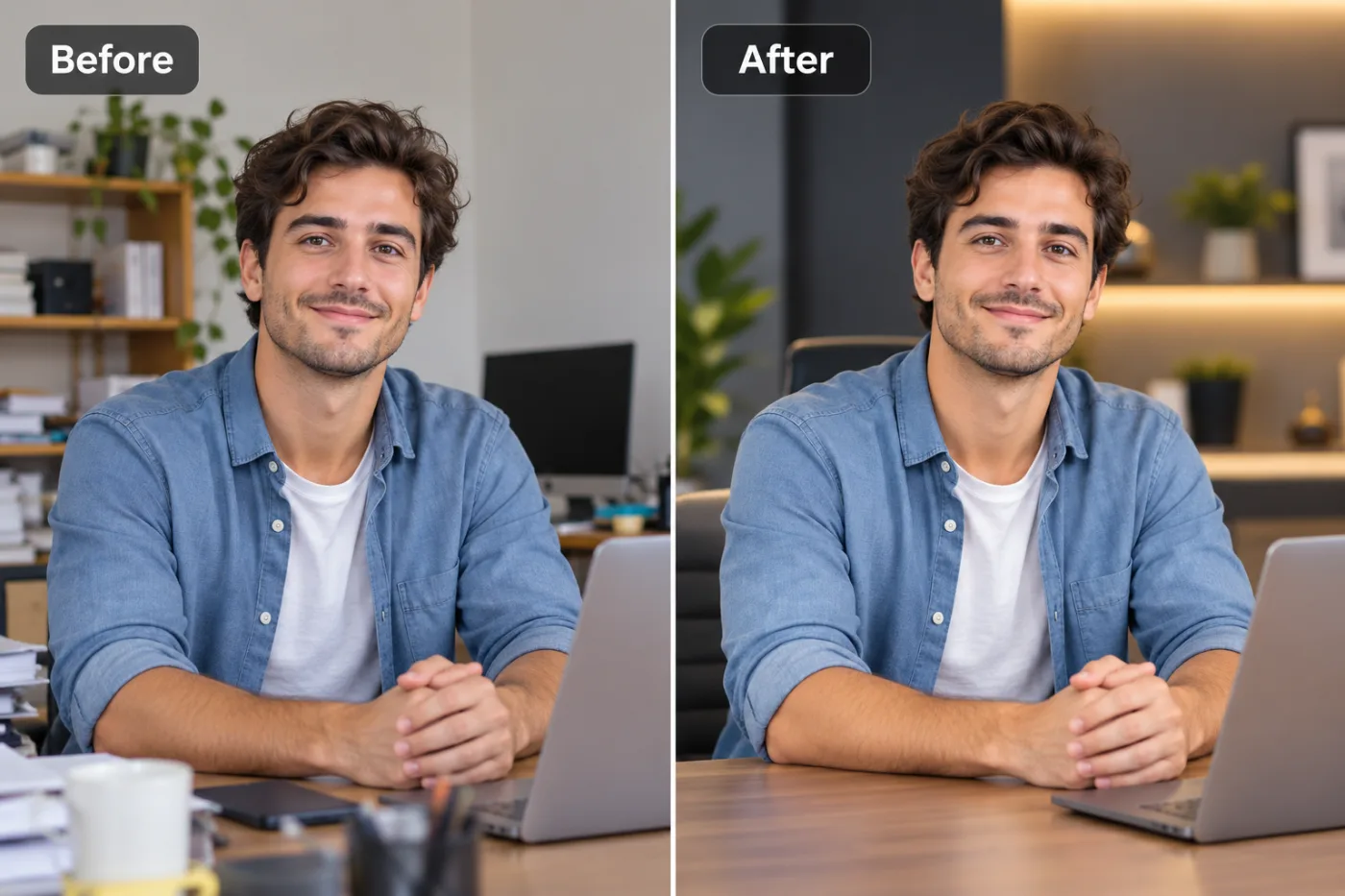
Photoshop can enlarge images — but it costs money, takes skill, and it's overkill for one photo. Here's how to upscale for free with zero software.
For years, "make this image bigger without it going blurry" meant one thing: Photoshop. Open it up, Image → Image Size, bump the resolution, and pray. The problem is that Photoshop costs a monthly subscription, has a genuine learning curve, and its basic enlargement still turns fine detail into mush unless you know the tricks.
The good news in 2025 is that you don't need any of that. A free online AI upscaler does a better job of enlarging a photo than manual Photoshop resizing — and it does it online with one click, no install, no subscription.
Why AI beats Photoshop's resize for enlarging
When Photoshop enlarges an image the old way, it's guessing new pixels by averaging the ones around them (interpolation). That's why enlarged photos look soft — it's just smearing existing pixels wider. AI upscaling is fundamentally different: the model has learned what sharp photos look like, so instead of averaging, it reconstructs believable detail — cleaner edges, crisper texture, defined hair and fabric.
For most people, the AI result at 4× looks noticeably sharper than anything you'd get dragging Photoshop's Image Size slider — and you didn't need a ₹1,700/month subscription or an afternoon of tutorials.
The free, no-software way
Go to the upscaler, drop your image in, pick 2× or 4×, and download. Nothing to install, nothing to learn, and it works the same on a cheap laptop or a phone. No watermark on the result, and you don't have to sign up to try it.
If you're used to Photoshop, think of this as the "Image Size" dialog — except the enlargement is smart, and it's free.
When you'd still open Photoshop
To be fair: Photoshop is still the tool for complex compositing, precise retouching, and layered design work. But for the specific job of "enlarge this photo and keep it sharp," a free AI upscaler is faster, easier, and often better. Use the right tool for the job — and for upscaling, the right tool is free.
Upscale your photo now — free
Skip the subscription. Open the free upscaler, upload your image, and download a bigger, sharper version in seconds. No Photoshop, no install, no watermark.
