AI Prom Photo Maker: Get Stunning Prom Portraits Without the Studio
Professional prom photography is expensive and you only get one shot. AI prom photo makers let you create stunning prom portraits before the big night — or turn any casual photo into a prom-worthy portrait anytime.
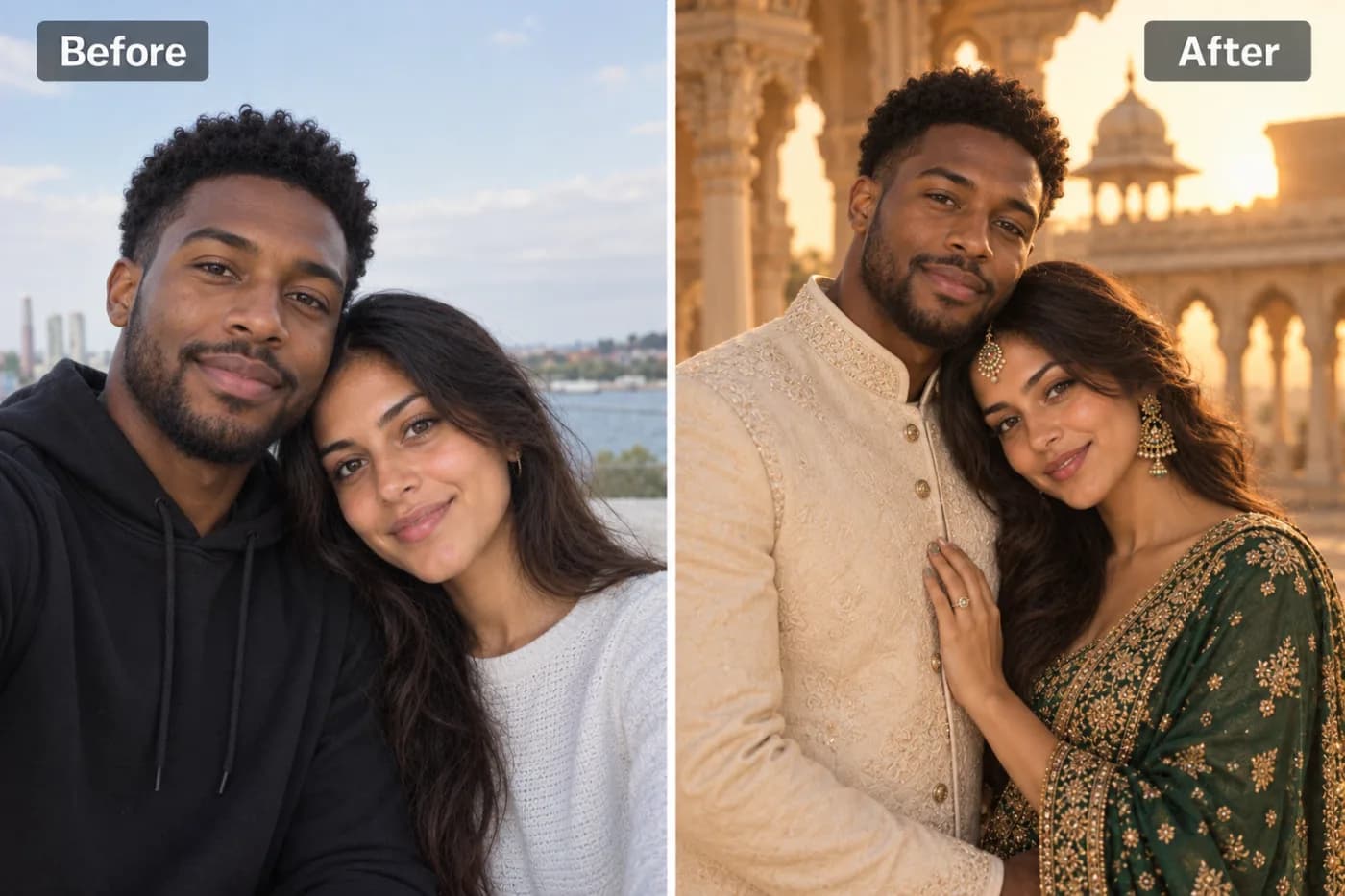
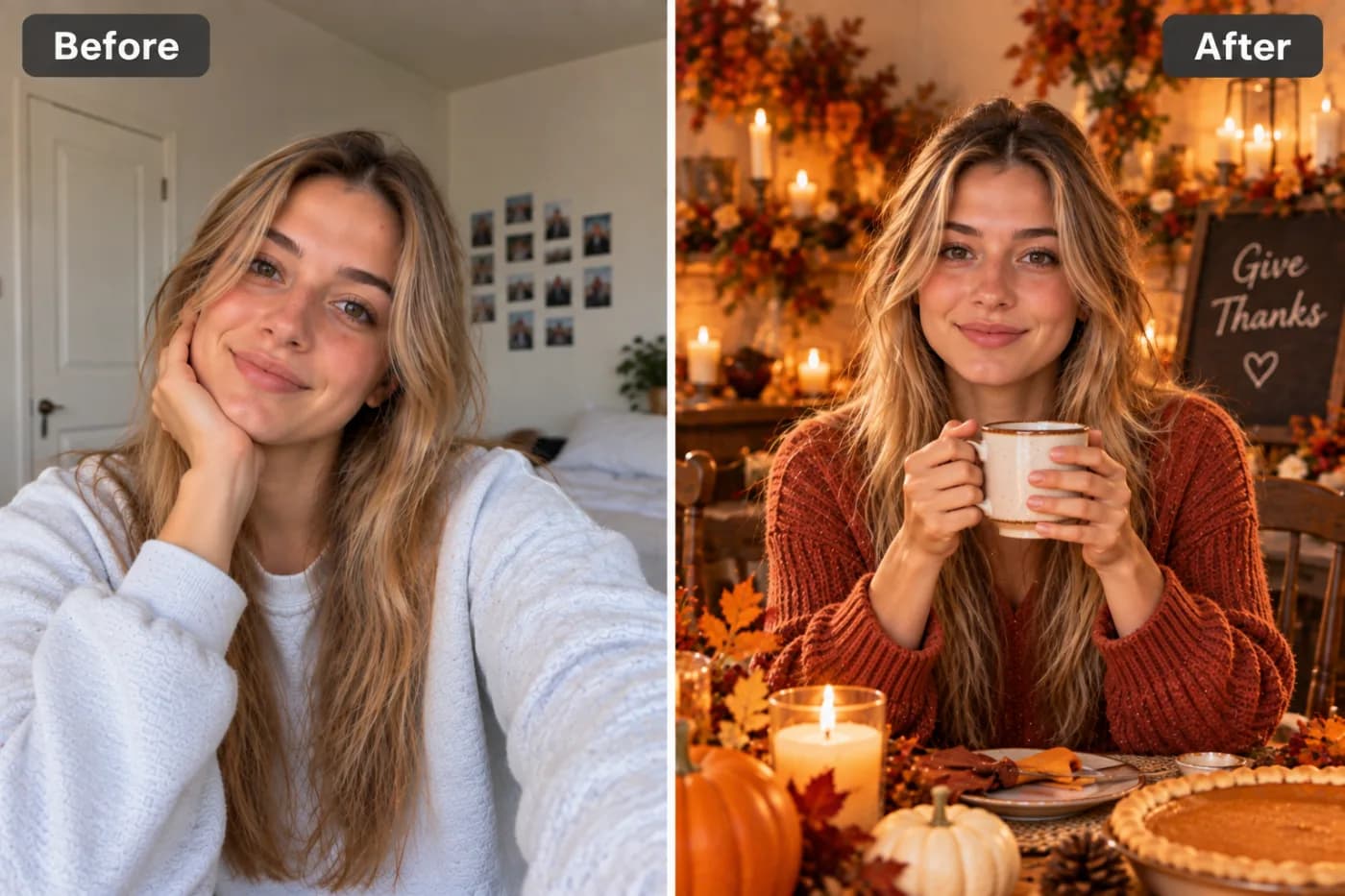
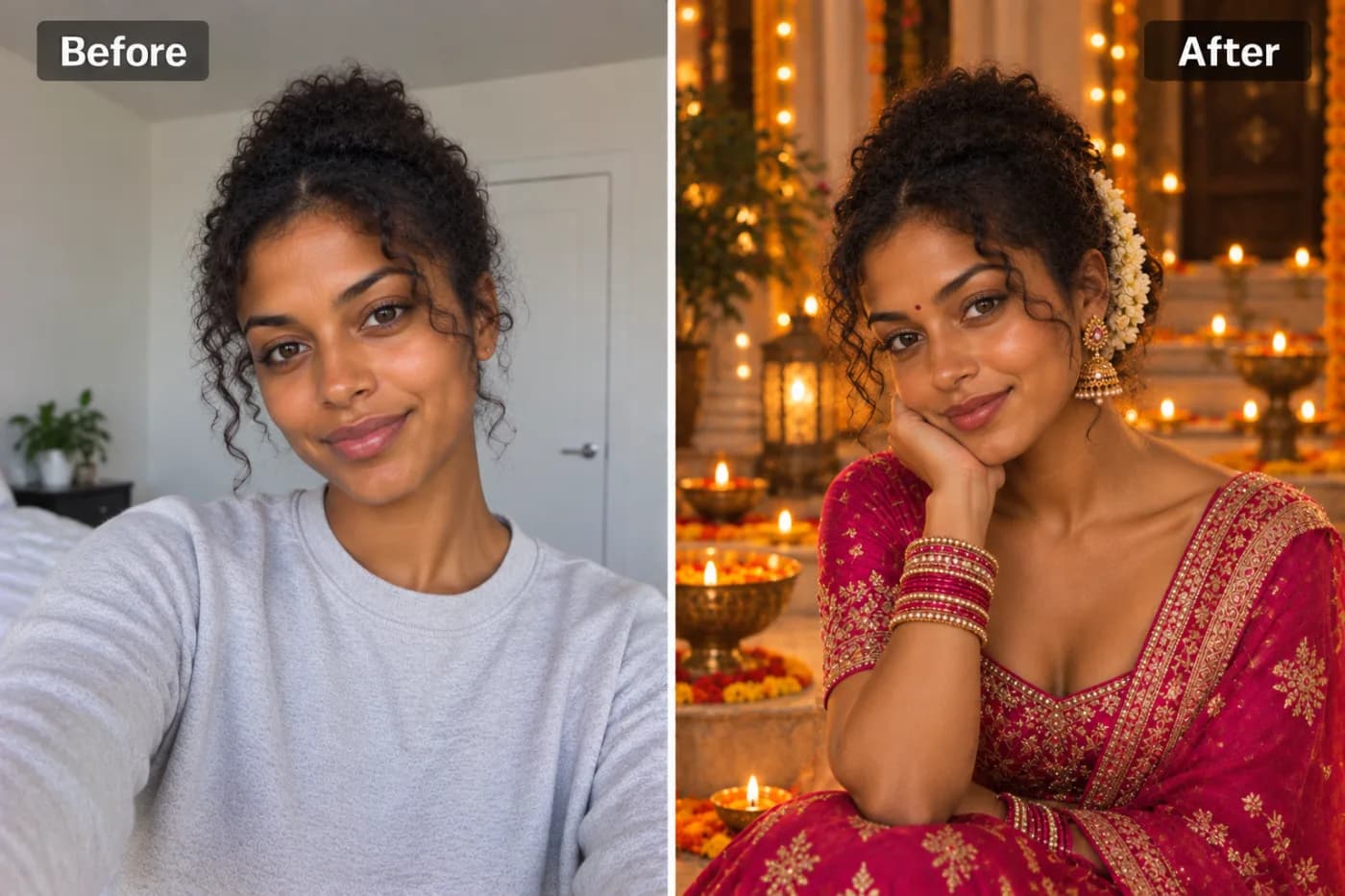
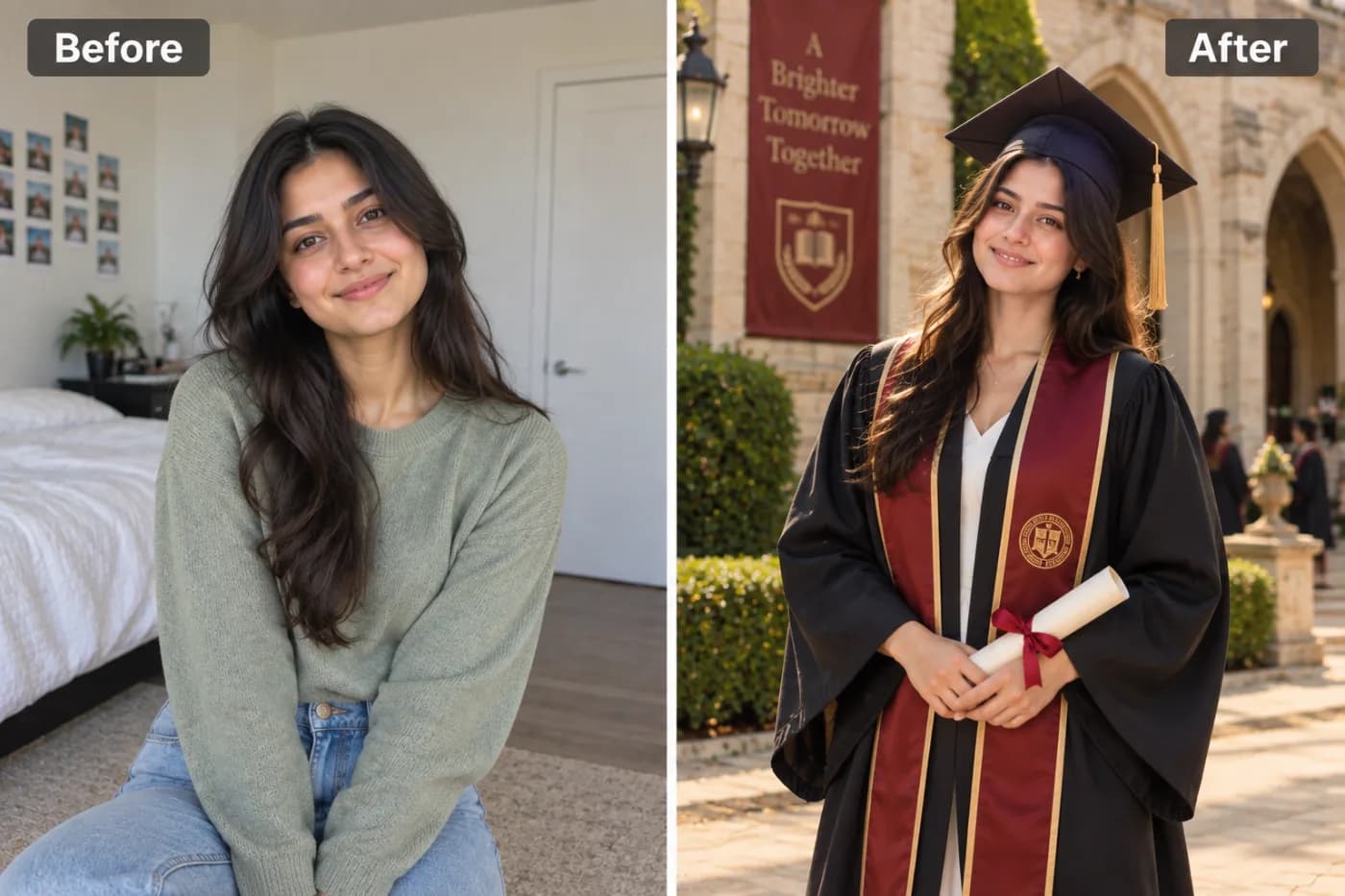
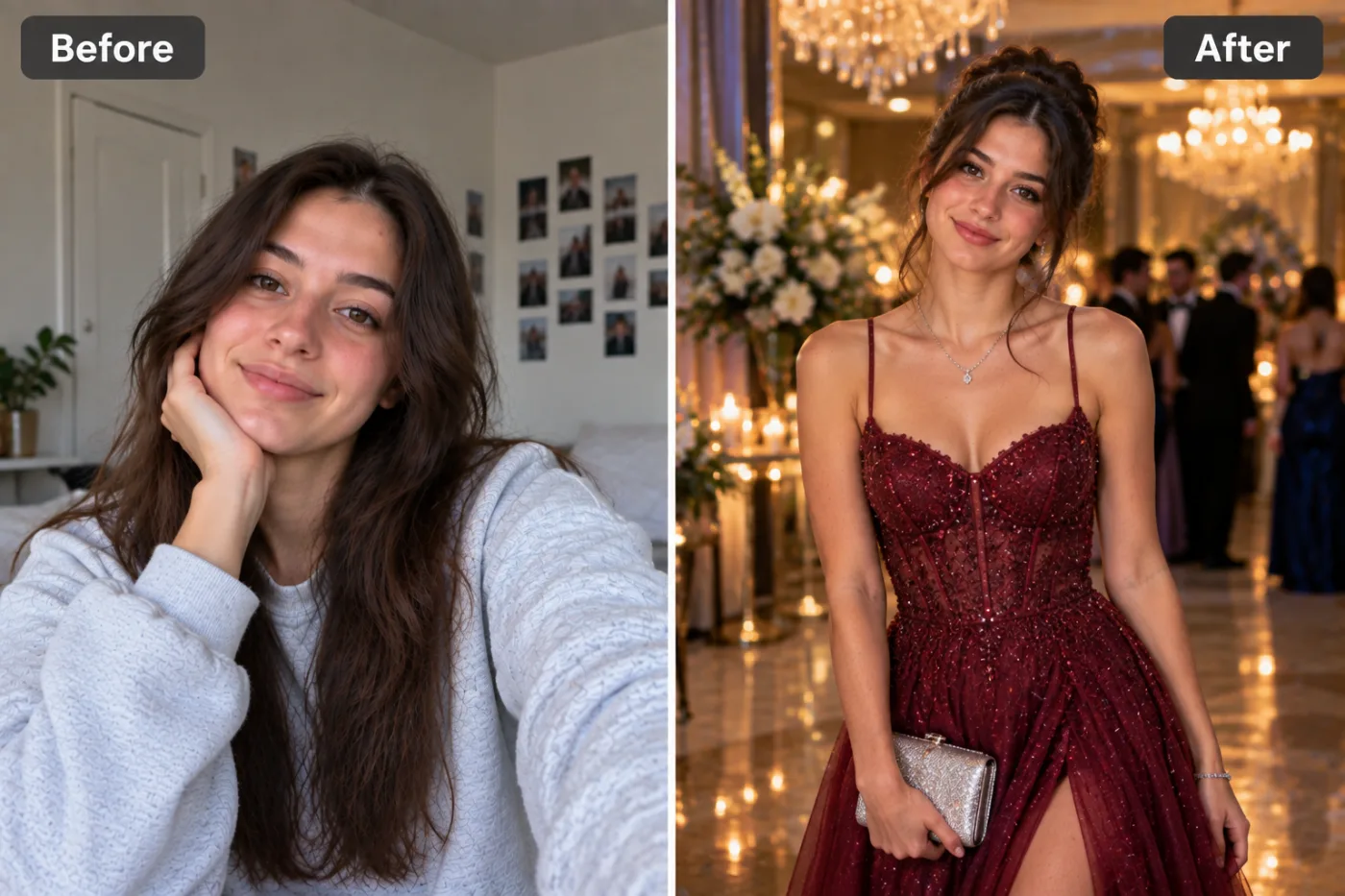
Getting stunning prom portraits no longer requires an expensive studio session or a hired photographer — an AI prom photo maker can turn an everyday photo into a polished, dressed-up prom portrait for free. Picture professional lighting, an elegant formal setting, flattering color grading, and that special-occasion glow, all applied to a photo you already have. Pixel Shine's prom photo generator reads your image and reimagines it as a beautiful prom portrait, giving you keepsake-worthy results without the studio price tag or the scheduling hassle.
Prom photos are a rite of passage, but professional prom portrait sessions can cost $100 to $300, and not every moment gets captured the way you hoped. An AI prom picture tool fills the gap: maybe you want to redo a shot that came out flat, create a portrait for a friend who missed the photographer, or simply have a gorgeous version to share and print. Pixel Shine runs it online with no app or subscription, and exports without a watermark. This guide walks through how the prom photo effect works, the exact steps, pro tips, and who benefits most.
What the AI Prom Photo Effect Delivers
A great prom portrait isn't just a snapshot in a nice outfit — it's about lighting, mood, and setting working together. The AI prom photo effect brings all of these together automatically.
Professional-grade lighting. The single biggest difference between a casual photo and a studio prom portrait is lighting. The AI applies flattering, balanced light that softens skin, brightens the face, and creates that polished, special-occasion glow.
An elegant setting and mood. The effect frames you in a portrait-worthy atmosphere with the refined color grading and depth you'd expect from a professional prom shoot, elevating a plain background into something celebratory.
Flattering enhancement. Skin tone is evened, the image is sharpened, and the overall look is refined so you appear camera-ready — without looking over-filtered or fake.
A keepsake-quality finish. The result reads as an intentional, professional portrait rather than a phone snapshot, making it worthy of printing, framing, and sharing.
Because the effect is generative, each render offers a slightly different take on the lighting and mood, so you can regenerate to find the version that feels most like a magical prom night.
Why an AI Prom Maker Makes Sense
Traditional prom photography has real limitations. A studio session is expensive, has to be booked in advance, and gives you a fixed set of shots — if the lighting or your expression was off, you're stuck with it. Not everyone can afford $100 to $300 for portraits, and last-minute plans or a missed photographer can leave you without any good formal photos at all.
An AI prom photo maker removes the cost and the pressure. There's no session fee, no appointment, and no one-shot anxiety. If a result isn't perfect, you regenerate — free — until it is.
It rescues imperfect photos. That prom photo where the lighting was harsh or the background was cluttered? The AI can transform it into a polished portrait, salvaging a memory you thought was lost.
It's inclusive and accessible. Everyone deserves a beautiful prom keepsake regardless of budget. A free AI tool democratizes access to professional-looking portraits.
It's fast and repeatable. Generate portraits for yourself, your date, or your whole friend group in minutes. Because each version costs just 2 credits with no watermark, you can try a few looks before choosing one for a large framed print.
Step-by-Step: Create Your Prom Portrait
1. Open Pixel Shine. Go to Pixel Shine and navigate to the Creative AI Photo Effects section, then select the Prom Photoshoot effect. No download or account needed to start.
2. Choose a flattering photo. Pick a clear image where your face and outfit are visible. If you have a photo in your prom or formal attire, use it — the AI enhances what's there. A head-to-chest or upper-body framing works beautifully.
3. Upload your image. Drag and drop or click to browse. JPG and PNG both work. Use the original, high-quality file for the best result.
4. Generate the portrait. Click generate and let the AI apply professional lighting, an elegant setting, and flattering enhancement. This typically takes 15 to 30 seconds.
5. Review the result. Check how the lighting and mood landed. If you'd like a different atmosphere or a softer glow, regenerate — each pass interprets the prom style a little differently.
6. Download watermark-free. Save your prom portrait in full resolution. Pixel Shine won't stamp a watermark across it, so it's ready to share or print immediately.
7. Upscale for prints. Prom portraits are made for framing. Run the result through Pixel Shine's credit-based Normal Upscaler so the details stay crisp when printed or enlarged for keepsakes.
Pro Tips for Gorgeous Prom Portraits
Start in your formal attire if you can. The AI enhances the lighting, mood, and polish, so a photo already showing your prom outfit yields the most authentic special-occasion portrait.
Use soft, even lighting in the source. A photo taken in gentle daylight or soft indoor light gives the AI a great base. Harsh overhead light or heavy shadows are harder to transform elegantly.
Choose a confident, natural expression. A genuine smile or a poised, self-assured look captures the celebratory prom vibe far better than a stiff or awkward pose.
Keep the background simple. A clean or uncluttered background lets the AI apply its elegant setting more effectively — or pair the effect with Pixel Shine's Background Remover for full control over the scene.
Regenerate to find your favorite mood. Some passes are brighter and cheerful, others softer and romantic. Generate a few versions and pick the one that feels most like your night.
Stack with a glow up for extra polish. Running the AI Glow Up Filter first can perfect skin and lighting before applying the prom effect for a truly flawless finish.
Common Mistakes to Avoid
Using a very dark or blurry photo. The AI enhances existing detail; it can't rescue a nearly black or badly out-of-focus image. Start with the clearest, best-lit source you have.
Expecting a full outfit change. The prom effect enhances lighting, mood, and polish — it's not a virtual dress fitting. For the most authentic result, use a photo already in formal or nice attire.
Choosing a cluttered background. A messy, distracting background can undercut the elegant portrait feel. Opt for a simple backdrop or remove it first with the Background Remover.
Settling for the first render. The mood and lighting vary between passes. If the first version isn't quite magical, regenerate — it's just 2 more credits, and the next one might be perfect.
Forgetting to upscale for keepsakes. A portrait that looks great on screen can appear soft when printed and framed. Always run the free upscaler before printing a keepsake.
AI Prom Portraits vs. a Traditional Photographer
It's worth being clear about where each option shines, because they serve slightly different needs.
A traditional prom photographer captures real, in-the-moment memories with a date, friends, and the actual venue. That authenticity is irreplaceable, and for the once-in-a-lifetime prom night itself, live photos matter. The trade-offs are cost ($100 to $300), advance booking, and a fixed set of shots you can't redo.
An AI prom photo maker is the perfect complement — and sometimes the perfect rescue. It costs a few credits, requires no booking, and lets you create polished portraits from any photo. It's ideal for redoing a shot that came out poorly, making portraits for someone who couldn't afford or access a photographer, or generating extra share-worthy versions to post and print.
The smartest approach for many people is to use both: cherish the real photographer's candids of the night, and use Pixel Shine to create polished, keepsake-quality portraits from any photo. Since Pixel Shine needs no app or subscription and adds no watermark, it's an easy addition to your prom memory kit.
Who Uses the AI Prom Photo Maker
Students on a budget who can't justify a $200 studio session but still want beautiful, keepsake-quality prom portraits to share and print.
Friend groups who want matching, polished portraits of the whole squad without booking everyone into a studio — generate them all in one sitting.
Parents creating framed prom keepsakes for their kids, or rescuing a flat photo into something worthy of the mantel.
Anyone who missed the photographer — a late arrival, a scheduling mix-up, or an outfit change — who still wants a gorgeous formal portrait from the night.
Content creators and teens sharing prom looks on social media who want a polished, professional-grade image that stands out in the feed.
What they share is the desire for beautiful, special-occasion portraits without the studio cost or hassle. Pixel Shine delivers it watermark-free, with no app and no subscription, so a stunning prom keepsake is within everyone's reach.
Frequently Asked Questions
Is the AI prom photo maker really free?Pixel Shine's prom photo effect runs on credits, with no subscription. Credits are bought in one-off packs from ₹166 and never expire.
Do I need an account or an app?You need a free account, but no app. Pixel Shine runs online at Pixel Shine with nothing to download.
Will my prom portrait have a watermark?No. Pixel Shine exports clean, watermark-free images ready to share, print, or frame.
What photo works best for a prom portrait?A clear, well-lit photo showing your face and, ideally, your formal attire. Soft even lighting, a confident expression, and a simple background produce the most polished result.
Can the AI put me in a prom dress or suit I'm not wearing?The effect focuses on professional lighting, mood, and polish rather than swapping outfits. For the most authentic look, use a photo already in nice or formal attire.
Can I make prom portraits for my whole friend group?Yes. Generate a polished portrait for each person — perfect for matching keepsakes.
Can I print and frame my prom portrait?Absolutely. Download the full-resolution image and run it through Pixel Shine's free upscaler first so it stays crisp when printed or enlarged.
How long does it take?Most prom portraits render in 15 to 30 seconds.
Key Takeaways
An AI prom photo maker gives you professional-grade prom portraits — flattering lighting, an elegant setting, and a special-occasion glow — without the studio cost or the scheduling hassle. For the best results, start with a clear photo in your formal attire, use soft lighting and a confident expression, regenerate to find your favorite mood, and upscale before printing keepsakes.
Pixel Shine makes the whole experience simple, with no download, no subscription, no watermark, and free unlimited upscaling for frame-worthy prints. Whether you're on a budget, rescuing a flat photo, or creating matching portraits for the whole squad, your stunning prom portrait is a click away. Head to Pixel Shine and create your prom portrait now.