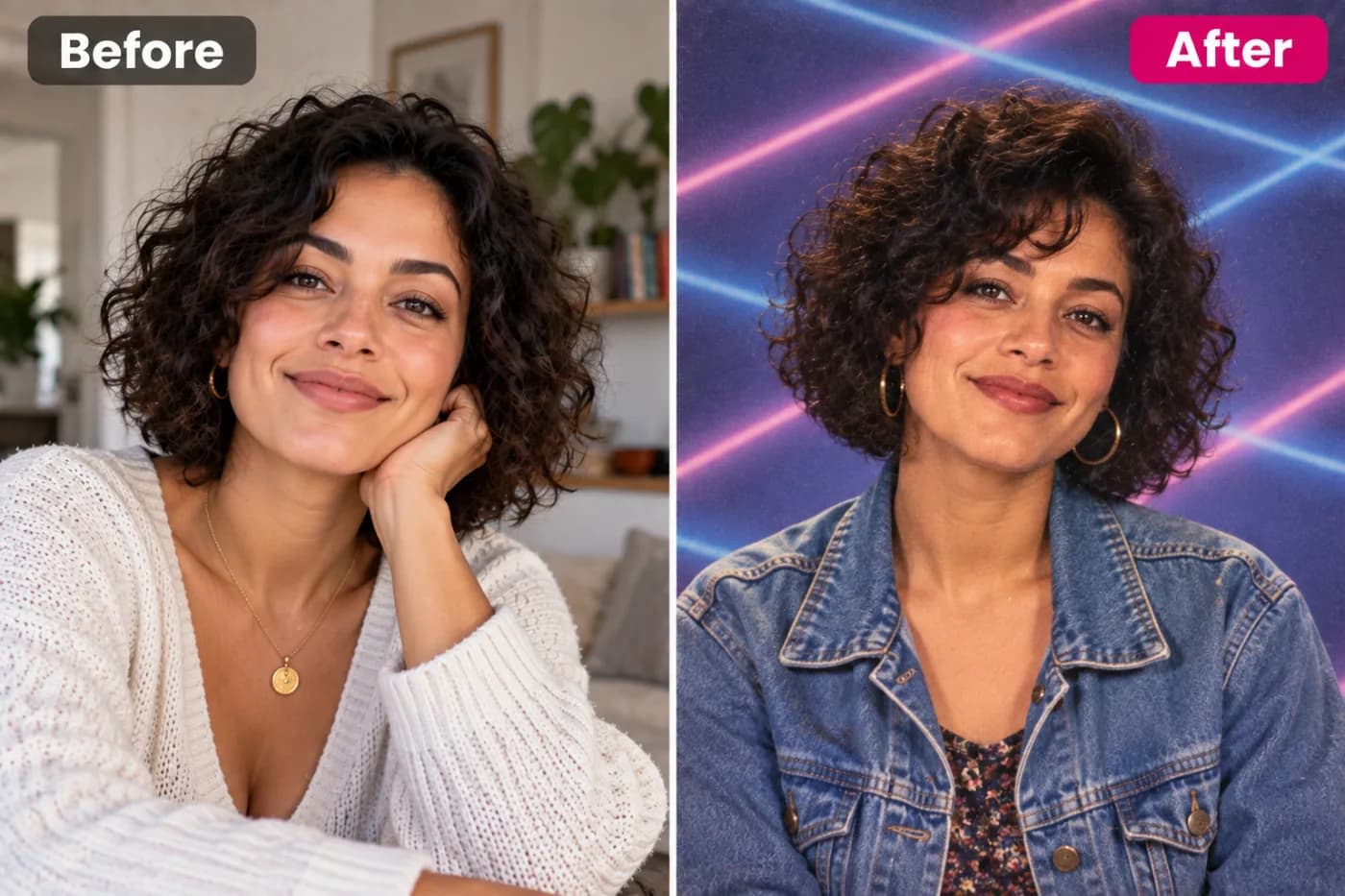
AI Festival Photoshoot: Create Vibrant Festival Portraits for Free
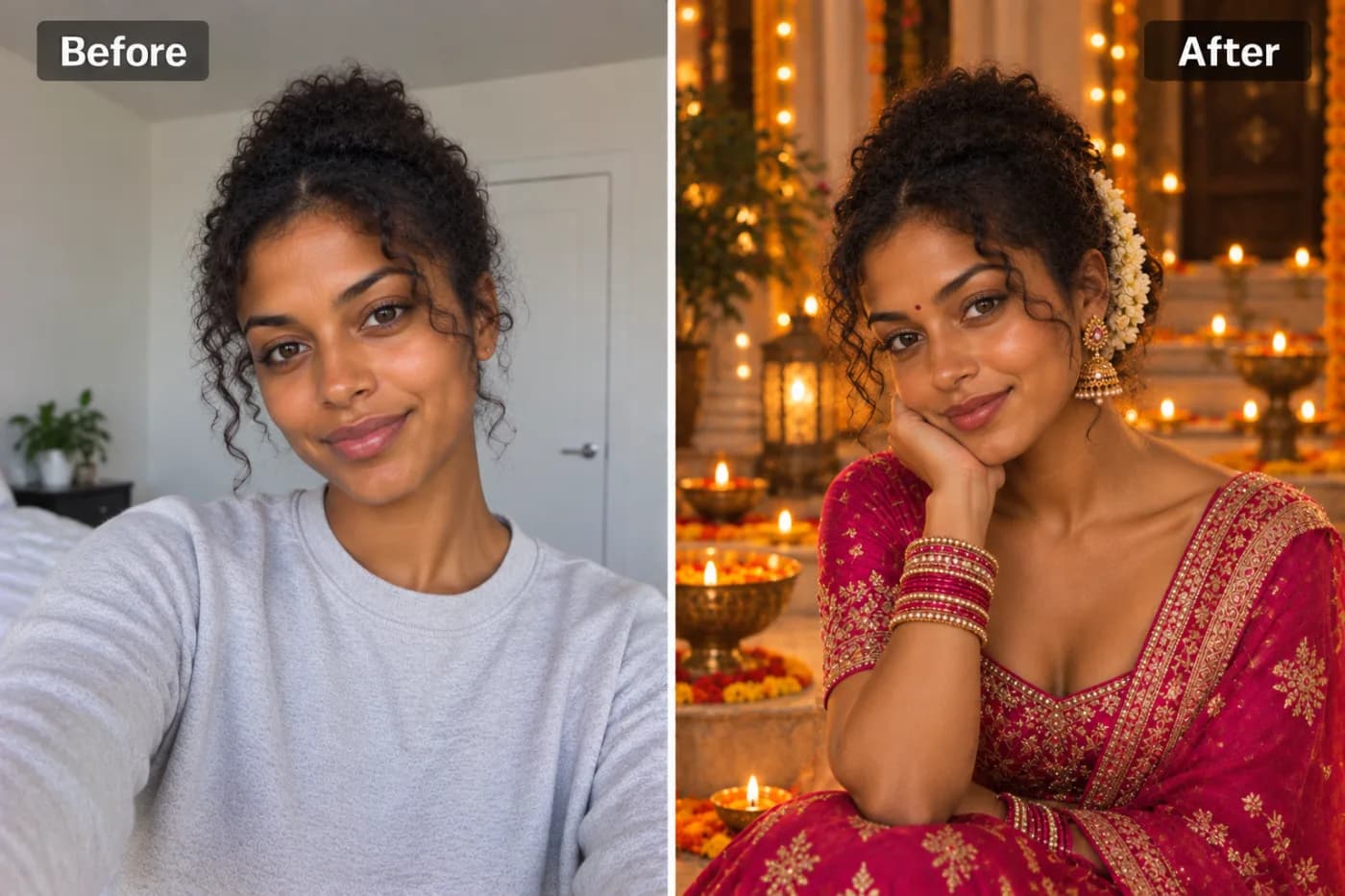
Festival photos are some of the most vibrant and energetic images people share — and getting a good one usually means being in the right place with the right photographer. AI lets you create festival-worthy portraits from any photo.
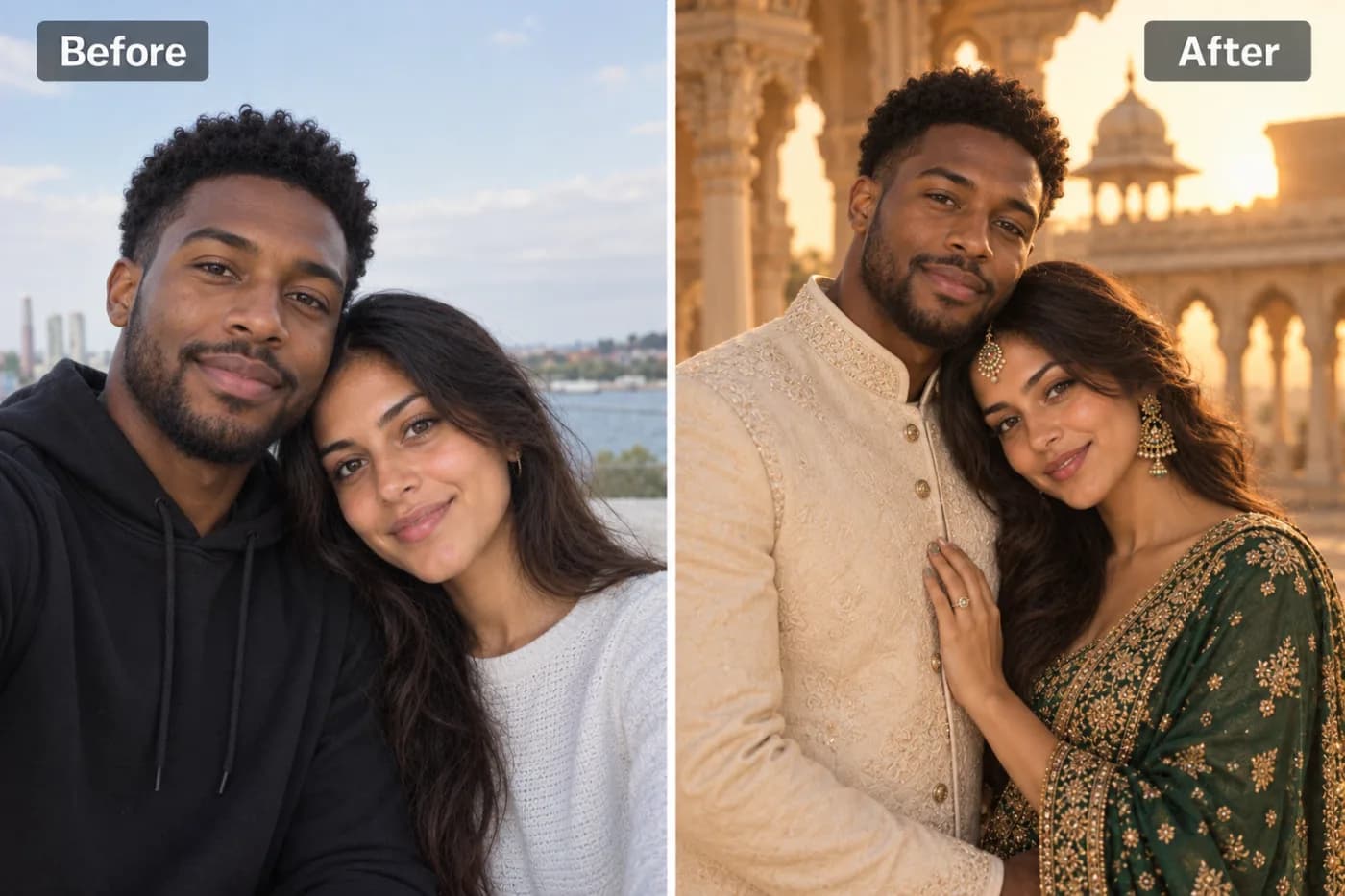
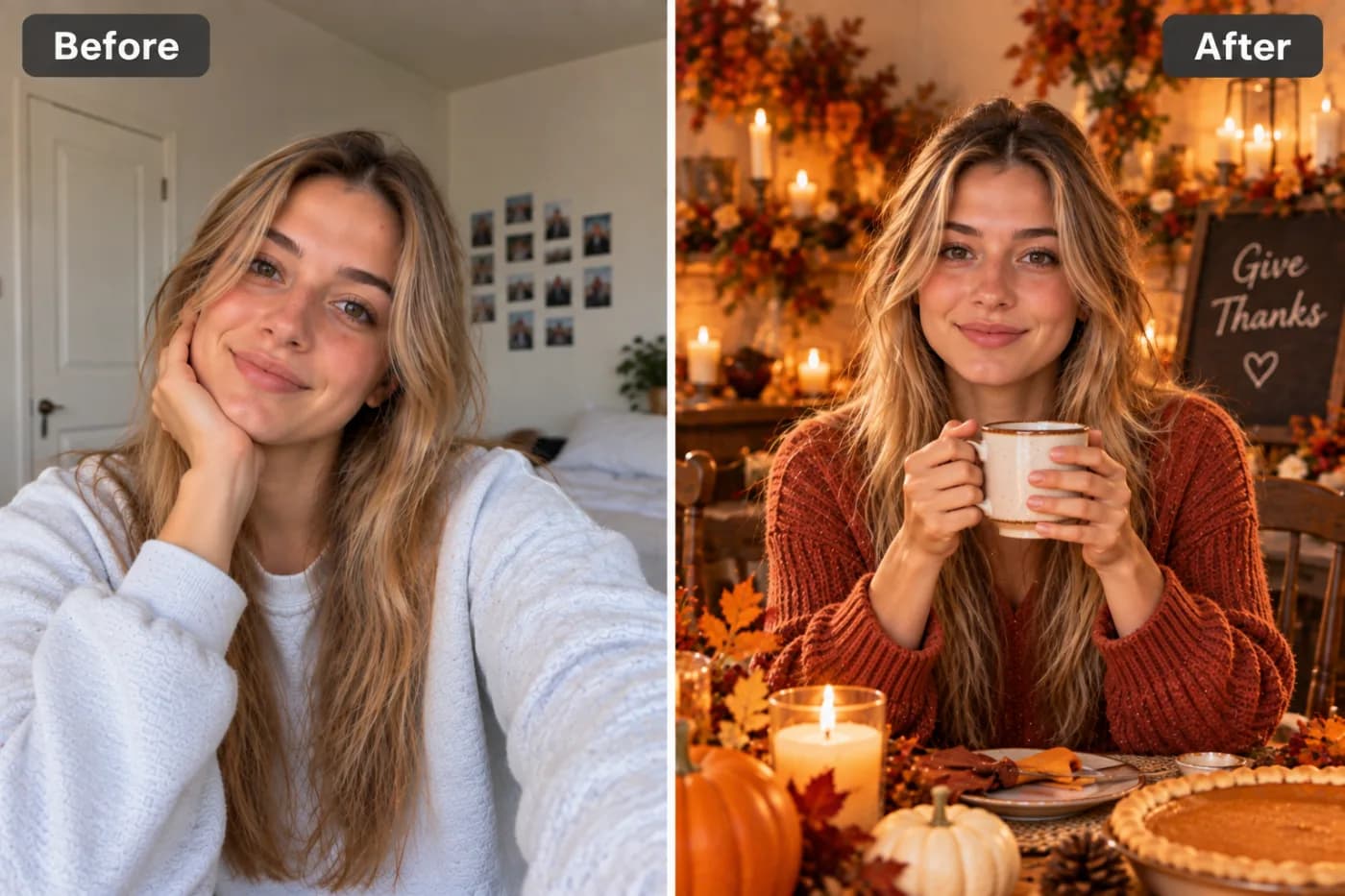
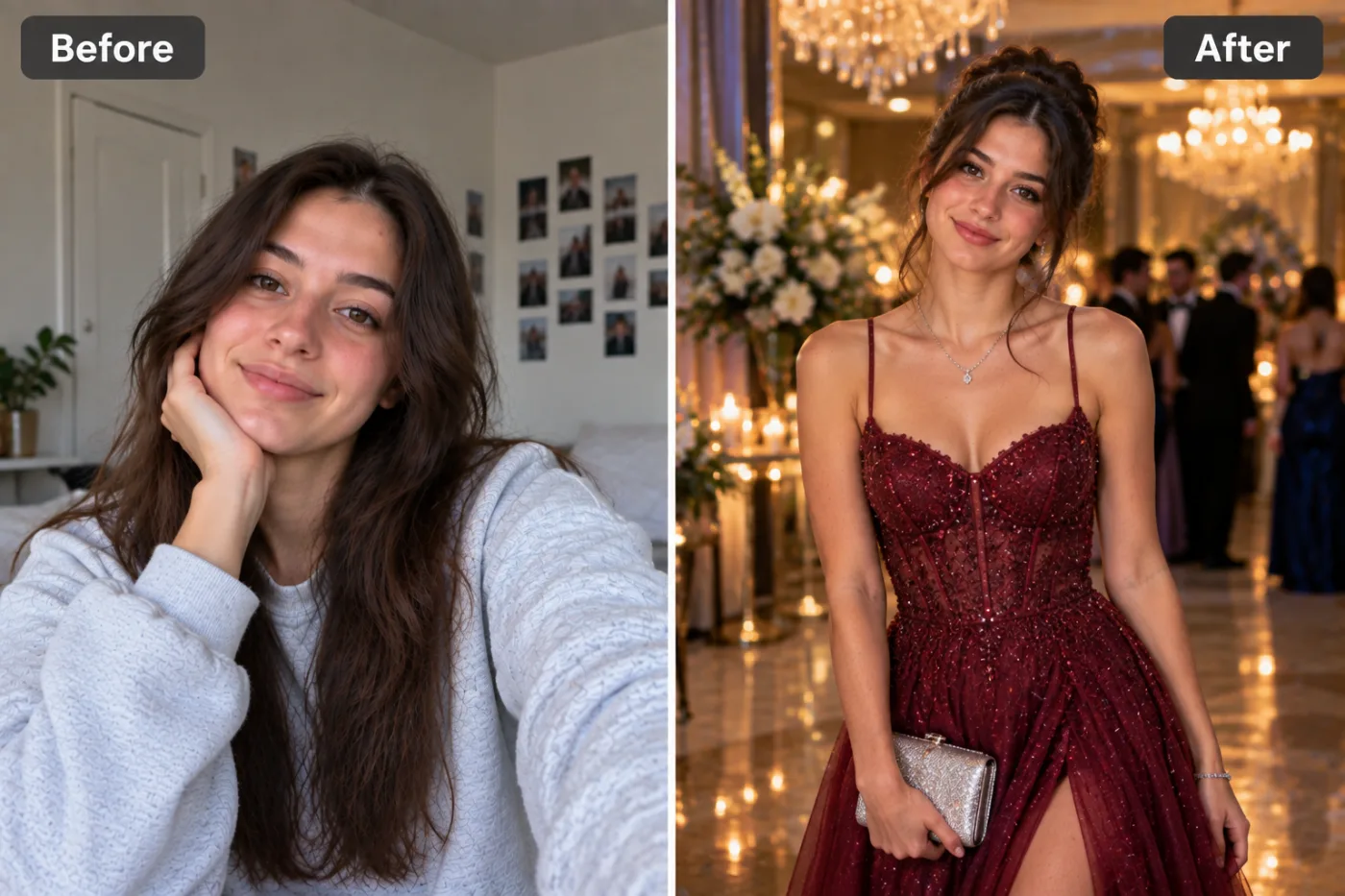
Festivals are all about color, joy, and dressing up — but capturing that magic in a photo isn't always easy. With an AI festival photoshoot, you can transform any picture into a vibrant, celebration-ready portrait bursting with festive backdrops, traditional styling, and that unmistakable holiday glow — for free, in minutes. No professional photographer, no elaborate setup, just your photo and a few taps.
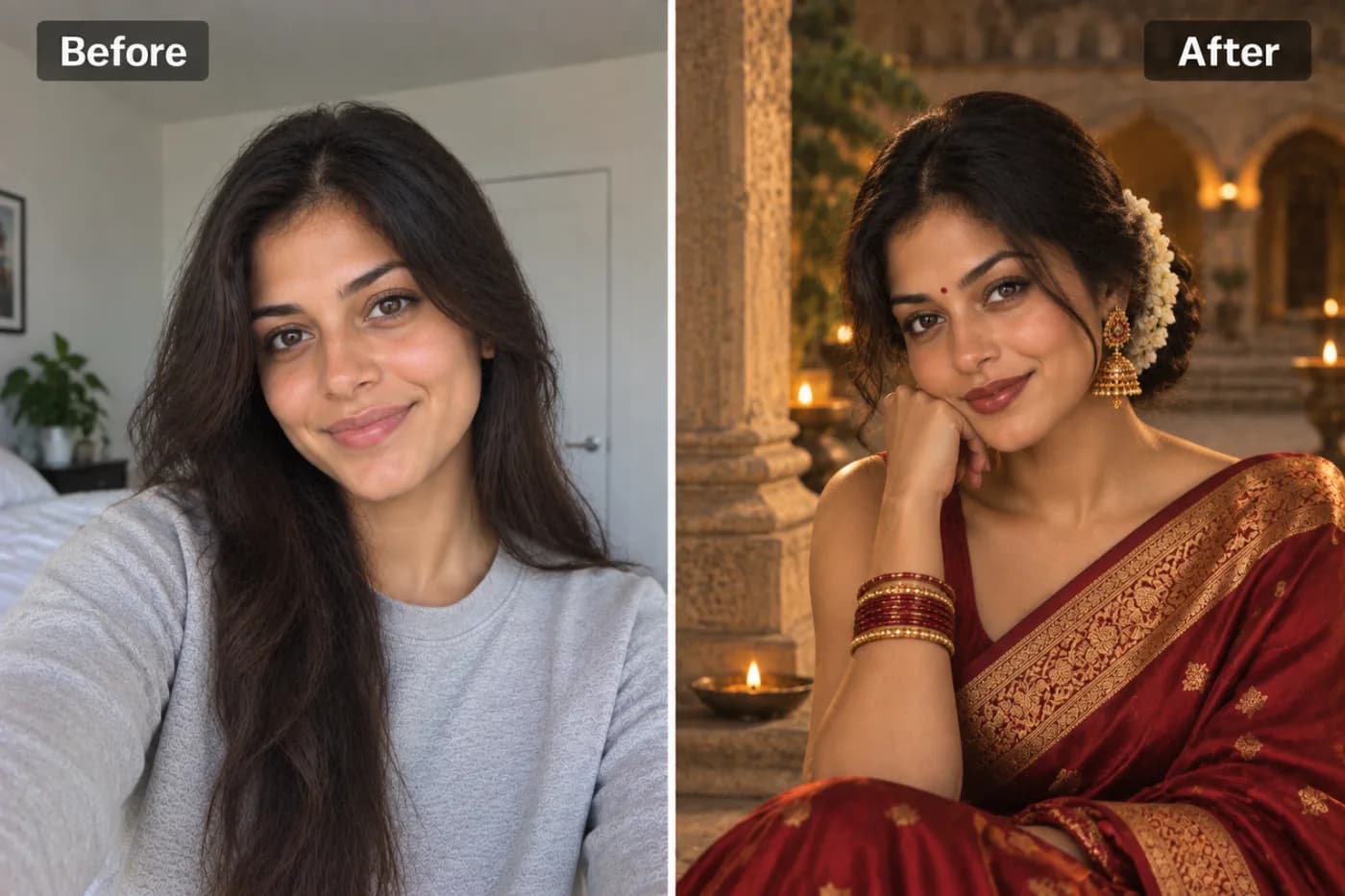
Whether you want a Holi photo filter AI effect drenched in flying colored powder, an AI Diwali photo maker portrait glowing with diyas and fairy lights, or an Eid, Christmas, or Navratri scene, modern AI recreates the entire festive atmosphere around you. It doesn't just add a background — it matches lighting, adds authentic festival elements, and styles the whole portrait to feel like a genuine celebration shoot.
On Pixel Shine, the festival portrait AI free tool runs online. In this guide, you'll learn how it works across different festivals, how to get portraits that look authentic, the mistakes to avoid, and why Pixel Shine's pay-as-you-go credits make it the easiest way to celebrate in style.
How AI Recreates Festival Atmospheres
A great festival portrait AI free tool does far more than paste a colorful background behind you. It reconstructs an entire festive environment and integrates you into it convincingly.
First, the AI detects your face and figure, preserving your features while it reimagines the scene. Then it generates a festival-specific backdrop — clouds of colored powder for Holi, rows of glowing diyas and rangoli for Diwali, crescent moons and lanterns for Eid, twinkling lights and snow for Christmas. These aren't generic; they're tuned to each celebration's iconic visual language.
Crucially, it handles lighting integration. A Diwali portrait needs warm, golden diya glow lighting your face from below; a Holi shot needs bright daylight with color splashes. The AI matches the lighting direction and color temperature so you look genuinely present in the scene rather than pasted on.
It also adds festive styling and elements — traditional attire enhancements, jewelry, bokeh from string lights, floating particles of color or sparkles. Finally, it applies a cohesive color grade that ties everything together into a warm, celebratory mood. On Pixel Shine, this entire pipeline runs automatically, so a simple selfie becomes a portrait that radiates the spirit of the festival.
Festivals and Styles You Can Create
The beauty of an AI festival photoshoot is its range. A single tool can drop you into completely different celebrations, each with its own distinct mood.
Holi portraits are explosive and playful — vibrant clouds of pink, yellow, and blue powder mid-air, bright daylight, and pure joyful energy. Perfect for capturing the spirit of the festival of colors.
Diwali portraits glow with warmth — rows of diyas, intricate rangoli, sparklers, fairy lights, and rich golden tones. They feel intimate, elegant, and celebratory.
Navratri and Garba scenes bring vibrant traditional attire, festive decorations, and energetic color for dance-season portraits.
Eid portraits feature crescent moons, lanterns, elegant styling, and serene, refined lighting for a graceful celebratory feel.
Christmas portraits wrap you in twinkling lights, snow, cozy warmth, and festive reds and greens.
Wedding-season and general celebration styles add florals, elegant backdrops, and warm glamour for engagements and family functions. On Pixel Shine, you can try several festivals from the same photo, comparing how a Holi burst versus a Diwali glow suits you.
Step-by-Step: Create Your Festival Portrait
Here's the full process on Pixel Shine:
Step 1 — Visit Pixel Shine and open the Festival Photoshoot tool in the Creative AI Photo Effects section. It works on desktop or mobile — no download needed.
Step 2 — Upload your photo. Choose a clear, well-lit image where your face is visible and unobstructed. A portrait or three-quarter shot works best for capturing festive styling. JPG and PNG are both accepted.
Step 3 — Choose your festival and style. Select the celebration you want — Holi, Diwali, Eid, Navratri, Christmas, or a general festive look — and pick any style variations offered.
Step 4 — Generate. Start the transformation and let the AI build the festive backdrop, match the lighting, add celebration elements, and grade the colors. This usually takes 15 to 40 seconds.
Step 5 — Review your portrait. Check that the lighting feels natural and the festival elements suit you. If the effect looks off, re-upload a sharper photo or try a different festival style.
Step 6 — Regenerate for options. Create a few versions across different festivals and compare.
Step 7 — Download. Save your festival portrait in full resolution with no watermark. It's ready to share as a greeting, print, or set as a festive profile picture.
Start to finish, the process usually takes under two minutes.
Pro Tips for Vibrant Festival Portraits
Match your outfit to the festival. Traditional or festive attire in your source photo amplifies the effect dramatically. A saree, kurta, or elegant outfit blends far better into a Diwali or Navratri scene than casual streetwear.
Use even, soft lighting in your original. The AI reworks the lighting to fit the festival, but a well-lit starting photo gives it more to work with and produces a more natural blend.
Choose the right festival for the mood. A bright, playful Holi effect suits energetic, smiling photos, while a warm, serene Diwali glow flatters calmer, elegant portraits. Match the energy.
Keep your face unobstructed. Clear, front-facing shots let the AI apply festive lighting to your features accurately.
Consider the timing of your post. Create Diwali portraits ahead of the festival so you have greetings ready to share the moment it arrives — no last-minute scramble.
Upscale for prints and greetings. If you want to print festival cards or large portraits, run the result through Pixel Shine's free Normal Upscale to boost resolution without losing quality — free, unlimited, and with no sign-in.
Common Mistakes to Avoid
Wearing clashing modern clothing. A festive backdrop with an obviously casual outfit creates a mismatch. Traditional or celebration-appropriate attire in your source photo makes the portrait cohesive.
Using a dark or blurry source photo. Festival effects add lighting and color on top of your image, and a poor-quality original will look muddy. Start with a sharp, well-lit photo.
Picking a festival that doesn't match your energy. A somber, low-energy photo forced into an explosive Holi scene can feel disjointed. Match the photo's mood to the celebration.
Over-relying on the effect to fix a bad photo. The AI enhances, but it can't fully rescue a heavily backlit or out-of-focus original. Good input still matters.
Accepting the first result. The first generation might place elements awkwardly. Regenerate to compare several, and keep the most vibrant, natural-looking one.
AI Festival Photoshoot vs. Traditional Festival Photography
Getting professional festival photos the traditional way is genuinely challenging. Festivals are chaotic — colored powder flies everywhere at Holi, lighting is tricky in the low glow of Diwali diyas, and coordinating a photographer during a busy celebration is stressful and expensive. A professional festival shoot can cost a significant amount and still depend on catching the right unpredictable moment.
An AI festival photoshoot removes all of that friction. It's quick to start on Pixel Shine, works from a single ordinary photo, and lets you create perfectly lit, vibrant festival portraits without risking your camera in a cloud of colored powder or fighting dim lighting. You can generate portraits for multiple festivals from the same photo and have greetings ready weeks in advance.
The two aren't mutually exclusive. Traditional photography captures real, spontaneous festival moments with authentic emotion. But for polished, shareable portraits — festive greetings, social posts, profile pictures, printed cards — the AI version is instant, affordable, and endlessly customizable. Many people use AI festival portraits for their greetings and social content while saving real photography for the in-person memories. On Pixel Shine, downloads carry no watermark, so your festive portraits look clean and professional wherever you send them.
Who Uses AI Festival Photoshoots
Families create festive portraits to send as digital greetings and print as cards for Diwali, Eid, Christmas, and more — a personal touch that beats generic stock greetings.
Content creators and influencers produce vibrant, on-theme festival content that stands out during peak celebration seasons and drives engagement.
Businesses and brands craft festive marketing visuals and greeting posts featuring their team, adding warmth to seasonal campaigns.
People far from home who can't celebrate with family create festival portraits to feel connected and share the spirit across distance.
Event planners and communities offer AI festival portraits as fun keepsakes for celebrations and gatherings. One user living abroad, unable to travel home for Diwali, created a glowing diya-lit portrait of herself in traditional attire and sent it as a video greeting to her whole family — she said it made the distance feel a little smaller. The blend of personalization and festive beauty makes these portraits deeply meaningful, not just decorative.
Frequently Asked Questions
Is the AI festival photoshoot free?Pixel Shine's creative tools run on credits, with packs starting at ₹166 and no subscription. You pay only for what you create.
Which festivals can I create portraits for?Pixel Shine supports a range of celebrations including Holi, Diwali, Eid, Navratri, Christmas, and general festive and wedding-season styles, so you can pick the one that fits your occasion.
Will there be a watermark on my portrait?No. Pixel Shine lets you download your festival portrait without a watermark, unlike many competing apps.
What photo works best?A clear, well-lit portrait or three-quarter shot with an unobstructed face works best. Festive or traditional attire in the original enhances the result.
Do the results look realistic?When you use a clear, well-lit photo, the AI matches lighting and integrates festive elements naturally, producing portraits that look genuinely part of the celebration.
Can I create festival greetings in advance?Yes — many people generate Diwali, Eid, or Christmas portraits ahead of time so their greetings are ready to share the moment the festival arrives.
Does it work on mobile?Absolutely. Pixel Shine runs on your phone, so you can create and download festival portraits directly from your phone.
Can I print my festival portrait as a card?Yes. Downloads are full resolution, and you can use Pixel Shine's free upscaler to boost the size for printed cards and greetings.
Key Takeaways
An AI festival photoshoot turns any photo into a vibrant celebration portrait — Holi color bursts, Diwali diya glow, Eid lanterns, Christmas lights — with matched lighting and authentic festive elements, in minutes and free to start. The keys to great results are matching your outfit and energy to the festival, using a clear well-lit photo, and regenerating to find the most natural, vibrant version.
Pixel Shine makes it genuinely free, adds no watermarks, and pairs festival portraits with a free unlimited upscaler for print-ready greetings — all in one online platform. Whether you're sending festive greetings, creating seasonal content, or feeling connected to home from far away, head to Pixel Shine, upload your photo, and celebrate in vibrant style in under two minutes.