AI Thanksgiving Photo Maker: Create Festive Holiday Portraits Free
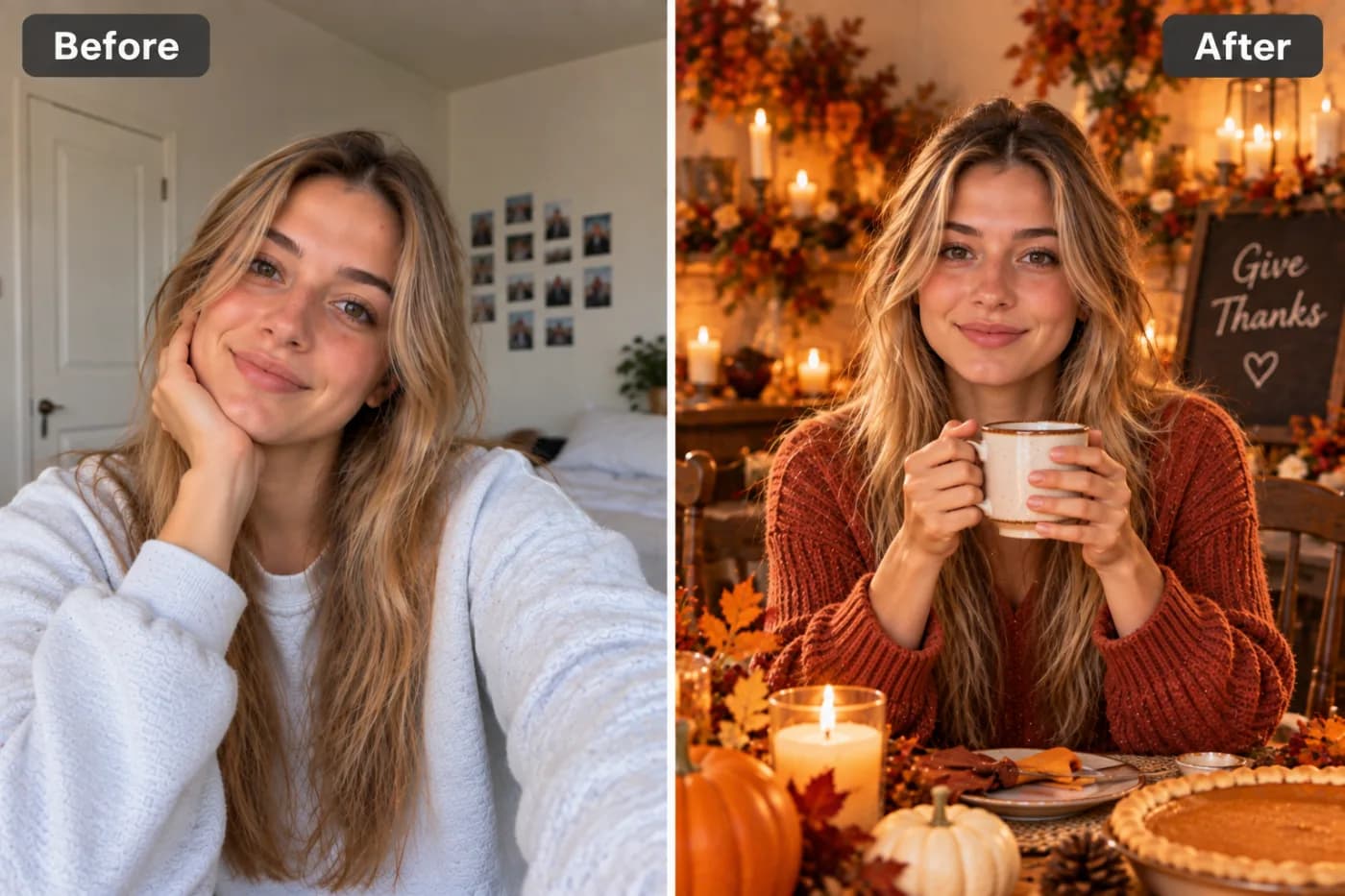
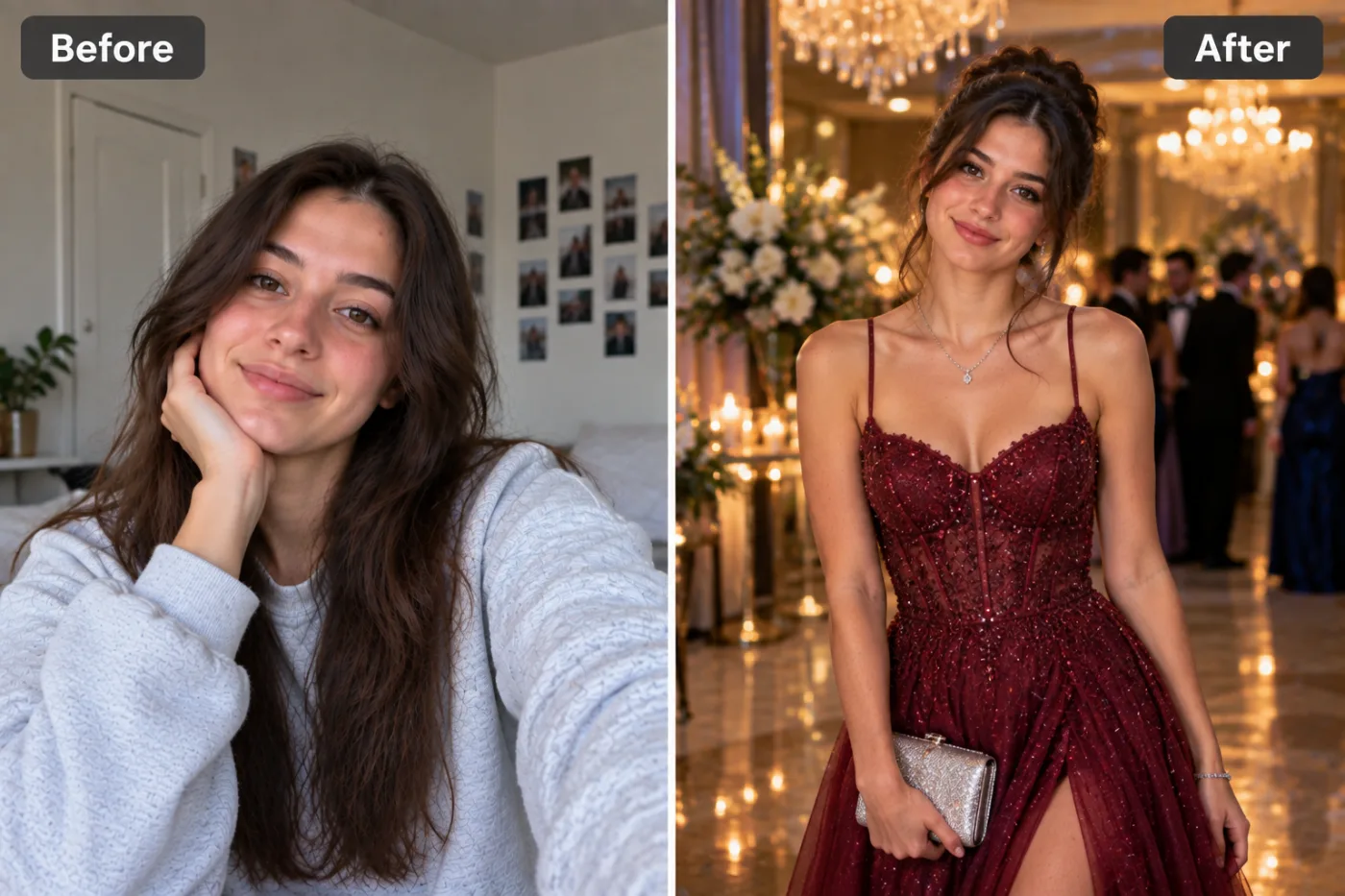
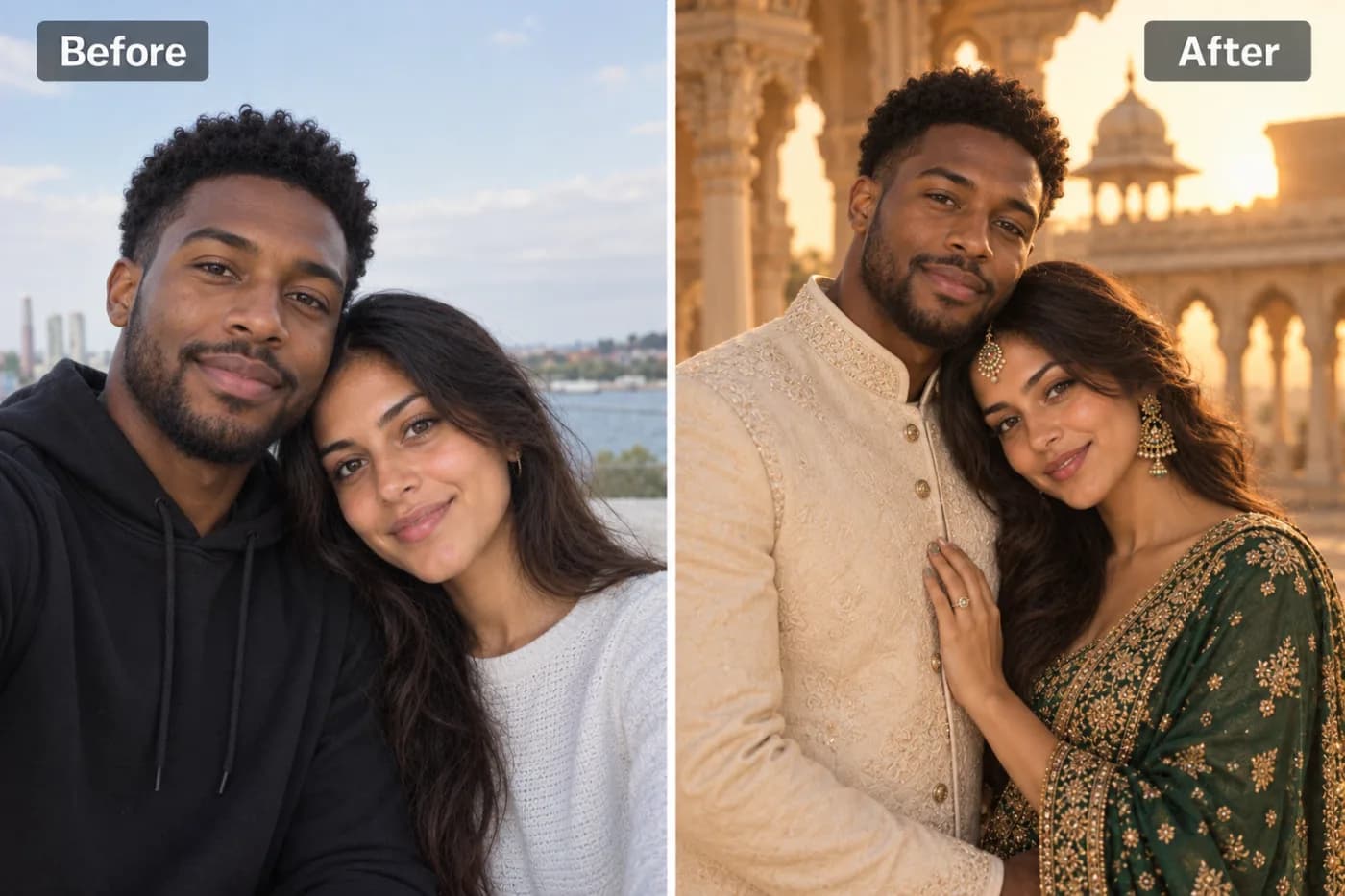
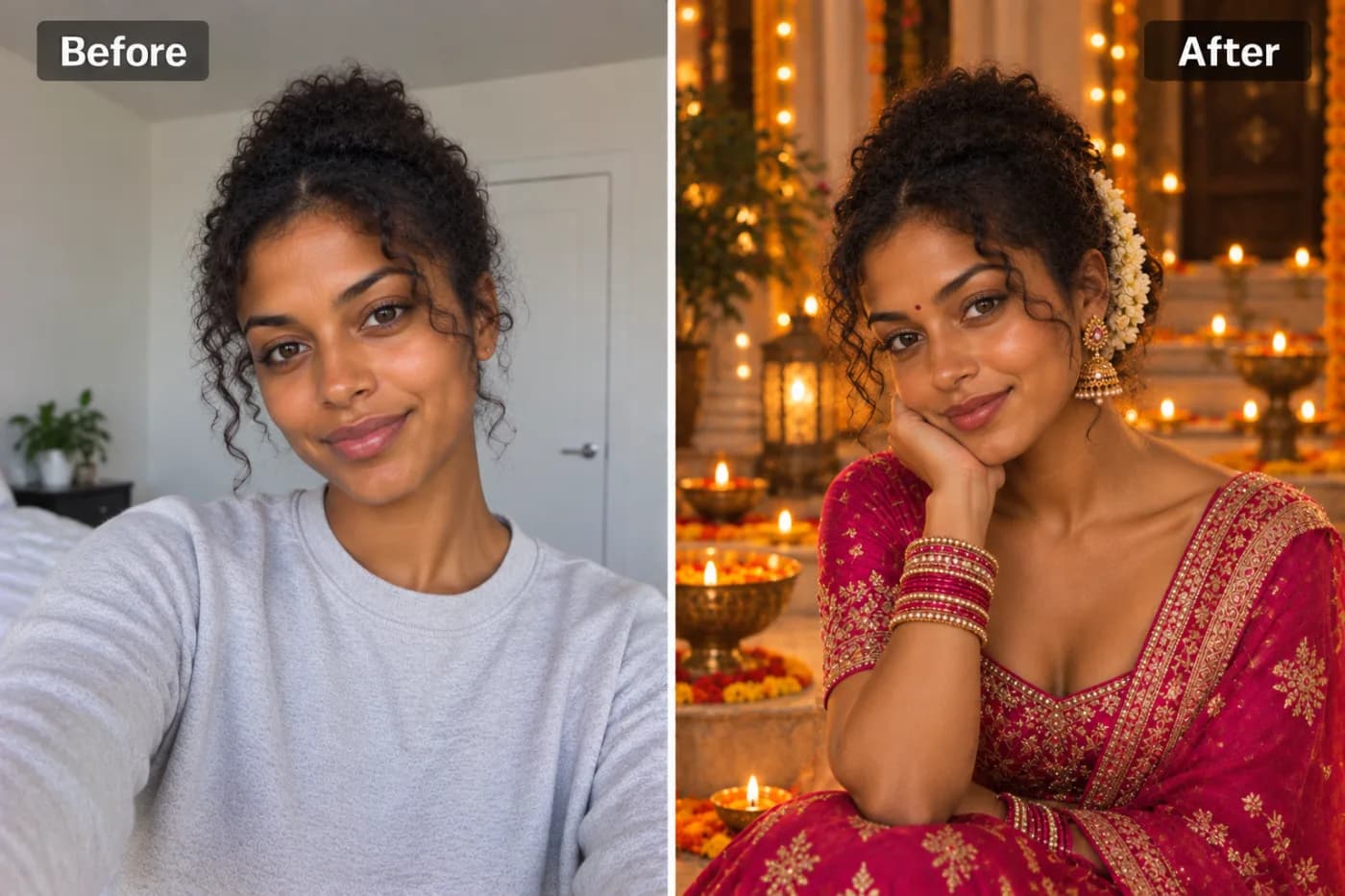
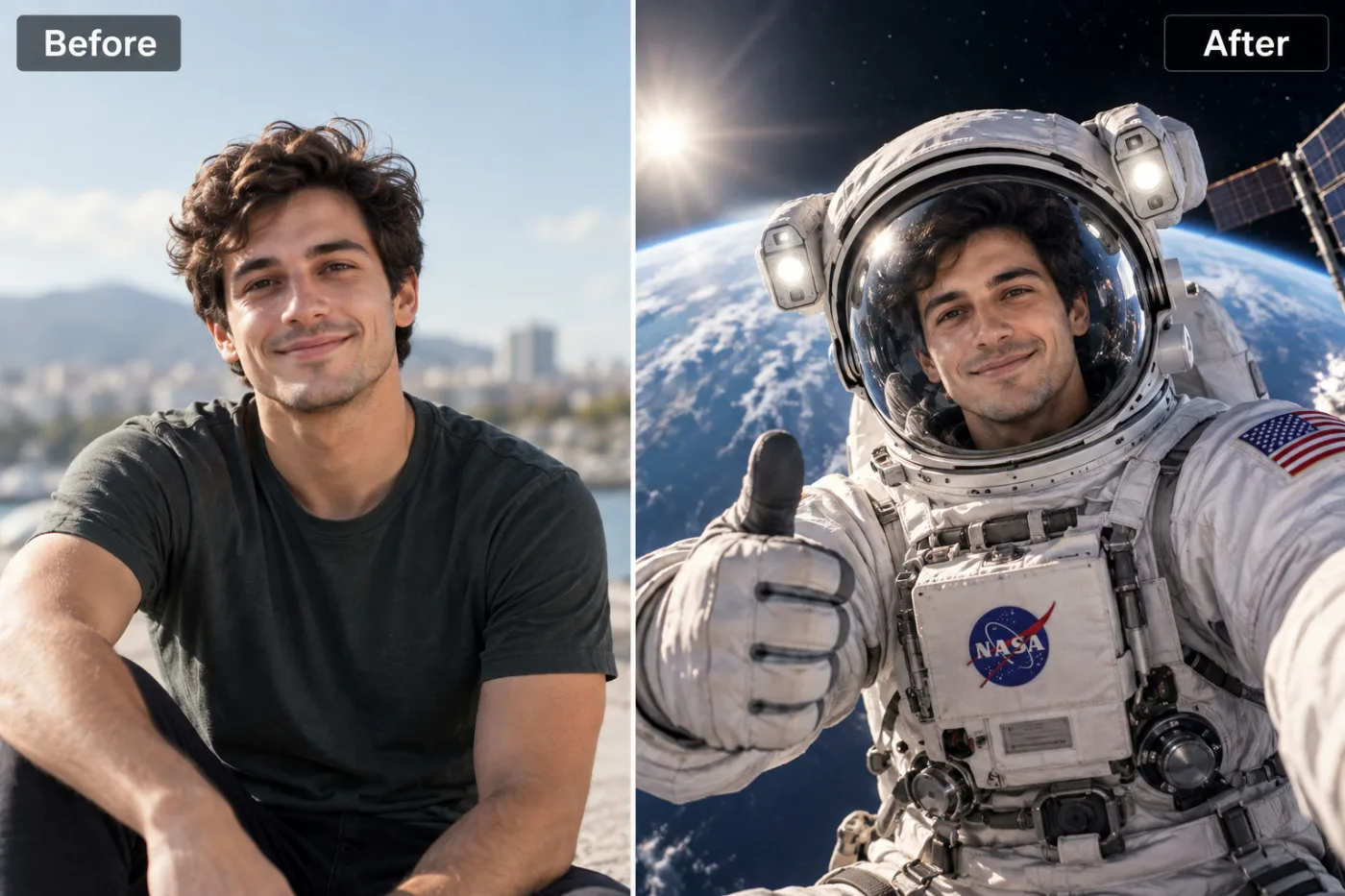
Thanksgiving is one of the most photographed holidays of the year. AI lets you create warm, festive Thanksgiving portraits from any photo — without needing a professional photographer or the right lighting.
An AI Thanksgiving photo maker turns any ordinary picture into a warm, festive holiday portrait — golden autumn light, cozy sweaters, pumpkins, fall foliage, and that unmistakable Thanksgiving glow — without a single reshoot. If you missed the family photoshoot, hate how your holiday selfie turned out, or just want a gorgeous seasonal portrait for your cards and socials, Pixel Shine creates a Thanksgiving portrait AI-free at Pixel Shine.
Here's the reality most people run into: professional fall family photoshoots cost $150 to $500 and have to be booked weeks in advance, usually before the leaves even turn. Meanwhile, the phone photos you actually take on Thanksgiving Day are lit by kitchen fluorescents and cluttered with dirty dishes in the background. An AI holiday photo generator fixes both problems — it transforms what you already have into something worthy of a framed print.
And Pixel Shine keeps it genuinely accessible: no watermark stamped across your family's faces, no forced account signup just to test it. You can make a festive Thanksgiving portrait today, for free, and have it ready before the pie comes out of the oven.
What Makes a Thanksgiving Portrait Feel Truly Festive
There's a specific visual language to Thanksgiving imagery, and the difference between a photo that *feels* like the holiday and one that just happens to be taken in November comes down to a handful of ingredients.
First, there's the color palette — warm ambers, burnt oranges, deep reds, golden yellows, and rich browns. These autumnal tones instantly read as 'harvest season' to the human eye. A Thanksgiving photo filter online works by shifting your image's color grade toward this cozy, warm-hued world.
Second, there's the light. Real Thanksgiving warmth comes from soft, golden-hour lighting — the kind that makes skin glow and everything feel like late afternoon by a window. Harsh overhead kitchen light is the enemy of festive; golden light is the friend.
Third, there are the props and settings: pumpkins, gourds, wheat, fallen leaves, rustic wood tables, cozy knit textures, and maybe a fireplace. The AI can weave these elements into your portrait so it looks like you posed in a beautifully styled autumn scene.
When these three ingredients combine, an everyday snapshot becomes a holiday portrait — the kind you'd proudly send as a Thanksgiving card or set as your seasonal profile picture.
Why AI Beats Booking a Fall Photoshoot
Traditional fall photoshoots are lovely, but they come with real friction. You book weeks ahead, coordinate everyone's schedules, wrangle kids and pets into matching outfits, pray for good weather, drive to a location, and then wait days or weeks for edited photos to come back. The average package runs several hundred dollars, and if someone blinks or the toddler melts down, you're stuck with what you got.
An AI Thanksgiving photo maker inverts all of that. There's no booking, no scheduling, no travel, and no waiting. You use photos you already have — even casual ones — and the transformation happens in under a minute. If you don't love the first result, you regenerate. Try a different photo or a different vibe, and compare the results.
The cost difference is dramatic: hundreds of dollars versus free. And there's a flexibility traditional shoots can't match — want to include a relative who couldn't travel, or create matching festive portraits for family in three different cities? AI makes that trivial. Everyone submits a photo from wherever they are, and you generate coordinated Thanksgiving portraits that look like they were shot together. That's simply impossible with a conventional photographer and a single location.
Step-by-Step: Create Your Thanksgiving Portrait
Step 1 — Open the tool. Go to Pixel Shine and find the Thanksgiving Photoshoot tool under Creative AI Photo Effects. Sign in with a free account to start.
Step 2 — Choose your best photo. Pick a clear shot where faces are visible and well-lit. It doesn't need to be fancy — a decent selfie or casual portrait is perfect. For couples or families, a photo where everyone's face is unobstructed works best.
Step 3 — Upload it. Drag and drop or click to browse. JPG and PNG are both supported. Higher-resolution photos give the AI more detail to work with.
Step 4 — Generate your festive portrait. Hit create and let the AI apply the warm autumn grading, seasonal lighting, and Thanksgiving atmosphere. This typically takes 15 to 40 seconds.
Step 5 — Review the transformation. Check that faces still look natural and recognizable, and that the festive elements feel balanced rather than overdone.
Step 6 — Regenerate if you want options. Not every generation is identical. Run it a couple of times and pick your favorite.
Step 7 — Download watermark-free. Save your finished Thanksgiving portrait in full quality. It's ready to print as a card, post to Instagram, set as a profile picture, or text to the family group chat.
Step 8 — Print or share. For physical cards, download at the highest quality available so the print stays crisp.
Pro Tips for Stunning Holiday Portraits
Tip 1 — Start with even lighting. A photo with soft, front-facing light transforms best because the AI has clean facial detail to preserve. Avoid heavy shadows across faces.
Tip 2 — Wear warm tones in the source photo. If you're planning ahead, rust, mustard, cream, and deep green outfits blend naturally into the autumn palette and make the final portrait feel cohesive.
Tip 3 — Keep faces unobstructed. Sunglasses, low hat brims, and hair covering faces reduce how recognizable and natural the result looks. Clear faces = better portraits.
Tip 4 — Use a simpler background. A cluttered kitchen behind you competes with the festive scene the AI is building. A plainer backdrop lets the autumn atmosphere shine.
Tip 5 — Generate multiple versions. The best festive portrait is often the third or fourth generation. Small variations in lighting and mood can make a big difference — pick the one with the warmest feel.
Tip 6 — Coordinate family submissions. If you're making a group set from separate photos, ask everyone for similar lighting and simple backgrounds so the finished portraits feel like a matching series.
Common Mistakes to Avoid
Mistake 1 — Using a dark or blurry photo. Thanksgiving Day photos are often shot in dim indoor light. If the source is too dark or shaky, the AI has less to work with. Choose your clearest, brightest shot.
Mistake 2 — Overcrowded group photos. A photo with ten people, half of them turned away, is hard for any tool to render into a polished portrait. Smaller, well-arranged groups produce cleaner results.
Mistake 3 — Expecting an exact photographic replica. This is a creative, stylized effect. It enhances and reimagines your photo into a festive scene — it's meant to look beautiful and warm, not clinically identical to the original.
Mistake 4 — Skipping the regenerate step. People often accept the first output and miss a better one. Run it a few times before deciding.
Mistake 5 — Downloading low quality for prints. If you're printing cards, always grab the highest-resolution download. A web-sized image looks great on screen but pixelates on paper.
Great Ways to Use Your AI Thanksgiving Portraits
Thanksgiving cards. Skip the generic store-bought card. A custom festive portrait of your family printed as a card feels personal and looks professionally styled — for a few credits instead of a photographer's fee.
Seasonal social media. Swap your profile picture to a warm autumn portrait across Instagram, Facebook, and LinkedIn to catch the holiday mood. Festive profile pics reliably earn extra engagement in November.
Family group chats. Surprise the family thread with festive portraits of everyone — a fun, low-effort way to spread holiday cheer, especially for relatives who live far apart.
Framed keepsakes. Print a favorite and frame it for the mantel alongside your other holiday decor. A stylized autumn portrait doubles as seasonal decoration.
Digital invitations. Hosting Thanksgiving dinner? Use a festive portrait as the header image on your Evite or group invitation to set the tone before guests even arrive.
Small business content. Local shops and creators use warm seasonal portraits for their November marketing, holiday sales announcements, and 'thankful for our customers' posts — a quick way to look on-brand for the season without a photoshoot budget.
Who Loves the AI Thanksgiving Photo Maker
Busy parents who never managed to book the fall family session use it to create the holiday portrait they wanted without the logistics of wrangling everyone to a studio.
Long-distance families generate coordinated festive portraits from separate cities, so relatives who can't travel still appear in the 'family' holiday set.
Social media creators and influencers use it for on-theme November content that keeps their feeds seasonal and engaging without a content-shoot budget.
Couples turn a casual date-night selfie into a cozy autumn portrait for their first Thanksgiving together or a seasonal announcement.
Small business owners create warm, festive marketing imagery for holiday promotions and gratitude posts.
One common thread: people who forgot, ran out of time, or couldn't afford a traditional shoot suddenly have a beautiful holiday portrait anyway. The barrier that used to require money and planning is gone — a clear photo and an AI tool is all it takes now.
Frequently Asked Questions
Is the AI Thanksgiving photo maker free?It runs on credits rather than a subscription: each Thanksgiving portrait costs 2 credits and takes minutes. Your downloads come without a watermark.
Do I need to sign up before trying it?Yes, a free account. Once you're signed in, you can start creating right away at Pixel Shine.
Can I make a family Thanksgiving portrait?Yes. Group photos work, and for best results choose a shot where each person's face is clearly visible and well-lit. You can also combine separate individual photos into a coordinated set.
Will the portrait still look like us?The AI preserves your recognizable features while adding festive lighting, warm autumn tones, and seasonal atmosphere. It's a stylized enhancement, so expect a beautiful, cozy version of you — not a clinical copy.
Can I print these as Thanksgiving cards?Absolutely. Download at the highest quality for crisp prints, then use any card printer or service.
What kind of source photo works best?A clear, evenly lit, front-facing photo with unobstructed faces and a relatively simple background.
How long does each portrait take to generate?Usually 15 to 40 seconds, depending on demand.
Can I create more than one version?Yes — regenerate to get variations and pick the one you love most. This is the best way to land on the perfect festive look.
Key Takeaways
You don't need a pricey autumn photoshoot, a booked photographer, or perfect timing to have a gorgeous Thanksgiving portrait this year. An AI Thanksgiving photo maker transforms the photos you already have into warm, festive, holiday-ready images in under a minute — and Pixel Shine does it watermark-free, with no subscription.
Whether you're making cards, refreshing your seasonal profile picture, surprising the family group chat, or creating coordinated portraits with relatives across the country, the process is the same: upload a clear photo, generate, pick your favorite, and download.
This Thanksgiving, skip the stress and the studio fee. Create Your Thanksgiving Portrait → at Pixel Shine and have a festive keepsake ready before dinner's served.