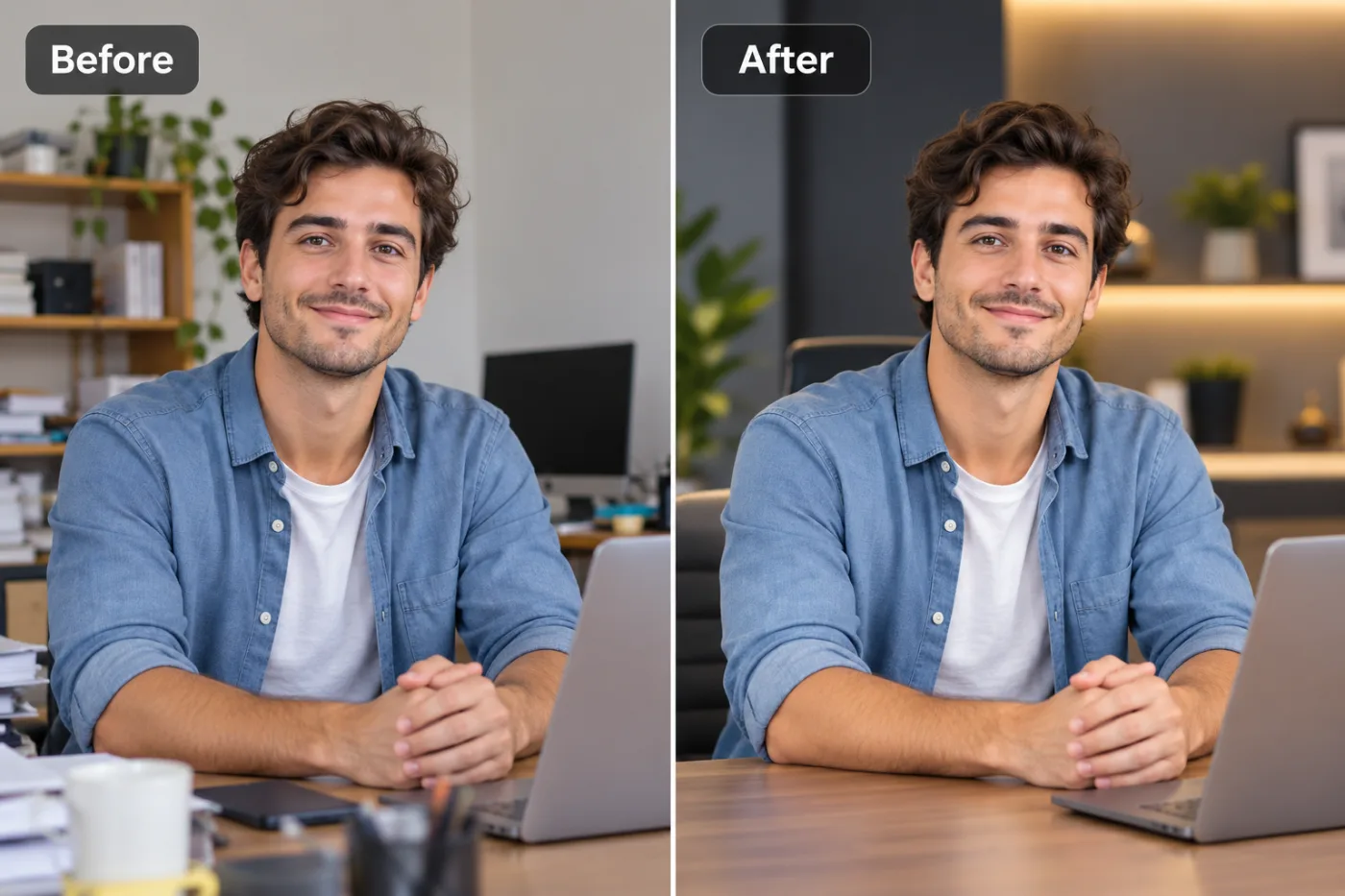
How to Get HD Photos for Free (From the Ones You Already Have)

You don't need a better camera to get HD photos — you can upgrade the ones you already have. Here's how to get HD photos for free.
"HD" just means high definition — a crisp, high-resolution image that looks sharp on modern screens and prints. You don't need a fancy camera to get there. Most of us already have folders full of photos that could look HD with a little help: old pictures, WhatsApp-compressed images, screenshots, downloads. Free AI upscaling turns those into HD versions in seconds.
What makes a photo look 'HD'
Two things: enough resolution (pixels) and enough sharpness (crisp detail, low noise). A lot of everyday photos fall short on both — they're small and a bit soft. Upscaling tackles both at once: it multiplies the resolution while an AI reconstructs sharp detail, so a dull, low-res picture comes out looking genuinely high-definition.
How to make a photo HD free
Open the upscaler, upload your photo, choose 2× or 4×, and download the HD version. No app to install, no watermark, and you don't need to sign up to try it. Works on your phone or computer, on JPG, PNG, and WebP.
Which photos benefit most
The biggest wins come from photos that are *slightly* let down — a good shot that's just soft or small, an old picture with sentimental value, a compressed image someone sent you. Start from the best copy you have; the more real detail there is to build on, the more "HD" the result looks. It's free and unlimited when signed in, so upgrade as many as you like.
Get HD photos now — free
Pick a photo that deserves to look better, upload it to the free upscaler, and download an HD version in seconds. No watermark, no cost.