

How do you upscale an image to 4K?
1. Check your starting size
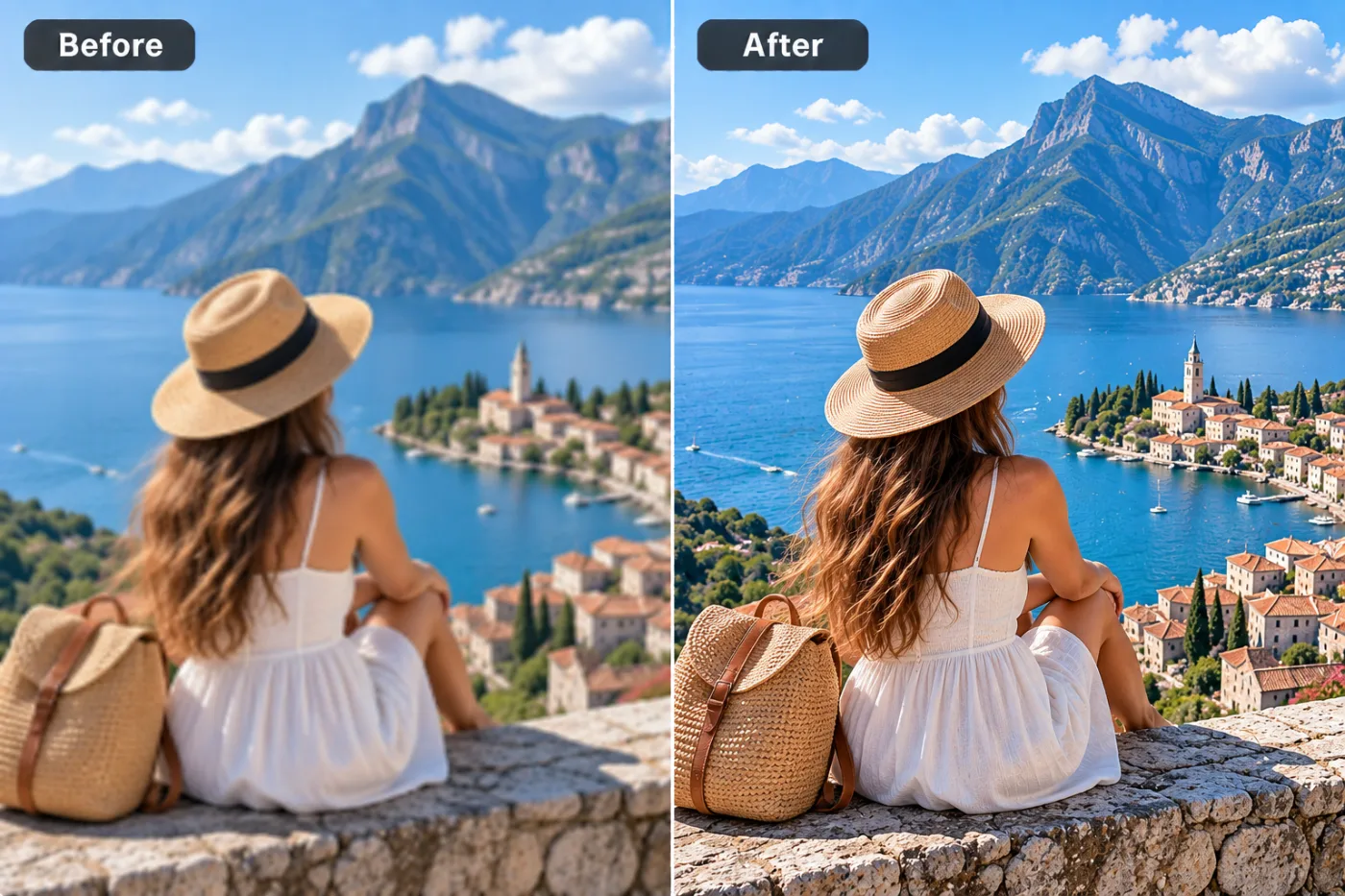
4K is 3,840 pixels wide. At 2× you need an image at least 1,920 pixels wide (Full HD); at 4× you need at least 960 pixels wide. The editor shows the size you'll get before you press the button.
2. Upscale with the right mode
Pro AI (2 credits) rebuilds fine detail and is the one to use for photos you'll see big. Normal enlarges with sharpening in your browser, fine for graphics and already-sharp images.
3. Crop to 16:9 if needed
A 4K screen is 16:9. If your photo is a different shape, crop it to Wide so it fills the screen without bars.
What exactly is 4K?
On TVs, monitors and phones, "4K" means 3,840 × 2,160 pixels (UHD), a 16:9 shape with four times as many pixels as Full HD. In cinema, 4K is slightly wider (4,096 pixels). For images, what matters is having around 3,840 pixels across, so the picture stays sharp on a 4K screen or a large print.
| Starting width | 2× gives | 4× gives |
|---|---|---|
| 960 px | 1,920 px | 3,840 px (4K) |
| 1,280 px | 2,560 px | 5,120 px |
| 1,920 px (Full HD) | 3,840 px (4K) | 7,680 px (8K) |
| 2,560 px | 5,120 px | 10,240 px |
Results are capped at 20,000 pixels on a side, so very large images should use 2×.
Who needs 4K images?
Wallpaper and screen savers
A phone photo or AI image looks soft on a 4K monitor or TV. Upscale it to 3,840 pixels wide and it fills the screen crisply.
Creators
YouTube thumbnails, channel art and video backgrounds hold up better when the source is sharp. Upscale stills grabbed from older footage before using them.
Prints and posters
At about 300 pixels per inch, a 4K-wide image prints sharply at around 12.8 inches wide, and larger posters viewed from a distance need less. See upscale old photos for family prints.
AI art
Many AI image models produce around 1,024 pixels. A 4× Pro AI upscale takes that past 4K for printing and big displays.
Online sellers
Large product images let shoppers zoom right into texture and stitching, which builds trust.
Is it real 4K or just bigger?
Normal mode makes the image 4K in size, with sharpening, but can't add detail that wasn't in the photo, so a soft image looks like a soft image on a bigger canvas. Pro AI genuinely rebuilds detail: hair strands, leaves, textures, edges. It's as close to "real" 4K as you can get from a smaller original, with the caveat that the new detail is the AI's best estimate rather than something the camera recorded.
Tips for sharp 4K results
- Start from the original file, not a screenshot or a WhatsApp copy.
- Crop before you upscale, so the pixels go where you need them.
- Use 4× only when the image is small. Over-enlarging an already large image wastes time and can look artificial.
- Check fine text and faces at 100% after Pro AI.
- Save as PNG or high-quality JPG for printing; compress only copies meant for the web.
How much does 4K upscaling cost?
Reaching 4K from a Full HD image with Normal 2× is free. Starting from something smaller means 4×: in Normal mode that's available once you hold credits, while a Pro AI run that rebuilds detail costs 2 credits and is refunded automatically if it fails. Credits start at $2 for a pack you can use whenever you like. The main image upscaler page compares the modes in detail.