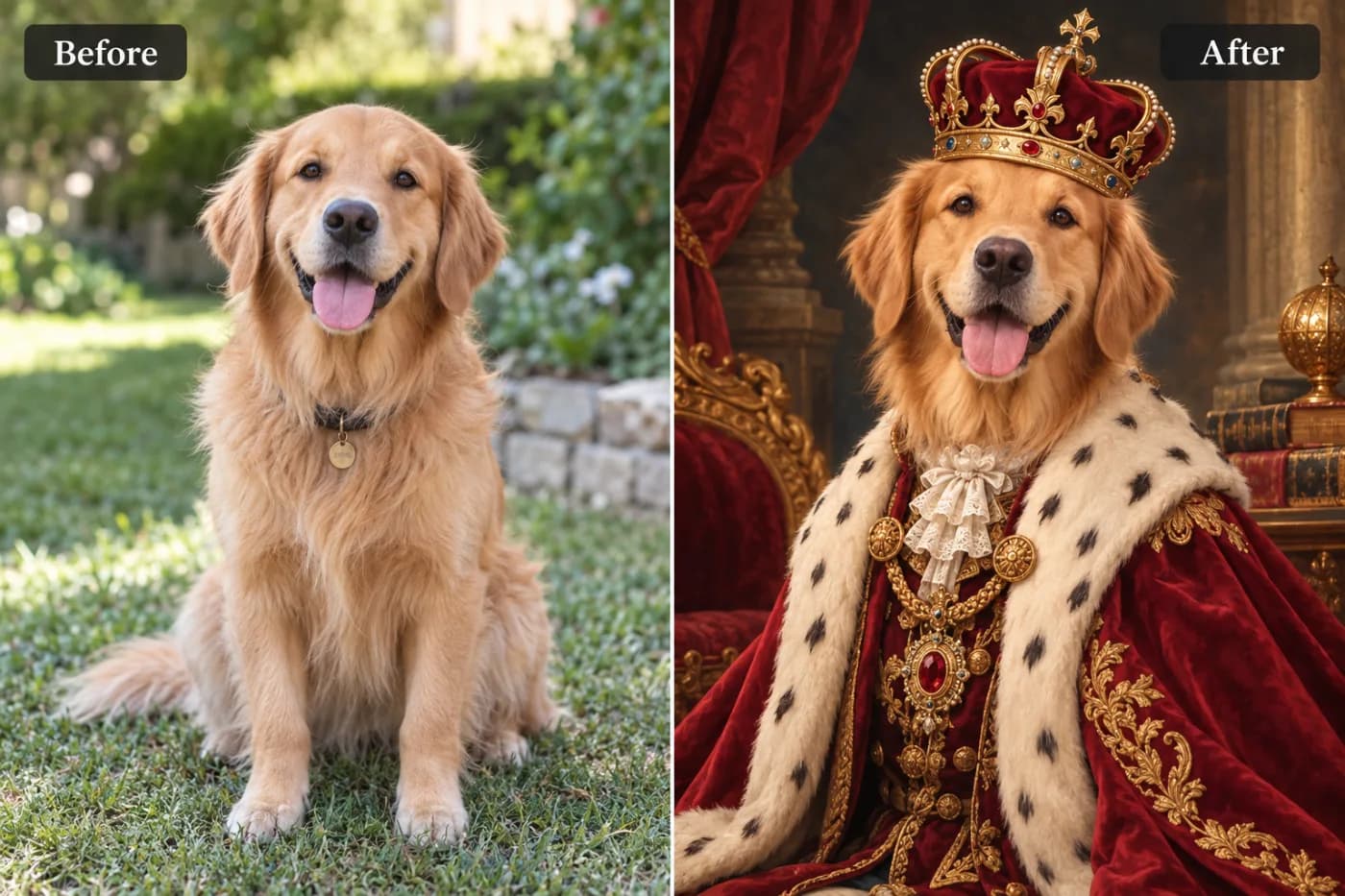
Enhance Your Photos Free — No App Download Needed

You don't need to download anything to enhance a photo. Here's how to sharpen and upscale your pictures free, right online.
Downloading software just to fix one photo feels like overkill — and half the "free" downloads come with toolbars, trials, or worse. You don't need any of it. An online photo enhancer lets you sharpen and upscale your pictures with nothing to install, nothing to update, and nothing sitting on your device afterward.
Why online beats download
A web tool works the instant you open it — no install, no waiting, no storage used, no security worries about random software. It's the same on any device: your work laptop, a friend's computer, your phone. And when you're done, you just close the tab. For a task as simple as "make this photo sharper," that's exactly the right amount of friction: none.
How to enhance a photo free (no download)
Open the enhancer online, upload a photo, choose 2× or 4× to upscale and sharpen it, and download the improved version. No app, no watermark, no sign-up needed to try it. JPG, PNG, and WebP all work.
Great for quick, everyday fixes
This is the tool to bookmark for those constant little jobs — a soft photo before you post it, a small image before you print it, a screenshot you need clearer. Start from the best copy you have, and you'll be surprised how much a quick free enhance improves an everyday picture.
Enhance a photo now — no download
Open the free enhancer, upload a picture, and download a sharper version in seconds. No app, no watermark, no cost.