How to Upscale & Enhance Pet Photos for Free
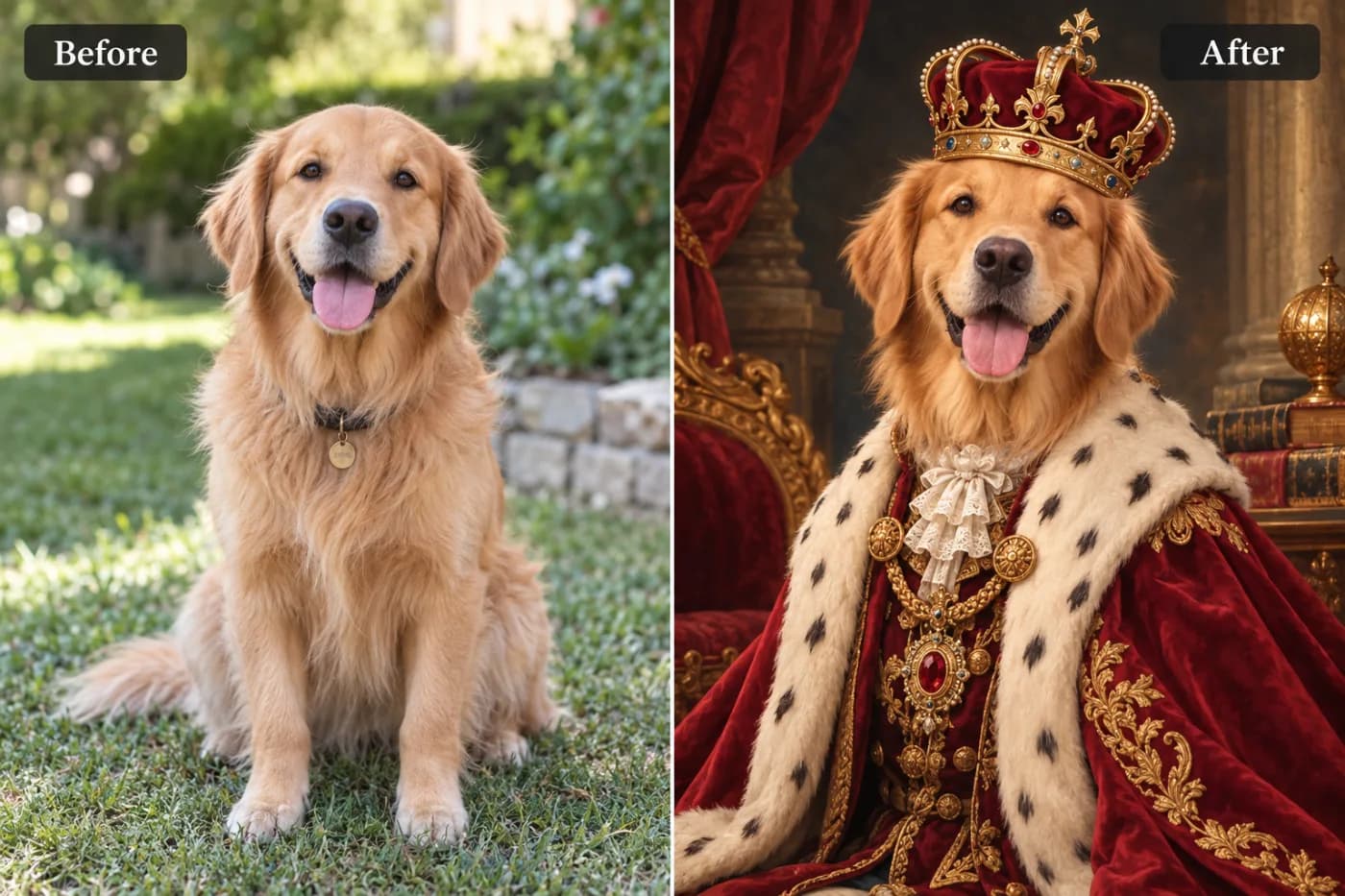
Pets never hold still, so photos come out soft. Here's how to upscale and sharpen pet photos so every whisker and fur strand looks crisp.
Pets are the hardest subjects to photograph — they move constantly, and by the time you tap the shutter the moment is often soft or slightly out of focus. AI upscaling rescues those shots by sharpening fur, recovering detail in eyes and whiskers, and boosting resolution so you can print or share them proudly. It's the easiest way to turn a lucky-but-blurry snap into a keeper.
Why pet photos come out soft
Fast movement plus indoor lighting is a recipe for blur and noise. Phone cameras bump up ISO in dim rooms, adding grain, and any motion during the exposure smears fine fur detail. Upscaling with AI specifically helps here because the model understands textures like fur and can reconstruct crisp strands rather than a soft blob — something traditional sharpening filters can't do well.
Enhance your pet photo in seconds
Step 1 — Choose your best shot. Even a small or slightly soft photo works, as long as it isn't a total motion smear.
Step 2 — Upscale 2× or 4×. Upload to Pixel Shine and pick your enhancement level. The AI sharpens eyes, nose, and fur while reducing indoor-lighting noise.
Step 3 — Download and print. Save the high-resolution result — now crisp enough for a framed print, a phone wallpaper, or a social post.
Tips for whisker-sharp results
Photos with good light and a clear view of the pet's face upscale best. If your shot is grainy from a dark room, the AI's noise reduction will clean it up noticeably. For action shots, choose the frame where the eyes are sharpest — the AI can enhance detail but can't invent a face that was never in focus. A gentle contrast boost afterward makes eyes sparkle.
Free for every pet parent
Pixel Shine is free, unlimited, and watermark-free, so you can enhance your whole camera roll of pet photos without paying a cent. It works entirely online.
Give your furry friend the crisp photos they deserve — head to Pixel Shine and upload one now.
