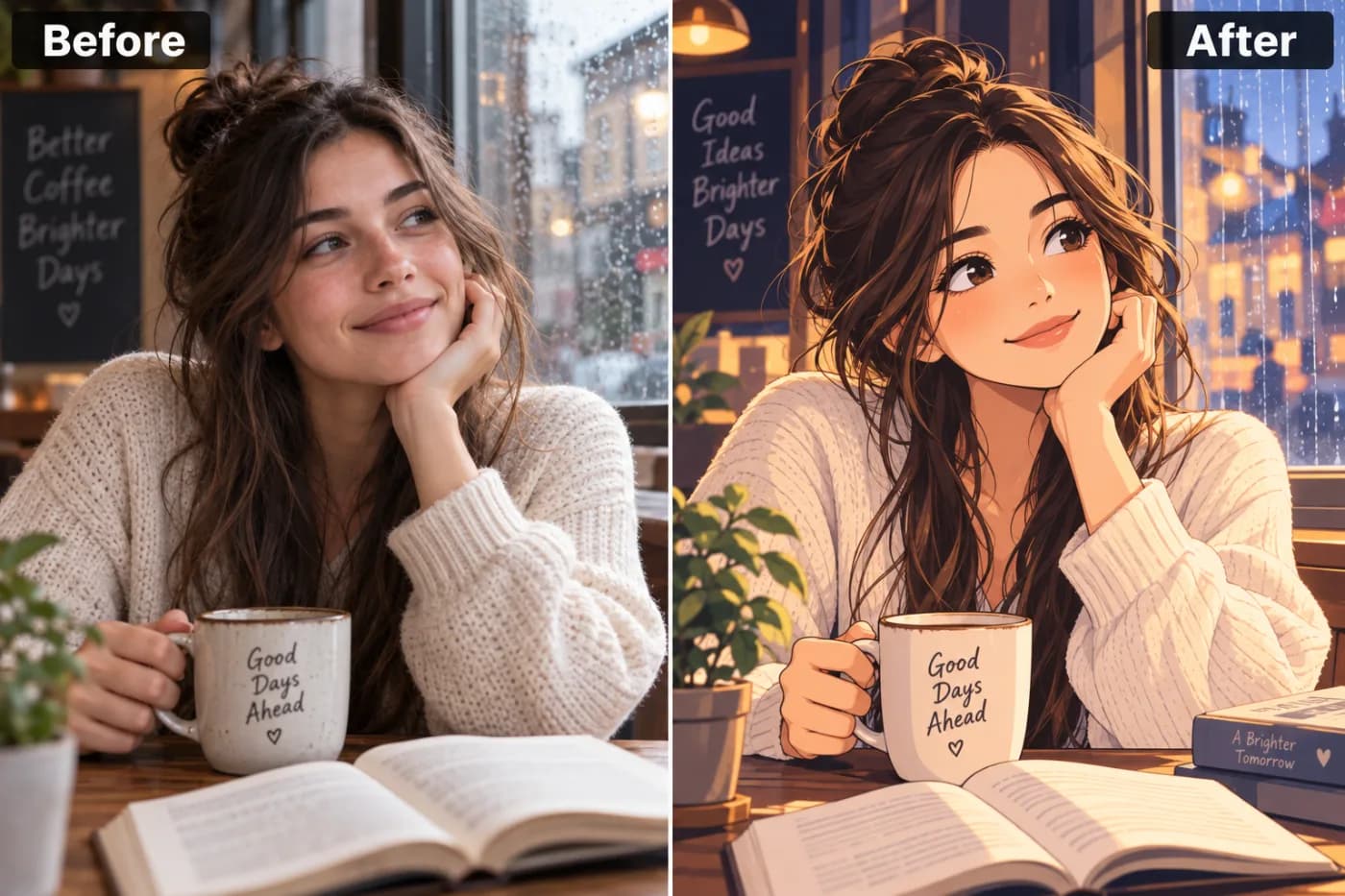
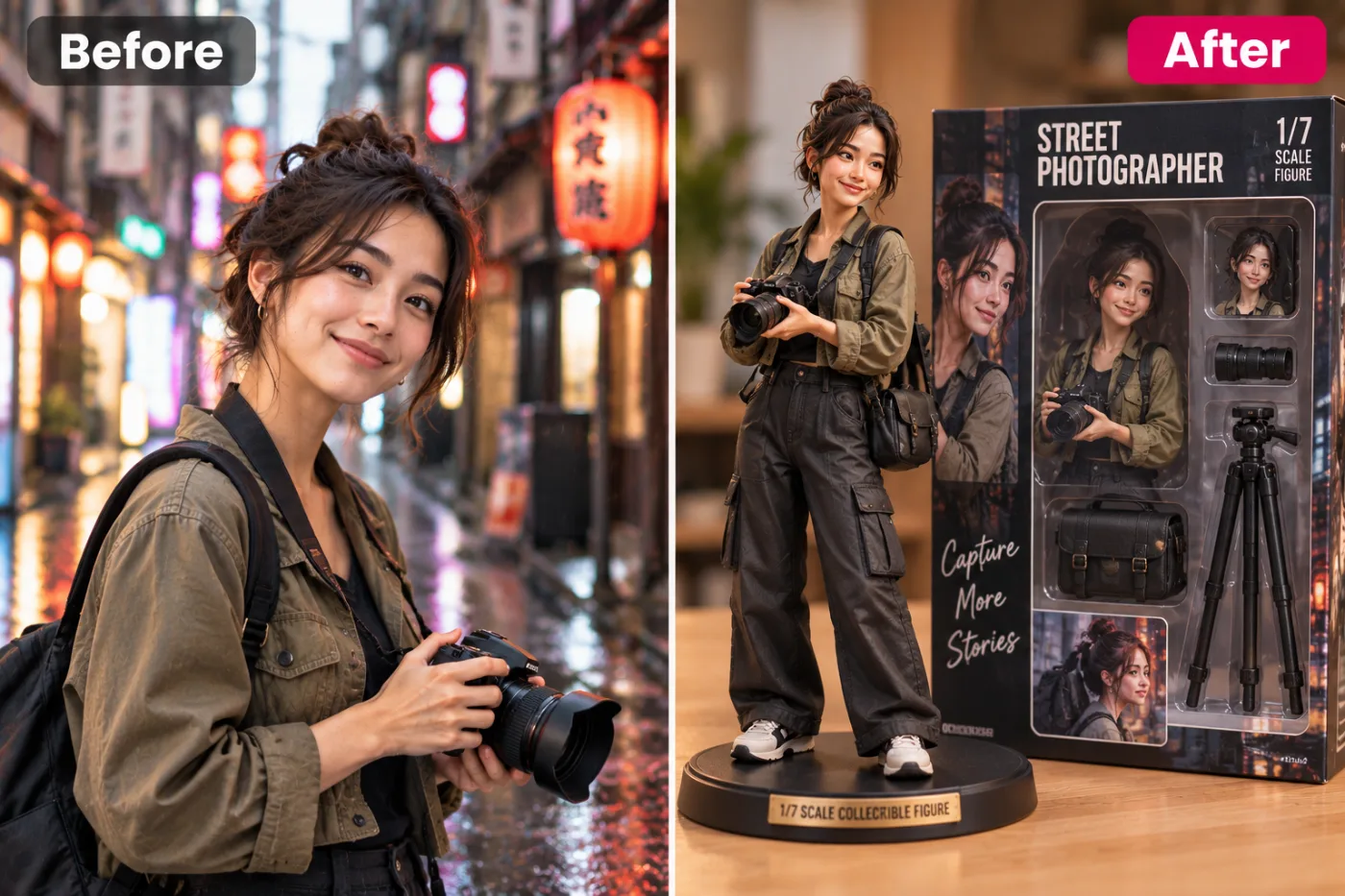
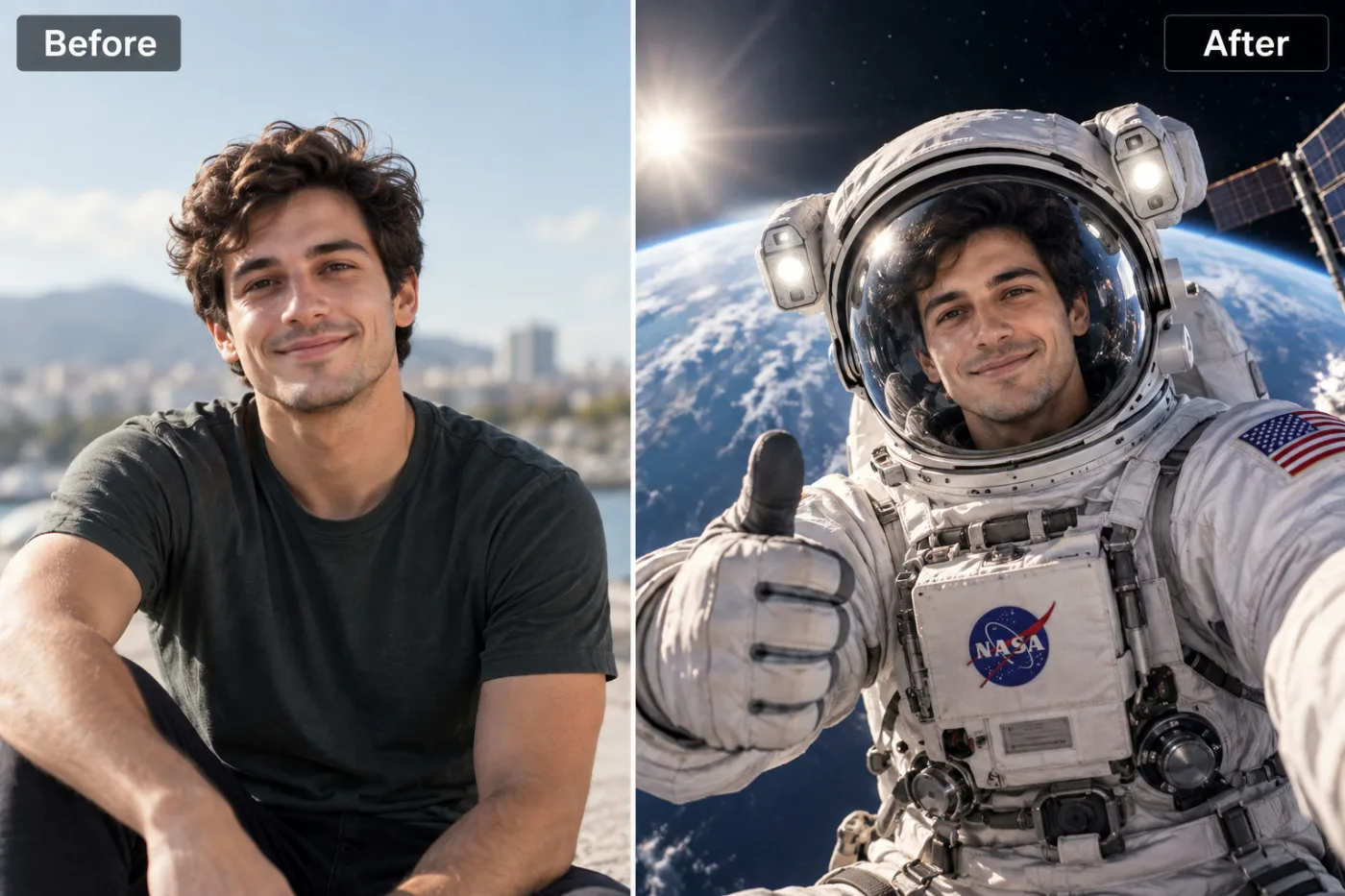
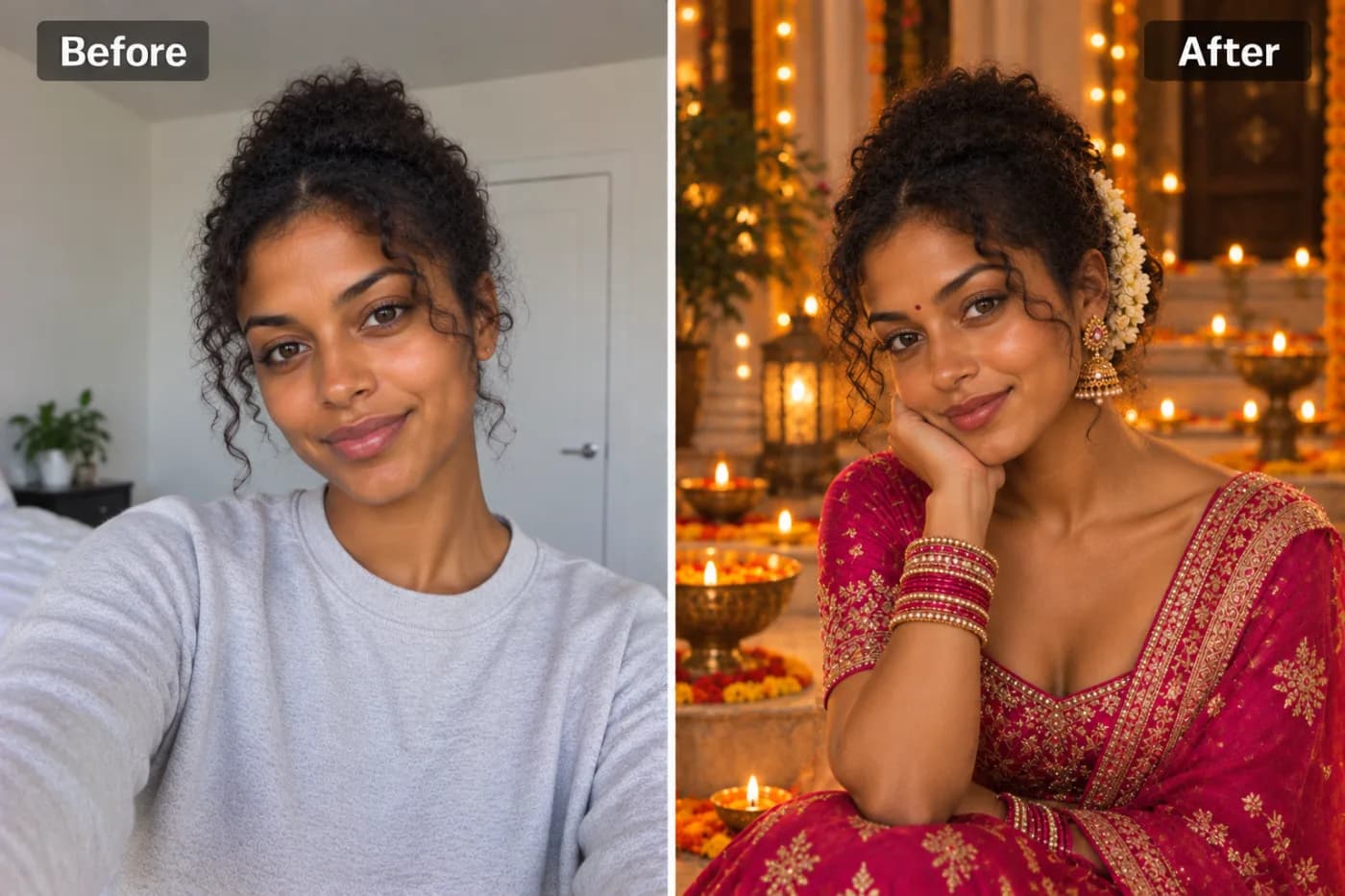
Turn Your Photo into a Funko Pop Figure with AI
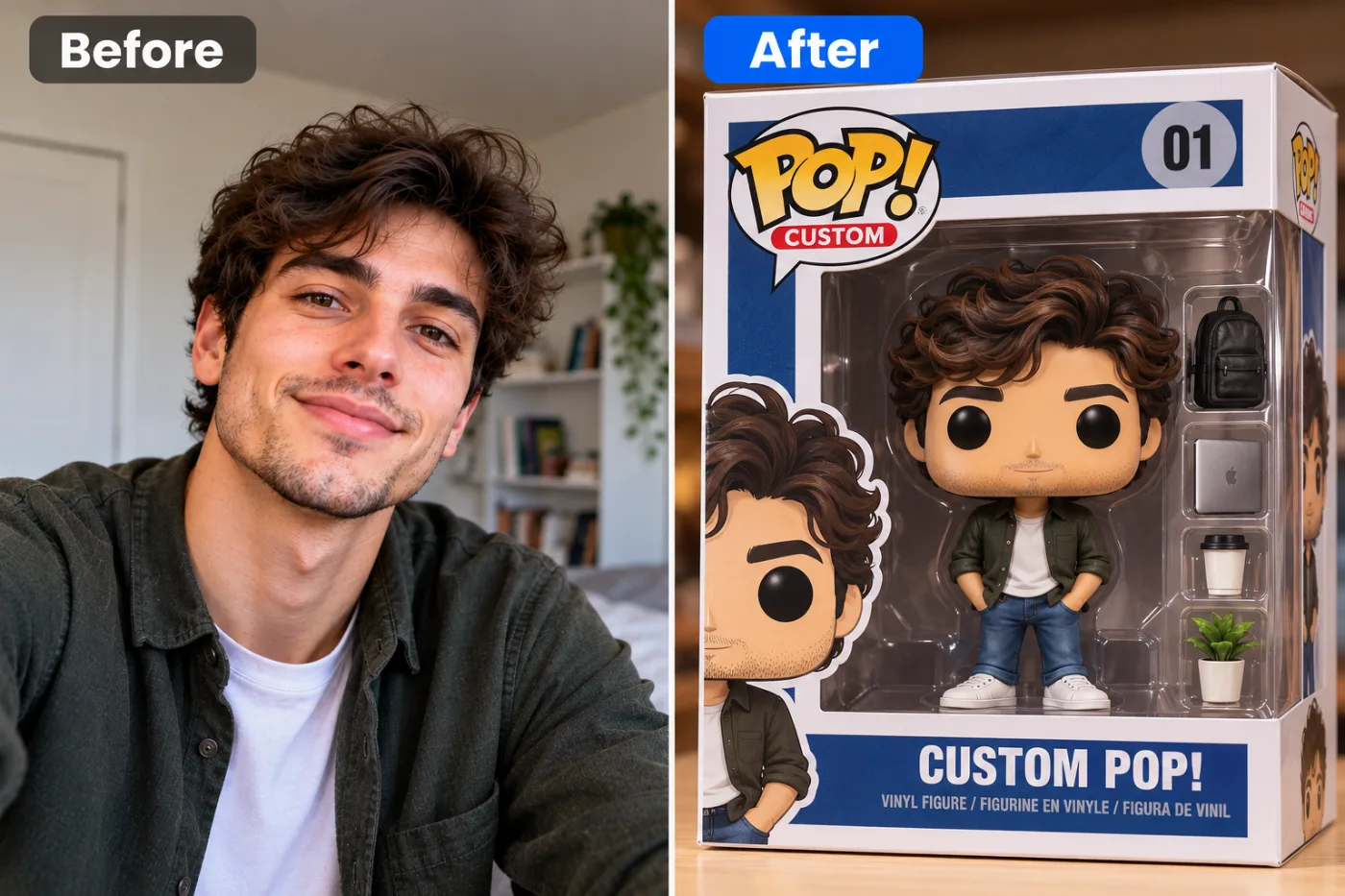
Funko Pop figures have become one of the biggest pop culture phenomena of the last decade. Now you can turn any photo of yourself — or anyone — into a hyper-realistic Funko Pop portrait using AI, in seconds.
Ever looked at a Funko Pop on your shelf and thought, "I'd pay real money for one of me"? Now you don't have to. When you turn a photo into a Funko Pop with AI, you get that unmistakable big-head, tiny-body vinyl figure look in seconds — no sculpting, no $50 custom-figure commission, no waiting three weeks for shipping. Pixel Shine's funko pop generator takes a single selfie and reimagines you as a boxed collectible, complete with the glossy plastic shading, oversized eyes, and blocky proportions that make these figures so instantly recognizable.
The internet is obsessed with this look. Over 1 billion Funko Pop figures have been sold worldwide since 2010, and the "funko pop yourself AI" trend has racked up hundreds of millions of views across TikTok and Instagram. The best part? You can create yours right now, on credits, without installing an app and without a subscription. This guide walks you through exactly how to make a jaw-dropping custom Funko Pop from any photo, plus the pro tricks that separate a mediocre result from one that looks store-bought.
What Makes the Funko Pop AI Effect So Popular
The Funko Pop aesthetic hits a very specific sweet spot: it's cute, collectible, and just cartoonish enough to feel flattering without being unrecognizable. Unlike a full caricature, a good AI funko pop keeps your key features — hairstyle, glasses, signature outfit — while wrapping them in that chunky vinyl-toy style. That balance is why the trend exploded.
It's personal branding gold. Content creators, streamers, and small business owners use custom Funko-style avatars for profile pictures, channel art, and merch mockups. A figure version of yourself reads as playful and approachable, which is exactly the vibe most personal brands want.
It's the ultimate gift. Turning a photo of a friend, partner, or coworker into a boxed figure makes for a hilarious birthday post or a genuinely thoughtful keepsake. Couples do matching sets. Teams do entire office rosters.
It scratches the collector itch. Real custom Funko commissions cost $40 to $150 and take weeks. An AI funko pop generator gives you the same shelf-ready look in under a minute, so you can experiment with different outfits, poses, and box designs for free before you ever consider printing one.
How the AI Turns Your Selfie into Vinyl
Behind the scenes, Pixel Shine uses a diffusion-based image model trained to recognize the geometry of the Funko Pop style — the roughly 3-to-1 head-to-body ratio, the flat black button eyes, the simplified nose-less face, and the soft plastic sheen. When you upload your photo, the model identifies your facial landmarks, hair shape, skin tone, and clothing, then rebuilds them inside that toy template.
It preserves identity cues. The AI is specifically tuned to hold onto the things that make you look like *you* even after stylization: beard, curly hair, a specific hat, bold lipstick, or a team jersey. These survive the transformation so friends can recognize the figure at a glance.
It adds the collectible packaging. Many results come framed inside the classic Funko-style window box with a header and number in the corner, which is what makes the output feel like an actual product photo rather than just a filtered selfie.
Because it's generative rather than a simple overlay filter, every render is slightly unique. Run the same photo twice and you'll get two subtly different figures — handy when you want options to choose from.
Step-by-Step: Turn Your Photo into a Funko Pop
Here's the exact process on Pixel Shine, start to finish:
1. Open the tool. Head to Pixel Shine and go to the Creative AI Photo Effects section, then select the Turn Photo into Funko Pop effect. No download or sign-up is required to start.
2. Pick the right photo. Choose a clear, well-lit image where your face is visible and roughly front-facing. A photo from the chest up works best because the AI needs to see your face, hair, and a bit of your outfit to recreate them accurately.
3. Upload it. Drag and drop the image or click to browse. JPG and PNG files both work. For the sharpest result, use an original photo rather than a screenshot or a heavily compressed download.
4. Generate. Hit the generate button and let the AI work. Most renders finish in 10 to 30 seconds depending on server load.
5. Review your options. When the figure appears, look at how it captured your hair, glasses, and clothing. If something feels off, regenerate — because the model is generative, a second pass often nails details the first one missed.
6. Download in full resolution. Once you're happy, save the image. Pixel Shine exports without slapping an ugly watermark across your figure, so it's ready to post, print, or gift immediately.
7. Sharpen it further (optional). Want a crisp, print-ready version? Run the result through Pixel Shine's free Normal Upscaler to boost resolution before printing on a mug, sticker, or poster.
Pro Tips for the Best Funko Pop Results
Use even, front-facing lighting. Harsh shadows across half your face confuse the AI and can produce a lopsided figure. Natural window light or a bright room gives the cleanest read on your features.
Show your signature features. If glasses, a beard, a specific hairstyle, or a favorite jacket are part of your look, make sure they're clearly visible in the source photo. The AI keeps what it can see.
Keep the background simple. A cluttered background can bleed into the stylization. A plain wall lets the model focus entirely on you.
Regenerate for variety. Don't settle for the first render. Generating two or three times and picking the best is the single easiest way to get a standout result — and at 2 credits a try, it's cheap insurance.
Match the outfit to the vibe. Want a superhero-style figure? Wear a bold color. Want a cozy collector look? A hoodie translates beautifully into vinyl. The clothing in your photo directly shapes the figure's outfit.
Upscale before printing. Screen-sharing looks great at native resolution, but for physical prints, run the Normal Upscale first so the plastic sheen and edges stay crisp at larger sizes.
Common Mistakes to Avoid
Uploading a group photo. The AI works best on one clear subject. A crowd shot forces it to guess who the figure should be, and the result gets muddy. Crop to just yourself first.
Using a tiny or blurry image. Low-resolution source photos give the model very little to work with, so faces come out generic. Start with the highest-quality version of the photo you have.
Choosing an extreme angle. A steep side profile, a photo shot from below, or a face half-hidden by a hand all fight against the front-facing toy template. Pick something closer to a straight-on portrait.
Expecting a photo-perfect likeness. A Funko Pop is a stylized caricature by design — it captures your essence, not a 1:1 replica. If you're chasing exact realism, this is the wrong effect. Embrace the chunky, cartoon charm instead.
Over-editing the source first. Heavy filters, beauty smoothing, or strong color casts on the original can throw off the AI's read of your real features. Feed it a natural photo for the truest result.
Funko Pop AI vs. Custom Commissions and Other Filters
There are three common ways to get a Funko-style version of yourself, and they're wildly different in cost and speed.
Custom vinyl commissions are the gold standard for physical collectors — a real artist sculpts and paints a one-off figure. But you'll pay $40 to $150 and wait weeks, and there's no undo button if you don't love it.
Generic phone filters apply a fixed cartoon overlay. They're fast but crude: they rarely capture the true Funko proportions or the collectible box, and many stamp a watermark on the output or lock the good stuff behind a subscription.
A dedicated AI funko pop generator like Pixel Shine sits in the sweet spot. It produces the authentic boxed-figure look, preserves your real features, renders in under a minute, and costs just 2 credits. You can iterate endlessly, download without watermarks, and only ever consider paying if you want to print a physical version. For 99% of people who just want a shareable, giftable, profile-worthy figure, the AI route wins on every axis — speed, price, and flexibility.
Who's Using Custom Funko Pop AI Figures
Streamers and YouTubers turn their figure into channel branding — thumbnails, panel art, and animated intros. A recognizable vinyl avatar makes a channel feel like a real product line.
Couples and friend groups generate matching sets as anniversary posts or inside jokes. A shelf of "the whole squad" as Funko figures is a guaranteed group-chat hit.
Small businesses mock up branded merch — imagine your bakery's founder as a Funko on the About page, or a realtor's figure on their business cards.
Gift-givers create a boxed figure of a retiring coworker, a new graduate, or a groomsman, then print it as a card or canvas. It reads as far more personal than a generic present.
Kids and parents love it too — turning a child's photo into a superhero-styled Funko makes for an instant framed keepsake. Because each version costs just 2 credits with no subscription, families try several versions in an afternoon.
Frequently Asked Questions
Can I really turn my photo into a Funko Pop for free?Pixel Shine's Creative Effects run on credits rather than a subscription: each Funko-style figure costs 2 credits. The free Normal Upscaler, which needs no sign-in, sharpens your result.
Do I need to create an account?Yes, a free one. Sign in, upload a photo, and generate right away; your credits are tied to your account.
Will there be a watermark on my Funko Pop image?No. Pixel Shine exports clean images without an intrusive watermark stamped across your figure, so it's ready to post or print immediately.
What photo works best for a funko pop yourself AI result?A clear, well-lit, front-facing photo from the chest up. Make sure your face, hair, and any signature features like glasses or a beard are visible.
Can I make a Funko Pop of my pet or a group?The tool is optimized for a single human subject. For pets or groups, crop to one subject at a time for the cleanest result.
How accurate is the likeness?It captures your key features and overall vibe rather than a perfect photographic match — that stylized, collectible caricature look is the whole point of the effect.
Can I print my AI Funko Pop?Yes. Download the full-resolution image and run it through the free upscaler first for crisp prints on mugs, stickers, posters, or canvas.
How long does it take?Most figures render in 10 to 30 seconds.
Key Takeaways
Turning your photo into a Funko Pop used to mean an expensive commission and a long wait. With Pixel Shine's AI funko pop generator, you get the authentic boxed-figure look in under a minute — watermark-free, with no subscription. Use a clear front-facing photo, keep your signature features visible, regenerate a couple of times for options, and upscale before printing.
Whether you want a fresh profile picture, a hilarious gift, or a whole shelf of your friend group in vinyl, the tool makes it effortless. Ready to see yourself as a collectible? Head to Pixel Shine and turn your photo into a Funko Pop right now — your figure is only a few seconds away.