How to Upscale AI-Generated Images Free (Midjourney, DALL·E & More)

You generated a gorgeous AI image — at a resolution too small to print. Here's how to upscale AI art free to poster-ready quality.
AI image generators are incredible, but they share one annoying limitation: the images come out fairly small. Midjourney, DALL·E, Stable Diffusion and the rest typically export around 1024px — perfect for a screen, useless for a poster, a canvas, or a high-quality print. To actually *use* your AI art at size, you need to upscale it, and you can do that free.
Why AI images export small
Generating an image at high resolution is enormously demanding on the hardware, so generators cap the output to keep things fast and affordable. That's fine for previewing and sharing online, but the moment you want to print your creation or use it as a large web hero, ~1024px isn't enough. Upscaling bridges that gap.
AI art upscales especially well
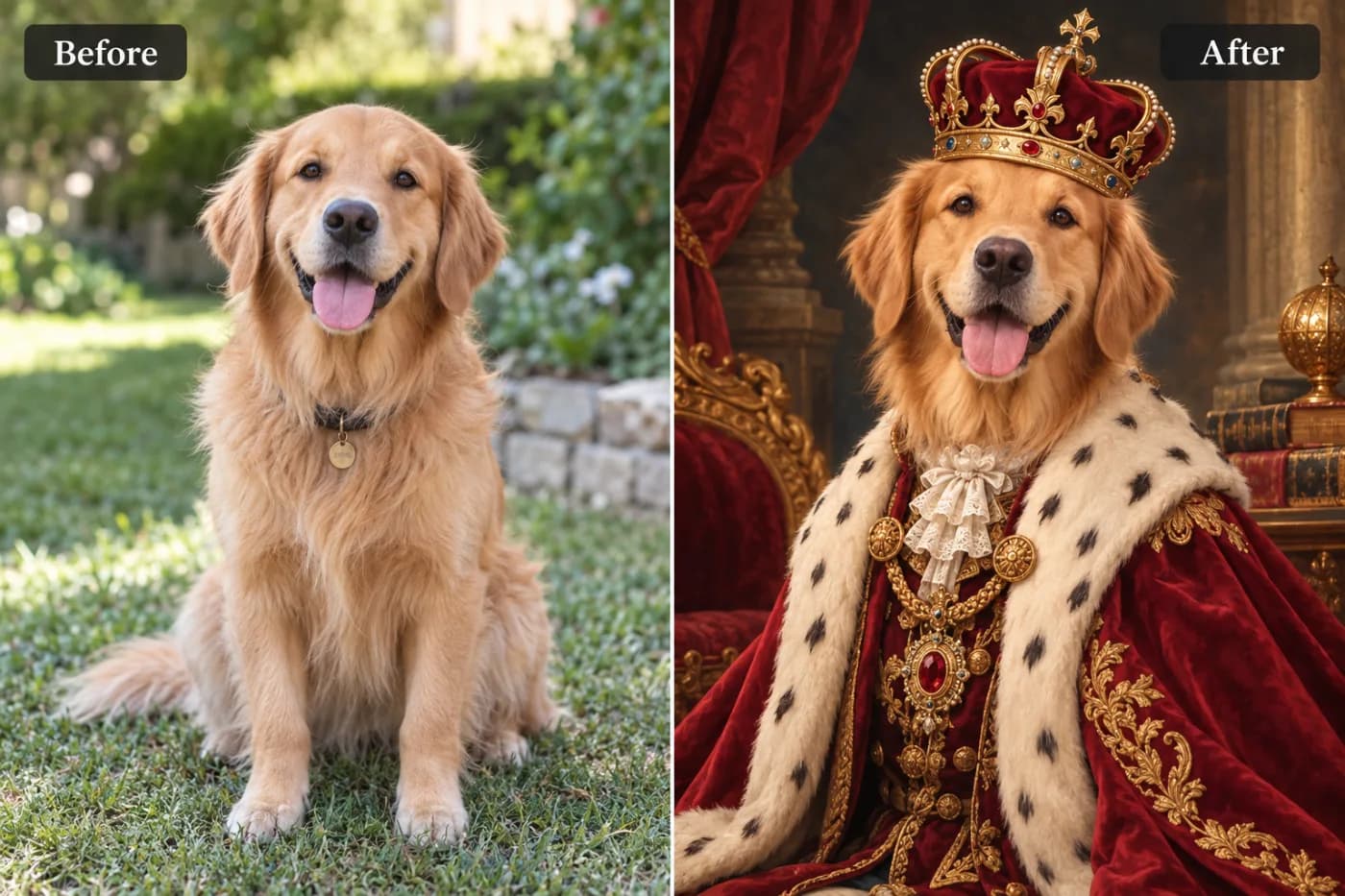
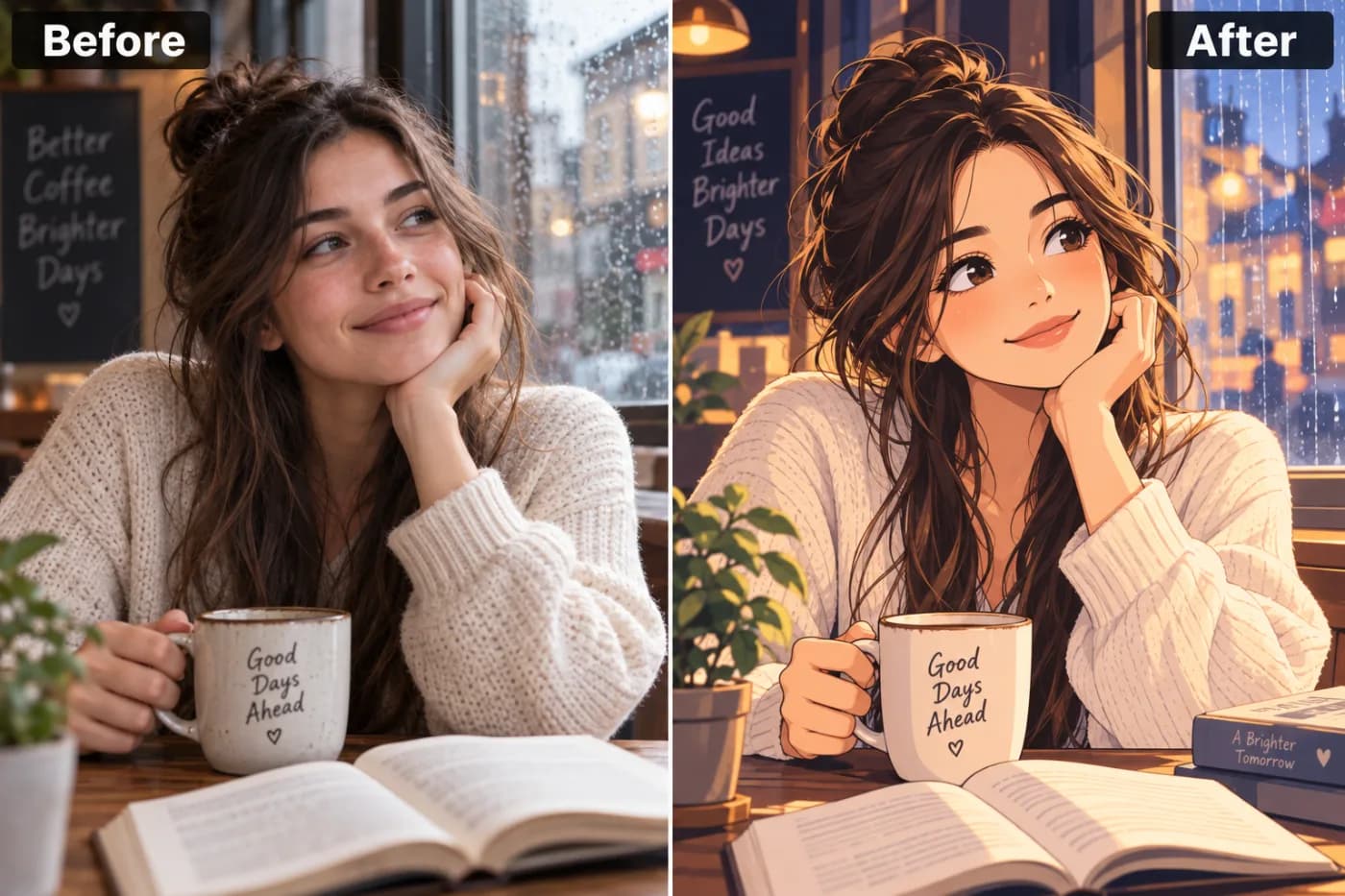
Here's the good news: AI-generated images are some of the *best* candidates for upscaling. They're already clean, sharp, and free of the noise and compression that plague phone photos, so an upscaler has a pristine source to enlarge. Illustrations, painterly styles, and digital art in particular come out crisp at 4×, ready for posters, merch, and prints.
How to upscale your AI image free
Download your generation, open the upscaler, upload it, and choose 4× for maximum print size. Download the enlarged version — no watermark, free to use. For a poster, aim for enough resolution to hit roughly 300 PPI at your target size; a 4× boost from a 1024px source covers most common print sizes.
Upscale your AI art now — free
Turn your small AI generation into a print-ready piece. Upload it to the free upscaler, go 4×, and download a high-resolution version — no watermark, no cost.