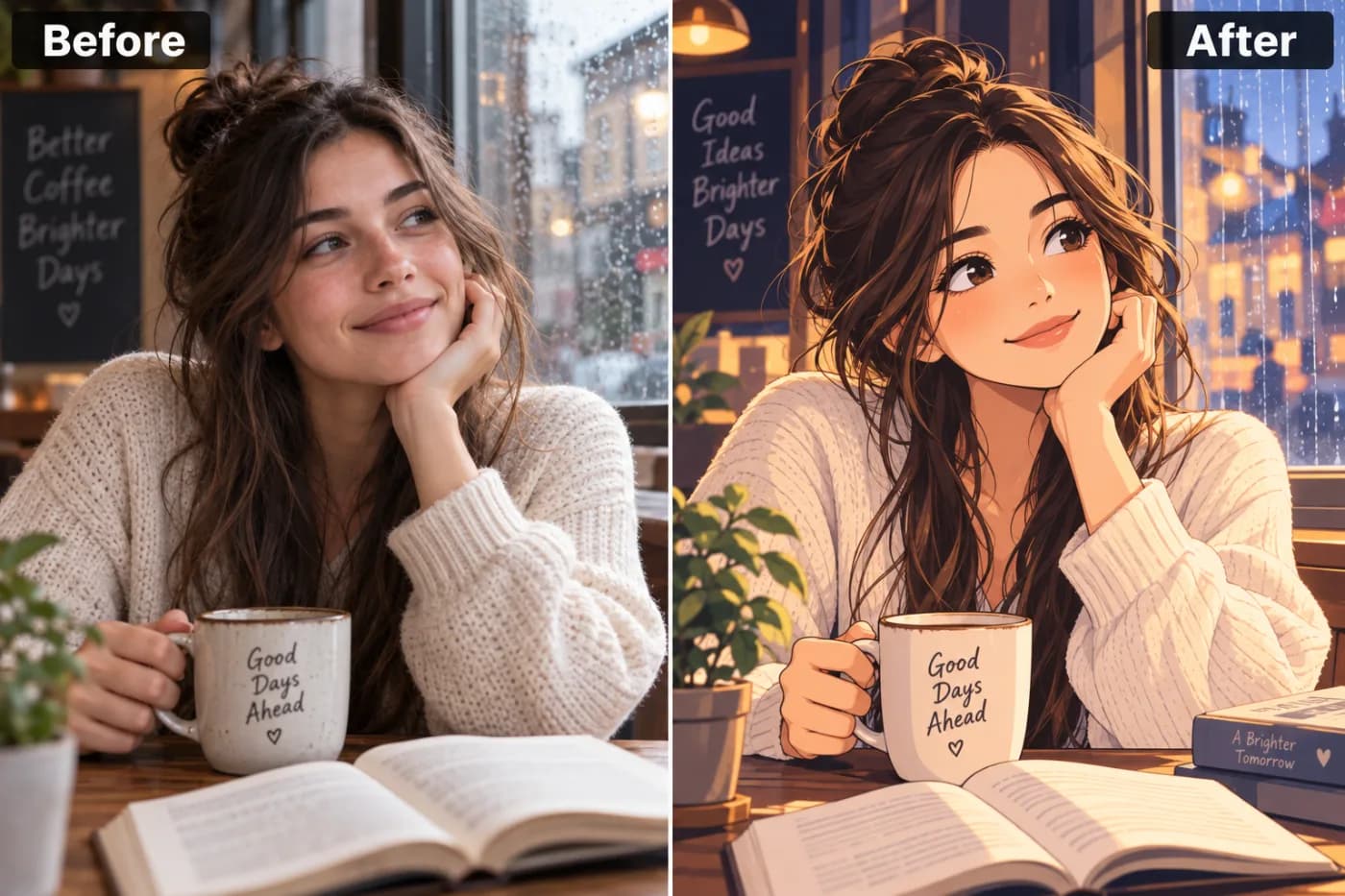
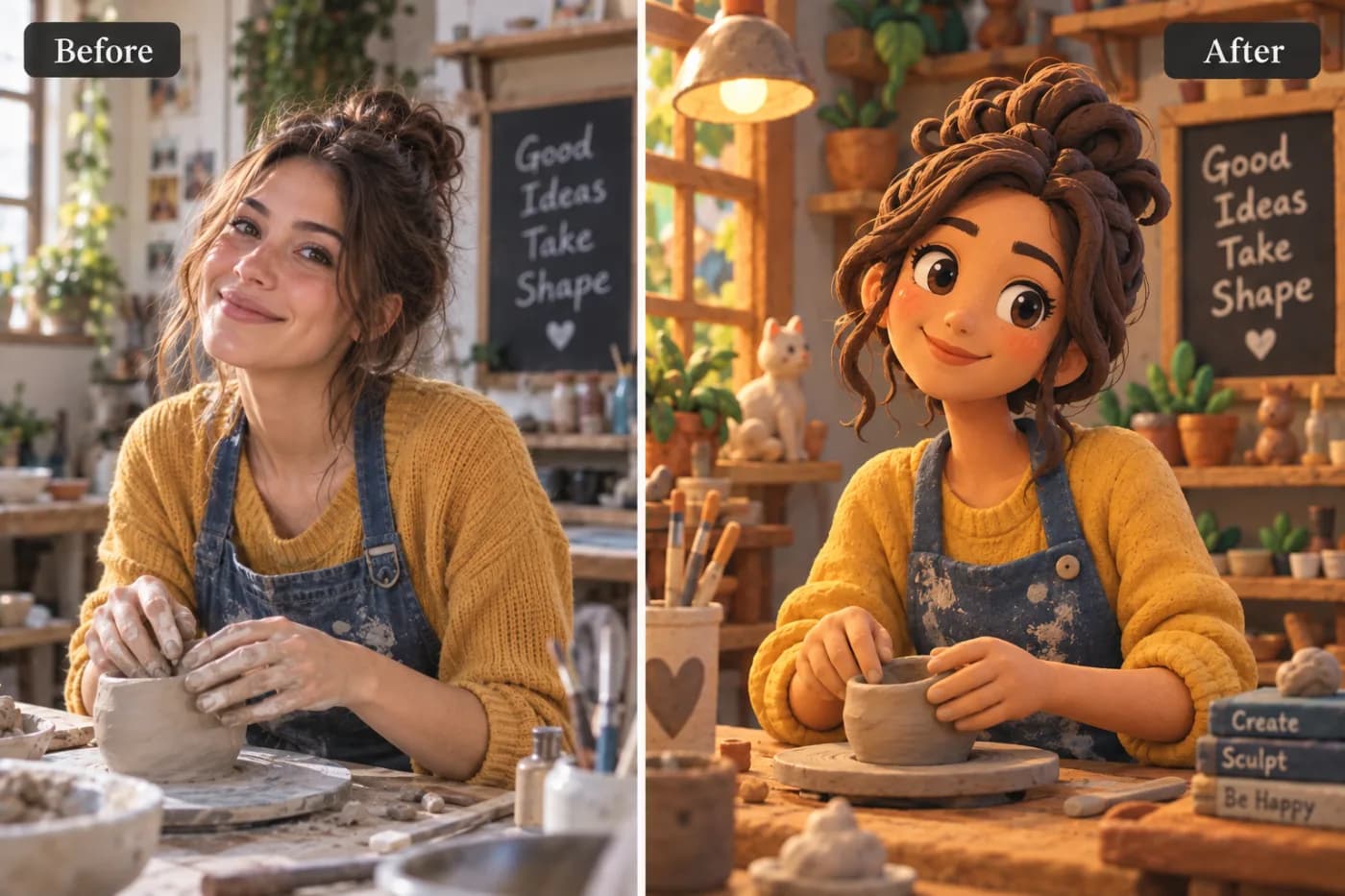
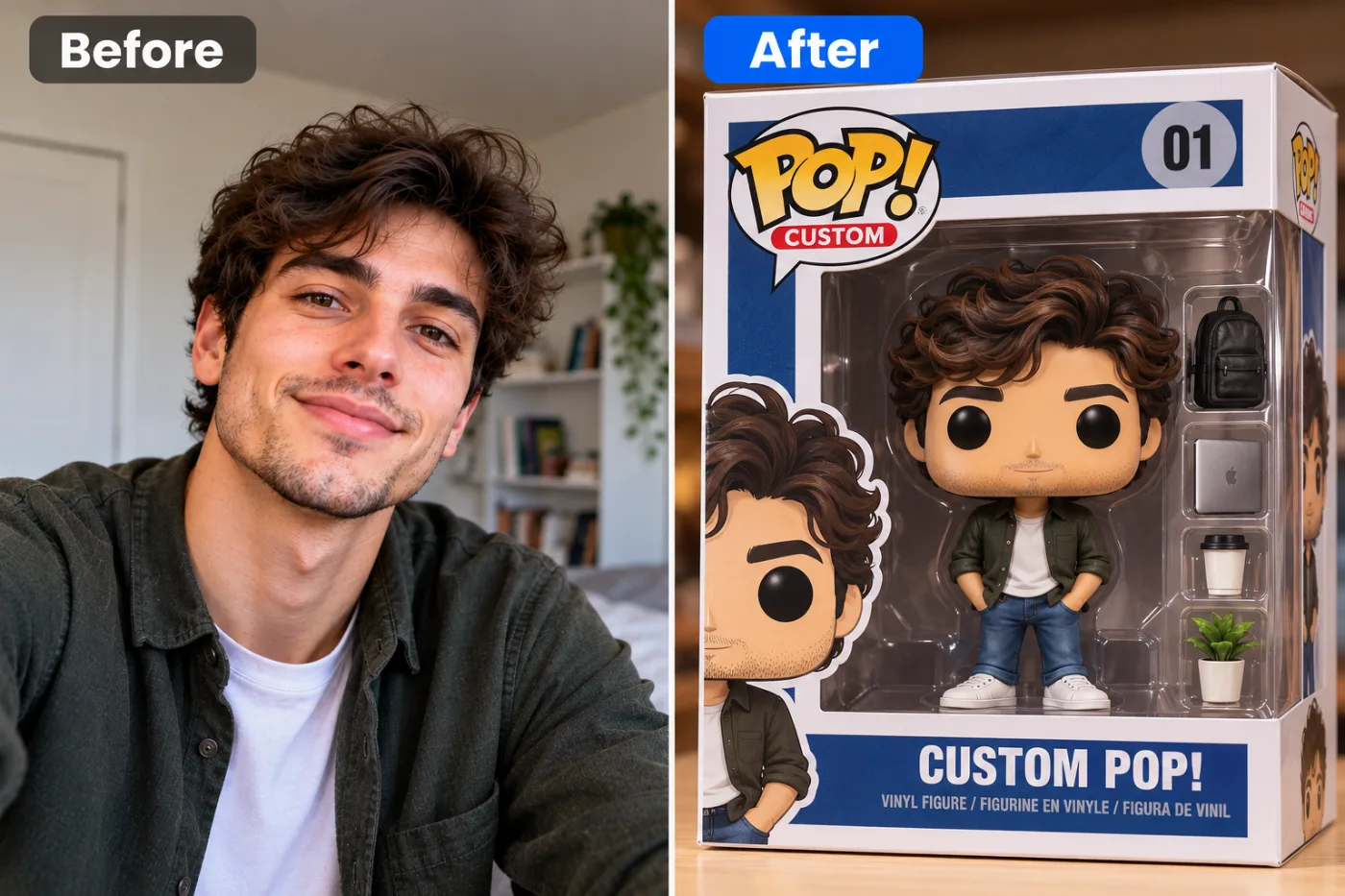
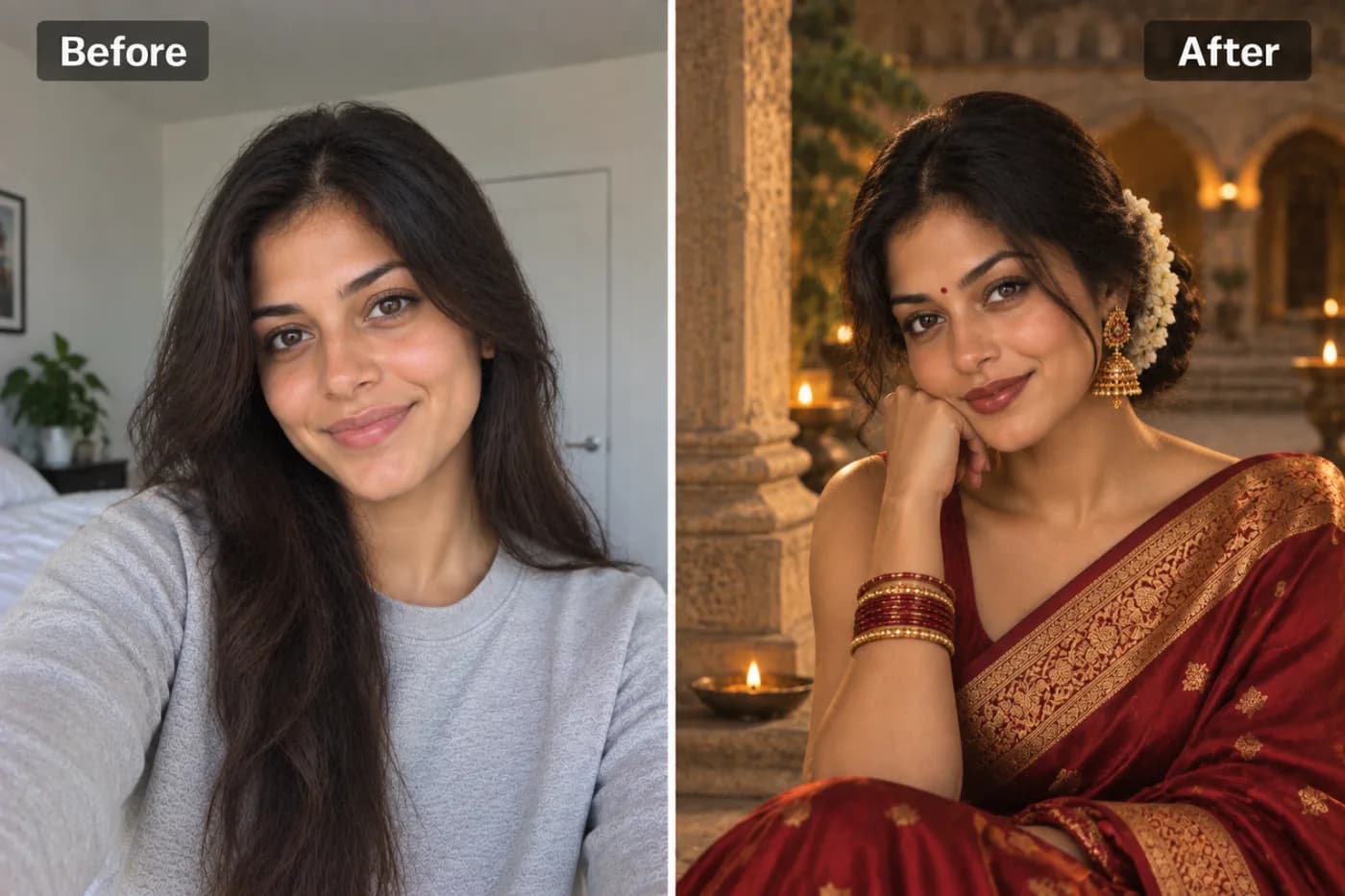
Turn Your Photo into a Comic Book Cover with AI
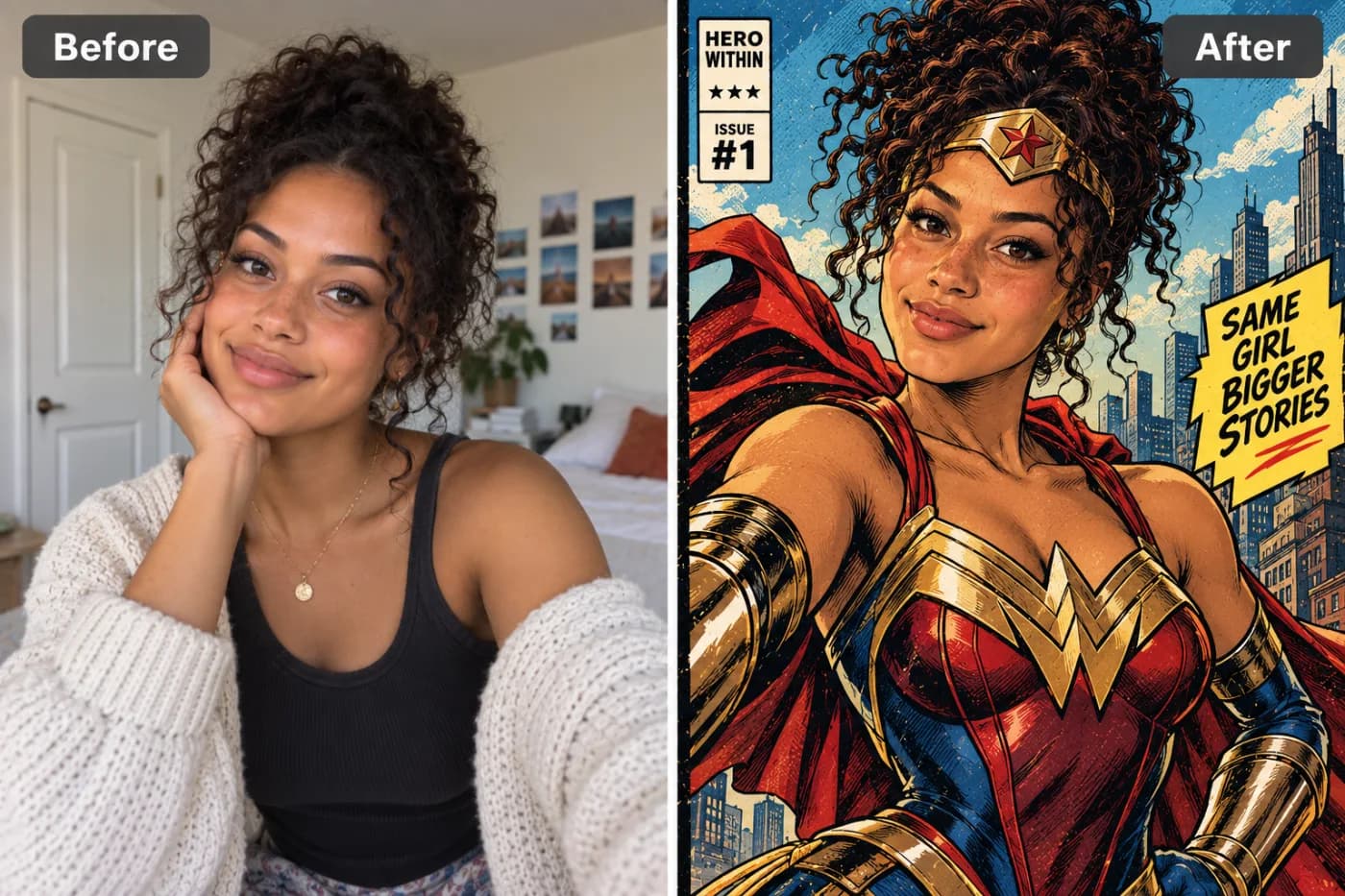
Every photo has a hero hiding in it. AI can pull that hero out — turning any portrait into a dynamic, professionally illustrated comic book cover with bold colours, action lines, and that unmistakable graphic novel aesthetic.
Want to turn your photo into a comic book cover with AI and see yourself as the hero of your own issue #1? It's now as simple as uploading a selfie. Pixel Shine's comic book filter transforms an ordinary photo into bold, ink-outlined, halftone-shaded comic art — the kind of dramatic, saturated style you'd see on a vintage newsstand cover or a modern graphic novel. No drawing skills, no Photoshop layers, no $300 commission from a comic artist. Just your photo and a click.
The photo-to-comic-art trend has quietly become one of the most popular creative AI effects online, and it's easy to see why: comic styling flatters almost everyone, it's endlessly shareable, and it turns even a casual snapshot into something that looks intentional and cinematic. Whether you want a heroic profile picture, a birthday card that hits different, or a cover-worthy poster of yourself, this guide covers everything — how the AI comic book filter works, the exact steps to use it, pro tricks for dramatic results, and how to do it all on Pixel Shine with no subscription.
What the AI Comic Book Effect Does to Your Photo
Comic art has a distinct visual language, and a good AI comic book filter reproduces all of it rather than just tinting your photo.
Bold ink outlines. Classic comics define every edge with heavy black linework. The AI traces your features — jawline, hair, eyes, clothing folds — and re-inks them the way a comic artist would.
Halftone and cel shading. Instead of smooth photographic gradients, comics use dot patterns (halftones) and flat blocks of color to build shadow and depth. The AI converts your lighting into that punchy, printed-page look.
Saturated, high-contrast color. Comic covers pop off the shelf because their colors are bold and their contrast is cranked. The effect boosts saturation and drama so you look like a genuine cover subject.
Cover framing and typography (on cover styles). The comic *book cover* effect goes further, wrapping your portrait in the trappings of an actual issue — dramatic composition, dynamic angles, and space where a title and issue number would sit.
The combined result reads instantly as "comic book," not "photo with a filter." That authenticity is what makes people do a double-take when they see your version.
Comic Styles You Can Create
Not all comics look alike, and the beauty of an AI approach is range. Depending on your source photo and how you frame it, you can lean toward several distinct comic looks.
Vintage newsstand. Think 1960s superhero era — slightly faded colors, visible halftone dots, and that nostalgic printed-paper texture. Perfect for a retro-cool profile picture.
Modern graphic novel. Cleaner lines, richer shading, and cinematic color grading. This style suits dramatic portraits and looks fantastic printed as a poster.
Superhero cover. Bold, heroic, high-energy composition with strong contrast — ideal if you want to look like you're about to save the city. Wearing a bold color in your source photo amplifies this.
Manga-adjacent ink. Heavier black-and-white linework with dramatic shadows, great for a moody, striking result.
Because Pixel Shine's effect is generative, you can regenerate to explore different interpretations of the comic style from the same photo — and since each look costs just 2 credits with no watermark, trying a few before you pick a favorite stays cheap.
Step-by-Step: Turn Your Photo into a Comic Book Cover
1. Open Pixel Shine. Go to Pixel Shine and find the Creative AI Photo Effects section, then select the Comic Book Cover effect. No download needed; sign in with a free account to start.
2. Choose a dramatic photo. Comic styling loves strong expressions and clear subjects. A confident pose, an intense look, or a dynamic angle translates into a far more compelling cover than a flat, neutral snapshot.
3. Upload your image. Drag and drop or browse to select. JPG or PNG works. Use the original, high-quality file for the crispest inking.
4. Generate the comic art. Click generate and let the AI re-ink, shade, and color your photo into comic form. This usually takes 15 to 30 seconds.
5. Review the result. Check how the linework captured your features and how the shading landed. If the drama feels muted or a detail got lost, regenerate — the generative model often nails it on a second pass.
6. Download watermark-free. Save your comic cover in full resolution. Pixel Shine doesn't stamp a watermark across it, so it's post-ready and print-ready immediately.
7. Upscale for posters and prints. Planning to print it large? Run the image through Pixel Shine's credit-based Normal Upscaler first so the bold lines and halftone dots stay razor-sharp at poster size.
Pro Tips for Cover-Worthy Comic Art
Go big on expression. Comics thrive on drama. A determined glare, a laugh, or a bold pose gives the AI strong emotional cues that make the final cover far more dynamic than a blank stare.
Wear bold, solid colors. Comic coloring loves saturated blocks. A red jacket, a blue shirt, or a bright hero-style outfit reads better than muted grays and beiges.
Use dramatic lighting in the source. Some directional light and shadow gives the AI contrast to translate into cel shading. Perfectly flat lighting produces flatter comic art.
Keep the background clean or dynamic. A busy background can clutter the inking. A simple backdrop lets you stand out, or use Pixel Shine's Background Remover first to place yourself on a custom comic scene.
Leave headroom for a title. If you want the classic cover look with a title and issue number, choose a photo with a bit of empty space above or beside your head so there's room for text.
Regenerate to explore styles. The same photo can yield vintage, modern, or superhero interpretations. Try a few free passes and keep the strongest one.
Common Mistakes to Avoid
Using a flat, expressionless photo. Comic art amplifies emotion. A neutral, low-energy source produces a neutral, low-energy cover. Bring some drama to the pose.
Starting with a blurry or tiny image. Bold ink outlines depend on clear edges. A low-resolution or out-of-focus photo gives the AI mushy lines to work with. Use the sharpest source you have.
Overcrowding the frame. A busy group photo or cluttered background fights the clean, iconic look of a comic cover. Focus on a single strong subject.
Forgetting title space. If you plan to add a comic title later, a tightly cropped face leaves nowhere to put it. Frame with a little breathing room.
Skipping the upscale before printing. Comic art looks fantastic on screen but can lose its crisp linework when printed large. Run the free upscaler first so your poster looks professionally printed.
AI Comic Filter vs. Hiring an Artist vs. Basic Filters
There are three routes to a comic version of yourself, and they diverge sharply on cost, speed, and control.
Commissioning a comic artist gives you a bespoke, hand-drawn piece with total creative direction — but expect to pay $100 to $500 and wait days or weeks, with limited revisions. It's the premium option for a one-of-a-kind piece.
Basic phone filters overlay a generic cartoon effect. They're instant but shallow: they rarely reproduce true ink linework, halftone shading, or cover framing, and many add watermarks or paywall the good styles.
A dedicated AI comic book filter like Pixel Shine delivers authentic comic styling — real inking, halftone shading, saturated color, and cover framing — in under 30 seconds, with no watermark and no subscription. You can regenerate endlessly to explore styles, something neither a paid artist nor a fixed filter allows affordably. For anyone who wants a shareable, print-worthy comic cover without the price tag or the wait, the AI route is the clear winner — and if you later want a hand-drawn heirloom, you'll at least know exactly what look you're going for.
Who's Turning Their Photos into Comic Covers
Gamers and streamers use comic covers as heroic avatars and channel art — nothing says "main character" like starring on your own issue #1.
Party and event planners turn guests into comic covers for personalized invitations, name cards, or a superhero-themed birthday.
Couples and friends create matching "dynamic duo" covers for anniversaries or inside jokes, printing them as framed art.
Teachers and parents make comic covers of kids as the heroes of their own stories — a huge hit for classroom projects and bedroom wall art.
Content creators use the effect for eye-catching thumbnails and posts that stop the scroll, since bold comic art stands out in a feed of ordinary photos.
Across all of them, the draw is the same: a professional-looking comic cover with zero art skills, no studio, and zero wait. Pixel Shine's watermark-free, no-subscription tool makes it effortless to make a cover for every occasion.
Frequently Asked Questions
Can I turn my photo into a comic book cover for free?The comic book effect runs on credits, like every AI app here — packs start at ₹166, each generation costs 2 credits, and they never expire. There is no subscription, and the browser tools (crop, resize, compress, convert) stay free and unlimited.
Do I need an account or an app?You need a free account, but no app. Pixel Shine works online at Pixel Shine with nothing to download.
Will my comic cover have a watermark?No. Pixel Shine exports clean, watermark-free images ready to share or print.
What kind of photo makes the best comic cover?A clear, sharp photo with a strong expression or dynamic pose. Bold outfit colors and a bit of dramatic lighting produce the most striking comic art.
Can I add a title and issue number?The effect produces cover-style art; choose a photo with some empty space near your head so there's room to add text later in any basic editor if you want the full newsstand look.
Can I print my comic cover as a poster?Yes. Download the full-resolution image and run it through Pixel Shine's free upscaler first so the linework and halftones stay crisp at large sizes.
Does it work on group photos?It works best with a single strong subject. For a clean, iconic cover, focus on one person.
How long does the transformation take?Most comic covers render in 15 to 30 seconds.
Key Takeaways
Turning your photo into a comic book cover with AI puts you on the front of your own issue #1 — complete with bold ink outlines, halftone shading, and saturated cover-worthy color — in under a minute. The secret to a standout result is a sharp photo with a strong expression, bold outfit colors, and a little headroom for a title.
Pixel Shine makes the whole thing simple, with no download, no subscription, no watermark, and free unlimited upscaling for poster-perfect prints. Whether you want a heroic avatar, a personalized invitation, or framed art for the wall, your comic cover is a click away. Head to Pixel Shine and turn your photo into a comic book cover now.