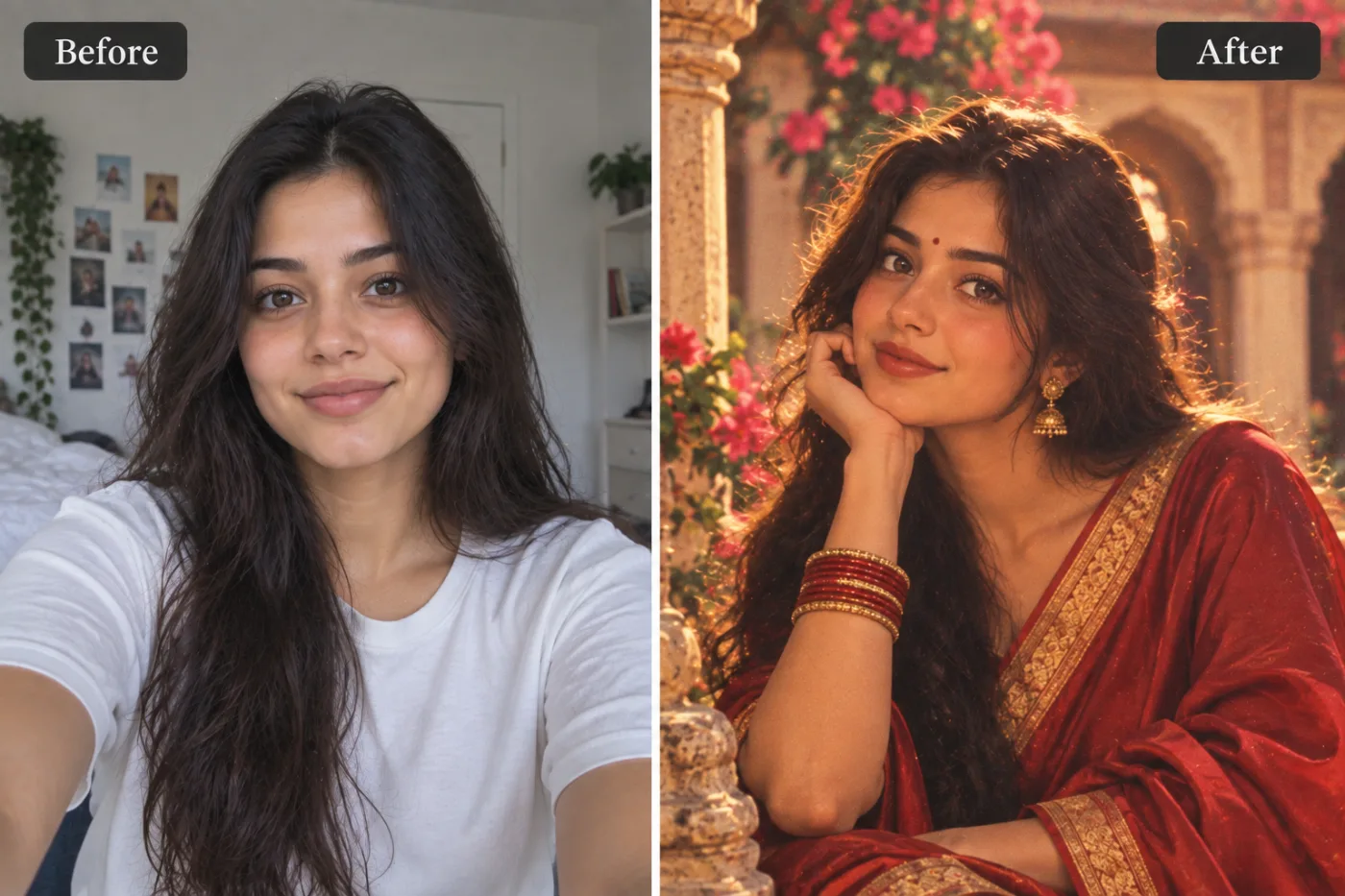
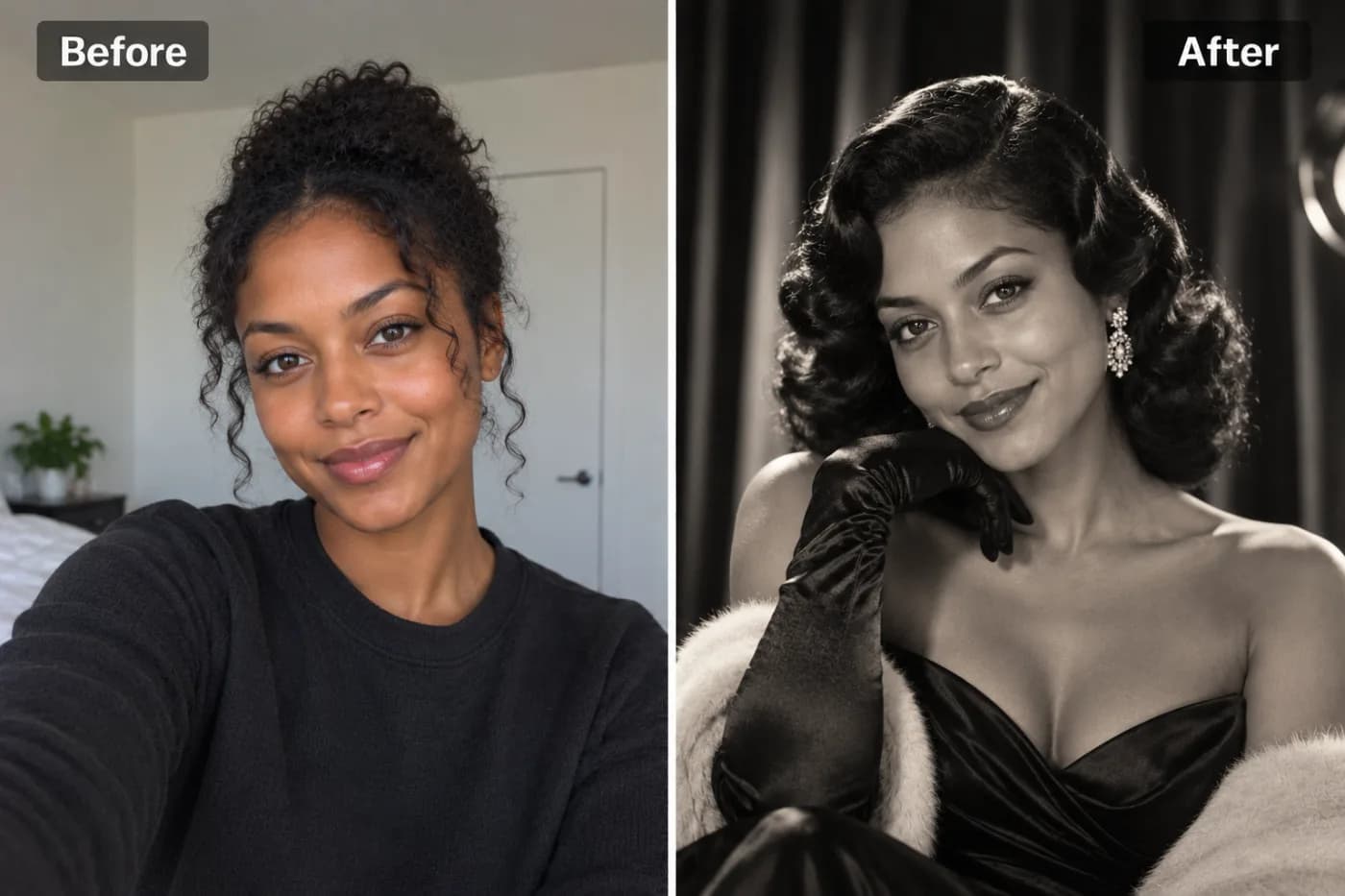
AI Claymation Effect: Turn Your Photo into a Clay Animation Portrait
Claymation is one of the most beloved animation styles in the world — and now AI can transform any photo into a charming clay portrait that looks like it came straight off a stop-motion set.
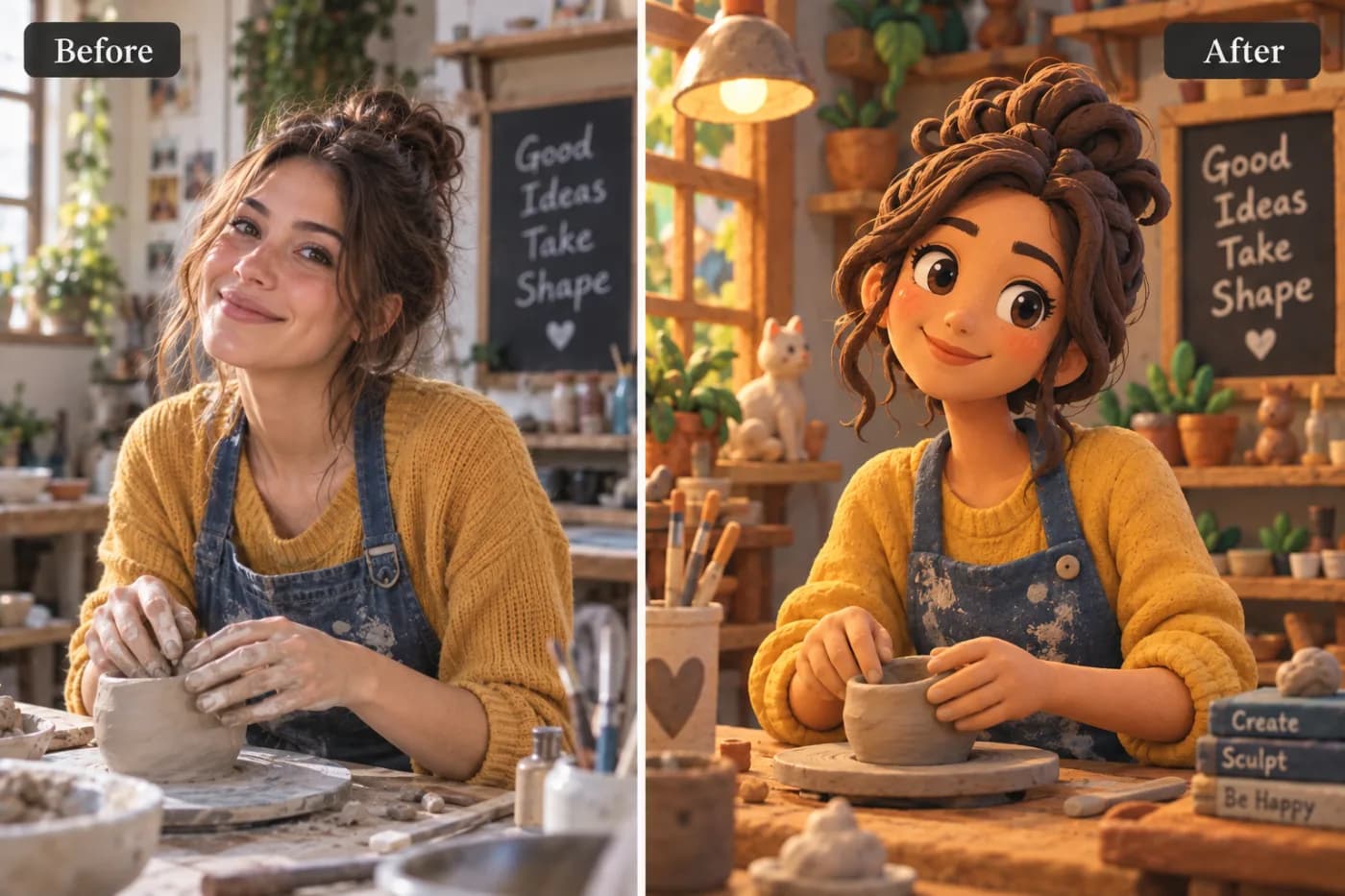
Ever wanted to see yourself as a charming, hand-sculpted clay character straight out of a stop-motion movie? An AI claymation photo effect turns your photo into a clay animation portrait — that adorable, tactile, slightly imperfect look you know from beloved stop-motion films, complete with visible fingerprint textures, soft clay shading, and big expressive features. Pixel Shine's claymation effect reads your photo and reimagines you as a molded clay figure, capturing the handmade warmth that makes this style so irresistibly fun. No sculpting tools, no animation studio, no artistic skill required.
Claymation has a special place in pop culture — think of the iconic characters that took months to sculpt and animate frame by frame. That handcrafted charm is exactly why the "turn photo into clay animation" trend has become a viral favorite, popping up everywhere from profile pictures to birthday cards to quirky gifts. And with Pixel Shine, you can create a clay portrait online, with no app, no subscription and no watermark. This guide covers how the claymation effect works, the exact steps, pro tips for the best results, and the creative ways people are using it.
What Makes the Claymation Effect So Charming
The claymation look has a distinctive, cozy appeal that sets it apart from sleeker digital styles. The AI is tuned to reproduce every element that gives clay animation its handmade soul.
Sculpted clay texture. Real claymation figures show the marks of being molded by hand — subtle fingerprints, tool grooves, and an uneven, tactile surface. The AI recreates this texture so your portrait looks genuinely molded rather than digitally drawn.
Soft, rounded features. Clay characters have plump, exaggerated features — rounded cheeks, big expressive eyes, and simplified but recognizable faces. The AI stylizes your features into this endearing, huggable form.
Matte, physical shading. Unlike glossy 3D renders, clay has a soft matte finish with gentle shadows that suggest a real physical object under studio lighting. This grounded, tangible quality is key to the effect's realism.
Warm, playful color. Claymation palettes tend to be warm and inviting, reinforcing the friendly, whimsical mood.
Together these elements produce a portrait that looks like it was plucked from a stop-motion film set — instantly recognizable, deeply charming, and guaranteed to make people smile. That handcrafted warmth is what makes the claymation effect one of the most delightful creative filters around.
How the AI Sculpts Your Photo into Clay
Behind the scenes, Pixel Shine uses a generative model trained to understand the visual signature of clay animation — the texture, the geometry, the lighting, and the material properties of sculpted clay. When you upload your photo, it does far more than apply a texture overlay.
It reads your features and rebuilds them in clay. The model identifies your facial structure, hair, and expression, then reconstructs them as if molded from clay — rounding forms, exaggerating expressiveness, and adding that signature tactile surface.
It preserves what makes you recognizable. Even after full stylization, the AI holds onto identity cues like your hairstyle, glasses, beard, or signature features, so the clay figure still reads as *you*.
It simulates real material lighting. Crucially, the AI renders how light would actually fall on a physical clay object — soft matte highlights, gentle occlusion shadows in the creases — which is what sells the illusion of a real sculpted figure rather than a flat filter.
Because it's generative rather than a fixed overlay, every render is a little unique. Run the same photo twice and you'll get two subtly different clay figures, giving you options to choose from. Each regeneration on Pixel Shine is just 2 credits, so a couple of experiments stay cheap.
Step-by-Step: Make Your Claymation Portrait
1. Open Pixel Shine. Go to Pixel Shine and navigate to the Creative AI Photo Effects section, then select the Claymation Portrait effect. No download or account needed to start.
2. Choose a clear photo. Pick a well-lit image where your face is visible and roughly front-facing. A head-and-shoulders shot works best because the AI needs to see your face, hair, and expression to sculpt them into clay.
3. Upload your image. Drag and drop or click to browse. JPG and PNG both work. Use the original, high-quality file so the AI captures your features accurately.
4. Generate the clay portrait. Click generate and let the AI mold your photo into a clay animation figure. This typically takes 15 to 30 seconds.
5. Review the result. Check how the clay texture, rounded features, and expression landed. If a detail got lost or you want a different interpretation, regenerate — the generative model often nails it on a second pass.
6. Download watermark-free. Save your claymation portrait in full resolution. Pixel Shine won't stamp a watermark across it, so it's ready to share or print immediately.
7. Upscale for prints and stickers. Clay portraits look fantastic printed. Run the result through Pixel Shine's credit-based Normal Upscaler so the fingerprint textures and soft shading stay crisp when enlarged on stickers, cards, or posters.
Pro Tips for the Best Claymation Results
Use a clear, front-facing photo. The claymation effect sculpts your face directly, so an even, front-facing shot with visible features produces the most convincing and charming clay figure.
Play up the expression. Clay characters are all about big, playful emotion. A wide smile, a surprised look, or an exaggerated expression translates into a more delightful and characterful clay portrait than a flat, neutral face.
Show your signature features. Glasses, a beard, a distinctive hairstyle, or a favorite hat all survive the transformation and help the clay figure look like you. Make sure they're visible in the source.
Keep the background simple. A plain or uncluttered background lets the AI focus on sculpting you, and it reinforces the stop-motion "figure on a set" feel. You can also use the Background Remover to place your clay figure on a custom scene.
Regenerate for variety. Each pass produces a slightly different clay interpretation. Generate a few versions and pick the most charming one.
Upscale before printing. For stickers, cards, or framed art, always run the free upscaler so the tactile clay texture stays sharp at larger sizes.
Common Mistakes to Avoid
Using a group photo. The effect works best on one clear subject. A crowd forces the AI to guess who to sculpt, muddying the result. Crop to just yourself first.
Choosing a blurry or tiny image. Low-resolution sources give the AI little detail to sculpt, producing generic clay figures. Start with the highest-quality photo you have.
Picking an extreme angle. A steep profile or a face half-hidden fights the rounded, front-facing clay style. A straight-on portrait sculpts far better.
Expecting a photo-perfect likeness. Claymation is a stylized, exaggerated art form by design — it captures your essence and charm, not a 1:1 replica. Embrace the playful, sculpted look rather than chasing exact realism.
Forgetting to upscale for prints. The fine clay texture and soft shading can soften when enlarged. Always run the free upscaler before printing stickers, cards, or posters.
Claymation and Other Creative AI Styles
The claymation effect is part of Pixel Shine's family of creative transformations, and it holds a unique spot among them thanks to its handcrafted, tactile warmth.
Claymation delivers that cozy, molded-by-hand stop-motion charm — soft, rounded, textured, and playful. It's perfect for whimsical profile pictures, kids' art, and lighthearted gifts.
Funko Pop gives you a glossy vinyl collectible look with the iconic boxed-figure framing, while anime transforms you into a stylized 2D character. Each has its own distinct vibe.
Comic book styling turns you into inked, halftone-shaded cover art, and claymation stands apart as the most tactile and physical of the bunch.
The beauty of Pixel Shine is that all these styles live in one place. You can sculpt a clay portrait, then try a Funko figure, an anime version, or a comic cover from the same photo without switching apps or paying for each separately. Because each generation costs just 2 credits and carries no watermark, you can experiment across several styles to discover which transformation delights you most — and clay's huggable charm often wins hearts.
Who Loves the Claymation Photo Effect
Parents and kids turn family photos into adorable clay characters for bedroom art, birthday invitations, and playful keepsakes — the charming, kid-friendly style is a huge hit with families.
Content creators use clay portraits as distinctive, scroll-stopping profile pictures and channel art that stand out from typical photos and cartoons.
Gift-givers create clay figures of friends, partners, or coworkers as funny, heartfelt presents — printed on stickers, mugs, or cards, they're instantly memorable.
Stop-motion and animation fans love seeing themselves in the beloved claymation style that defined their favorite films.
Party planners make clay-style characters of guests for themed invitations and decorations, adding a whimsical, handcrafted touch.
What unites them is the love of that cozy, handmade charm without needing any sculpting skill. Pixel Shine delivers it watermark-free, with no app and no subscription, so anyone can become an endearing clay character in seconds.
Frequently Asked Questions
Is the claymation photo effect free?Pixel Shine's claymation effect runs on credits, with no subscription. Credits are bought in one-off packs from ₹166 and never expire.
Do I need an account or an app?You need a free account, but no app. Pixel Shine runs online at Pixel Shine with nothing to download.
Will my clay portrait have a watermark?No. Pixel Shine exports clean, watermark-free images ready to share or print.
What photo works best for a claymation portrait?A clear, well-lit, front-facing head-and-shoulders photo with a visible, expressive face. Big expressions and signature features like glasses translate especially well into clay.
How accurate is the likeness?The effect captures your key features and charm in a stylized, exaggerated clay form rather than a perfect photographic match — that playful, handcrafted look is the whole point.
Can I make a claymation portrait of my child or pet?Yes for children, and it's a family favorite. For pets, crop to one clear subject; the effect is optimized for a single face.
Can I print my clay portrait on stickers or cards?Absolutely. Download the full-resolution image and run it through Pixel Shine's free upscaler first so the clay texture stays crisp when enlarged.
How long does it take?Most clay portraits render in 15 to 30 seconds.
Key Takeaways
An AI claymation photo effect turns your photo into a charming, hand-sculpted clay animation portrait — complete with fingerprint textures, rounded features, and matte shading — in under a minute, no sculpting skill required. For the best result, use a clear, front-facing photo with a big expression, keep your signature features visible, regenerate for the most charming version, and upscale before printing.
Pixel Shine makes the whole experience simple, with no download, no subscription, no watermark, and free unlimited upscaling for crisp stickers, cards, and prints. Whether you want a whimsical profile picture, kids' room art, or a heartfelt handmade-style gift, your clay portrait is a click away. Head to Pixel Shine and make your claymation portrait now.