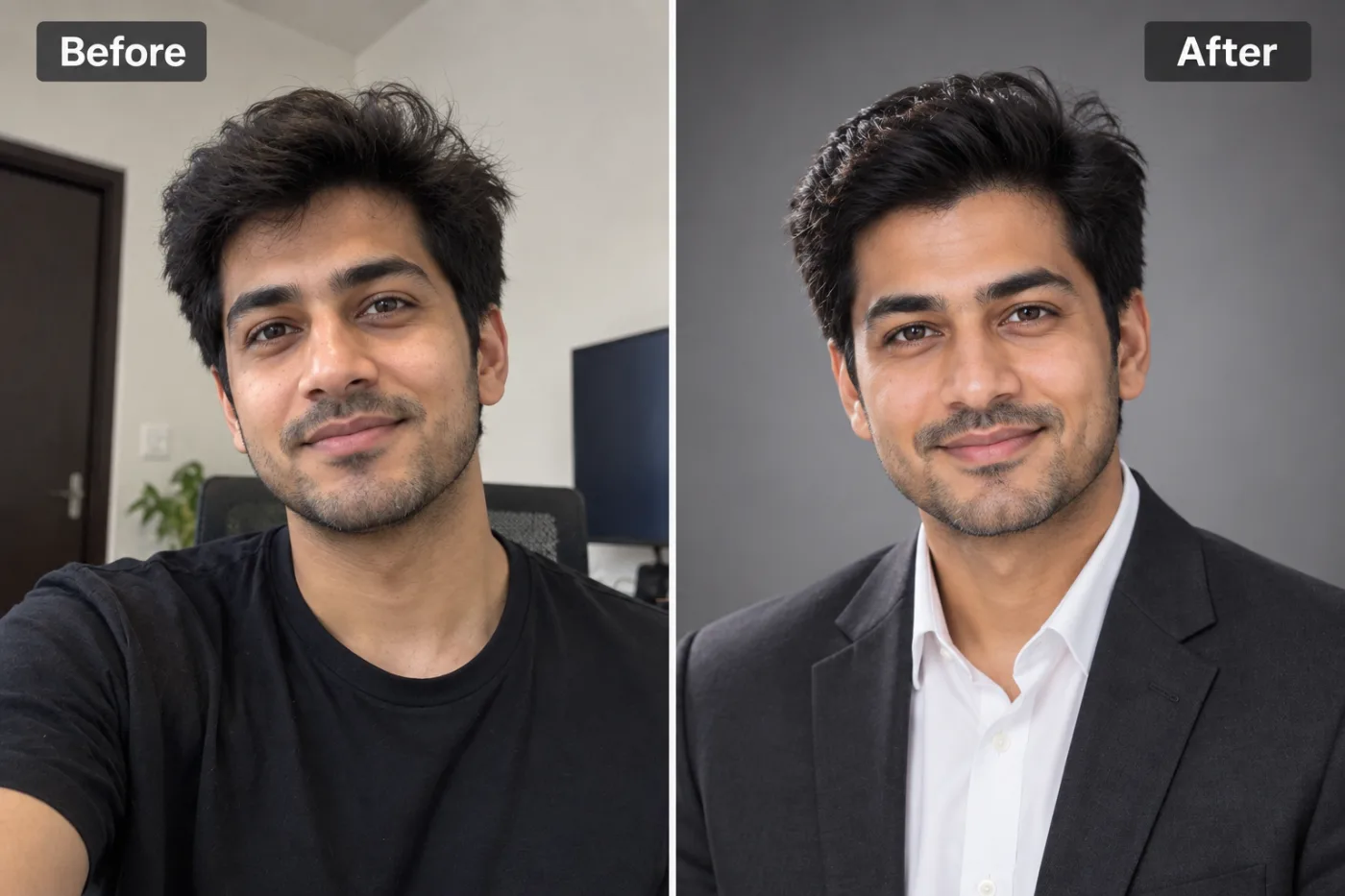
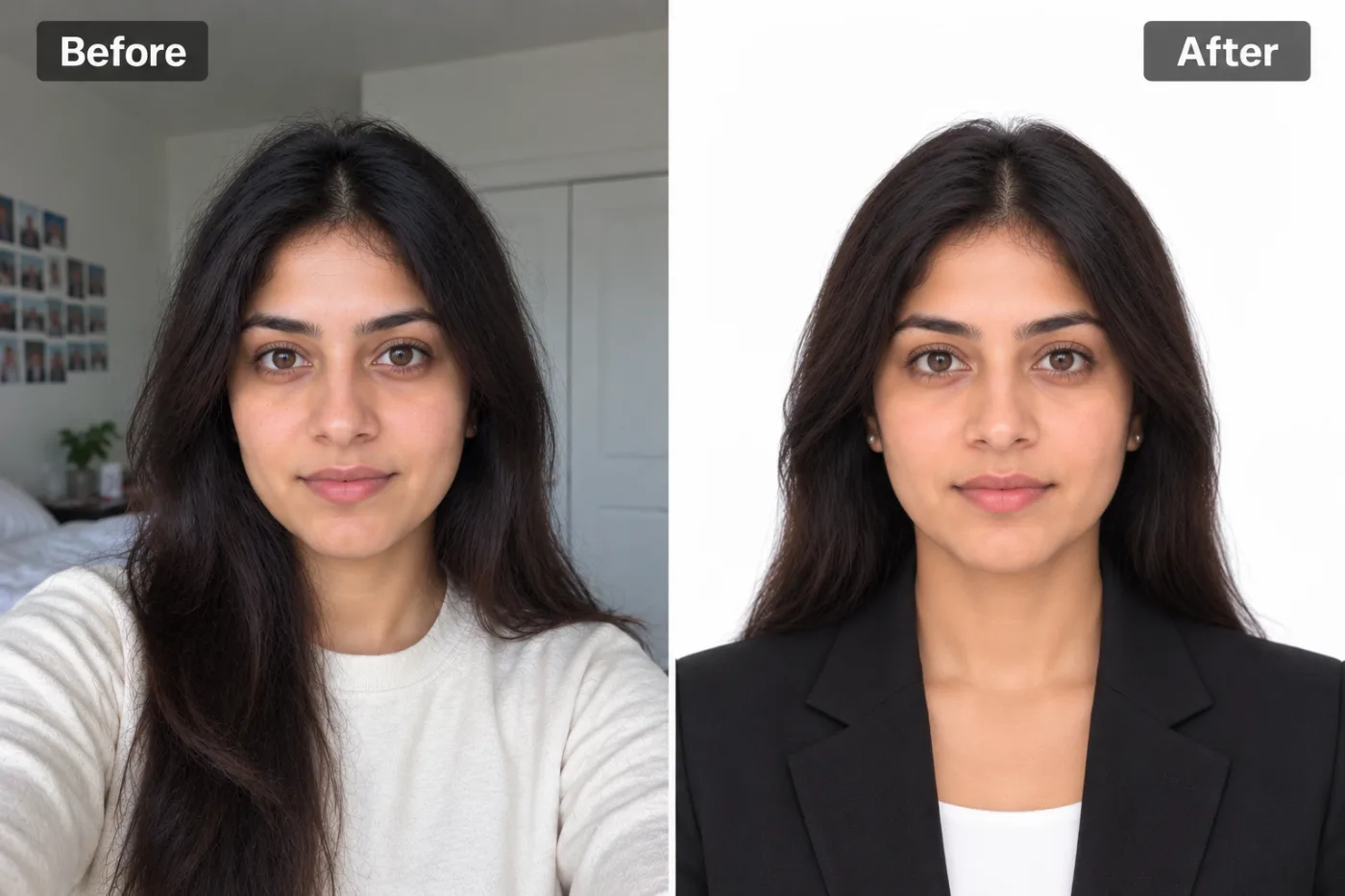
How to Upscale a Selfie for Free (Make It Crisp & Clear)

Front cameras and low light make selfies soft. Here's how to upscale a selfie for free so it's crisp enough for your profile or a print.
Selfies are the photos we care about most and the ones our cameras handle worst. Front-facing cameras are usually lower quality than the main camera, and we take selfies indoors, at night, at arm's length — all the conditions that produce soft, grainy results. If you've got a selfie you love but it's just not crisp, a free upscale can clean it right up.
Why selfies come out soft
Front cameras have smaller sensors and lower resolution than the rear camera, so they capture less detail to begin with. Add dim indoor light (which forces the camera to raise ISO, adding grain) and slight hand movement, and you get that soft, noisy selfie look. Upscaling helps by enlarging the image while reconstructing detail and cleaning up some of the noise.
How to upscale a selfie free
Upload your selfie to the upscaler and choose 2× or 4×. The AI sharpens detail and lifts the resolution, giving you a crisper version for your profile picture, a print, or wherever you need it. Free, no watermark, no app, and no sign-up needed to try it — works right on your phone.
Keep it natural
A 2× upscale is often the sweet spot for a selfie — enough to add clarity without looking over-processed. Start from the sharpest selfie you have (the one where your eyes are in focus), and a subtle result will look natural rather than artificial. For a soft-but-good selfie, the improvement is usually just the boost it needed.
Upscale your selfie now — free
Upload that selfie to the free upscaler and download a crisper version in seconds — no watermark, no app, no cost.