3D Figurine Maker
Upload your photo and AI turns you into a collectible 3D figurine — right on this page. Free and instant.
Pick a style on the left, then hit Apply. Your original stays untouched — you always see both.
How to use 3D Figurine Maker
Upload a photo
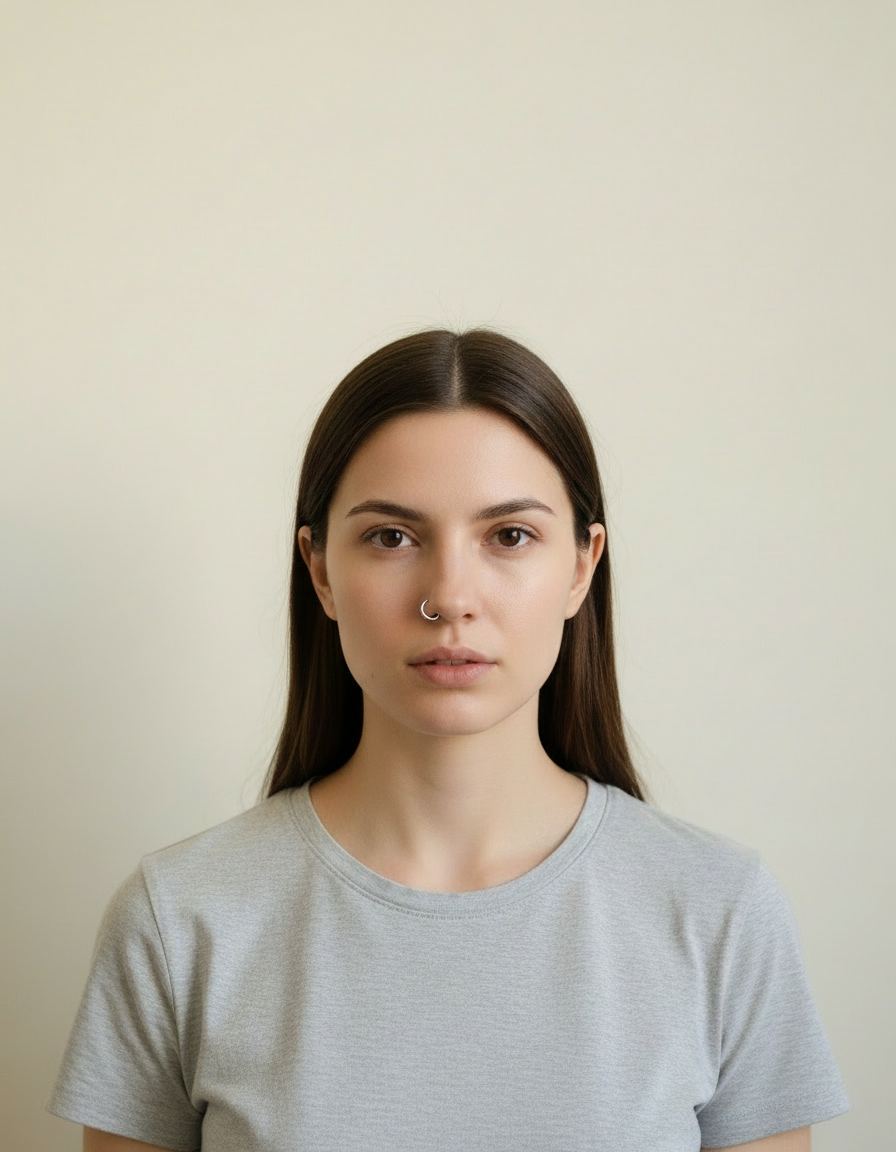
A clear selfie or portrait works best — the more visible the face, the more recognisable the result, which is the entire point.
Pick the look
Choose a preset or describe your own. Novelty styles respond well to specific, slightly absurd detail.
Generate and share
Full resolution, no watermark. Regenerating is cheap, and with these it is usually worth it.
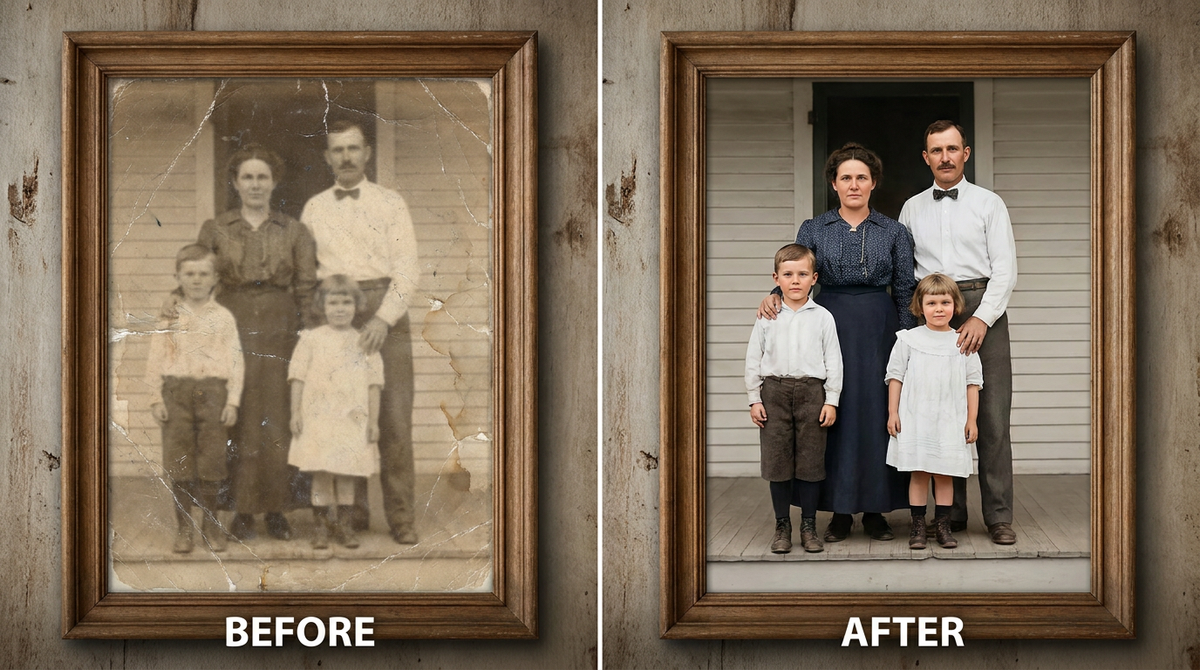
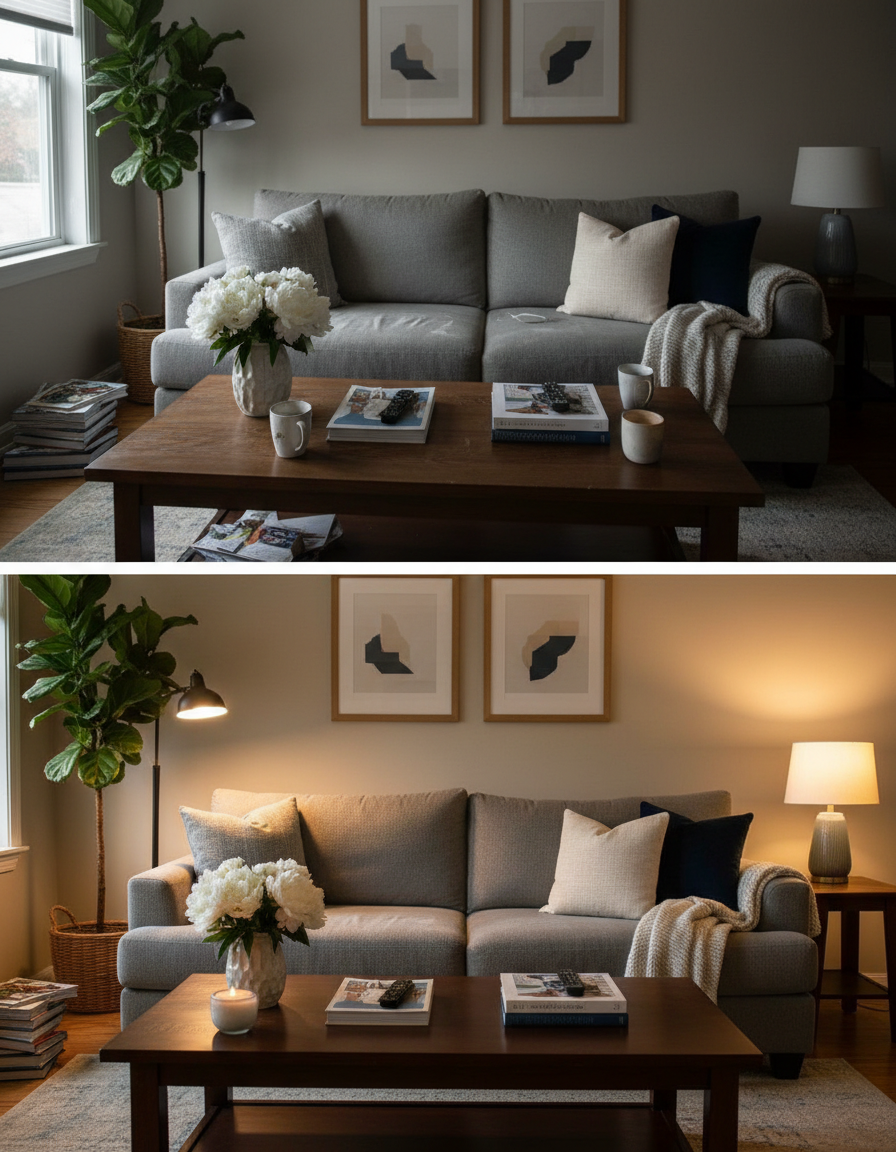
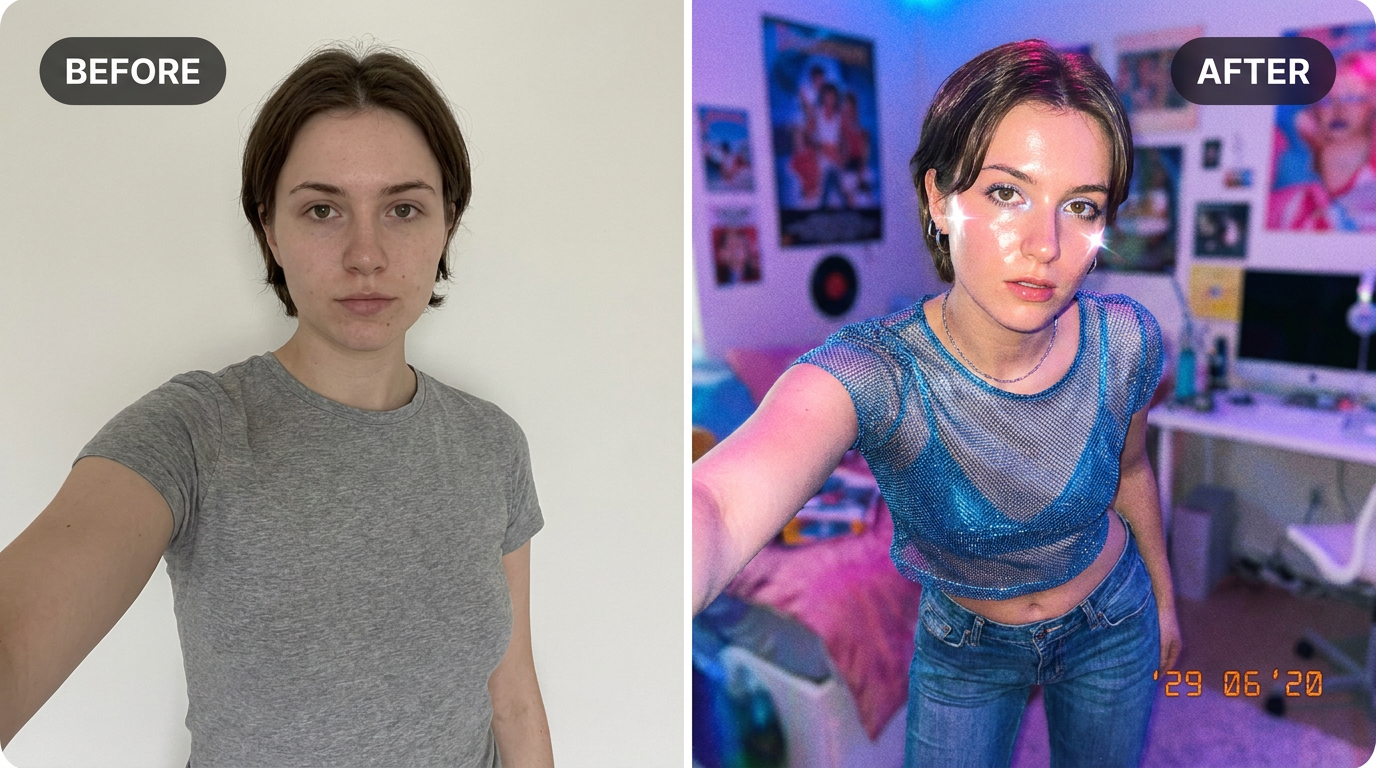
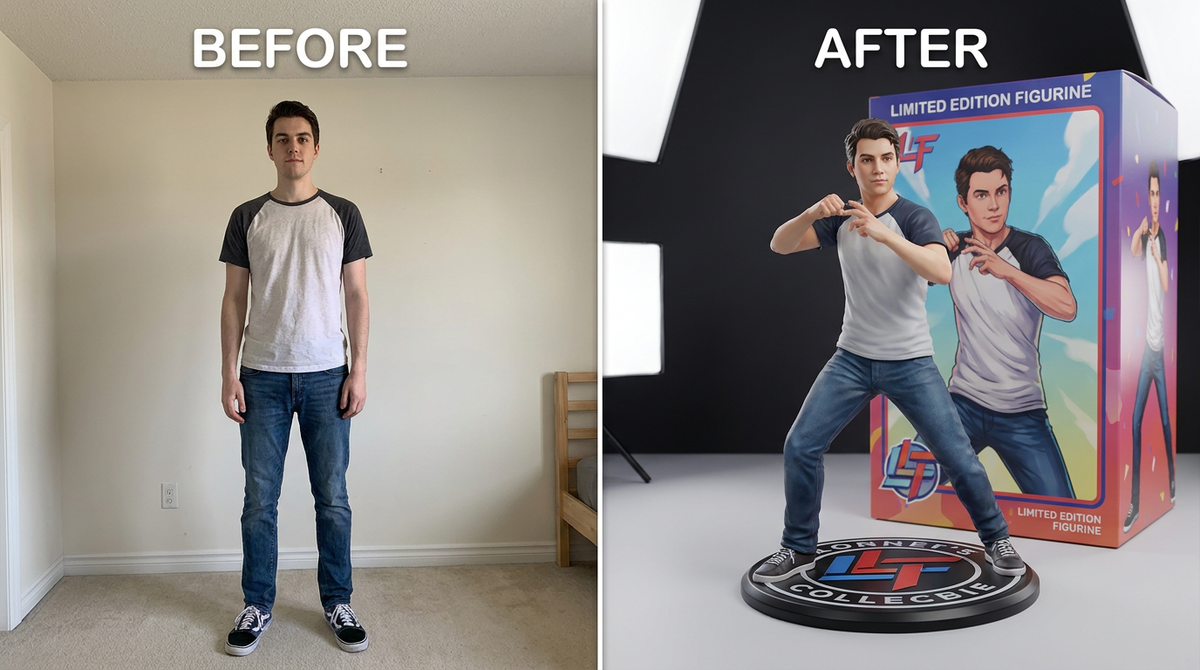
See it in action — real before & after

Why use 3D Figurine Maker
What 3D Figurine Maker does
Turn your photo into a collectible 3D action figure.
Works on groups and pets
Friends, family and animals can all go through it, which is usually funnier than doing it alone.
Sized for sharing
Choose the ratio so it lands correctly in a chat, a story or a feed.
No watermark
Nothing stamped across it, which matters for something whose whole purpose is being sent to people.
Print it if it is good
Full resolution, so the genuinely good ones can become a sticker, a mug or a framed joke.
Still recognisably you
A novelty image only works if people can tell who it is. Features and proportions are preserved inside the new form.
What 3D Figurine Maker changes
Turn this person into a highly detailed 1/7 scale collectible figurine displayed on a round base, with a printed product packaging box behind it. Glossy PVC material, studio product photography, soft lighting. Keep the face and likeness accurate. This must look like a real photograph of a physical toy figure — sharp studio product-photography detail and realistic plastic material — not a flat illustration or cartoon drawing.
Your face, bone structure and skin tone are held fixed on every generation — only what is described above is changed.
3D Figurine Maker for the ideas worth an hour of someone's attention
Novelty images have a short half-life and a high hit rate. Generating them while the idea is current is most of the value.
Birthdays and celebrations
A personalised image is a better card than a bought one and takes less time to produce.
Trend participation
Style trends run for days. Generating the look while it is live is the whole point.
Gifts and prints
Stickers, mugs and framed prints of the ones that turn out unexpectedly well.
Pets as the subject
Reliably the best-received category, for reasons nobody needs explained.
Key highlights of 3D Figurine Maker
Benefits
Instant
No planning, no props, no setup. Upload and generate.
Funnier because it is you
Identity preservation is what turns a generic novelty image into a personal one.
Costs almost nothing
A pack starts at $2 and covers several attempts.
No skill required
No editing, no prompt craft, no software.
Works on a phone
Which is where the photo and the group chat both already are.
What people use it for
What it is mainly used for
Upload your photo and AI turns you into a collectible 3D figurine — right on this page. Free and instant.
Office and team in-jokes
A whole team put through the same look, which is funnier than any one of them alone.
Party and event invitations
A personalised, slightly ridiculous invitation image.
Group chat reactions
The honest primary use case for most of these tools.
Birthday and celebration cards
A personalised image that took two minutes and lands better than a bought card.
Prompt ideas
Novelty prompts reward specific and slightly absurd detail. Naming a material, a scale or a setting produces a much better joke than asking for something "funny".
Pick the framing
"Full figure, centred" for a figurine; "head and shoulders" for an avatar.
Choose the background
"Plain background" for a sticker, "in a retail box on a shelf" for the joke.
Ask for no text
"No text or lettering in the image" — generated type is where these images most often fall apart.
Be concrete, not complimentary
"Soft light from the left, plain grey background" gives the model something to act on. "Beautiful, high quality, 8k" gives it nothing at all.
Change one thing at a time
If a result is close, edit a single detail and run it again. Rewriting the whole prompt gives you an unrelated image and no information about what the change did.
Say what must not change
A short exclusion — "do not change the face", "keep the label text" — is often more effective than any amount of positive description.
More about 3D Figurine Maker
The collectible-figurine trend blew up because it's weirdly satisfying to see yourself as a boxed action figure, base and all. Doing it by hand in 3D software is hours of work. Here it's one upload.
Give it a photo where your pose and outfit are visible — full body or waist-up both work — and the AI renders a glossy 1/7-scale figure standing on a round base, with a printed packaging box behind it like something off a shelf. The more your original photo reads as a clear, single subject, the cleaner the figure comes out.
This is one of the most searched 'photo to 3d figure ai' trends right now, alongside the similar Lego minifigure and Barbie box looks — if you like this one, try those too — they all draw on the same credit balance. People use the result as a profile picture, a group-chat joke, or just to see what they'd look like as a real action figure.
Tips for a sharper figurine
- Full-body or upper-body photos work better than tight face crops — the figure needs your pose.
- A plain background helps the AI separate you from the scene.
- Bold, distinct outfits translate into a more convincing collectible.
- Try a hobby-related pose or prop in the original photo — it often carries through to the figure.
- For stickers, ask for a plain background so it can be cut out cleanly.
- Keep the good ones at full resolution. The genuinely funny ones end up printed.
- Keep the original photo. It is the best base for the next idea.
- Start from the largest, least compressed original you have — a screenshot of a photo has already lost detail that cannot be recovered.
- Soft, even light in the source photo gives the best result almost regardless of what you are generating.
- Judge every result at full size, not zoomed out. Problems hide at small sizes.
- Generate two or three times before deciding. Results vary between runs, and the first is not reliably the best.
It's free to try and runs online — nothing to install. Explore the rest of our AI Creative Apps, or open the full AI photo editor for more control.