AI Ghibli Style Photo Converter
Upload a photo and AI redraws it in a dreamy, hand-painted studio anime style — free, instant.
Pick a style on the left, then hit Apply. Your original stays untouched — you always see both.
How to use AI Ghibli Style Photo Converter
Upload the photo
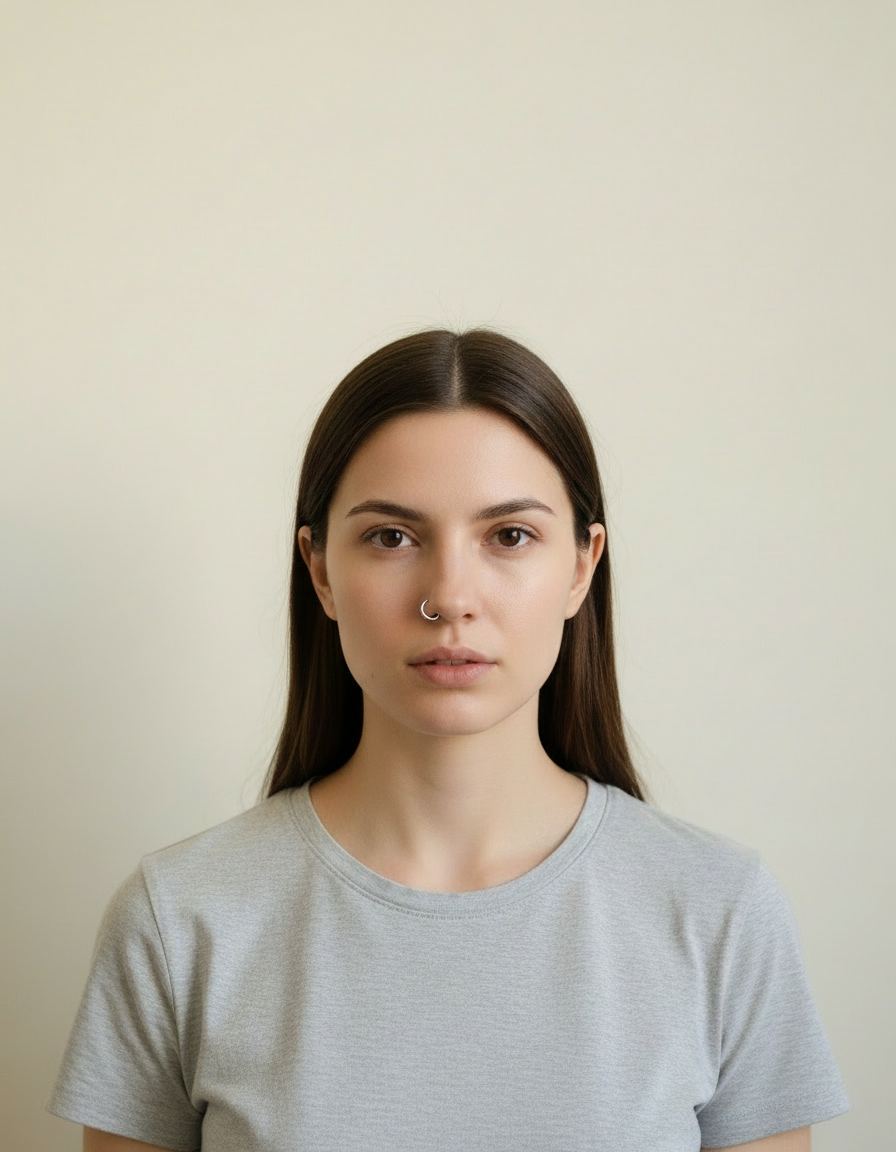
A clear JPG, PNG or WEBP. Portraits work best when the face fills a reasonable part of the frame — a distant full-body shot gives the model very little face to work from.
Pick the style or write your own
Choose a preset, or describe the medium you want: line weight, palette, texture, era. Naming the medium precisely is what separates a good result from a vague one.
Generate and download
Full resolution, no watermark. Good enough to print, use as an avatar, or send to someone as a gift.
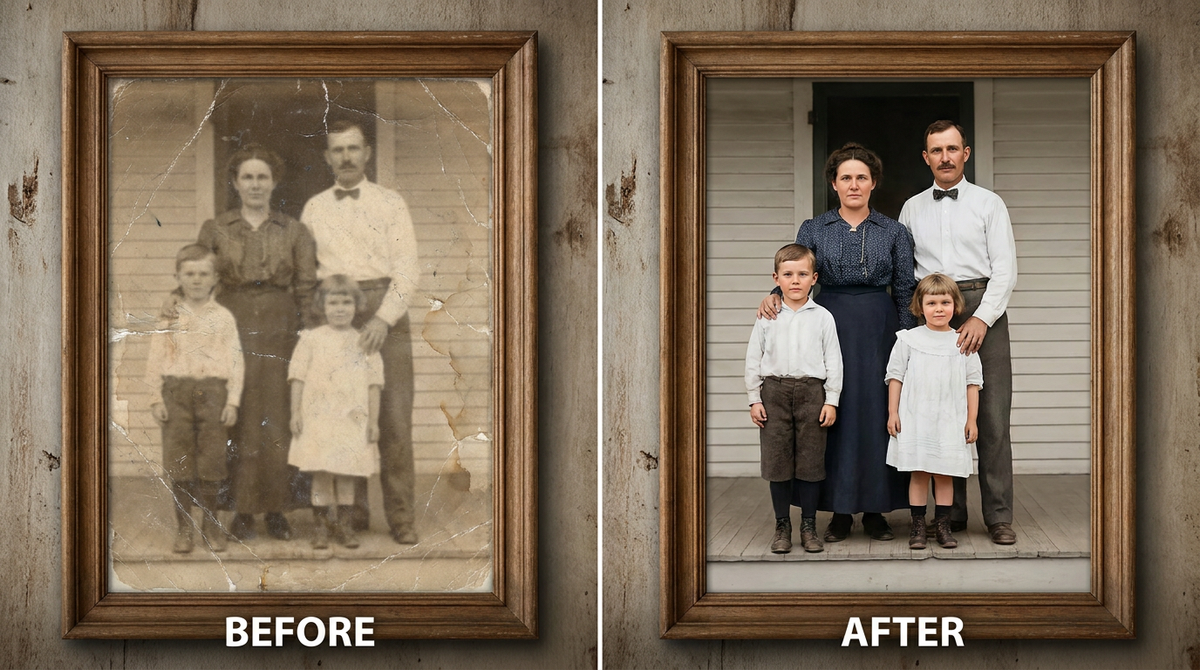
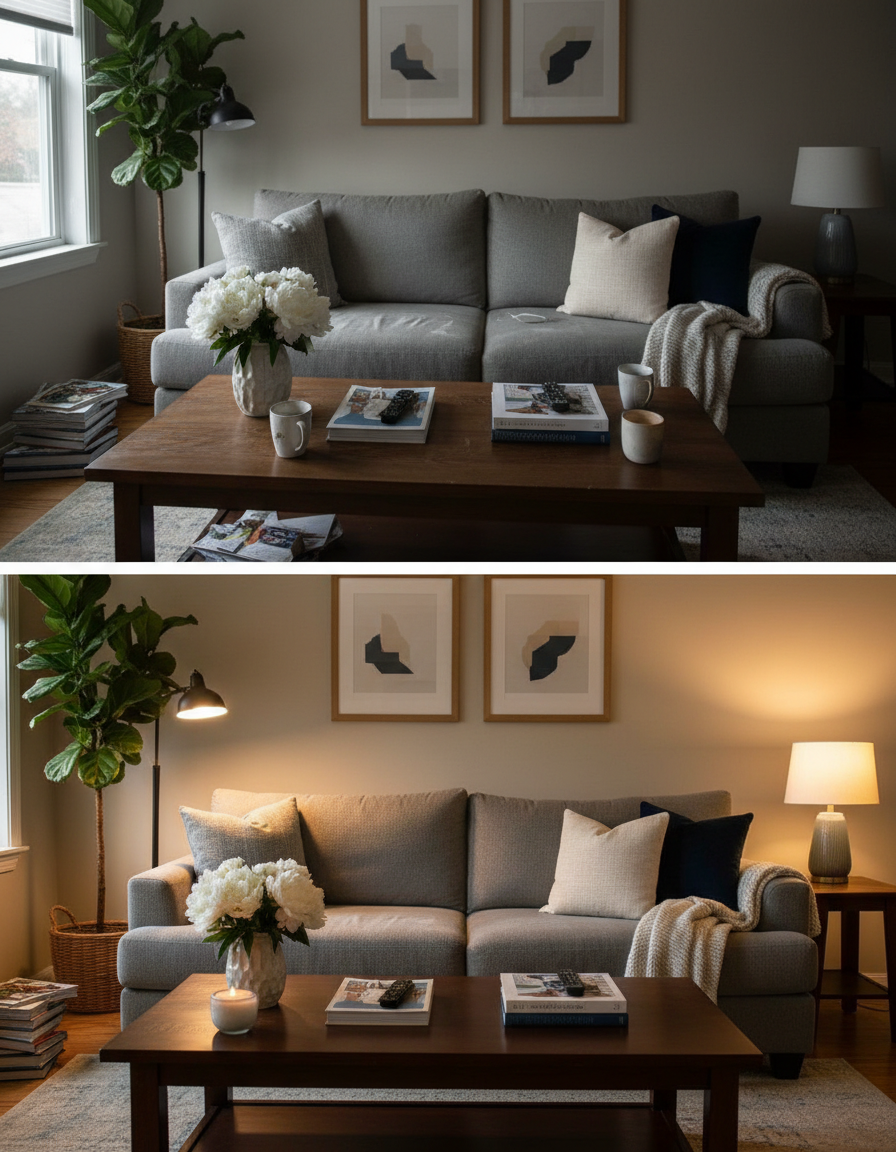
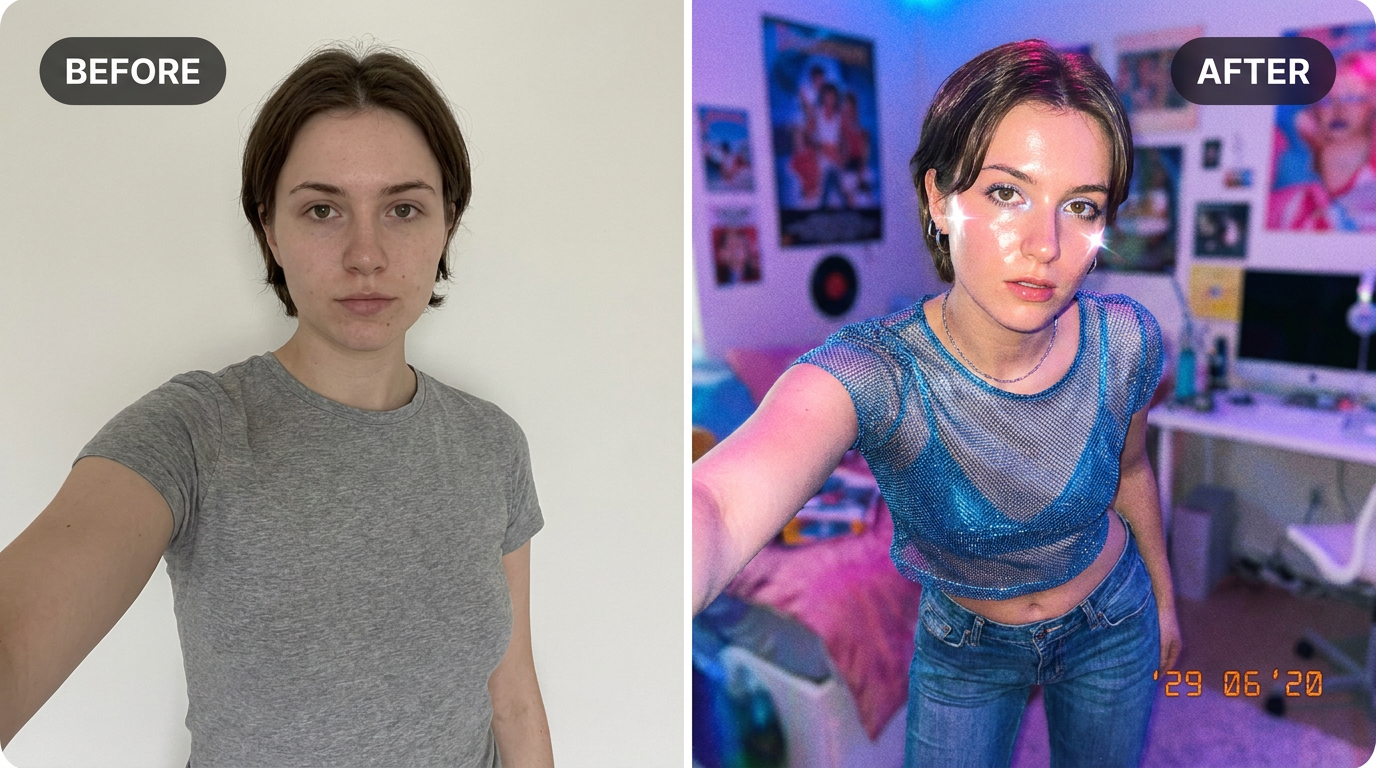
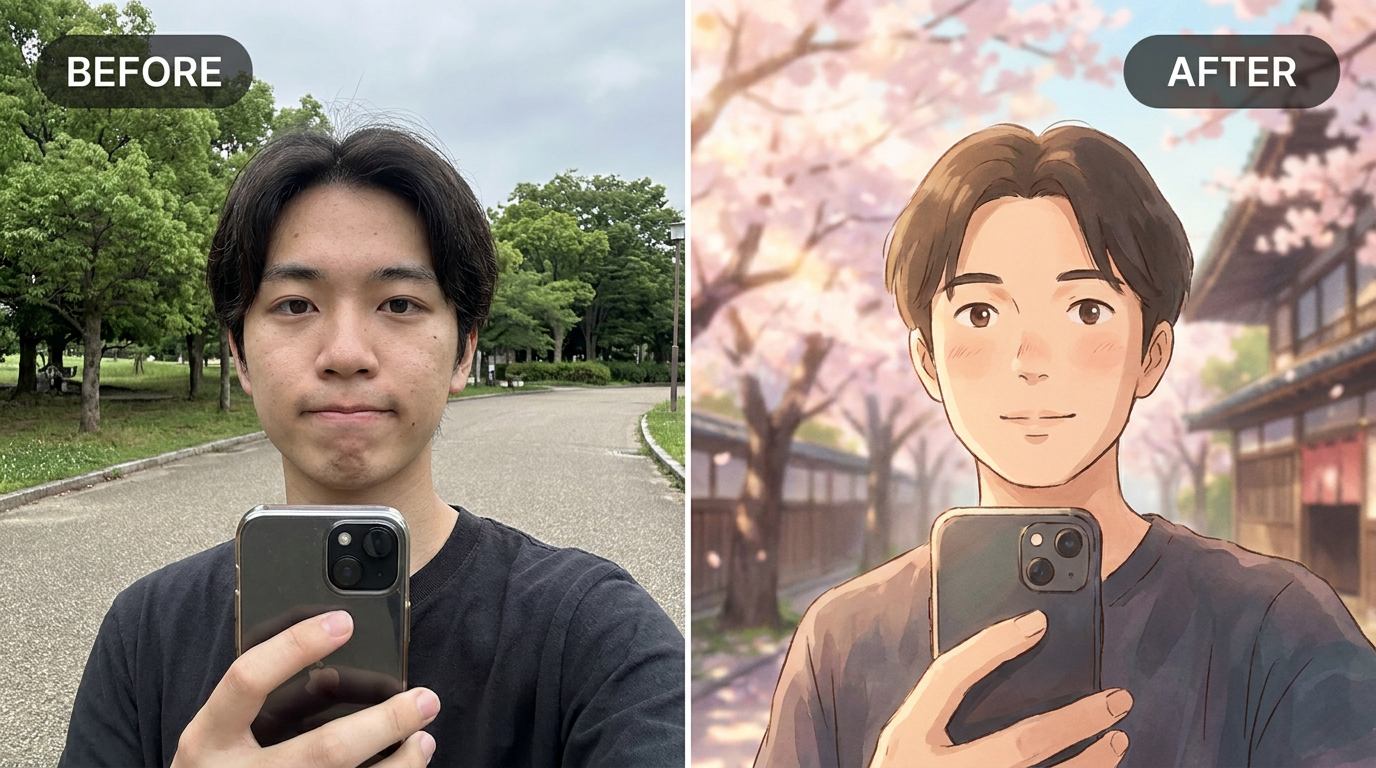
See it in action — real before & after

Why use AI Ghibli Style Photo Converter
What AI Ghibli Style Photo Converter does
Convert any photo into dreamy hand-painted anime art.
Any ratio you need
Square for an avatar, portrait for a print, wide for a banner or a cover. Set before generating.
Cheaper than a commission by orders of magnitude
An illustrated portrait typically runs from $40 to several hundred. A pack of credits starts at $2.
Recognisable after the conversion
Facial proportions and the details that identify a person are carried into the new medium rather than replaced by a generic character face.
A real change of medium
Brush texture, ink weight, cel shading, moulded plastic, woven canvas. The material of the image changes, not just its colours.
Consistent across a set
Run several photos through the same style and they look like one commission rather than a pile of unrelated experiments.
What AI Ghibli Style Photo Converter changes
Convert this photo into a dreamy hand-painted Japanese animated film style: soft watercolour backgrounds, warm nostalgic lighting, gentle painterly textures and expressive simplified features. Keep the person's likeness recognisable.
Your face, bone structure and skin tone are held fixed on every generation — only what is described above is changed.
AI Ghibli Style Photo Converter for prints, avatars and gifts
The same conversion serves very different ends — a profile picture, a framed print, a card, a set of matching avatars for a group.
Cards and invitations
An illustrated portrait sits on a card in a way a photograph usually does not, without needing a designer.
Matching sets for a group
A team, a family or a friend group converted in one style, which looks deliberate in a way individual photos never do.
Covers and thumbnails
A stylised image survives text overlaid on it far better than a photograph does — the flat areas give the type somewhere to sit.
Creative reference
A quick look at a concept in a given medium before committing to commissioning it properly.
Key highlights of AI Ghibli Style Photo Converter
Benefits
Done in under a minute
No brief, no back and forth, no revision round. Upload and generate.
Try several styles for the price of one commission
Compare mediums on the same photo instead of committing to the first description that sounded good.
Nothing to learn
No illustration software, no tablet, no understanding of layers or masks.
Keeps the likeness
The point of a portrait is that it is of someone. Identity preservation is applied to every person-editing prompt.
Full resolution and no watermark
Print it, frame it, use it commercially. Nothing is stamped on the result.
What people use it for
What it is mainly used for
Upload a photo and AI redraws it in a dreamy, hand-painted studio anime style — free, instant.
An avatar that is not another selfie
Stylised portraits read as a deliberate choice in a grid of photographs, and they stay legible at tiny sizes.
A gift that took no planning
A parent, a partner or a pet converted into a print, ordered the same evening.
Group and team sets
Everyone in one style — for an About page, a group chat, a wedding party or a D&D table.
Pet portraits
The single most requested illustrated portrait, and the one people are most reliably delighted by.
Prompt ideas
Presets cover the common styles. If you write your own, describe the medium as a maker would: line, colour, texture, era. Vague adjectives like "beautiful" or "high quality" do nothing; "thick ink outlines, flat colour, halftone shading" does a great deal.
Keep the likeness explicitly
Adding "keep the face recognisable" helps on the more abstract styles where the medium starts to dominate.
Set the framing
"Bust, shoulders up" for an avatar, "full figure" for a poster. This decides how much of the style you actually see.
Ask for clean space if text is going on it
"Leave the upper third uncluttered" gives a title somewhere to go, which is the usual reason a good cover fails.
Be concrete, not complimentary
"Soft light from the left, plain grey background" gives the model something to act on. "Beautiful, high quality, 8k" gives it nothing at all.
Change one thing at a time
If a result is close, edit a single detail and run it again. Rewriting the whole prompt gives you an unrelated image and no information about what the change did.
Say what must not change
A short exclusion — "do not change the face", "keep the label text" — is often more effective than any amount of positive description.
More about AI Ghibli Style Photo Converter
That soft, hand-painted Japanese animation look has a huge following, and turning a real photo into it used to mean a skilled illustrator and a long wait. This does it from any photo, instantly.
Upload a photo and the AI repaints it with watercolour backgrounds, warm nostalgic light and gently simplified, expressive features — while keeping you recognisable. Great for profile pictures, prints or just admiring.
This is one of the most-searched 'studio ghibli ai filter free' and 'photo to ghibli style ai' tools online, riding the wave of the broader hand-painted-anime trend. Compare it side by side with our Anime Style Converter — the moods are different even though both start from the same kind of photo.
Tips for the dreamiest result
- Photos with some background scenery (not just a tight face crop) translate best into the painterly style.
- Soft natural light in the original photo carries through beautifully.
- Re-run for variation — the brushwork and palette shift a little each time.
- Compare it against the Anime Style Converter on the same photo to see which mood you prefer.
- Choose the aspect ratio before generating rather than cropping afterwards.
- If one model ignores part of your instruction, switch to the other and run it again.
- Keep the original file. It is a better base for the next attempt than a generated image is.
- For a matching set, keep the same source photo and style and change only one variable.
- Nothing you upload is published, shared or added to a gallery — but do not upload anything you would not want to leave your device at all.
- The free on-device tools — compress, convert, crop, resize, rotate — cost no credits, so use them for mechanical work.
- If a result is nearly right, say what is wrong with it in the next run rather than starting over.
It's free to try and runs online — nothing to install. Explore the rest of our AI Creative Apps, or open the full AI photo editor for more control.