AI Corporate Avatar Maker
Upload a selfie and AI creates a clean, professional profile icon — for Slack, Teams, email and more.
Pick a style on the left, then hit Apply. Your original stays untouched — you always see both.
How to use AI Corporate Avatar Maker
Upload a clear photo of your face
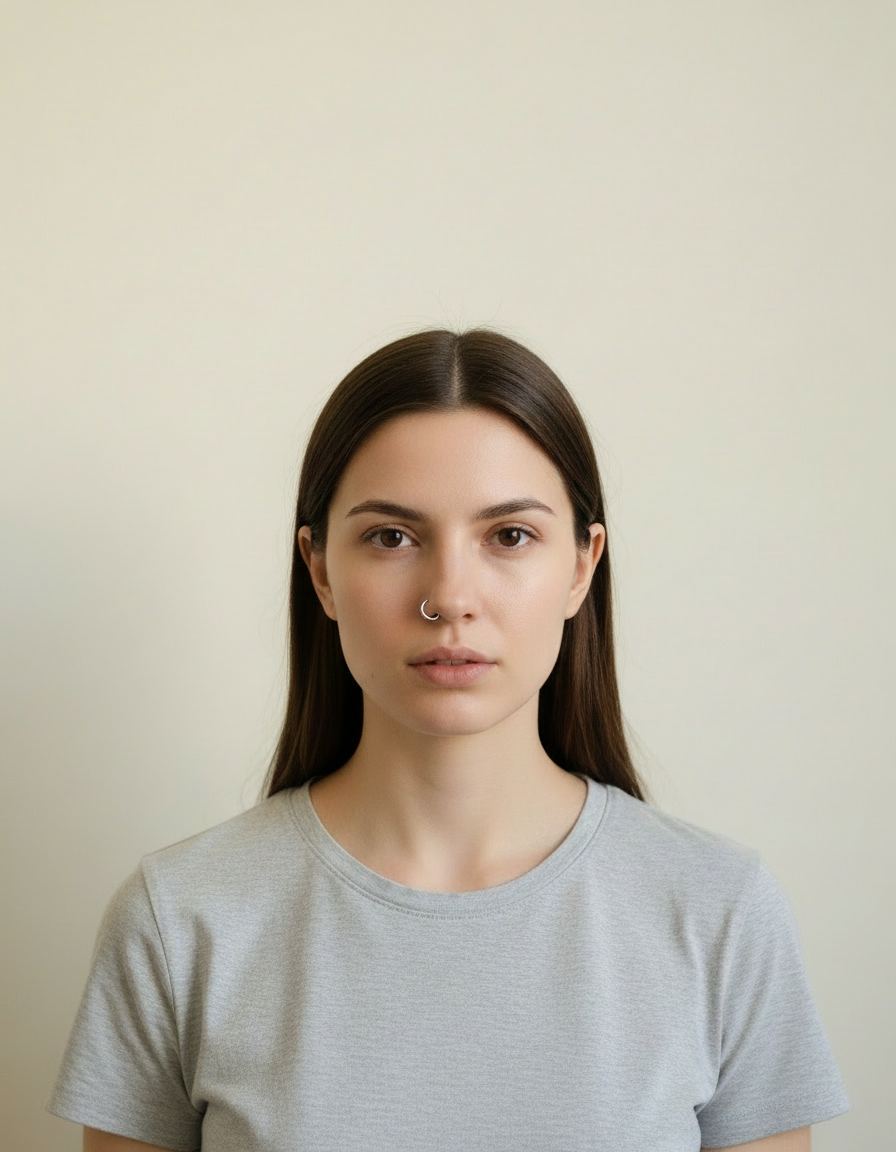
A front-facing JPG, PNG or WEBP where both eyes are visible and the light is even. A plain phone selfie taken near a window is genuinely better source material than a dim photo from a good camera.
Pick the style you need
Corporate, LinkedIn, executive, creative, outdoor or plain white. The choice sets the wardrobe, the background and how hard the lighting is — or write your own brief if you have something specific in mind.
Generate and download
Compare the original against the result, regenerate if the tie or the crop is not right, then download at full resolution. No watermark, and nothing is added to the image.
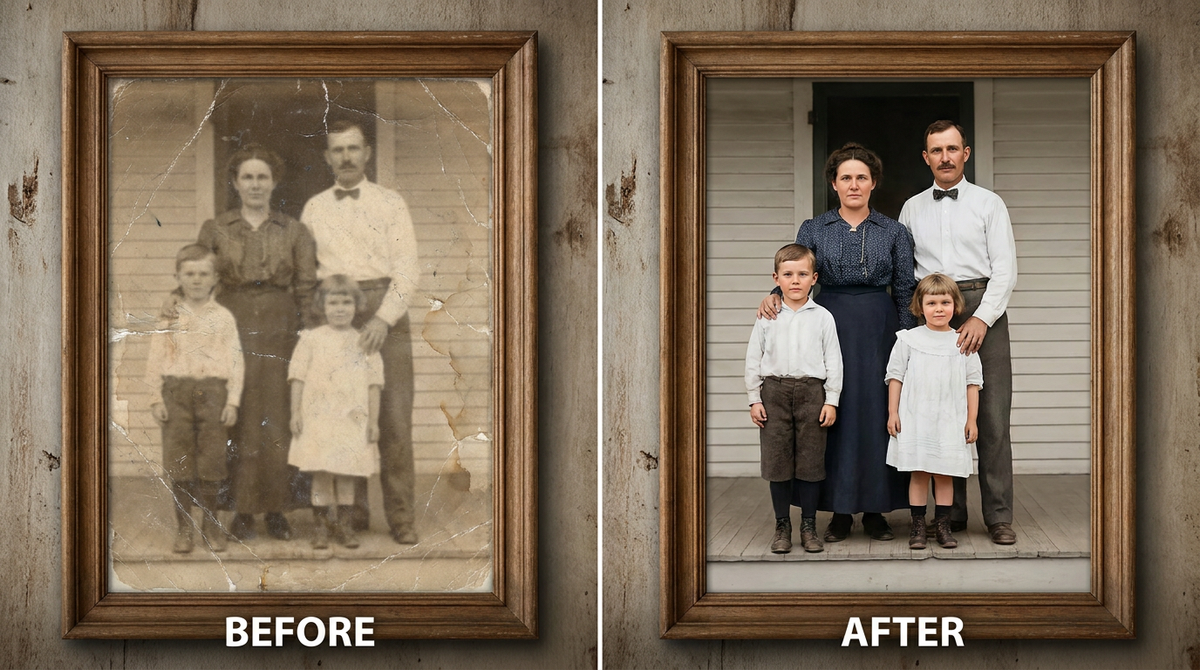
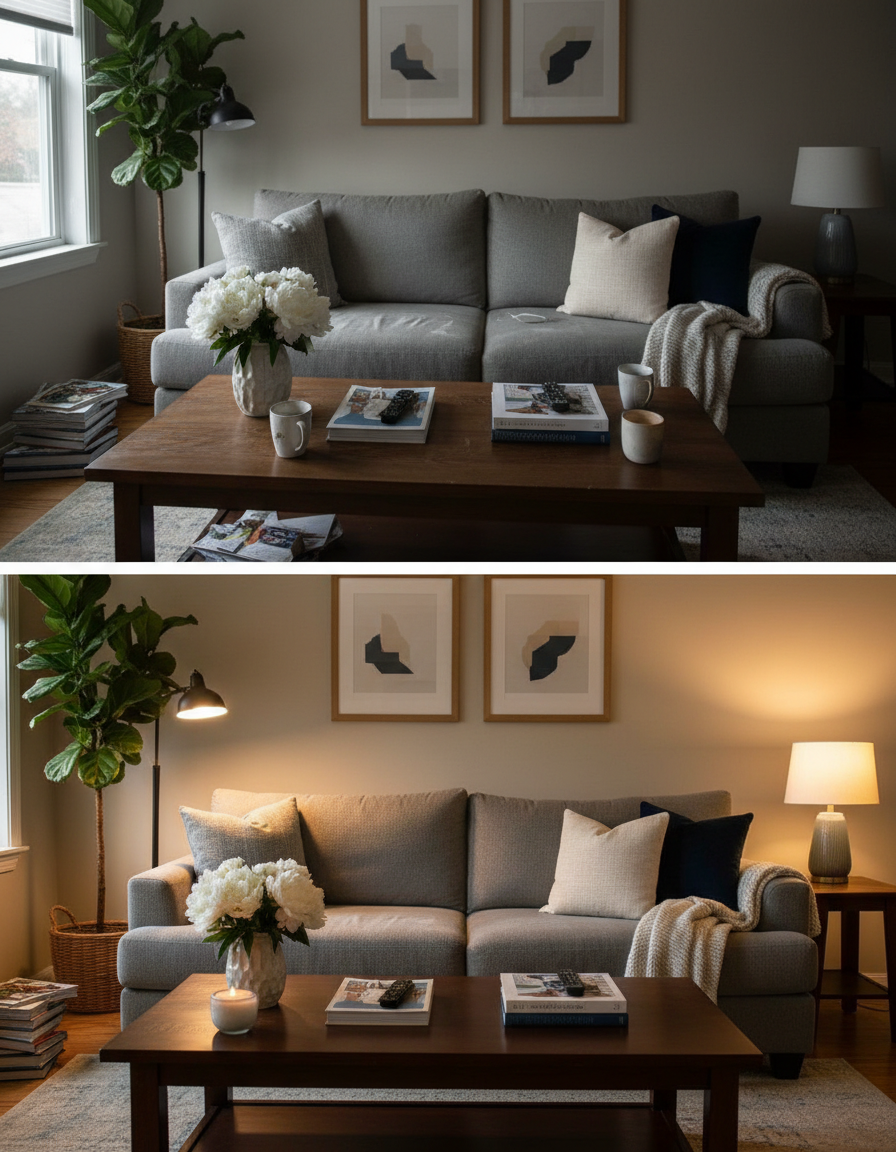
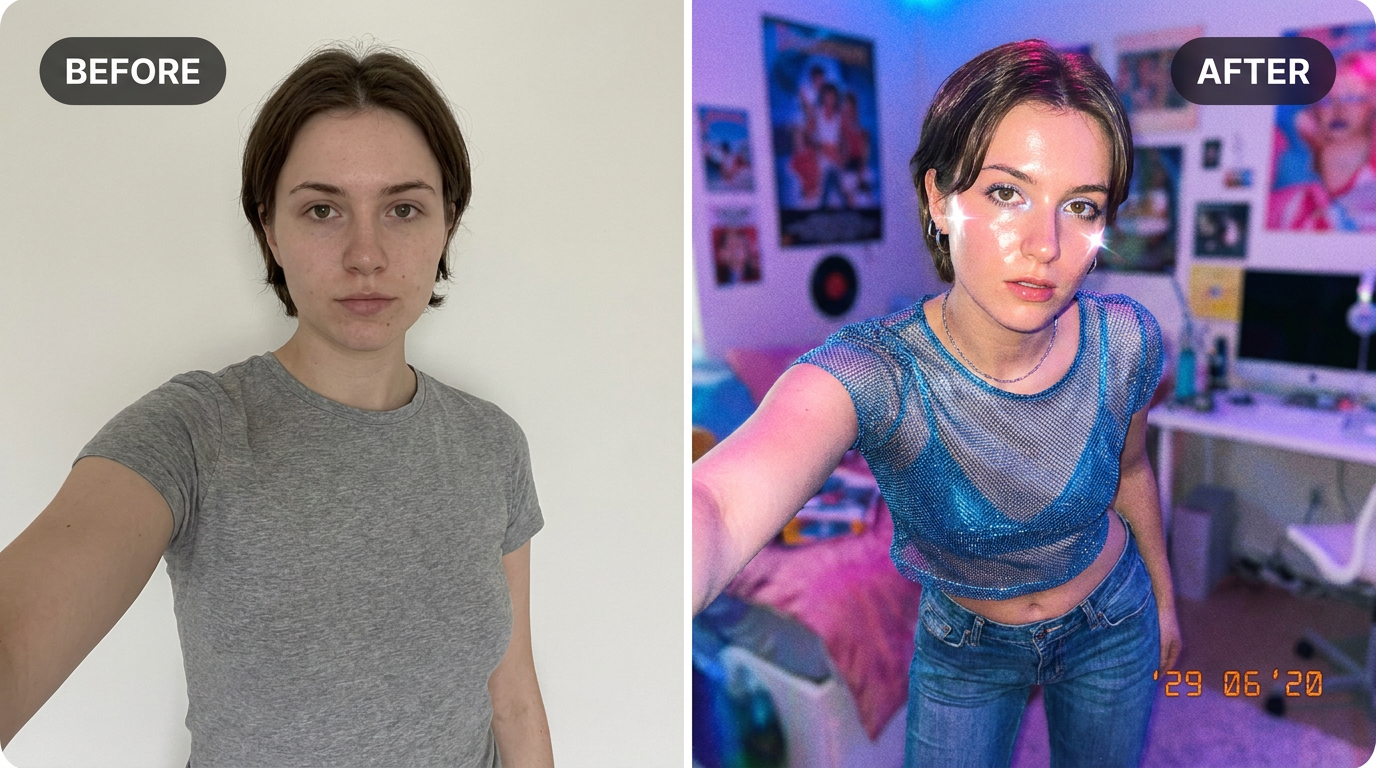
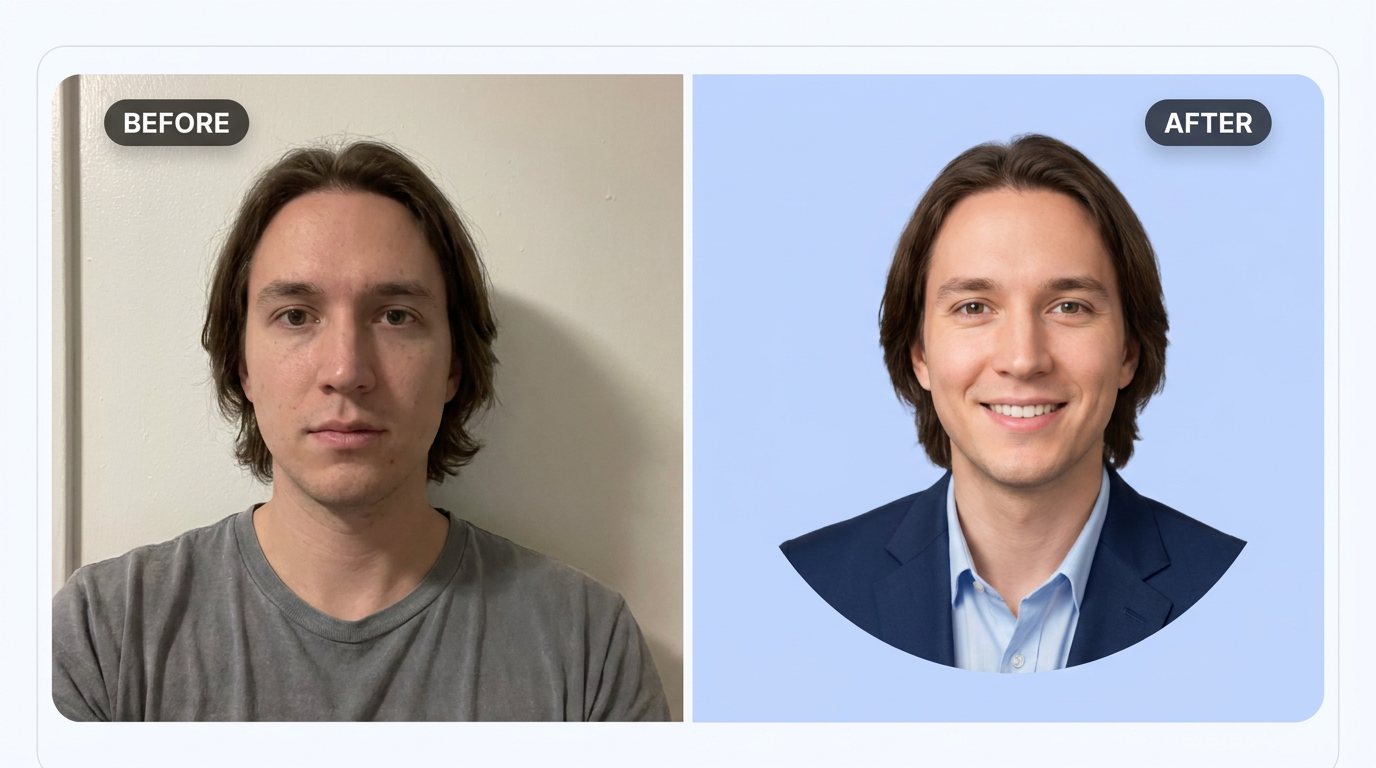
See it in action — real before & after

Why use AI Corporate Avatar Maker
What AI Corporate Avatar Maker does
Turn a selfie into a clean professional profile icon.
Backgrounds that stay out of the way
Neutral grey, softly defocused office, dark low-key or plain white. Each one is chosen because it makes the face read first, which is the only thing a headshot has to do.
Wardrobe appropriate to the field
A suit reads differently from an open collar, and both read differently from a lab coat. The styling is matched to where the photo is going rather than applied as one generic look.
ID and application safe
The plain-white style gives flat even light with no shadow behind the head, which is what passport, visa and application photos are usually rejected for.
Consistent across a team
Run the same style over everyone's photos and the About page stops looking like a collage of holiday snaps. Consistency in a team grid is more noticeable than the quality of any single portrait.
Full resolution, no watermark
Downloads are the full generated resolution with nothing overlaid, so the same file works for a 200px avatar and a printed conference badge.
What AI Corporate Avatar Maker changes
Turn this selfie into a clean, simplified professional avatar: smart business-casual attire, soft solid-colour background, friendly approachable expression, framed tightly like a profile icon. Keep the face and identity exactly the same. This must look like a real photograph — natural skin texture, realistic lighting and shadows, sharp photographic detail — not a painting, illustration, or cartoon.
Your face, bone structure and skin tone are held fixed on every generation — only what is described above is changed.
AI Corporate Avatar Maker for every kind of profile
The same face, styled for where the photo is actually going. A leadership page, a hiring portal and a conference badge all want different things from a portrait.
Applications and official documents
Plain white backdrop, flat shadowless light, neutral expression, head square to camera — the specification most ID photos are checked against.
Creative and agency profiles
A textured or coloured backdrop and characterful directional light, for fields where looking identical to a bank's website is the wrong signal.
Speaker and press kits
Higher-contrast lighting and generous negative space around the head, so an event page can crop it square or wide without cutting into your face.
Team directories at scale
One style applied across dozens of photos taken on different phones in different rooms, which is the usual state of an internal directory.
Key highlights of AI Corporate Avatar Maker
Benefits
Your original is never modified
Every result is a new image. The file you uploaded stays exactly as it was on your device.
Cheap enough to iterate
Packs start at $2. Generating the same image three ways and keeping the best is the intended workflow, not an expensive mistake.
Ready in about a minute
Upload, choose, generate. The slow parts of a headshot — scheduling, travel, wardrobe, waiting on the retoucher — are removed entirely.
Costs a fraction of a session
A pack of credits starts at $2 and covers several attempts. A studio sitting starts in the low hundreds and covers one.
No photoshoot nerves
Being photographed makes most people tense, and tension shows in the jaw and eyes. Working from a photo you already like sidesteps that completely.
What people use it for
What it is mainly used for
Upload a selfie and AI creates a clean, professional profile icon — for Slack, Teams, email and more.
Medical, legal and finance profiles
Fields where clients read the portrait as a signal of seriousness before they read a word of the biography.
Real-estate and sales collateral
Agent photos appear on listings, signage and cards, at every size from a thumbnail to a poster.
Academic and research pages
Faculty directories are usually an assortment of decades-old photos. A current one, consistently lit, stands out immediately.
Refreshing a photo that has aged
If the portrait predates a haircut, glasses or a decade, the mismatch is the first thing anyone who meets you notices.
Prompt ideas
You do not need to write a prompt at all — the style presets cover most cases. If you want something specific, keep the brief short and name only what you care about: the clothing, the background, the light and the expression.
Say what the background should be
"Plain mid-grey seamless backdrop" or "softly blurred modern office". Naming it stops the model choosing something distracting for you.
Describe the light, not the mood
"Soft key light from the left with a gentle fill" is actionable. "Professional lighting" is not — every lighting setup claims to be that.
Set the crop
"Head and shoulders, centred, a little space above the hair" avoids a result cropped too tight to use as an avatar.
Ask for a specific expression
"Relaxed closed-mouth smile, eyes to camera" reads warmer than a broad grin in most professional contexts.
Add the industry if it matters
"Healthcare professional, clinical setting behind" or "architect, studio behind" shifts the whole styling in one short phrase.
Keep the glasses
If you wear them daily, say "keep the glasses, no reflections in the lenses" — otherwise a portrait without them can look like someone else.
More about AI Corporate Avatar Maker
Work chat apps all want a profile picture, and most people end up using a cropped vacation photo or no photo at all. This gives you a clean, simple avatar built specifically for that small circular frame.
Upload a selfie and the AI creates a friendly, professional-looking icon with business-casual styling and a calm solid background — designed to look good even at the tiny size Slack and Teams display it.
It's built for the 'professional profile picture ai free' search — a step up from a cropped vacation photo, a step below booking a headshot session. Pair it with our AI LinkedIn Banner Maker if you're refreshing your whole professional online presence at once.
Tips for an avatar that reads well small
- Use a close, front-facing selfie — avatars get cropped tight and small.
- Good even lighting matters more than background detail here.
- A relaxed, approachable expression works best for a profile icon people see daily.
- Update your LinkedIn banner at the same time with our AI LinkedIn Banner Maker for a consistent look.
- Check the hands, collar and glasses in the result before using it — those are the details generative models are still most likely to get subtly wrong.
- If the expression looks stiff, try a source photo where you were mid-sentence rather than posing.
- For a team, run the same style across everyone rather than letting each person choose — the grid matters more than each portrait.
- Keep the original file. It is the best starting point for a different style later, and a generated image is not.
- Start from the largest, least compressed original you have — a screenshot of a photo has already lost detail that cannot be recovered.
- Soft, even light in the source photo gives the best result almost regardless of what you are generating.
- Judge every result at full size, not zoomed out. Problems hide at small sizes.
It's free to try and runs online — nothing to install. Explore the rest of our AI Creative Apps, or open the full AI photo editor for more control.