AI Y2K Aesthetic Photo Filter
Upload a selfie and AI gives it that viral early-2000s Y2K look — right here, free.
Pick a style on the left, then hit Apply. Your original stays untouched — you always see both.
How to use AI Y2K Aesthetic Photo Filter
Upload the photo
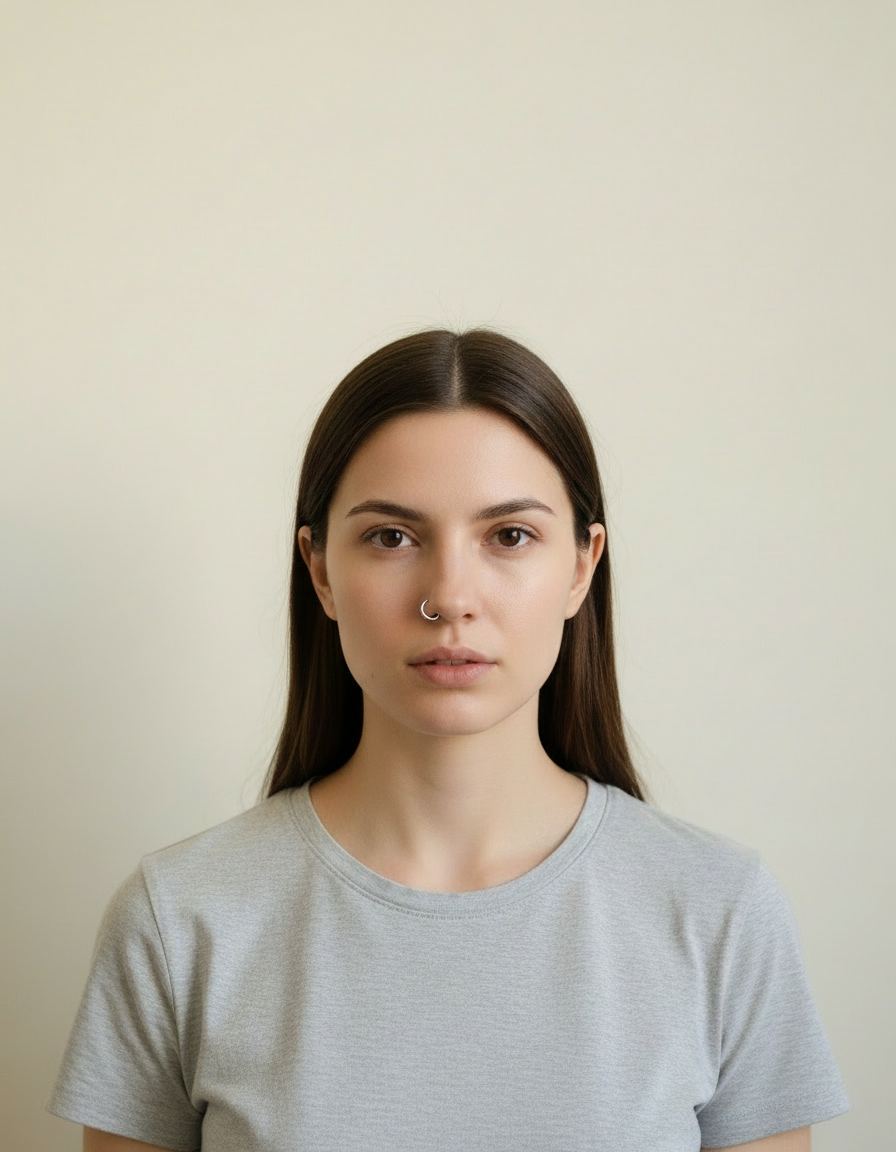
A clear JPG, PNG or WEBP. Portraits work best when the face fills a reasonable part of the frame — a distant full-body shot gives the model very little face to work from.
Pick the style or write your own
Choose a preset, or describe the medium you want: line weight, palette, texture, era. Naming the medium precisely is what separates a good result from a vague one.
Generate and download
Full resolution, no watermark. Good enough to print, use as an avatar, or send to someone as a gift.
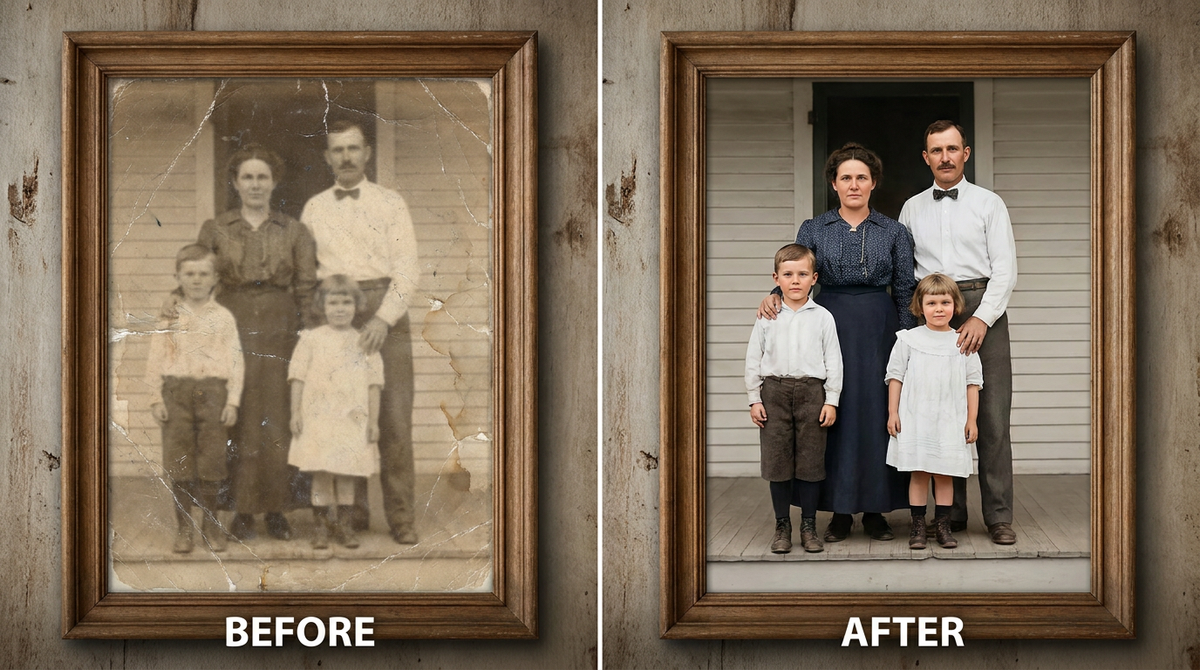
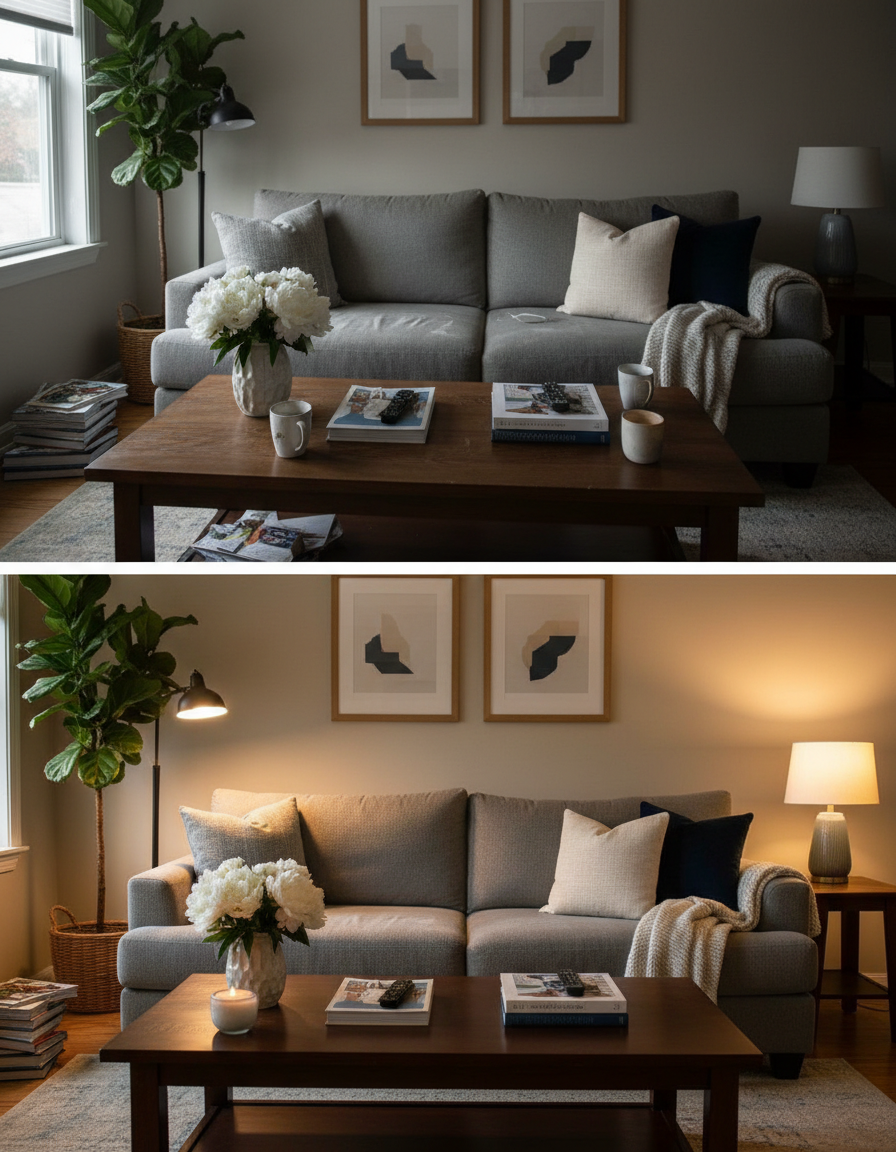
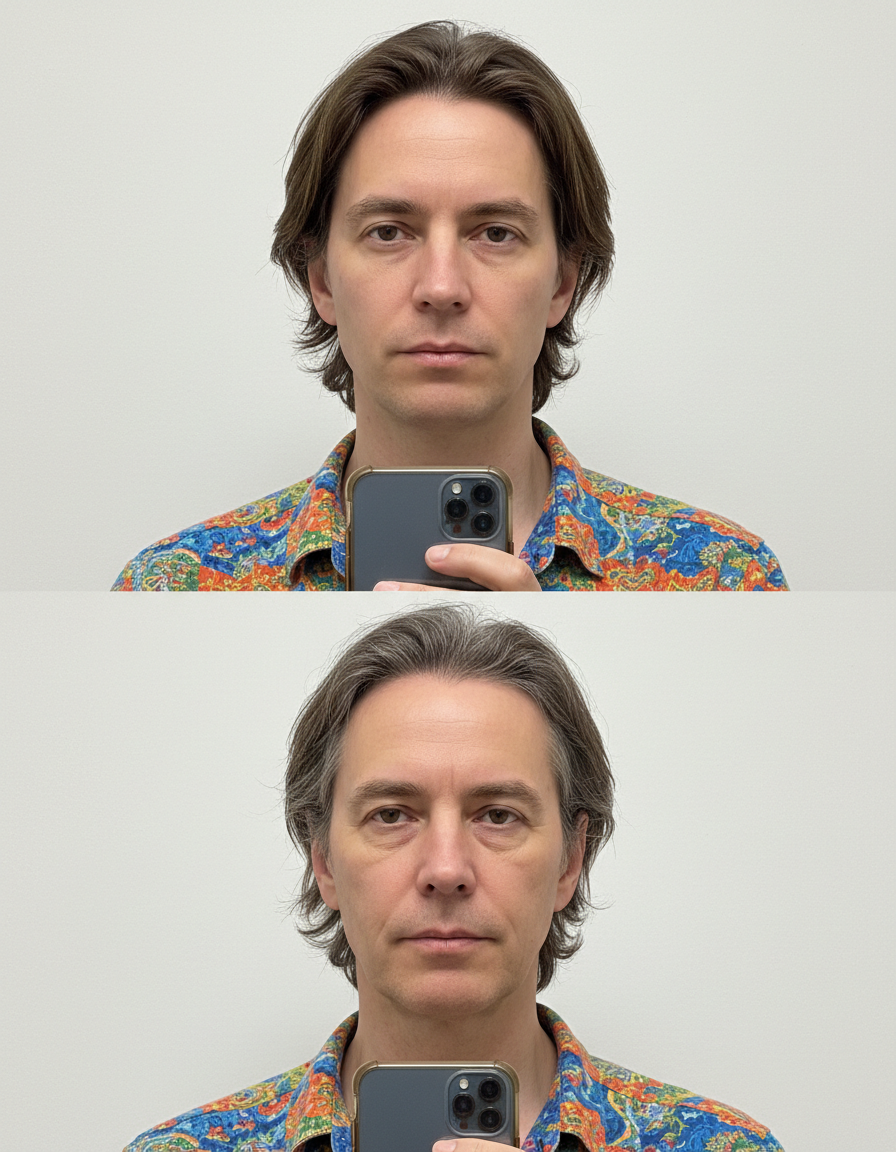
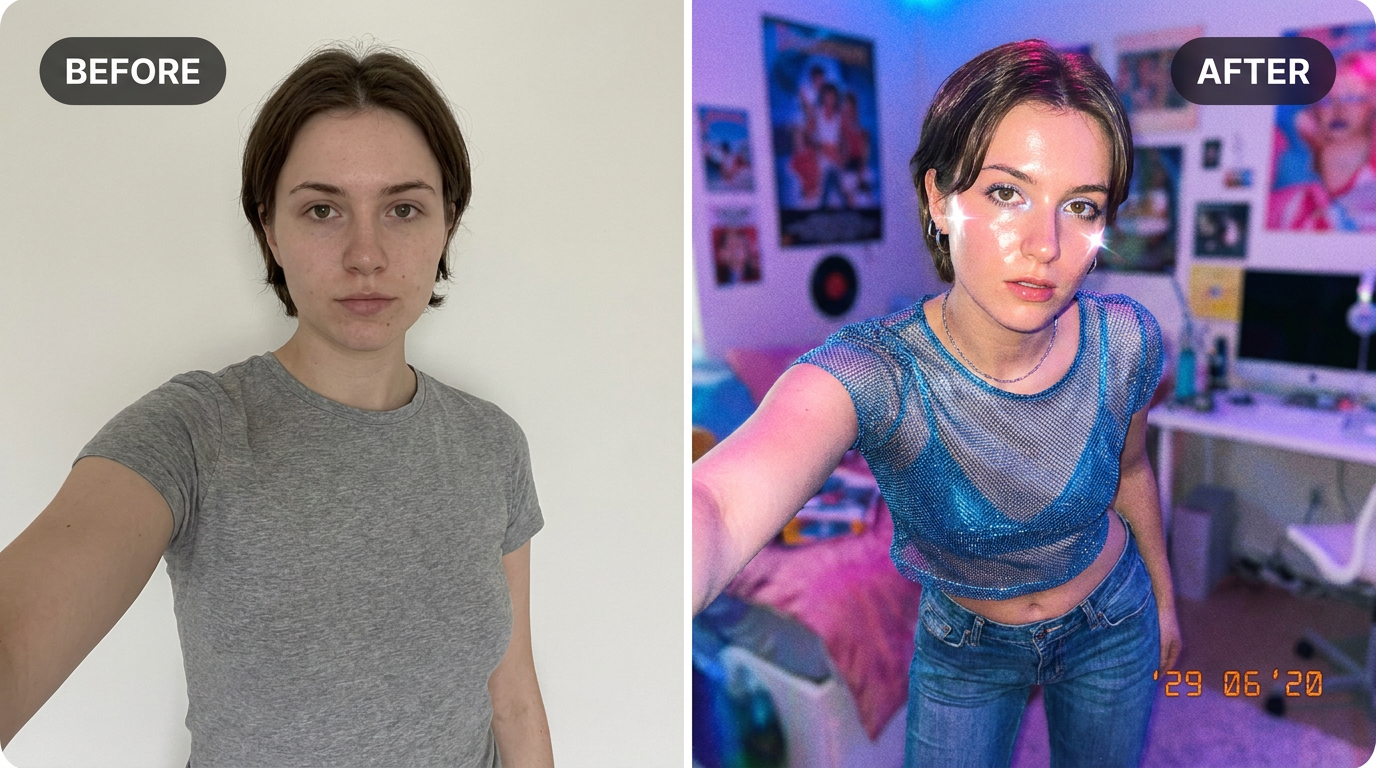
See it in action — real before & after
Why use AI Y2K Aesthetic Photo Filter
What AI Y2K Aesthetic Photo Filter does
Give any selfie the viral early-2000s Y2K look.
Recognisable after the conversion
Facial proportions and the details that identify a person are carried into the new medium rather than replaced by a generic character face.
A real change of medium
Brush texture, ink weight, cel shading, moulded plastic, woven canvas. The material of the image changes, not just its colours.
Consistent across a set
Run several photos through the same style and they look like one commission rather than a pile of unrelated experiments.
Backgrounds restyled to match
A stylised subject on a photographic background looks pasted in. The whole frame is converted together.
Print-quality output
Resolution holds up as a framed print or a card, which is what most people end up doing with a portrait they like.
What AI Y2K Aesthetic Photo Filter changes
Restyle this photo with a Y2K early-2000s aesthetic: flash-lit digital camera look, glossy highlights, low-rise fashion vibe, bold saturated colours and a slight grainy point-and-shoot quality. Keep the person's face and identity the same. This must look like a real photograph — natural skin texture, realistic lighting and shadows, sharp photographic detail — not a painting, illustration, or cartoon.
Your face, bone structure and skin tone are held fixed on every generation — only what is described above is changed.
AI Y2K Aesthetic Photo Filter for prints, avatars and gifts
The same conversion serves very different ends — a profile picture, a framed print, a card, a set of matching avatars for a group.
Profile pictures and avatars
A stylised portrait stands out in a feed of photographs, and it stays readable when a platform shrinks it to 40 pixels.
Prints and framed gifts
A converted portrait of a person, a couple or a pet is the kind of gift people keep, and it costs the price of the frame.
Cards and invitations
An illustrated portrait sits on a card in a way a photograph usually does not, without needing a designer.
Matching sets for a group
A team, a family or a friend group converted in one style, which looks deliberate in a way individual photos never do.
Key highlights of AI Y2K Aesthetic Photo Filter
Benefits
Works on a phone
The whole flow runs in a mobile browser, which is where the source photo already is.
Nothing to install
It runs in the browser on a phone or a laptop. No desktop app, no plugin, no account needed to look around.
Two models to choose from
Nano Banana and GPT Image handle the same job differently. If one result is not right, the other model often is.
Every aspect ratio
Square, 4:5, 9:16, 16:9 and more, chosen before generating so nothing important gets cropped away afterwards.
Full resolution, no watermark
The download is the full generated image with nothing overlaid — usable in print, in a listing or commercially.
What people use it for
What it is mainly used for
Upload a selfie and AI gives it that viral early-2000s Y2K look — right here, free.
Group and team sets
Everyone in one style — for an About page, a group chat, a wedding party or a D&D table.
Pet portraits
The single most requested illustrated portrait, and the one people are most reliably delighted by.
Merch and sticker art
Flat, high-contrast styles are what actually survive being printed small on a sticker or a shirt.
Book, album and playlist covers
A stylised portrait as cover art, with room for a title to sit over it.
Prompt ideas
Presets cover the common styles. If you write your own, describe the medium as a maker would: line, colour, texture, era. Vague adjectives like "beautiful" or "high quality" do nothing; "thick ink outlines, flat colour, halftone shading" does a great deal.
Keep it short
Three or four specific clauses beat a paragraph. Long prompts dilute every instruction in them, including the one you cared about.
Name the framing
Close-up, head and shoulders, full body, centred, offset. Framing decides what the image is actually of.
Avoid asking for text in the image
Generated lettering is still unreliable. Ask for empty space where the text should go and add real type afterwards.
Pick the ratio first
Generating square and cropping to vertical throws away part of the frame. Choose the shape before you generate.
Try the other model
If a prompt is being ignored, switching between Nano Banana and GPT Image often resolves it faster than rewording.
Describe the light
Direction, softness and colour temperature. Light does more to how a photograph feels than any other single thing you can specify.
More about AI Y2K Aesthetic Photo Filter
The early-2000s digital-camera look — flash, grain, saturated colour — is back everywhere on social feeds. Recreating it convincingly from a modern photo takes some specific editing knowledge. This does it in one click.
Upload a selfie and the AI applies that glossy flash-lit, slightly grainy Y2K look while keeping your face the same. It's an easy way to make a normal photo feel like it was pulled from a 2003 digital camera roll.
If you've searched 'y2k photo editor free' or '2000s style photo ai,' this nails the specific look — not just a generic vintage filter, but the exact flash-and-grain combination people associate with early-2000s digicams and disposable cameras.
Tips for an authentic Y2K look
- Close-up selfies with a plain background give the most convincing flash-photo feel.
- Bold, simple outfits read better in the saturated Y2K colour grade.
- Try a few runs — the grain and flash intensity vary each time.
- Pair it with a 90s Yearbook Photo for a full throwback social media post.
- One subject converts more reliably than a crowd. For groups, keep everyone facing forward and close together.
- Avoid photos that are already filtered — stacking a style on a style gives muddy results.
- Simple backgrounds convert better. A cluttered room becomes visual noise in the styled version.
- For avatars, generate square and ask for a plain background, or the crop will cut into the head.
- Regenerate a few times: stylised output varies more between runs than photographic output does.
- Check hands, glasses and any lettering — these are where stylised results most often break down.
- If you want a matching set, keep the style and the prompt identical and change only the source photo.
It's free to try and runs online — nothing to install. Explore the rest of our AI Creative Apps, or open the full AI photo editor for more control.