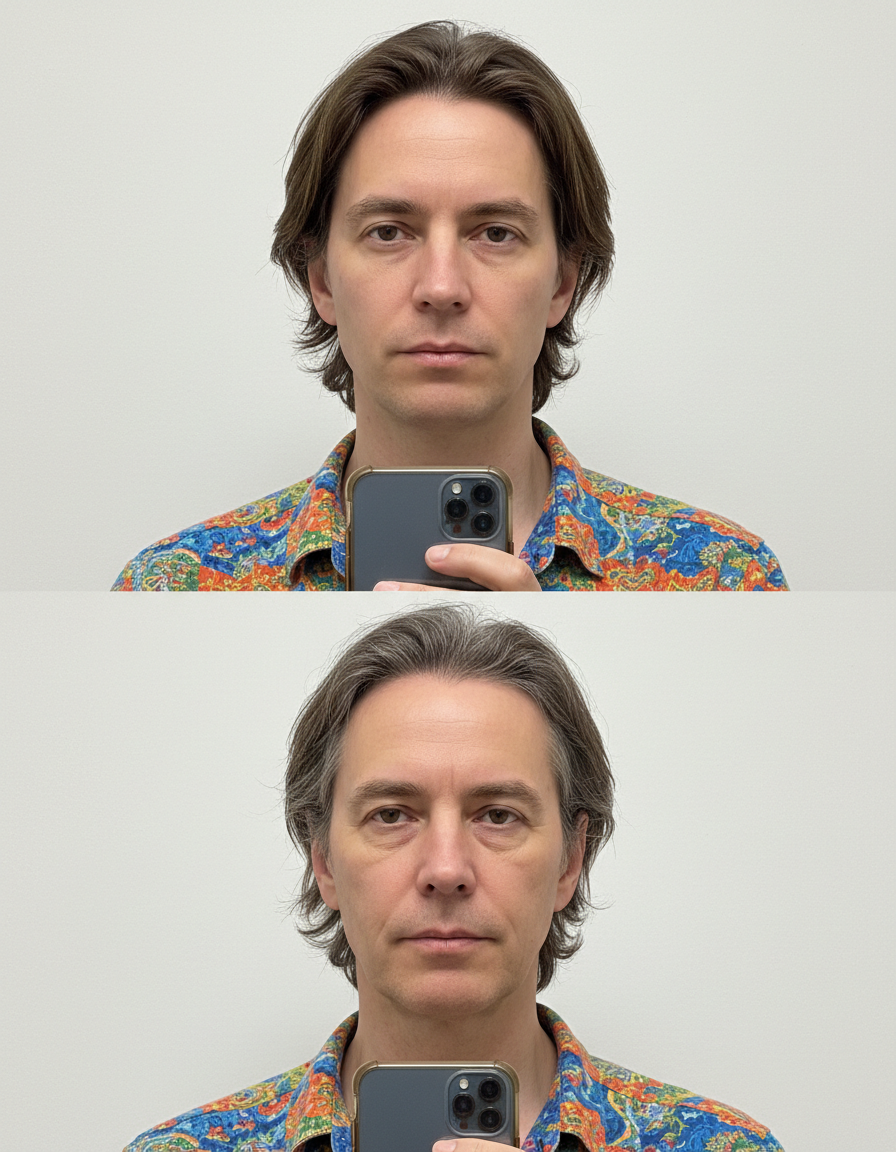
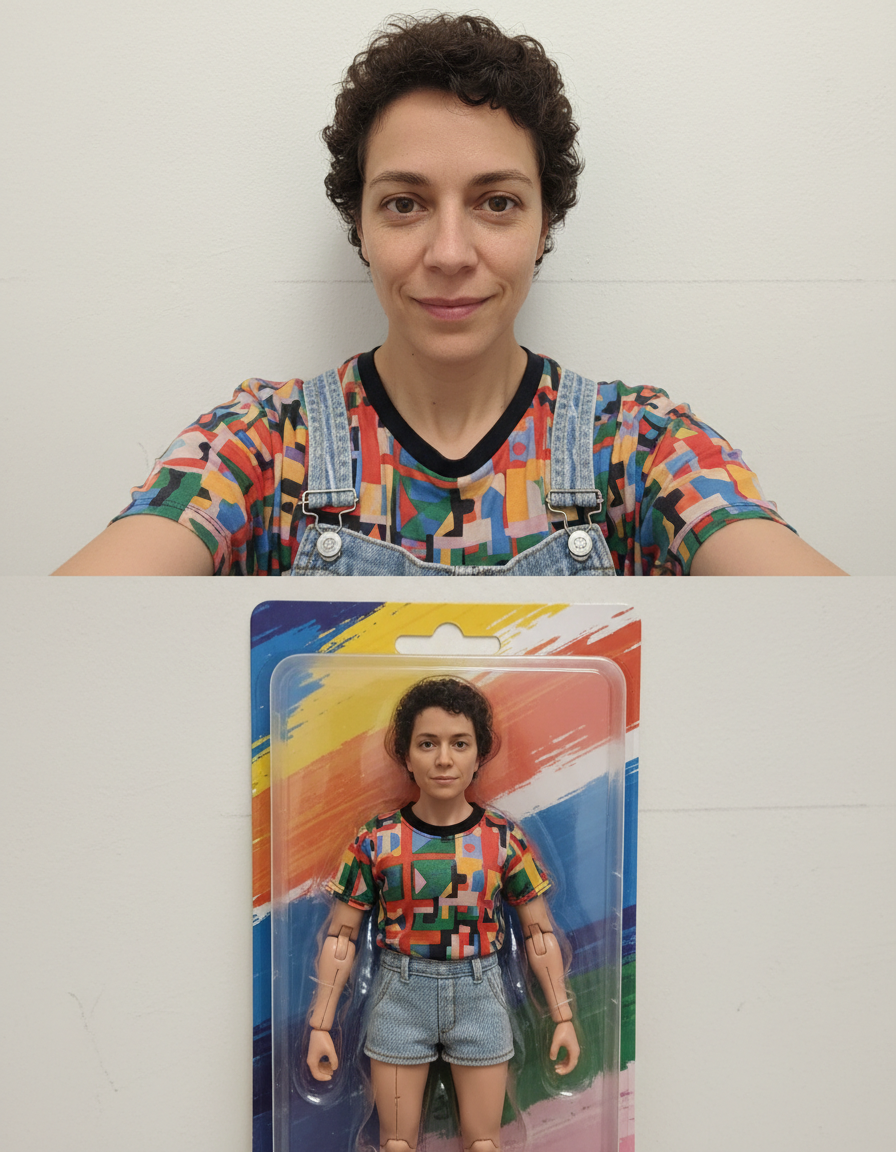
AI LinkedIn Banner Maker
Upload a photo and AI generates a polished LinkedIn cover banner — right here, in seconds. Free.
Pick a style on the left, then hit Apply. Your original stays untouched — you always see both.
How to use AI LinkedIn Banner Maker
Upload your image
JPG, PNG or WEBP. If the asset is going to be cropped several ways, start from the widest, highest-resolution version you have.
Choose the platform and shape
Square, portrait, wide, circle-safe, bold or minimal. The choice sets the ratio and where the subject sits inside it.
Download and post
Correct dimensions, full resolution, no watermark. It uploads without the platform re-cropping it for you.
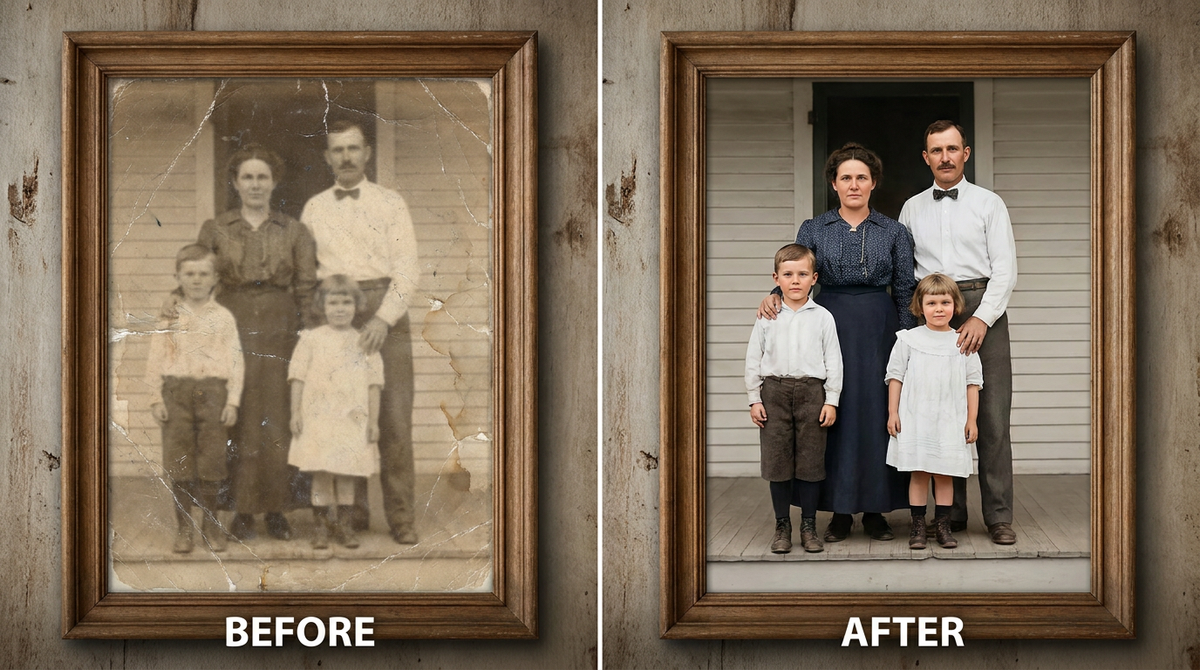
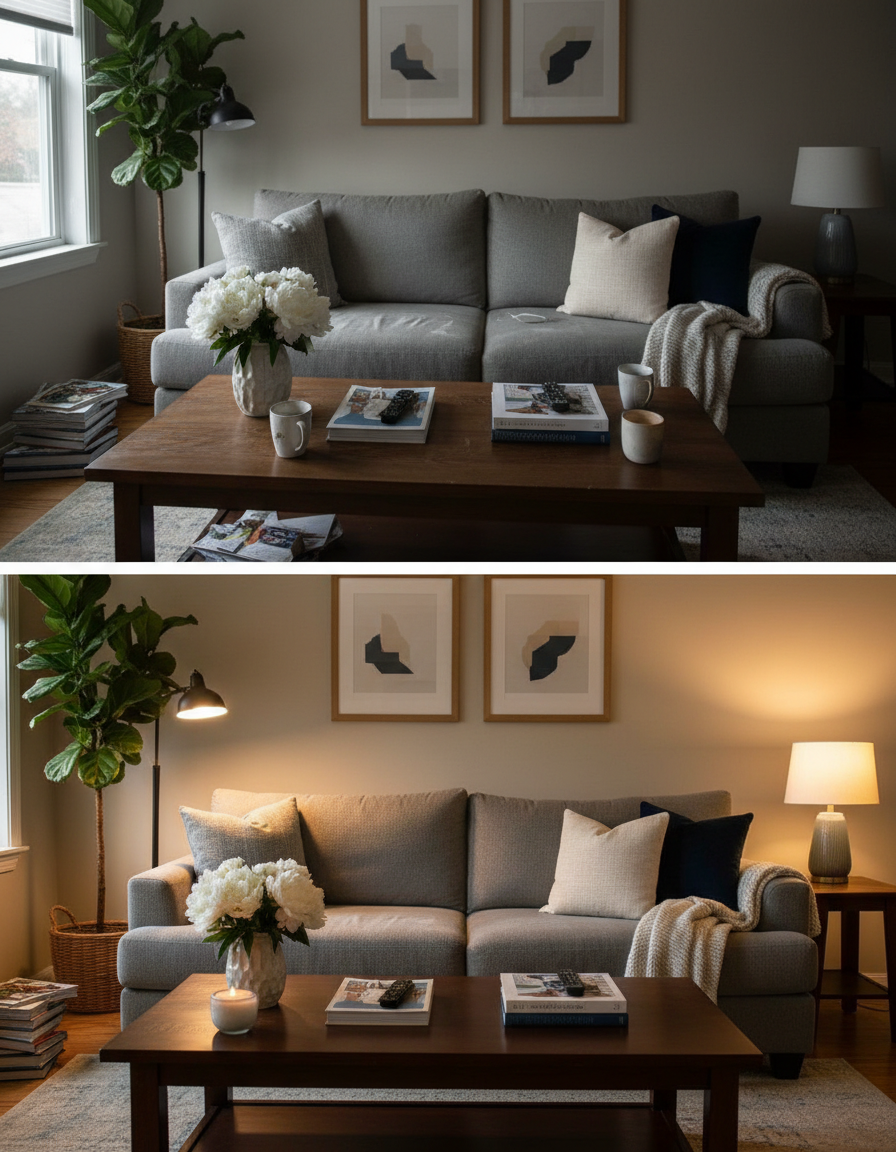
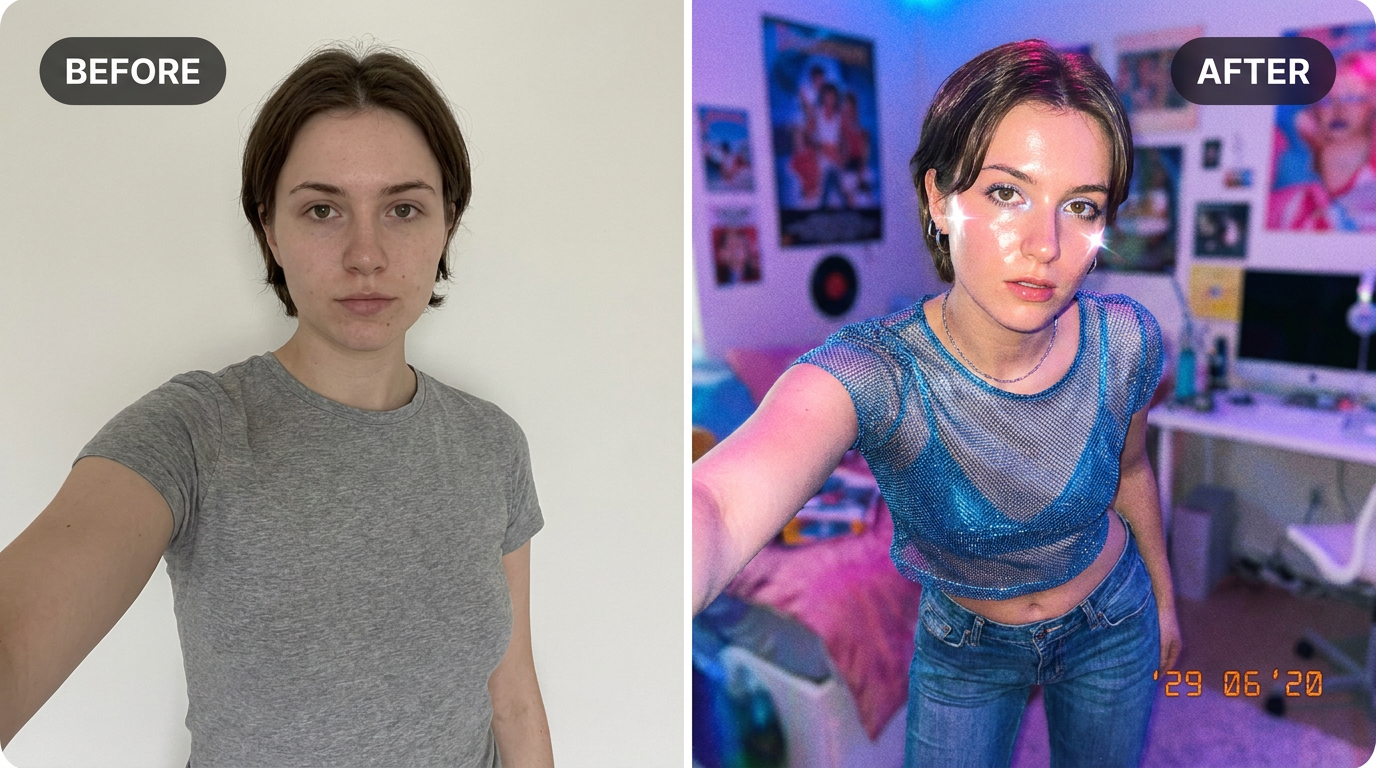
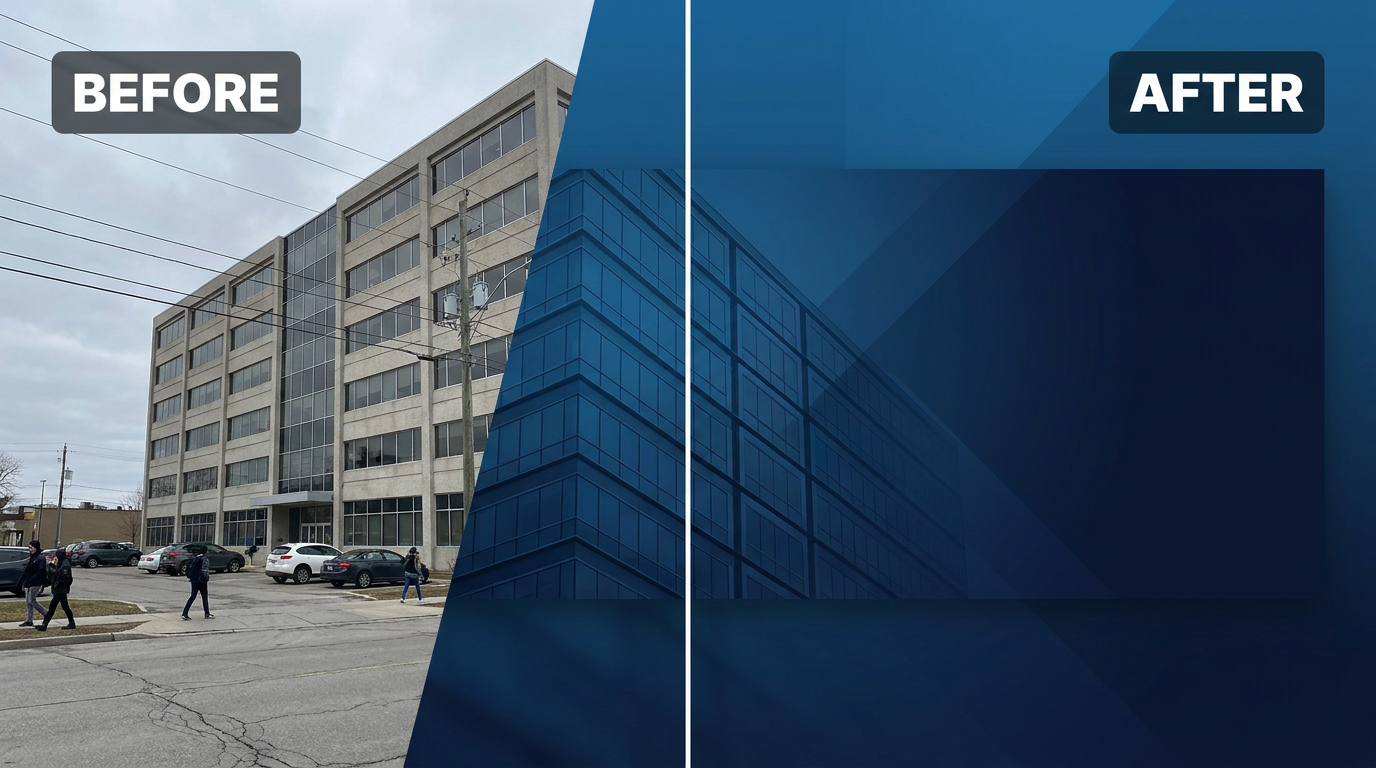
See it in action — real before & after

Why use AI LinkedIn Banner Maker
What AI LinkedIn Banner Maker does
Generate a professional LinkedIn banner from a photo.
Room left for text
Deliberate empty space where a headline or caption goes, rather than a full-bleed image with nowhere to put type.
Consistent across a profile
Avatar, banner and post images that read as one identity instead of three unrelated pictures.
One source, every shape
Generate square, portrait, wide and circular versions from a single upload.
Full resolution
Enough resolution that the platform's own compression does not visibly degrade it.
Correct dimensions per platform
The right ratio and pixel size, so the platform does not recompress and re-crop the image on upload.
What AI LinkedIn Banner Maker changes
Create a professional LinkedIn banner background image inspired by this photo: clean corporate gradient in deep blue tones, subtle abstract geometric shapes, professional and modern, wide banner composition with negative space for text overlay. Keep it tasteful and brand-safe. This must look like a real photographic/render composition — realistic lighting and material detail — not a flat illustration or cartoon.
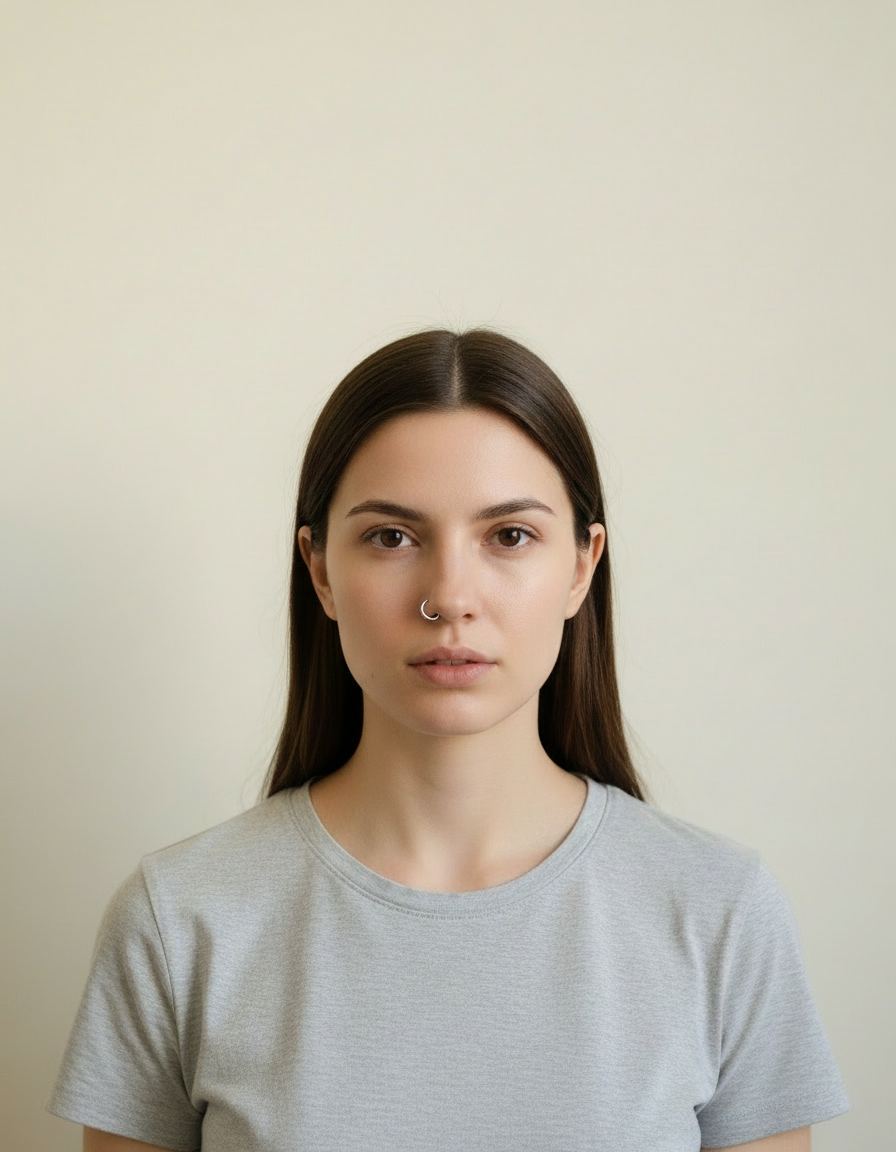
Your face, bone structure and skin tone are held fixed on every generation — only what is described above is changed.
AI LinkedIn Banner Maker for every slot a profile has
A profile is a set of images with different jobs. Each one is cropped, masked and overlaid differently.
Feed posts
Square and 4:5, which is the ratio that occupies the most vertical space in most feeds.
Stories and reels covers
9:16 with the top and bottom left clear of interface chrome.
Thumbnails
High contrast, one clear focal point, and space for a short piece of large text.
Link previews and OG cards
The 1200×630 card that appears whenever a link is shared anywhere.
Key highlights of AI LinkedIn Banner Maker
Benefits
The free tools stay free
Compress, convert, crop, resize, rotate and the rest run on your device, unlimited, with no account and no credit cost.
Your original is never modified
Every result is a new image. The file you uploaded stays exactly as it was on your device.
Cheap enough to iterate
Packs start at $2. Generating the same image three ways and keeping the best is the intended workflow, not an expensive mistake.
No design tool needed
No canvas presets, no guides, no export settings to get wrong.
Every shape from one image
Four ratios from one upload rather than four manual crops.
What people use it for
What it is mainly used for
Upload a photo and AI generates a polished LinkedIn cover banner — right here, in seconds. Free.
Team and community profiles
Consistent avatars across a group, which makes a community look organised.
Seasonal profile refreshes
A quick restyle for a campaign or a holiday, without redesigning anything.
A new profile photo across every platform
One portrait, composed correctly for a circular avatar, a square post and a wide banner.
Channel and page branding
Banner, avatar and thumbnail that read as one identity.
Prompt ideas
Say where the subject should sit and where the text is going. Social composition is mostly about reserving space, and a prompt that does not mention the text is the reason the headline ends up over someone's face.
Re-run before rewriting
Generation is not deterministic. The same prompt twice gives two different results, and the second is sometimes simply better.
Name the platform and slot
"YouTube thumbnail" or "LinkedIn banner" carries a whole set of conventions in two words.
Say where the subject goes
"Subject on the left third, empty space on the right" is the single most useful instruction for anything with text on it.
Mention the circular crop
"Composed for a circular avatar, head centred, nothing important in the corners".
Reserve the text area
"Leave the upper third clear for a headline" — otherwise there is nowhere for the type to go.
Ask for thumbnail legibility
"High contrast, readable at 100 pixels wide", because that is the size most people will first see it.
More about AI LinkedIn Banner Maker
Most LinkedIn profiles use the default banner, which is a missed chance — a good cover image is free real estate that makes a profile look intentional. Hiring a designer for one image rarely happens.
Upload a photo or just a colour you like, and the AI generates a clean, corporate-toned banner with the negative space a real banner needs for your headline or branding. It's built to look professional, not like a stock-photo cliché.
If you've searched 'linkedin cover photo generator free' or 'linkedin background image ai,' this solves it without needing Canva or a designer. Pair it with our AI Corporate Avatar or AI Professional Headshot for a fully polished LinkedIn profile in one sitting.
Tips for a banner that looks intentional
- Leave the left or right third clear in your mind — that's where LinkedIn's profile photo overlaps the banner.
- Try a couple of generations and pick the one with the calmest, least busy composition.
- Stick to one or two brand colours across your profile photo and banner for a cohesive look.
- Update your profile photo with our AI Headshot or Corporate Avatar tool at the same time for a consistent look.
- For avatars, keep the head centred and treat the corners as expendable — they will be masked off.
- Check any cover image against where the platform overlays the profile photo and buttons.
- Look at the result at thumbnail size. If it does not read at 100 pixels, it does not work in a feed.
- Ask for space for text instead of asking for the text itself; add real type afterwards.
- Keep a consistent palette across avatar, banner and posts — consistency is what reads as a brand.
- Export at the platform's stated dimensions so its own compression has less to do.
- For stories, keep everything important out of the top and bottom sixth of the frame.
It's free to try and runs online — nothing to install. Explore the rest of our AI Creative Apps, or open the full AI photo editor for more control.