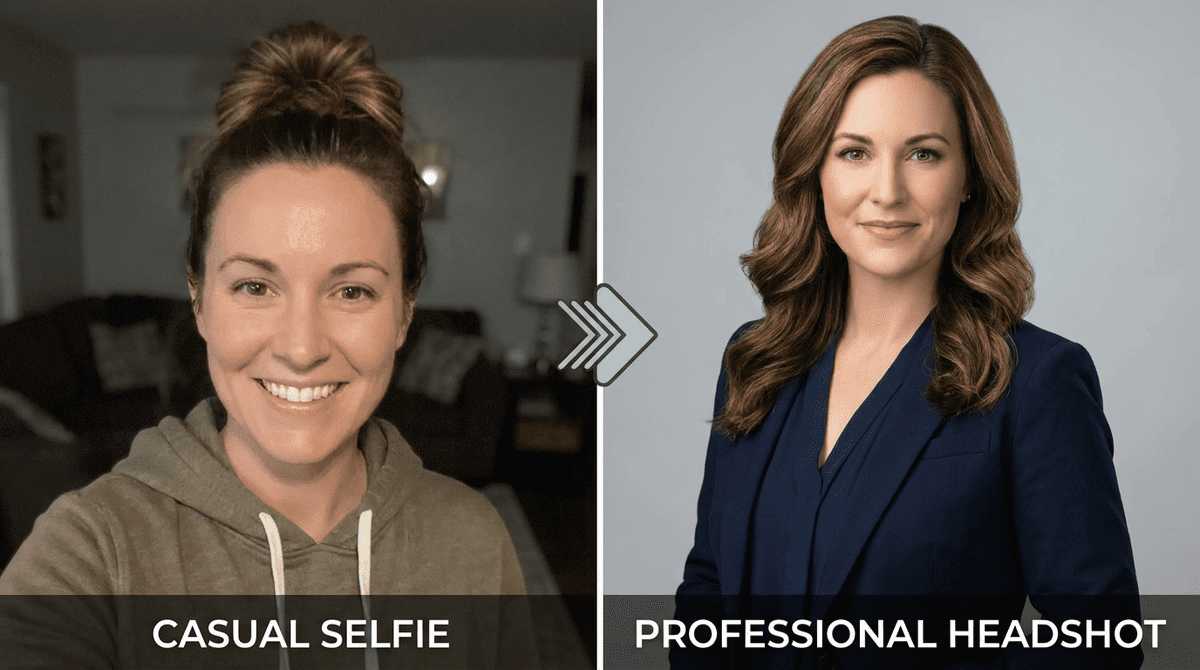
How do you make matching headshots for a team?
1. Choose one style and one background colour
Decide the house look first: for example Navy Blazer Office for women and Charcoal Office for men, on a light grey background. Write it down so everyone gets the same.
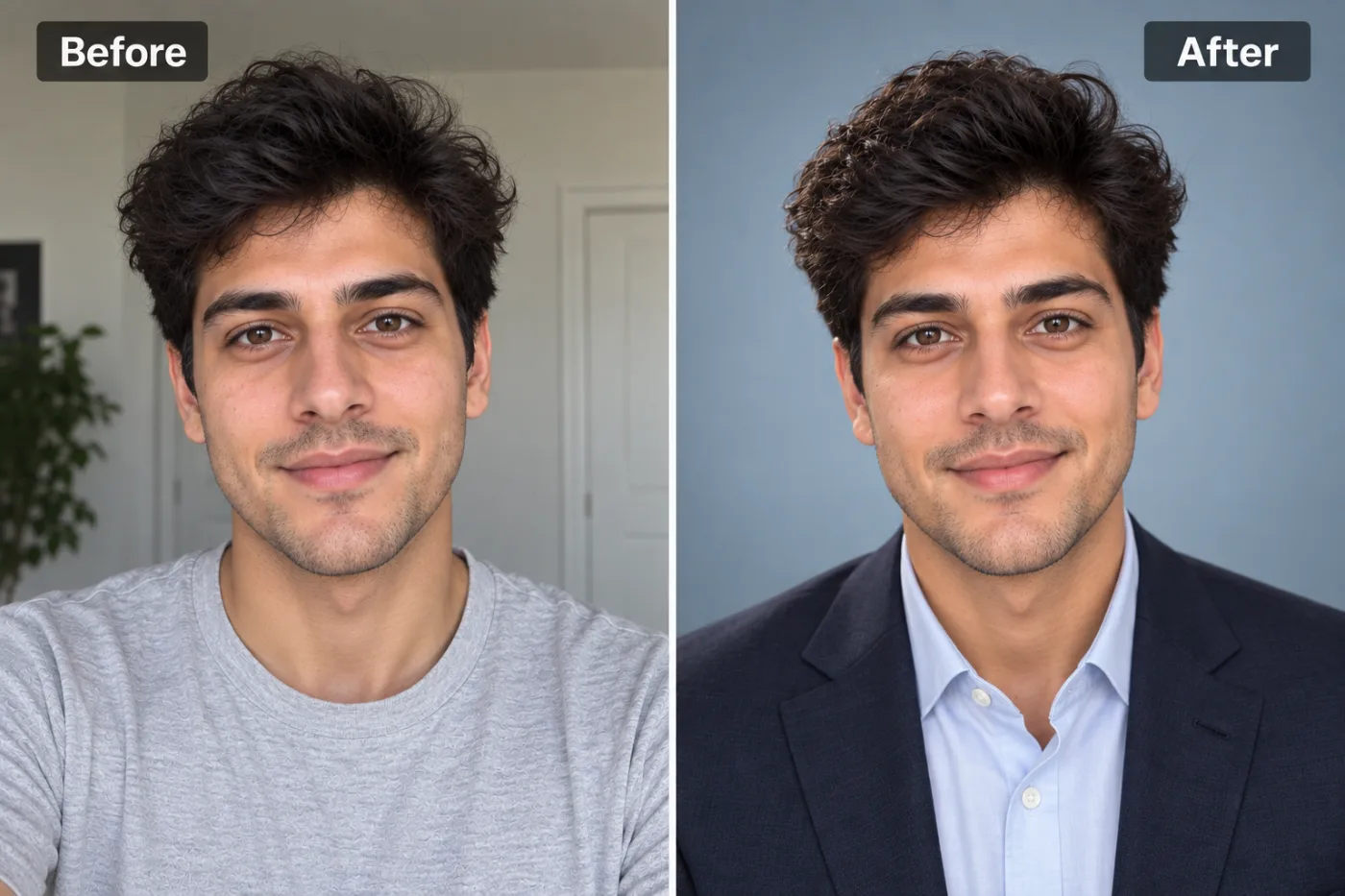
2. Collect a clear selfie from each person
Send everyone the same simple brief: face a window, eye level, plain top, no filters, only you in the photo. Consistent input gives consistent results.
3. Generate and set the same background
Make each person's headshot in the agreed style (2 credits each), then give every one the same background colour (2 credits each). Download them and they sit together like one shoot.
Why do team photos need to match?
A team page where one person is in a studio, one at a wedding and one in a car looks unfinished, however good each photo is. Matching style, lighting and background make the team look organised and make the page about the people, not the photos. The same goes for an email directory, a pitch deck's team slide, conference badges and the "meet the team" section of a proposal.
| Keep the same | Why |
|---|---|
| Style | Similar outfits and framing make faces line up |
| Background colour | The biggest single thing that makes photos look like a set |
| Crop | Head and shoulders, the same distance from the top of the frame |
| File size | Export at one size so the page grid stays tidy |
Who uses AI corporate headshots?
Remote and hybrid teams
When people work in different cities or countries, a shared shoot isn't practical. Everyone sends a selfie; the results match anyway.
Growing startups
New hires join every month. Instead of waiting for the next photographer visit, give each new person a headshot in the house style on their first day.
Agencies, law firms and consultancies
Client-facing teams appear in proposals and on the website. Consistent headshots signal a consistent firm.
Event and conference organisers
Speaker photos arrive in every shape and quality. Generate matching headshots from the speakers' own photos, with their consent, for the programme and slides.
What about consent and accuracy?
Only make headshots of people who have agreed, using a photo they gave you for the purpose. Let each person see and approve their result before it's published, and offer a retake if they don't like it. The generator keeps each person's real features (face, skin tone, hair, glasses, age), so the results are honest portraits, not idealised ones.
Tips for a consistent set
- Send everyone the same photo brief with one example selfie.
- Pick neutral styles that suit everyone; a single bold outfit choice rarely works for a whole team.
- Use a mid-tone background (light grey, soft blue). Pure white can wash out lighter skin tones and very dark backgrounds can lose dark hair.
- Batch the work: do everyone's style first, then all the background changes, so the colour is set once.
- Keep a shared folder of the finals and the brief, for new joiners.
What does it cost?
2 credits per person per style, plus 2 credits for each background change. For a team of ten with one style and a shared background colour, that's 40 credits. Packs start at $2 and never expire; monthly plans give a better rate for larger teams. No watermark is added. See the main AI headshot generator or LinkedIn headshot for individual use.