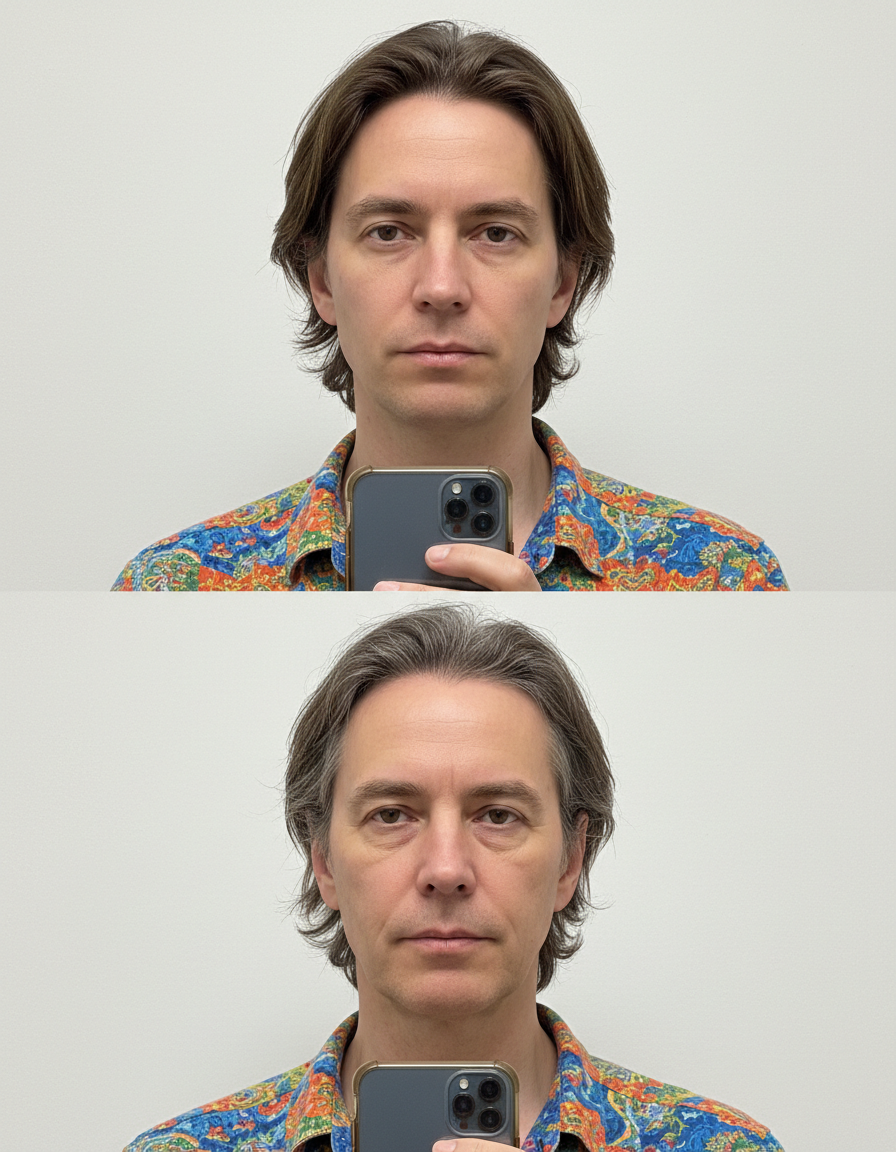
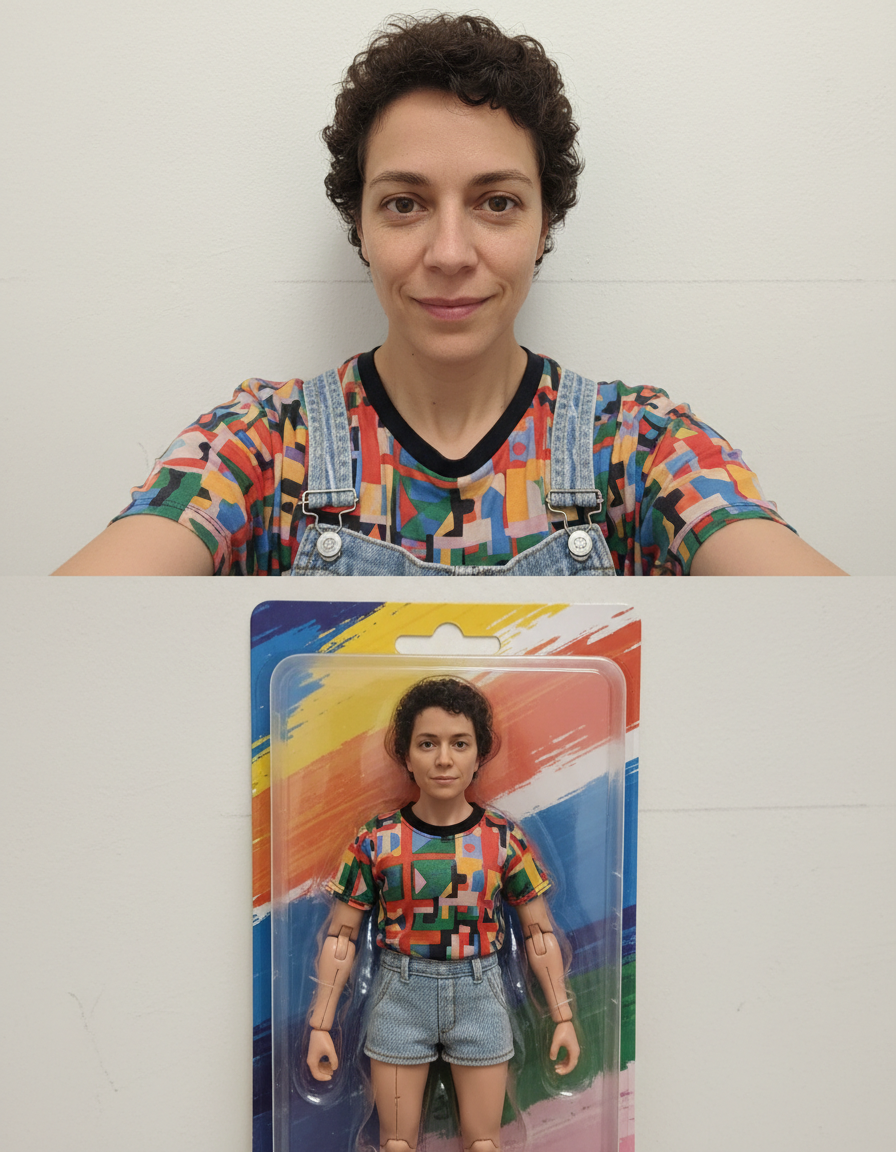
AI Background Changer
Upload your photo and AI swaps the background for a clean professional scene — right here, in seconds. Free.
Pick a style on the left, then hit Apply. Your original stays untouched — you always see both.
How to use AI Background Changer
Upload the image
JPG, PNG or WEBP. A subject that is reasonably separated from what is behind it gives the cleanest edge — a dark jacket against a dark wall is the hardest case.
Pick a background
Transparent, plain white, studio, office, outdoor, gradient or a described scene. Transparent is the right answer whenever the image is going into another layout.
Download
PNG with real alpha for transparent results, or a flattened image for a replaced scene. Full resolution, no watermark.
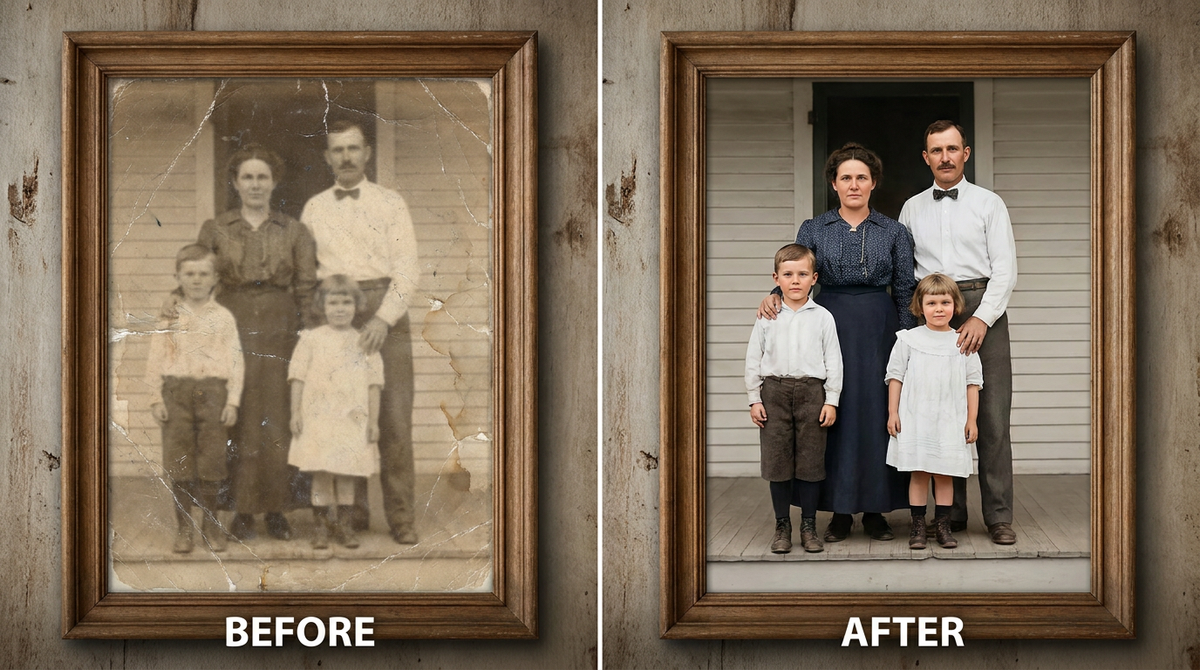
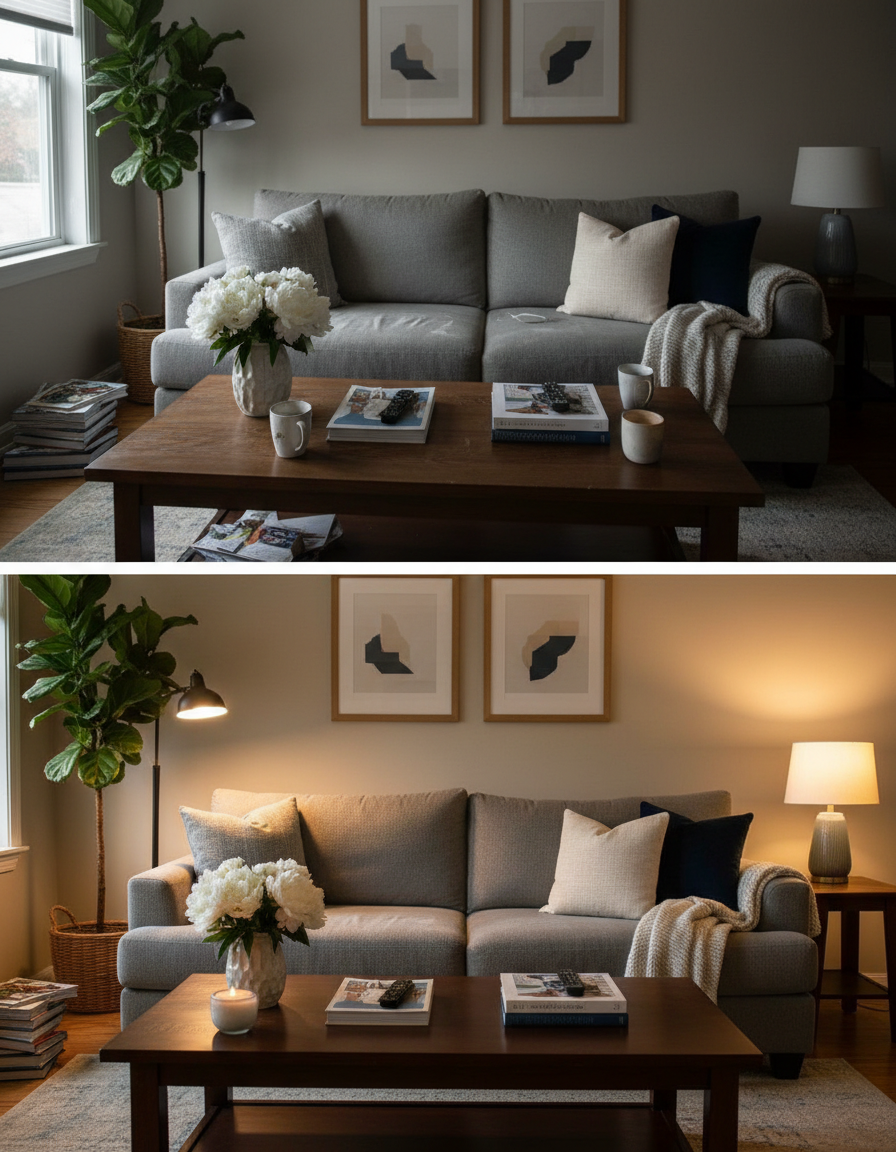
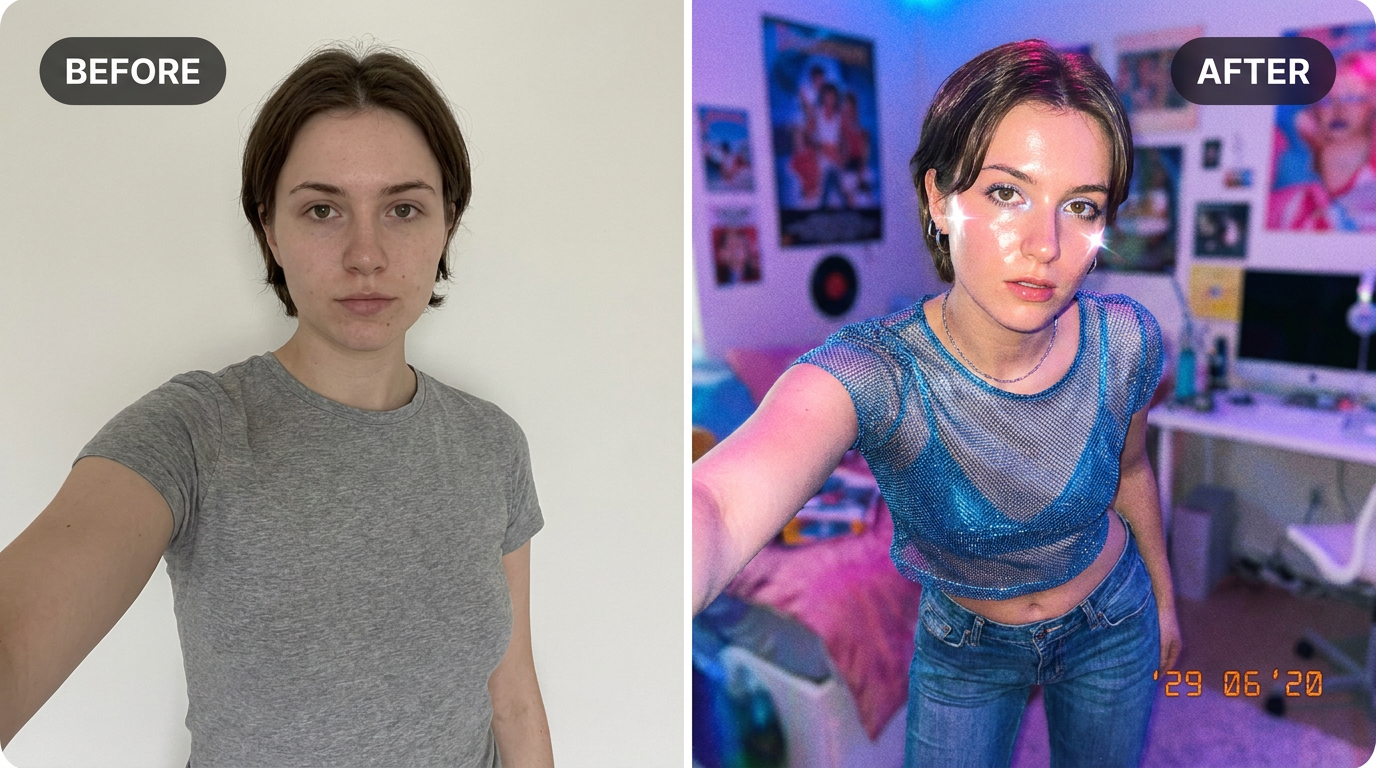
See it in action — real before & after

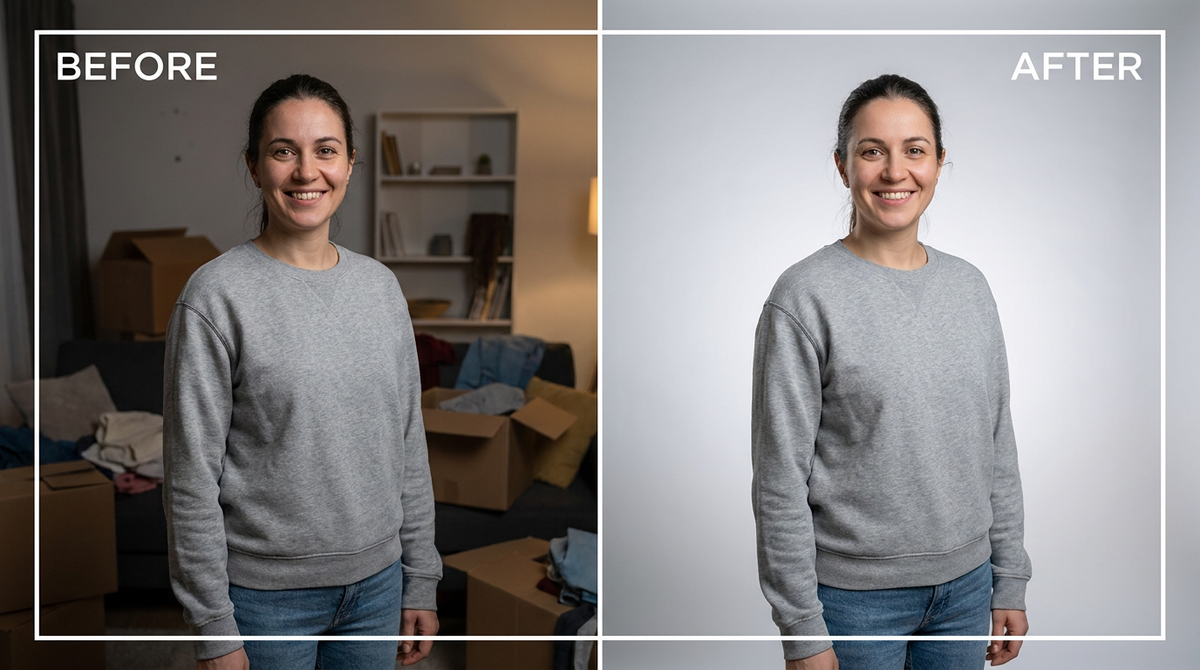
Why use AI Background Changer
What AI Background Changer does
Replace any photo background with a new scene.
Any subject
People, products, pets, vehicles, furniture, documents. The approach is the same; only the edge difficulty changes.
Full resolution
The download is not a downscaled preview, so it works in print as well as on a listing.
Edges that hold up
Hair, fur, fabric weave and glass are the test of a cutout. Fine detail is kept instead of being simplified into a smooth outline.
Real transparency
A genuine alpha channel, not white pixels pretending to be transparent — which is what breaks a logo placed on a coloured page.
Lighting matched to the new scene
Light direction and colour temperature on the subject are adapted to the replacement background, which is what stops a composite looking pasted.
What AI Background Changer changes
Replace the background of this image with a clean, professional studio gradient backdrop with soft, flattering lighting. Keep the person or subject exactly as they are — same pose, appearance and clothing — only change the background behind them. This must look like a real photograph — natural skin texture, realistic lighting and shadows, sharp photographic detail — not a painting, illustration, or cartoon.
Your face, bone structure and skin tone are held fixed on every generation — only what is described above is changed.
AI Background Changer for every background problem
Removing a background and replacing one are different jobs with different failure modes. Both are here, along with the awkward cases in between.
Outdoor and lifestyle scenes
Real environments with depth behind the subject, for product and lifestyle photography.
Described custom scenes
Anything you can specify in a sentence, matched for light and perspective to the subject you uploaded.
Transparent PNGs
For logos, signatures, product cutouts and anything being placed into a design where the page colour has to show through.
Plain white for listings
Marketplace compliance, with even margins and a soft contact shadow so the product does not look cut out.
Key highlights of AI Background Changer
Benefits
Every aspect ratio
Square, 4:5, 9:16, 16:9 and more, chosen before generating so nothing important gets cropped away afterwards.
Full resolution, no watermark
The download is the full generated image with nothing overlaid — usable in print, in a listing or commercially.
The free tools stay free
Compress, convert, crop, resize, rotate and the rest run on your device, unlimited, with no account and no credit cost.
Your original is never modified
Every result is a new image. The file you uploaded stays exactly as it was on your device.
Cheap enough to iterate
Packs start at $2. Generating the same image three ways and keeping the best is the intended workflow, not an expensive mistake.
What people use it for
What it is mainly used for
Upload your photo and AI swaps the background for a clean professional scene — right here, in seconds. Free.
Product photos for a marketplace
Amazon, Shopify, Etsy and Flipkart all specify a plain white main image, and rejections for background are common.
Headshots taken in the wrong room
A good portrait ruined by a kitchen behind it, fixed in one pass.
Logos and signatures
A scanned signature or a logo on white, converted into a transparent PNG that works on any page colour.
Team and About pages
Photos taken in a dozen different rooms unified onto one background.
Prompt ideas
For a described background, specify the scene, the light and the perspective. The light is the part people forget, and it is the part that makes a composite convincing.
Keep it short
Three or four specific clauses beat a paragraph. Long prompts dilute every instruction in them, including the one you cared about.
Name the framing
Close-up, head and shoulders, full body, centred, offset. Framing decides what the image is actually of.
Avoid asking for text in the image
Generated lettering is still unreliable. Ask for empty space where the text should go and add real type afterwards.
Pick the ratio first
Generating square and cropping to vertical throws away part of the frame. Choose the shape before you generate.
Try the other model
If a prompt is being ignored, switching between Nano Banana and GPT Image often resolves it faster than rewording.
Describe the light
Direction, softness and colour temperature. Light does more to how a photograph feels than any other single thing you can specify.
More about AI Background Changer
A distracting background can ruin an otherwise great photo — a messy room behind a product shot, a cluttered wall behind a portrait. Swapping it cleanly usually means careful masking. This does it in one step.
Upload your photo and the AI cuts you (or your product) out, keeps the fine edges like hair intact, and drops in a clean professional backdrop. Your subject, pose and outfit stay exactly the same — only what's behind them changes.
This free ai background changer covers most of what people search for under 'replace photo background ai free' — portraits, product shots, and casual photos that need a more professional setting. For e-commerce listings specifically, our dedicated Background Remover gives a transparent-PNG cutout you can place anywhere yourself.
Tips for a clean background swap
- Good contrast between subject and original background helps the cutout.
- Avoid motion blur on the edges of your subject.
- Well-lit photos keep hair and fine details sharp after the swap.
- For product photos specifically, try the dedicated Background Remover for a transparent-PNG cutout instead.
- Even lighting on the subject produces a better cutout than harsh directional light.
- For transparency, download PNG. JPG cannot carry an alpha channel at all.
- State "pure white #FFFFFF" for marketplace images; a near-white background is a common rejection.
- Ask for the contact shadow on any product shot — without it the product looks stuck on.
- Match the light direction between subject and background, or the result will look wrong for reasons viewers cannot articulate.
- Check hair, fur and glass edges at full size before using the result.
- For a catalogue, use one background description across every product.
It's free to try and runs online — nothing to install. Explore the rest of our AI Creative Apps, or open the full AI photo editor for more control.