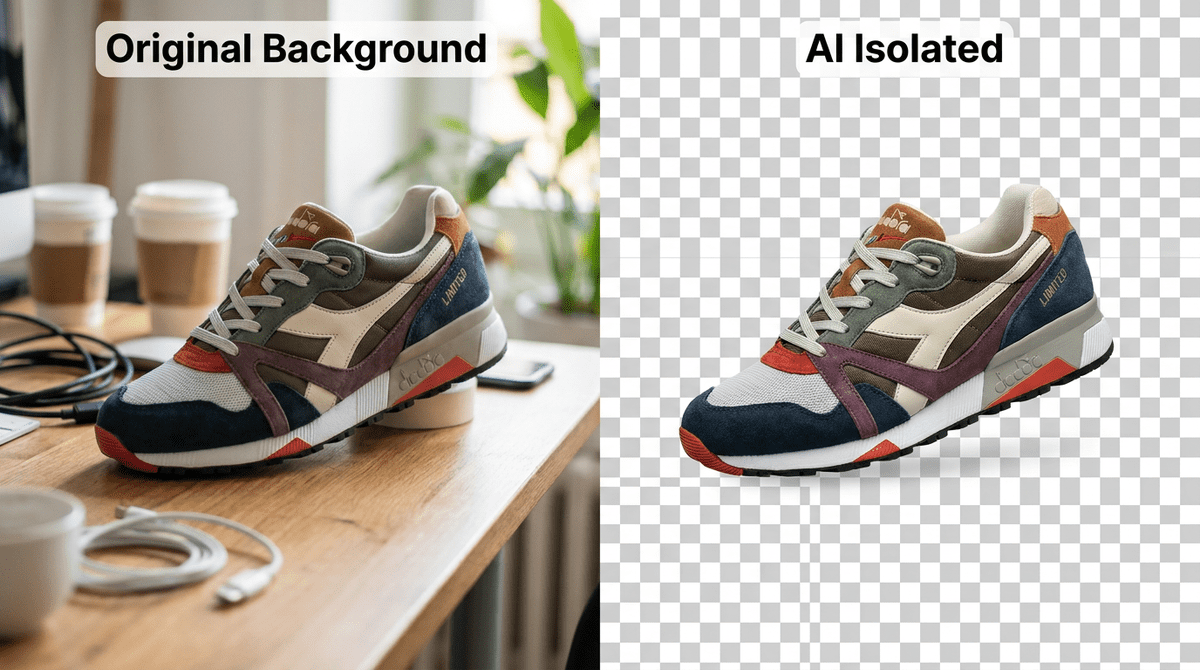
How do you make a logo background transparent?
1. Find the biggest copy of the logo you have
The original file from your designer, a large export, or the logo from your website. Bigger and sharper means cleaner edges.
2. Remove the background
Drop it on this page and press Remove background (2 credits). The white or coloured box is replaced with transparency; the logo's own colours stay exactly as they are.
3. Check it on dark and light
Look at the result on a dark slide and a light page. If it looks right on both, download the PNG and use it everywhere.
Why does a logo need a transparent background?
A logo saved as a JPG always has a background, usually white, because JPG has no way to store "nothing". Placed on anything other than white, you see a box: on a coloured website header, a dark slide, a photo, a video or a T-shirt mock-up. A transparent PNG stores the empty space as empty, so only the logo shows, at whatever colour sits behind it.
| Where the logo goes | JPG with a white box | Transparent PNG |
|---|---|---|
| Dark website header | A white rectangle around it | Just the logo |
| Slides and presentations | Box clashes with the slide colour | Sits on any template |
| Video and thumbnails | Covers part of the frame | Overlays cleanly |
| Watermark on photos | Hides part of the photo | Only the mark shows |
Who needs a transparent logo?
Small business owners
Your logo goes on the website, invoices, social profile, menus and packaging. One transparent PNG works for all of them, instead of asking a designer for each.
Event organisers and schools
Sponsor and partner logos arrive as random JPGs. Making them all transparent lets you lay them out neatly on a poster or a slide.
Creators
Put your channel logo on thumbnails, end screens and video corners without a box around it.
Freelancers and agencies
Clients often send a logo pasted from somewhere. Clean it up before it goes into a proposal, a mock-up or a pitch deck.
Tips for a clean transparent logo
- Start big. A logo 500 pixels wide or more cuts out much more cleanly than a 100-pixel icon. If a small copy is all you have, upscale it first in Normal mode, which keeps graphics faithful.
- Flat logos are easiest. Solid shapes and text on a plain background separate almost perfectly.
- Watch enclosed spaces, like the inside of an O or an A. Check they're transparent too, not left filled with the old background.
- Gradients and soft shadows around a logo can be partly kept or partly removed; check the result and try again if needed.
- Keep the PNG. Converting it to JPG later brings the white box back.
Is this the same as a vector logo?
No, and it's worth knowing the difference. A transparent PNG is still made of pixels, so it's sharp at the size you made it and gets soft if you blow it up much larger, for a banner or a sign. A vector logo (SVG, AI or EPS) is made of shapes and stays sharp at any size. For print and signage, ask whoever designed the logo for the vector file. For screens, slides and most online uses, a large transparent PNG is all you need.
What does it cost?
Removing the background uses an AI model: 2 credits per logo, only when it works. Packs start at $2 and never expire. Resizing, cropping or converting to WebP (which keeps transparency and is smaller) are free in the same editor. No watermark is added.
To use the transparent logo as a watermark on photos, add it in a design app; the add watermark tool adds text marks. For signatures, see signature background remover.