AI Polaroid Photo Maker
Upload a photo and get a realistic retro polaroid-style shot — generated right here. Free and instant.
Pick a style on the left, then hit Apply. Your original stays untouched — you always see both.
How to use AI Polaroid Photo Maker
Upload the photo
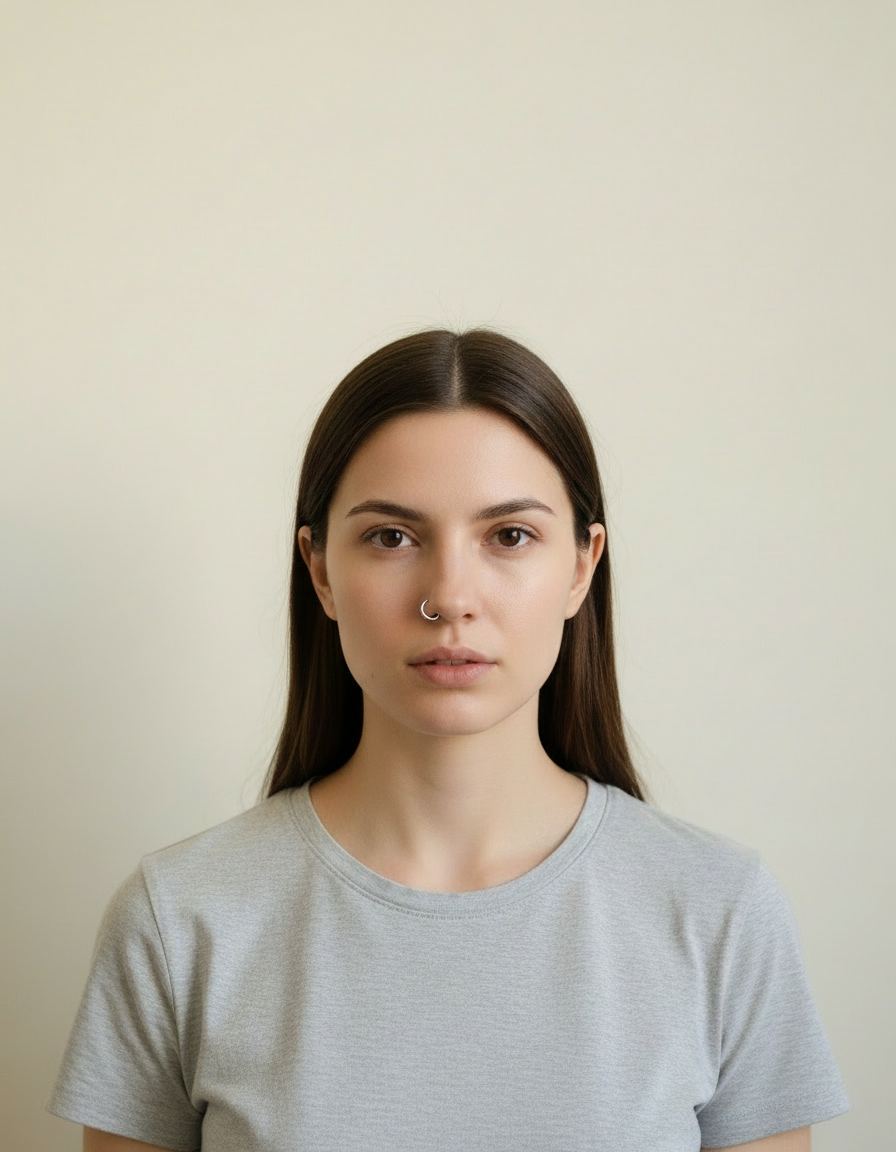
A clear JPG, PNG or WEBP. Portraits work best when the face fills a reasonable part of the frame — a distant full-body shot gives the model very little face to work from.
Pick the style or write your own
Choose a preset, or describe the medium you want: line weight, palette, texture, era. Naming the medium precisely is what separates a good result from a vague one.
Generate and download
Full resolution, no watermark. Good enough to print, use as an avatar, or send to someone as a gift.
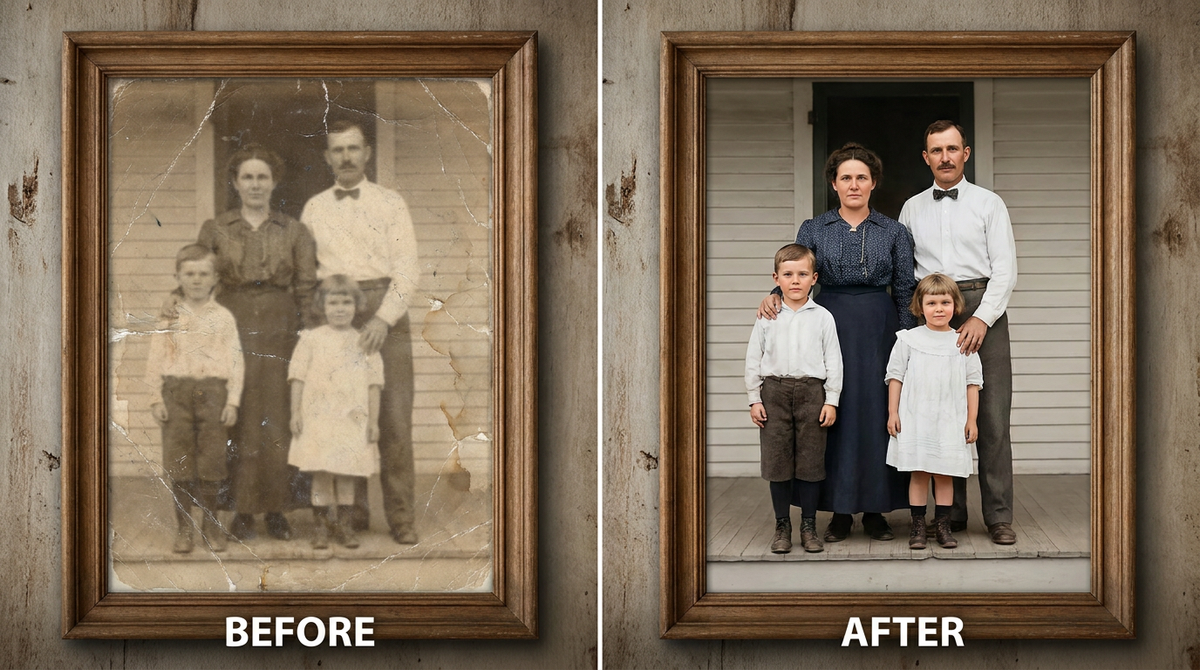
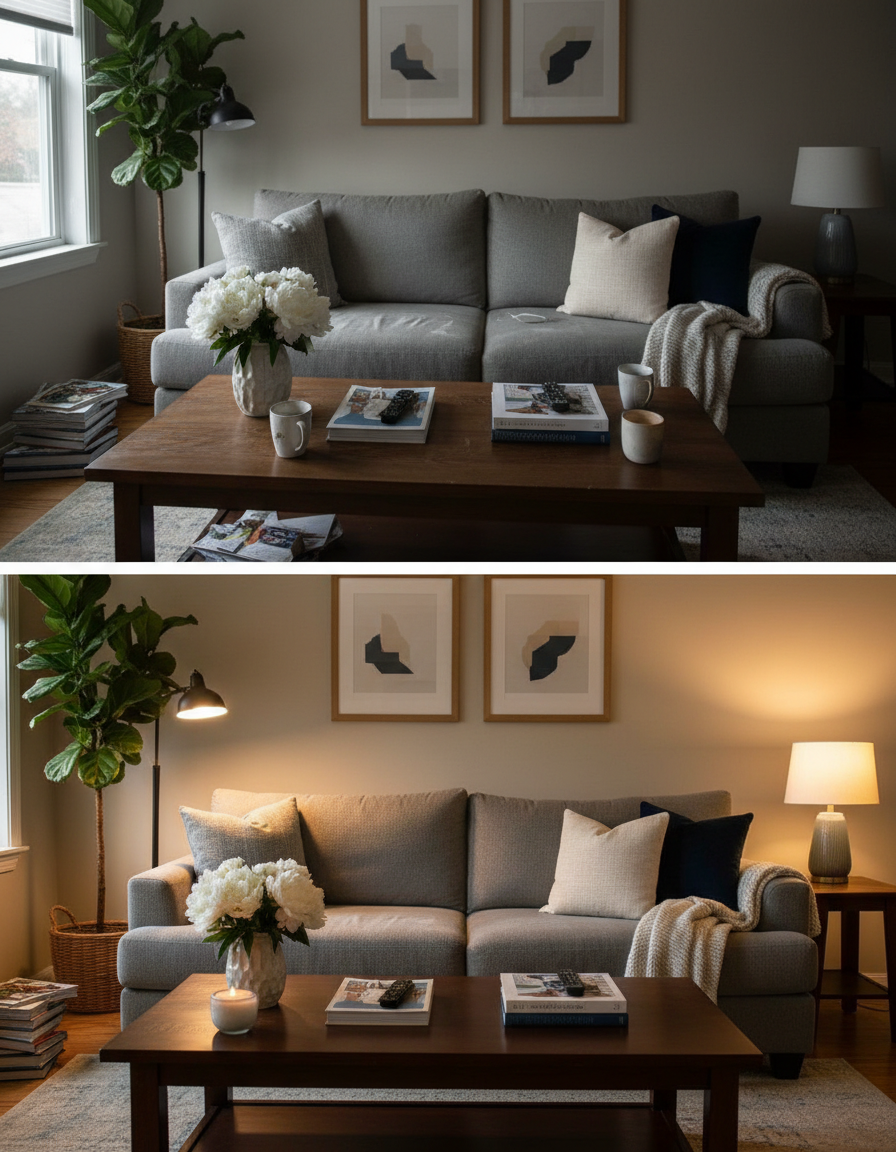
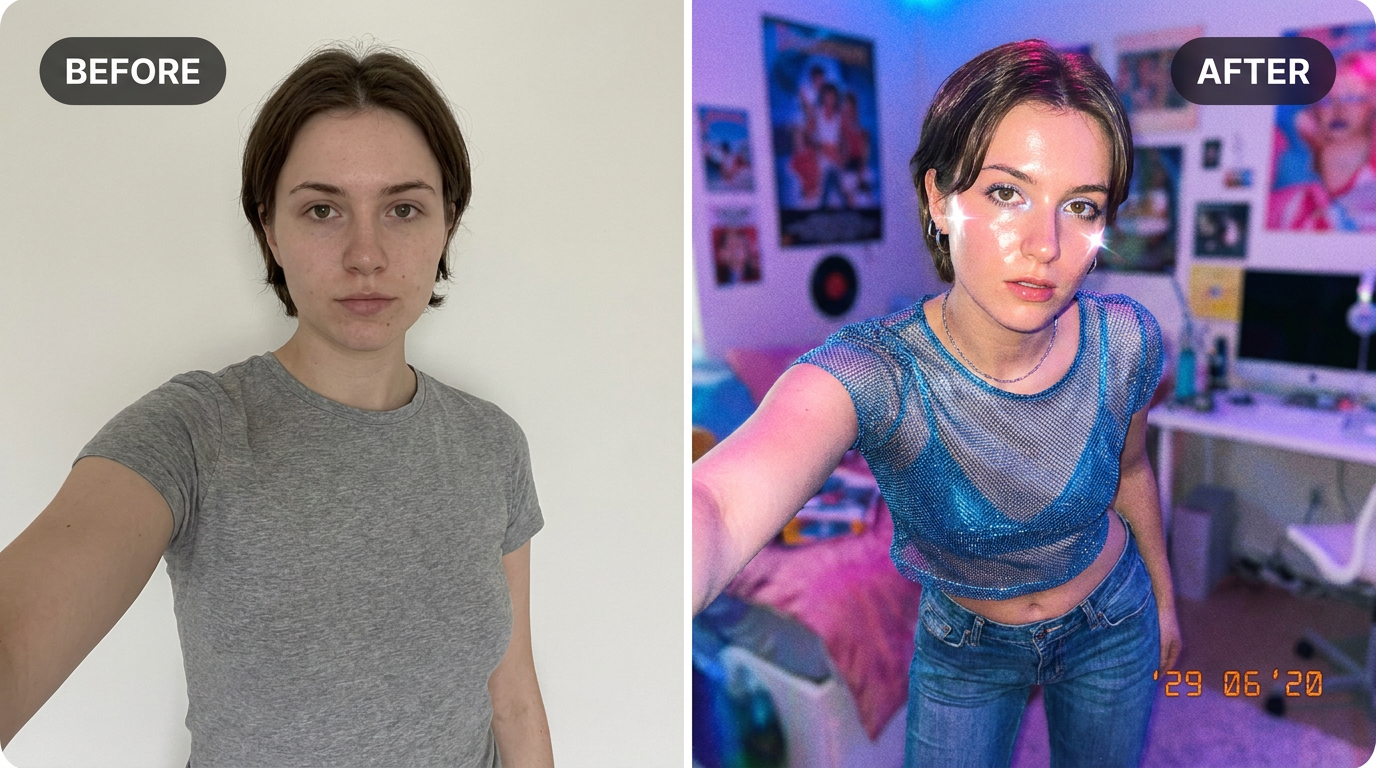
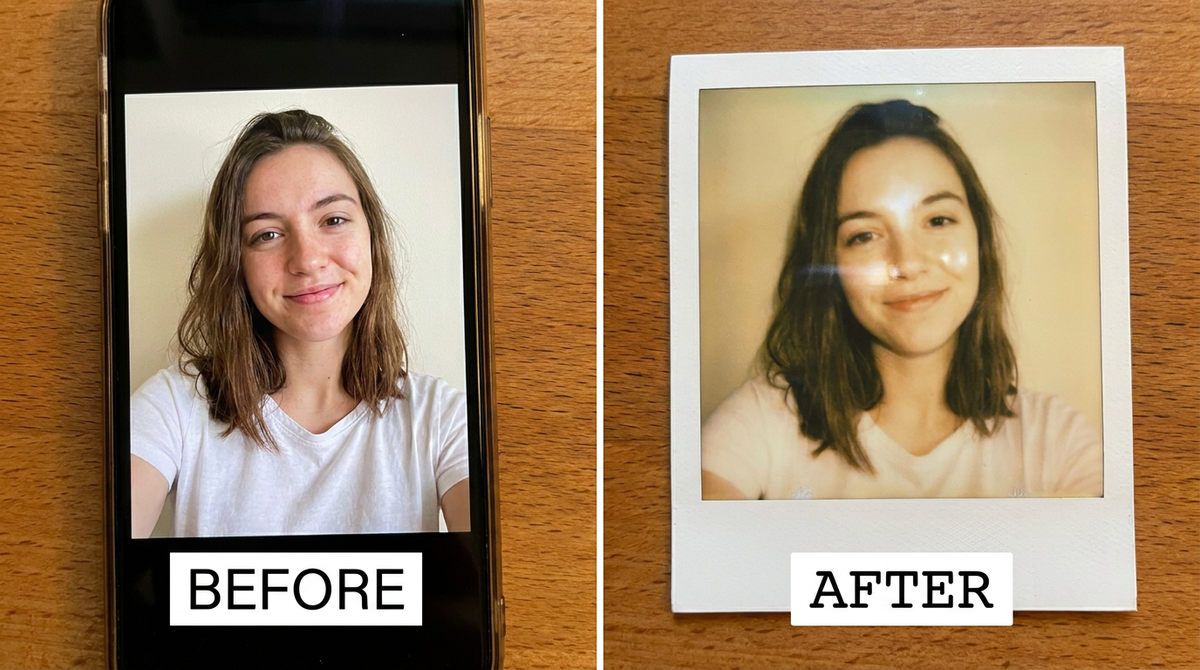
See it in action — real before & after

Why use AI Polaroid Photo Maker
What AI Polaroid Photo Maker does
Create the viral retro polaroid selfie look.
Print-quality output
Resolution holds up as a framed print or a card, which is what most people end up doing with a portrait they like.
No drawing skill needed
No tablet, no brushes, no layers. The skill required is choosing a good source photo.
Any ratio you need
Square for an avatar, portrait for a print, wide for a banner or a cover. Set before generating.
Cheaper than a commission by orders of magnitude
An illustrated portrait typically runs from $40 to several hundred. A pack of credits starts at $2.
Recognisable after the conversion
Facial proportions and the details that identify a person are carried into the new medium rather than replaced by a generic character face.
What AI Polaroid Photo Maker changes
Convert this photo into a realistic vintage polaroid: slight flash photography look, gentle blur, warm indoor tones, and a classic white polaroid border. Keep the person's face and identity the same. This must look like a real photograph — natural skin texture, realistic lighting and shadows, sharp photographic detail — not a painting, illustration, or cartoon.
Your face, bone structure and skin tone are held fixed on every generation — only what is described above is changed.
AI Polaroid Photo Maker for prints, avatars and gifts
The same conversion serves very different ends — a profile picture, a framed print, a card, a set of matching avatars for a group.
Cards and invitations
An illustrated portrait sits on a card in a way a photograph usually does not, without needing a designer.
Matching sets for a group
A team, a family or a friend group converted in one style, which looks deliberate in a way individual photos never do.
Covers and thumbnails
A stylised image survives text overlaid on it far better than a photograph does — the flat areas give the type somewhere to sit.
Creative reference
A quick look at a concept in a given medium before committing to commissioning it properly.
Key highlights of AI Polaroid Photo Maker
Benefits
Done in under a minute
No brief, no back and forth, no revision round. Upload and generate.
Try several styles for the price of one commission
Compare mediums on the same photo instead of committing to the first description that sounded good.
Nothing to learn
No illustration software, no tablet, no understanding of layers or masks.
Keeps the likeness
The point of a portrait is that it is of someone. Identity preservation is applied to every person-editing prompt.
Full resolution and no watermark
Print it, frame it, use it commercially. Nothing is stamped on the result.
What people use it for
What it is mainly used for
Upload a photo and get a realistic retro polaroid-style shot — generated right here. Free and instant.
Party and event invitations
The host, illustrated, on the invitation. Faster than finding clip art that is not terrible.
Social content and trends
Style trends move in days. Generating the look while it is current beats commissioning it for after it has passed.
An avatar that is not another selfie
Stylised portraits read as a deliberate choice in a grid of photographs, and they stay legible at tiny sizes.
A gift that took no planning
A parent, a partner or a pet converted into a print, ordered the same evening.
Prompt ideas
Presets cover the common styles. If you write your own, describe the medium as a maker would: line, colour, texture, era. Vague adjectives like "beautiful" or "high quality" do nothing; "thick ink outlines, flat colour, halftone shading" does a great deal.
Re-run before rewriting
Generation is not deterministic. The same prompt twice gives two different results, and the second is sometimes simply better.
Name the medium explicitly
"Oil on canvas with visible brush texture" or "cel-shaded animation still". The medium does more work than any other part of the prompt.
Describe the line
"Thick uniform ink outline" reads completely differently from "soft pencil with no outline", even in the same palette.
Constrain the palette
"Muted earth tones, four colours only" produces a coherent image. Left open, most models reach for saturated everything.
Give an era or school
"1970s screen print", "Renaissance oil", "90s anime cel". Era carries a whole set of conventions in two words.
Say what happens to the background
"Flat single-colour background" for an avatar, "stylised landscape behind" for a print.
More about AI Polaroid Photo Maker
Polaroids feel personal in a way phone photos don't — the white border, the flash, that slightly imperfect look. This recreates that feeling from a regular digital photo, no instant camera required.
Upload a photo and you get back a polaroid-style shot: soft flash, gentle blur, warm tones and the classic white frame. It's great for couple pics, friends, or a single portrait you want to feel a bit more candid and nostalgic.
It's a popular pick for anyone searching 'retro polaroid selfie ai' or 'vintage polaroid maker online' who wants the analogue look without buying actual film. Use it for a scrapbook page, a printed photo wall, or just to make a regular selfie feel like a captured moment instead of a posed shot.
Tips for a realistic polaroid
- Front-facing photos with a simple background look the most authentic.
- Indoor or evening shots suit the flash-photography vibe best.
- Keep the subject close — polaroids are at their best up close, not zoomed out.
- Make a few from the same day out — a little polaroid set looks great printed together.
- Keep the original file. It is a better base for the next attempt than a generated image is.
- For a matching set, keep the same source photo and style and change only one variable.
- Nothing you upload is published, shared or added to a gallery — but do not upload anything you would not want to leave your device at all.
- The free on-device tools — compress, convert, crop, resize, rotate — cost no credits, so use them for mechanical work.
- If a result is nearly right, say what is wrong with it in the next run rather than starting over.
- Use a source photo where the face is large in the frame — stylisation loses detail, so start with more of it.
- Even, soft lighting converts best. Harsh shadow becomes a solid black shape in most stylised mediums.
It's free to try and runs online — nothing to install. Explore the rest of our AI Creative Apps, or open the full AI photo editor for more control.